PREORDER FOR SHOPIFY

Open product demand before inventory is available.

Choose which products accept preorder interest, present a clear storefront offer, and keep every reservation visible to the merchant.
Start free
Start free

50% off NotifyStock for 6 months. Limited time.

Product modes
Merchant controlled
Reservations
Product connected
Confirmation
Message ready

PreOrder, from storefront action to merchant follow-up.

See how PreOrder moves from a clear storefront action to accurate product context and merchant follow-up.
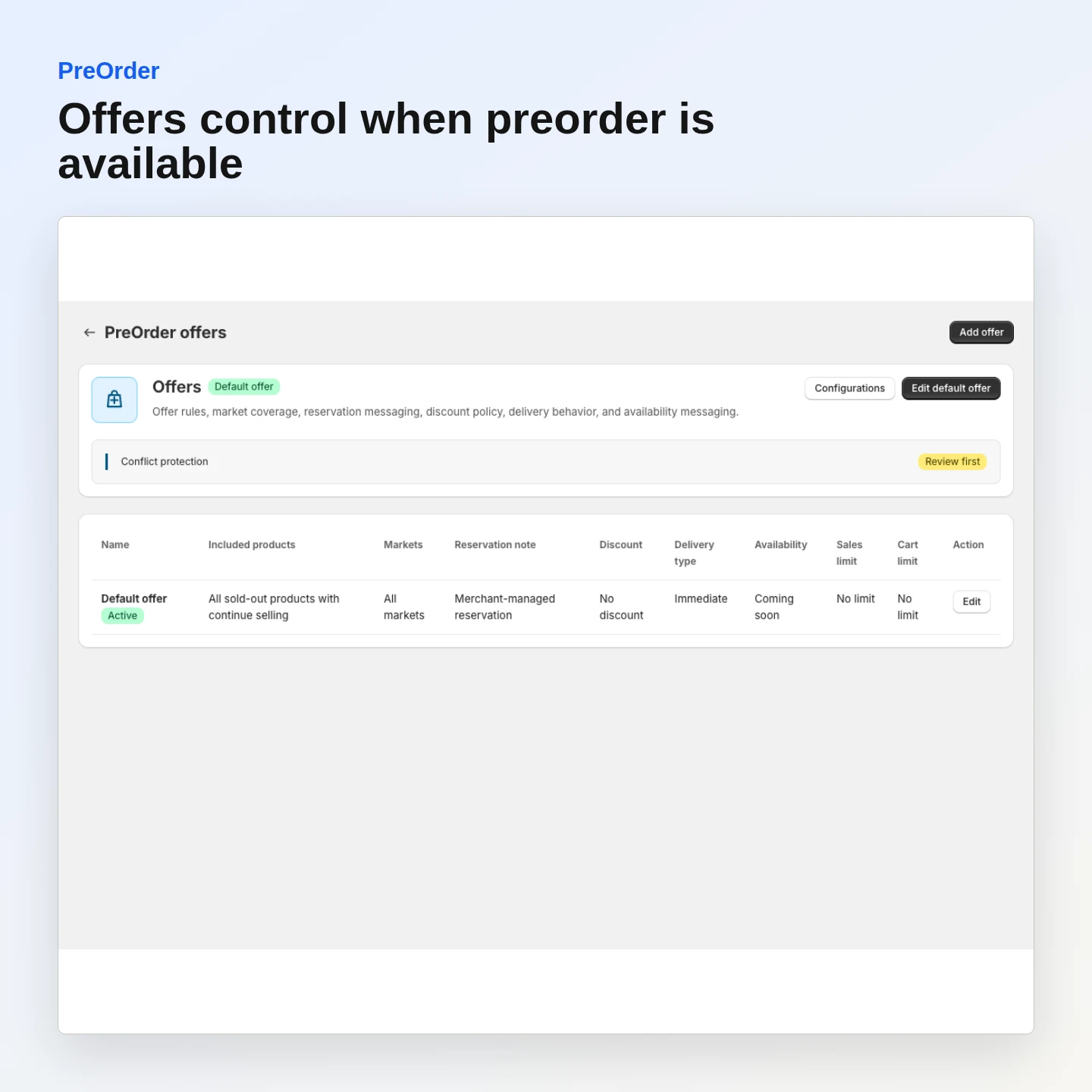
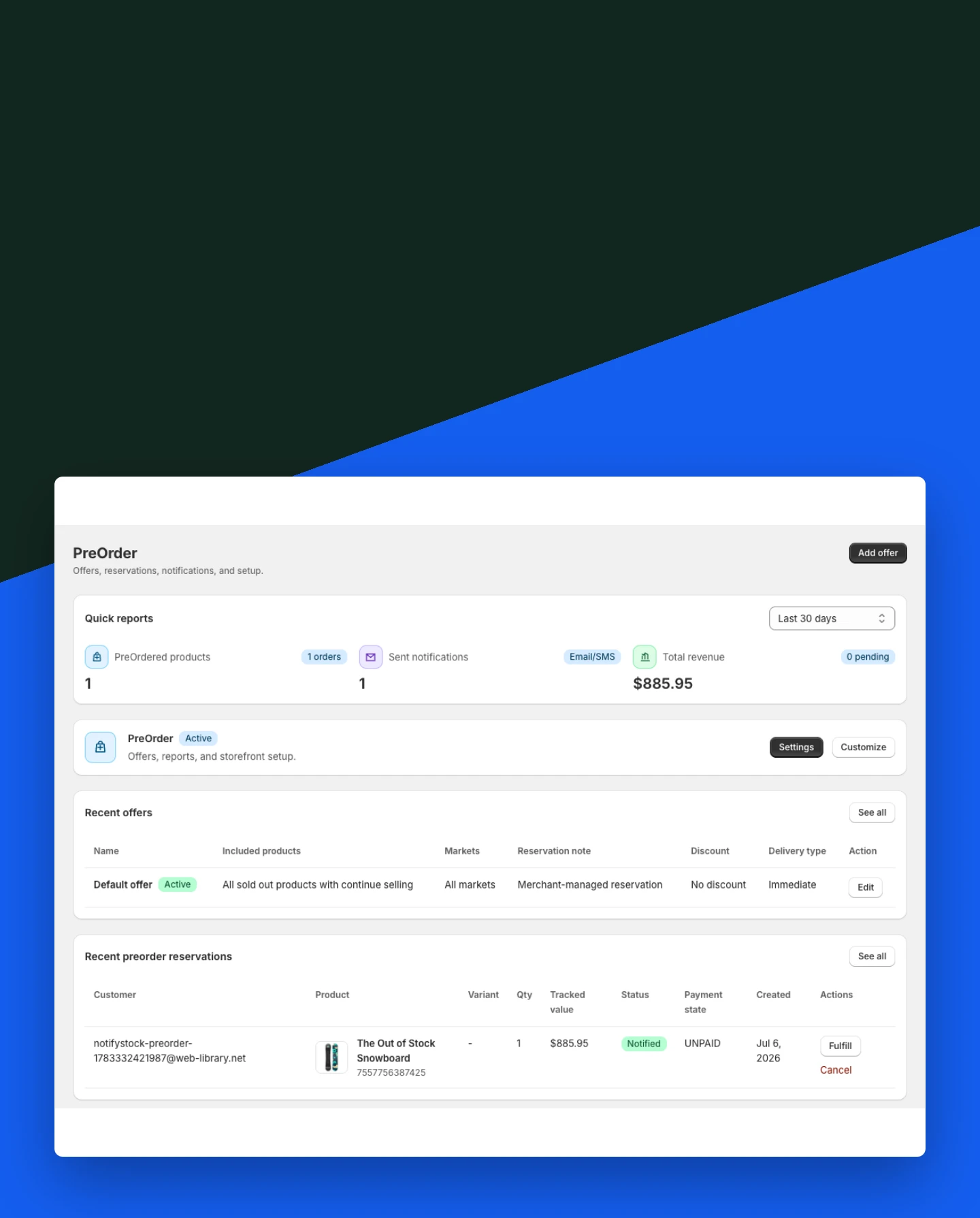
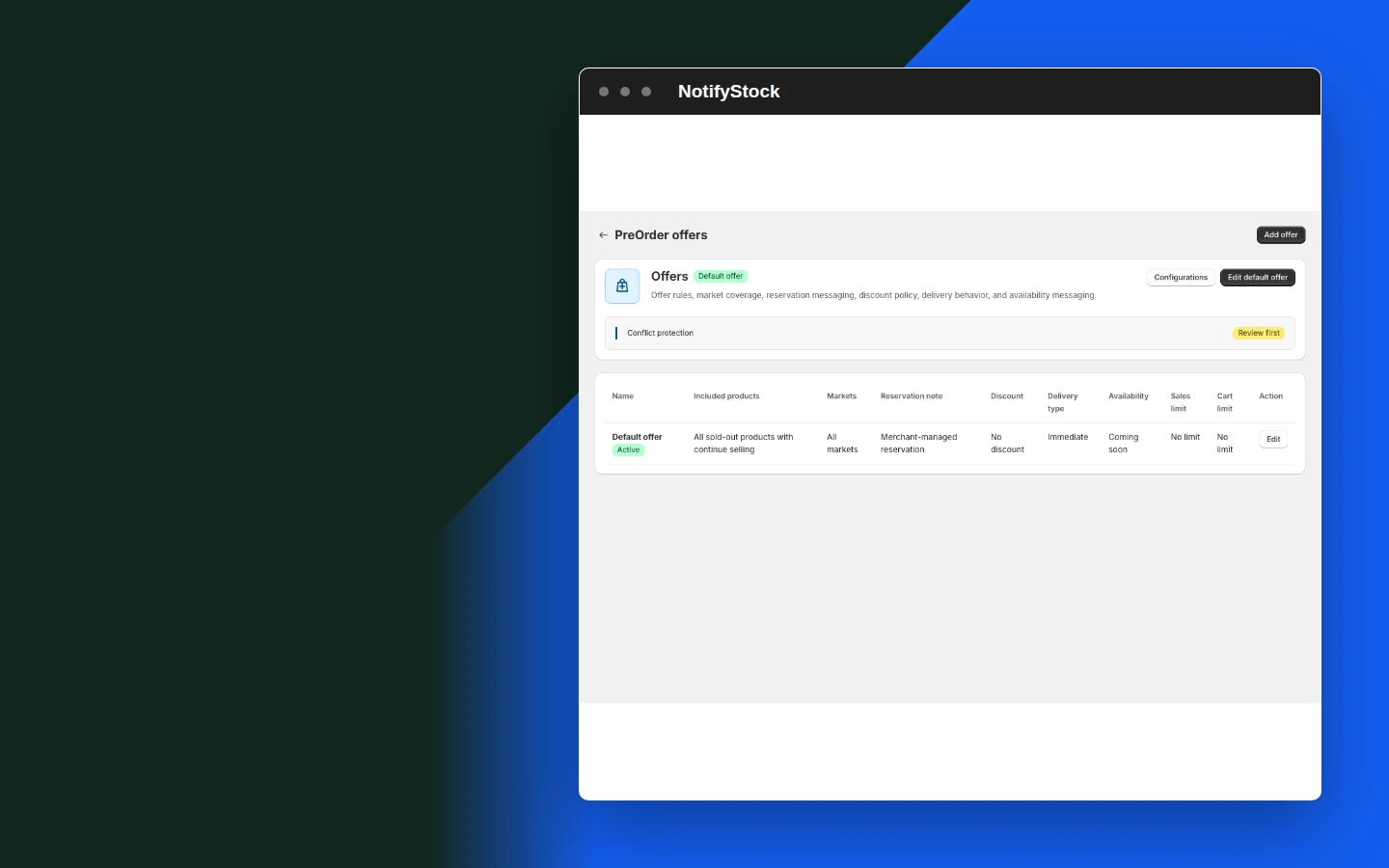
PreOrder: Configure preorder offers

Configure preorder offers

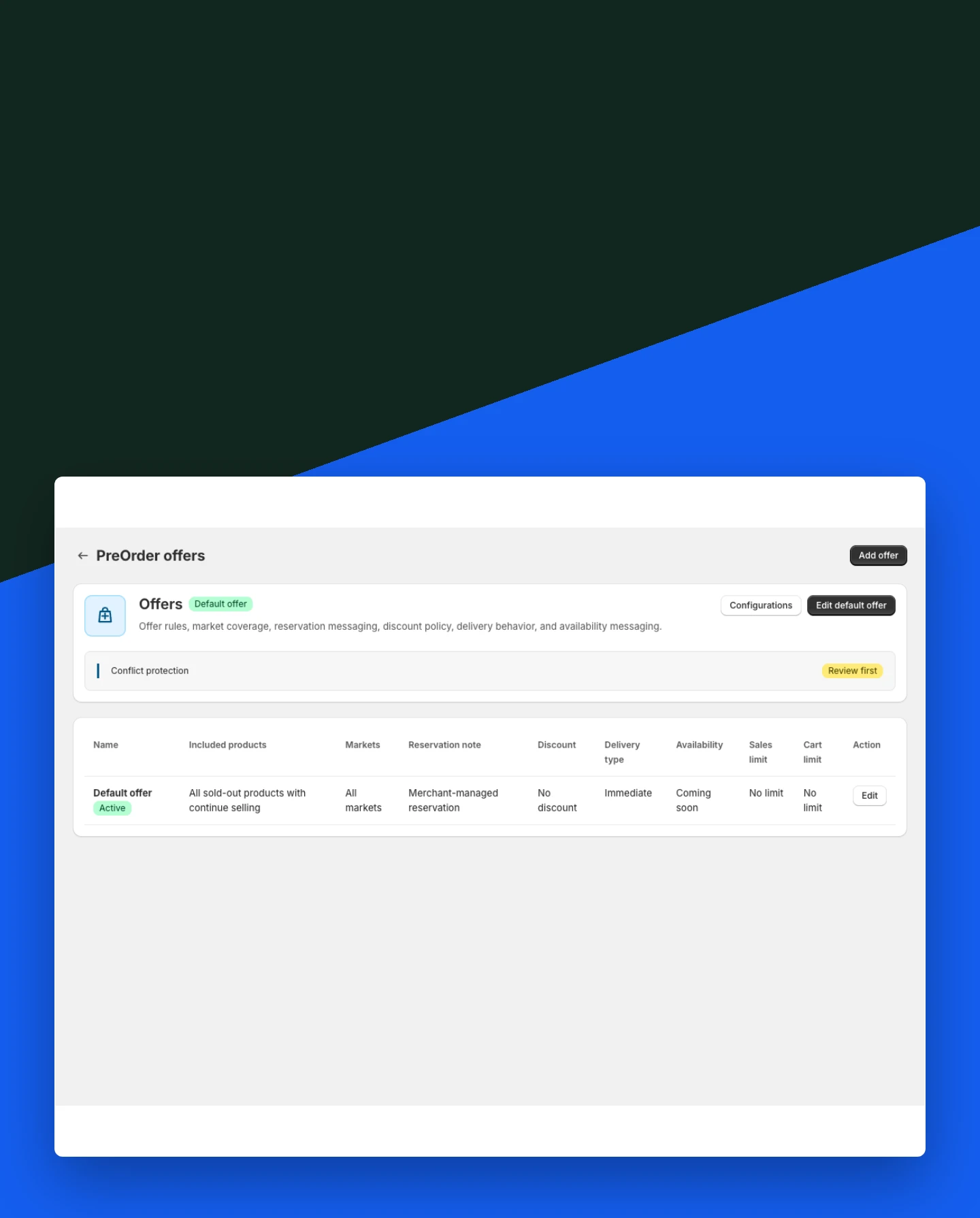
Control the offer shoppers see and the products where it is available.

Included:

  • Offer status
  • Customer-facing details
  • Product eligibility
Start free
Live demo
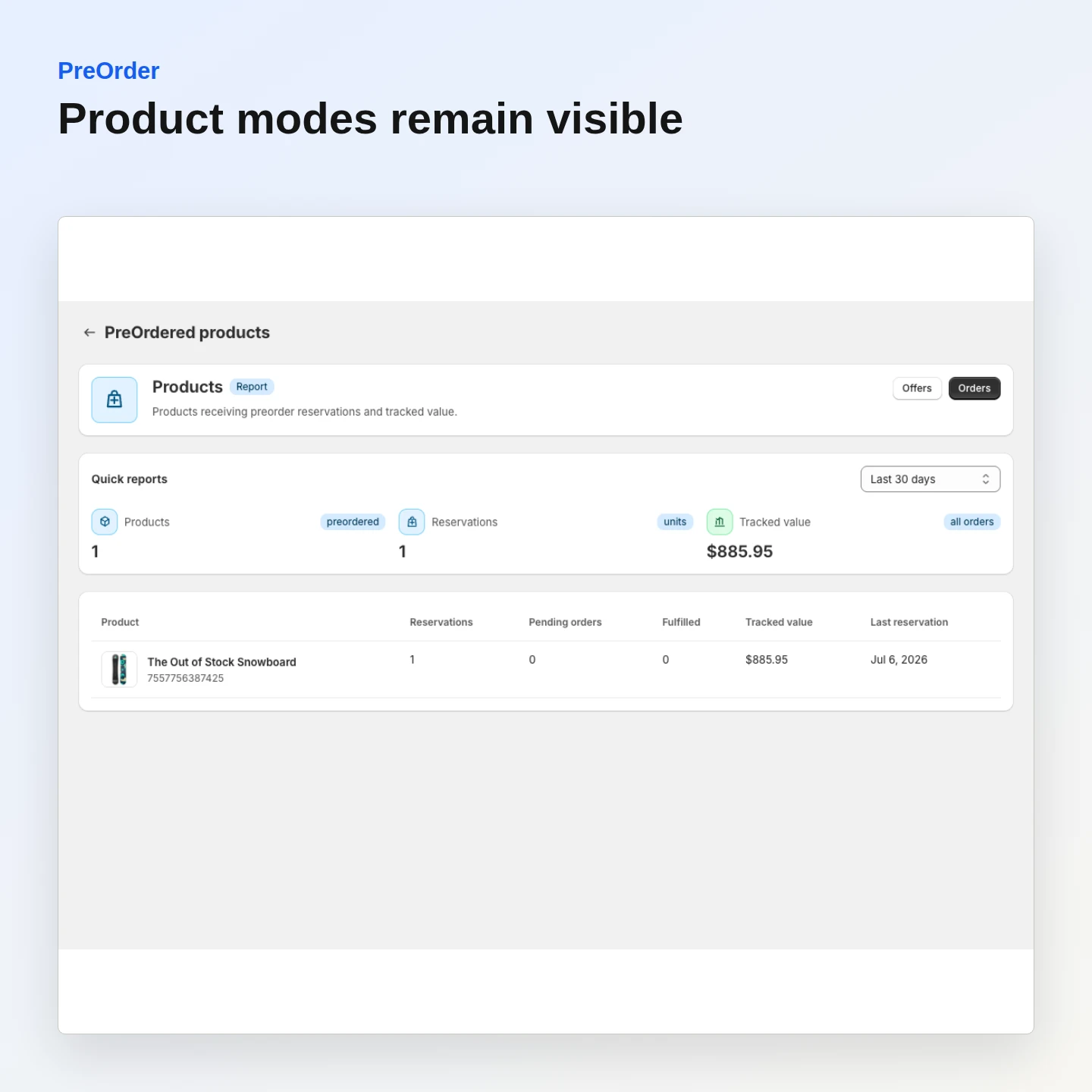
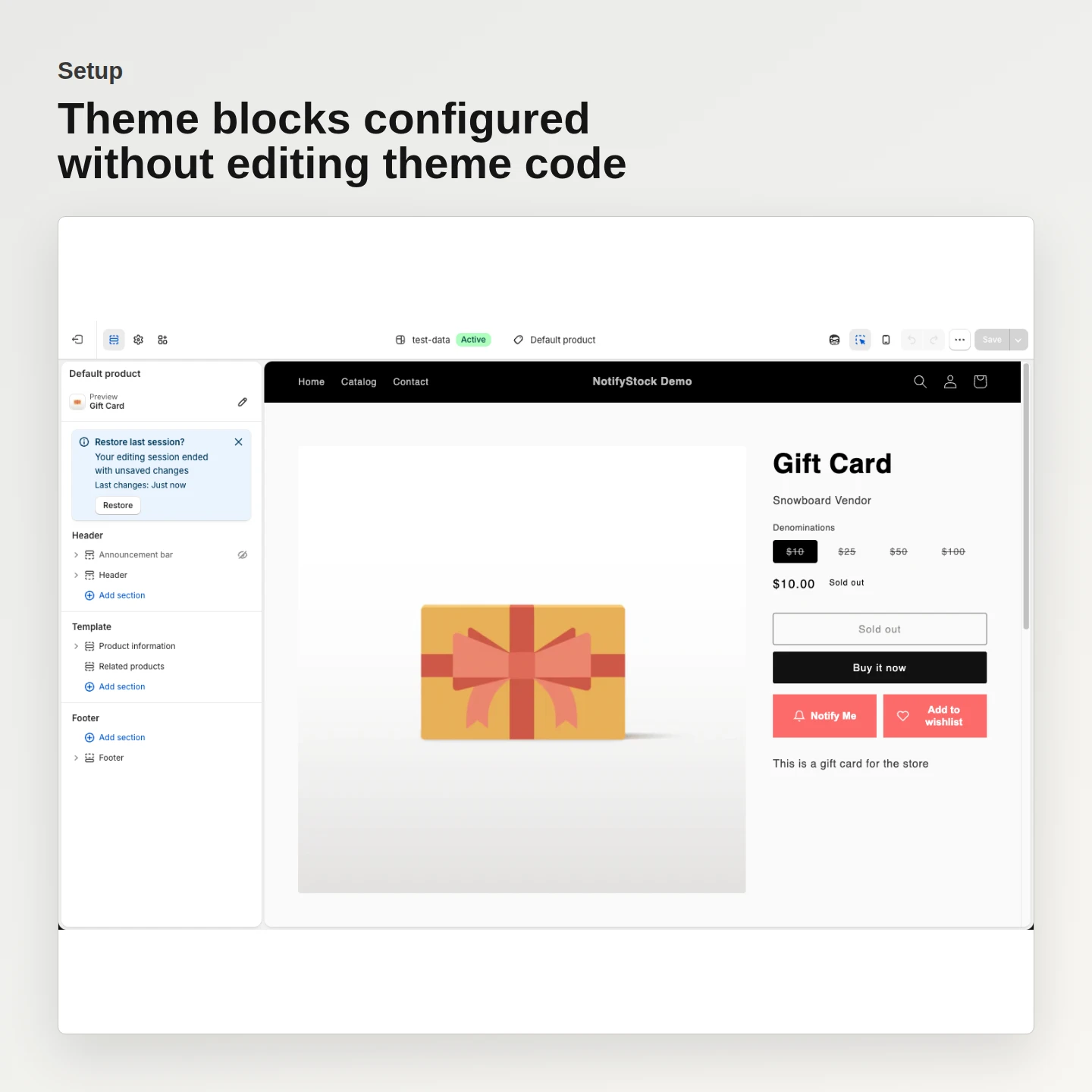
PreOrder: Keep product modes explicit

Keep product modes explicit

Choose Notify, PreOrder, or Disabled without the selector reverting after save.

Included:

  • Persistent product mode
  • Clear availability state
  • Safe mode switching
Start free
Live demo
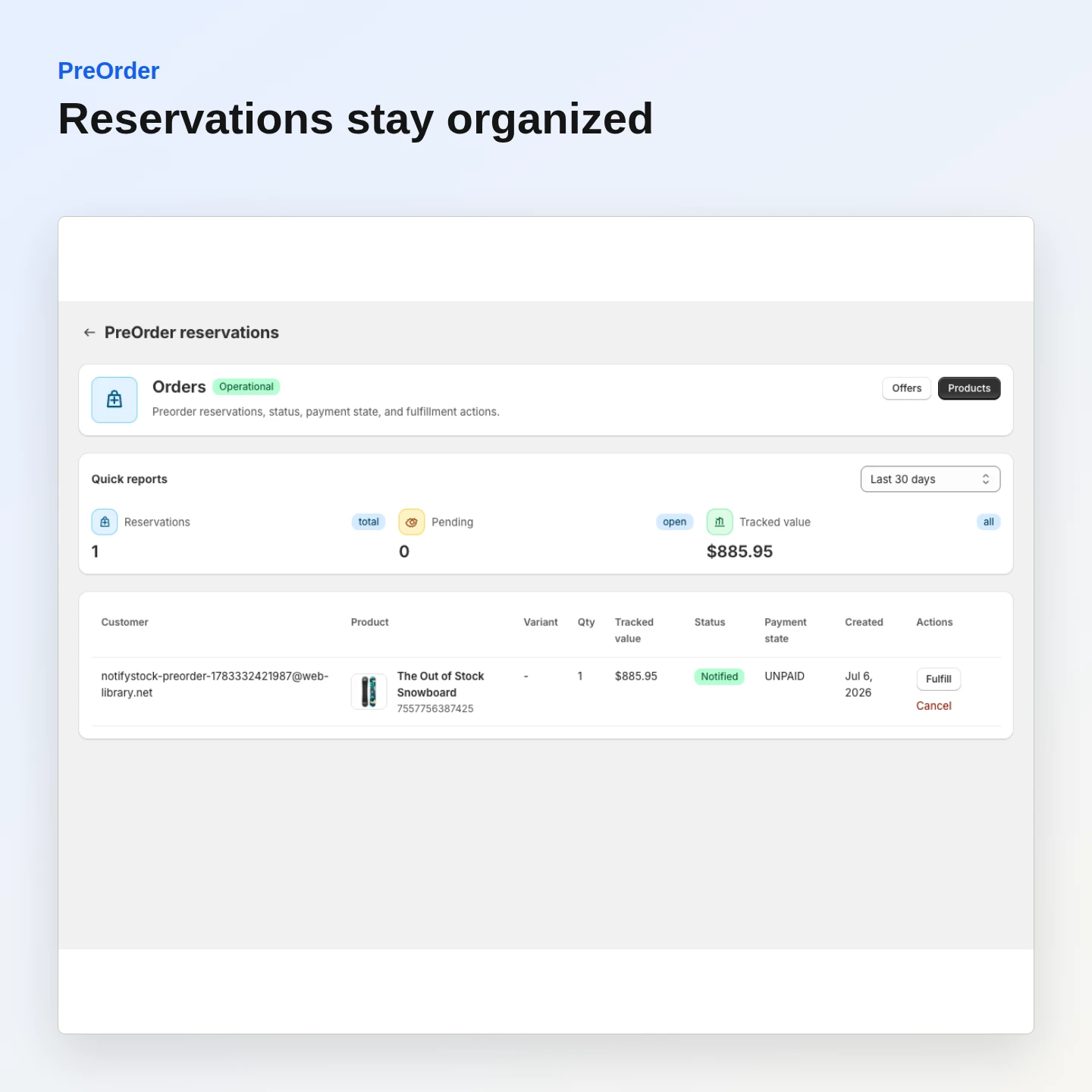
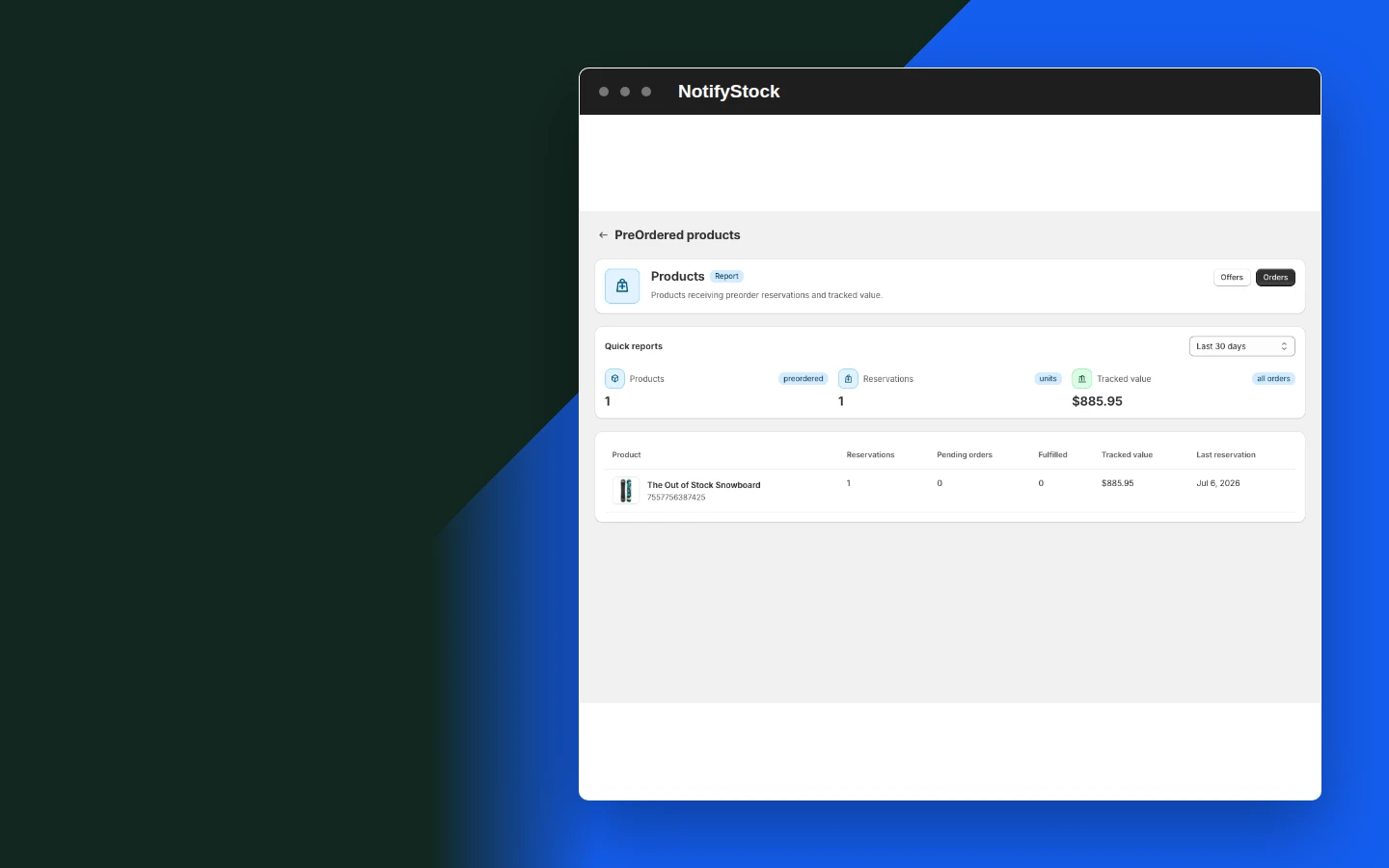
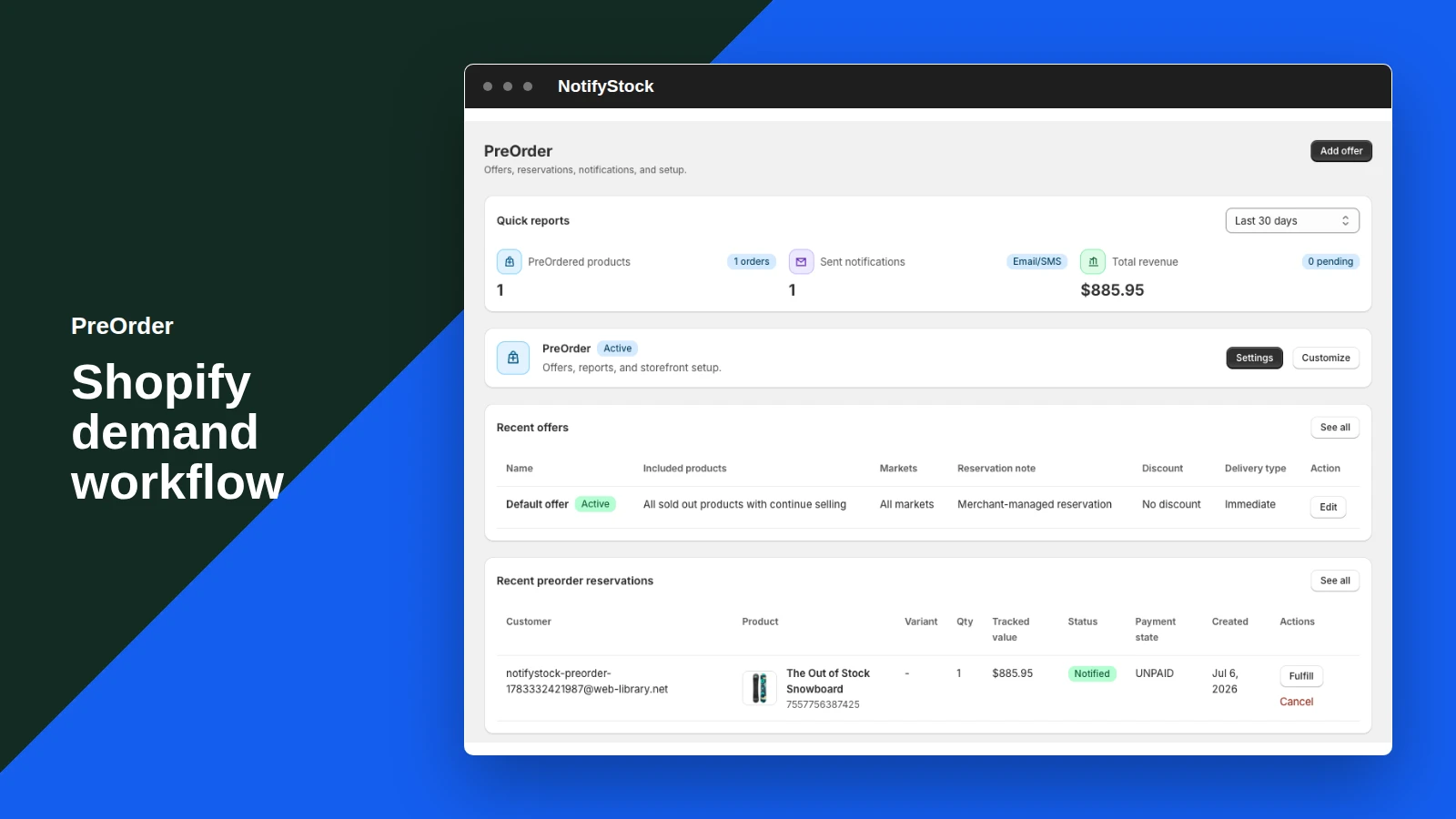
PreOrder: Organize reservations

Organize reservations

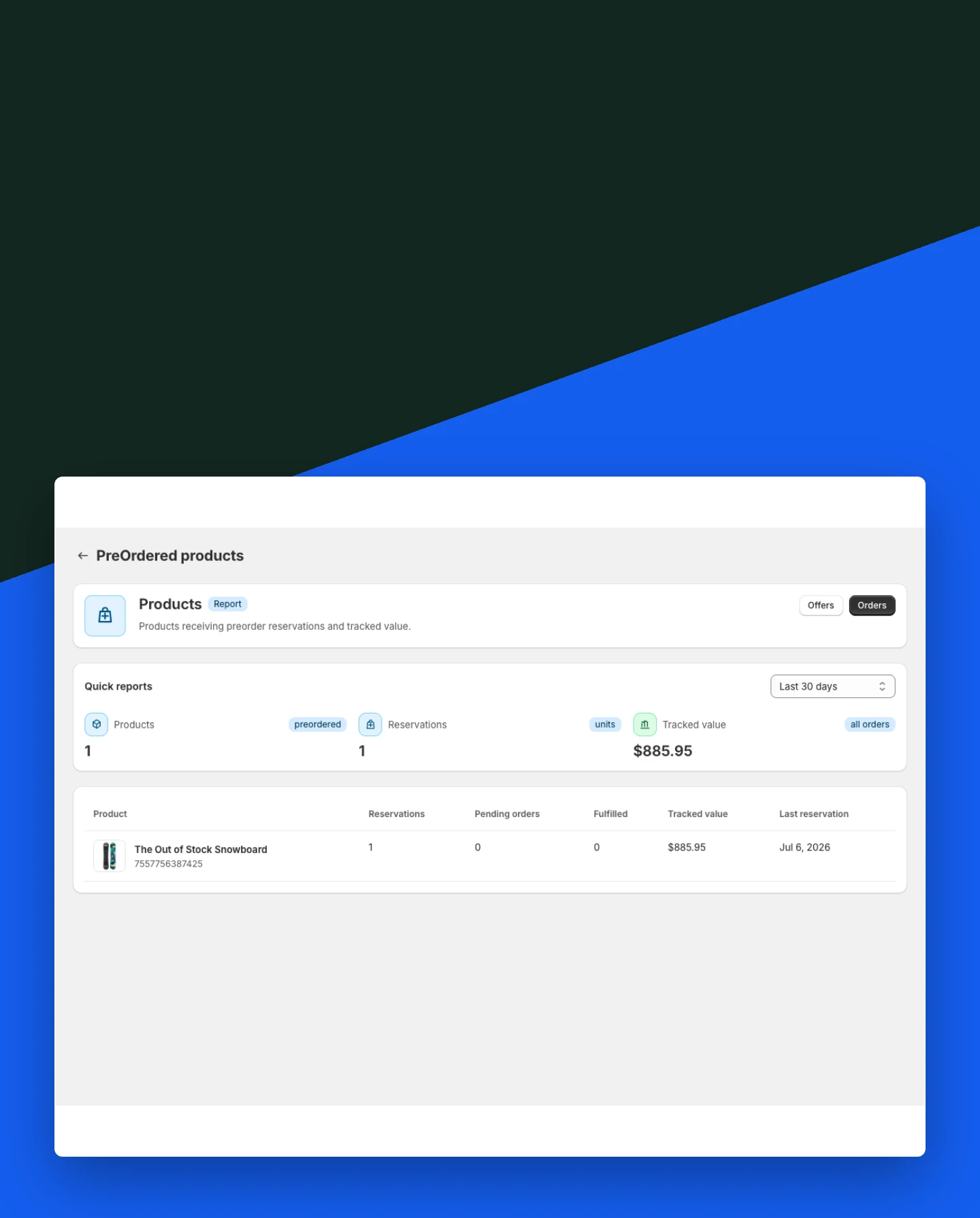
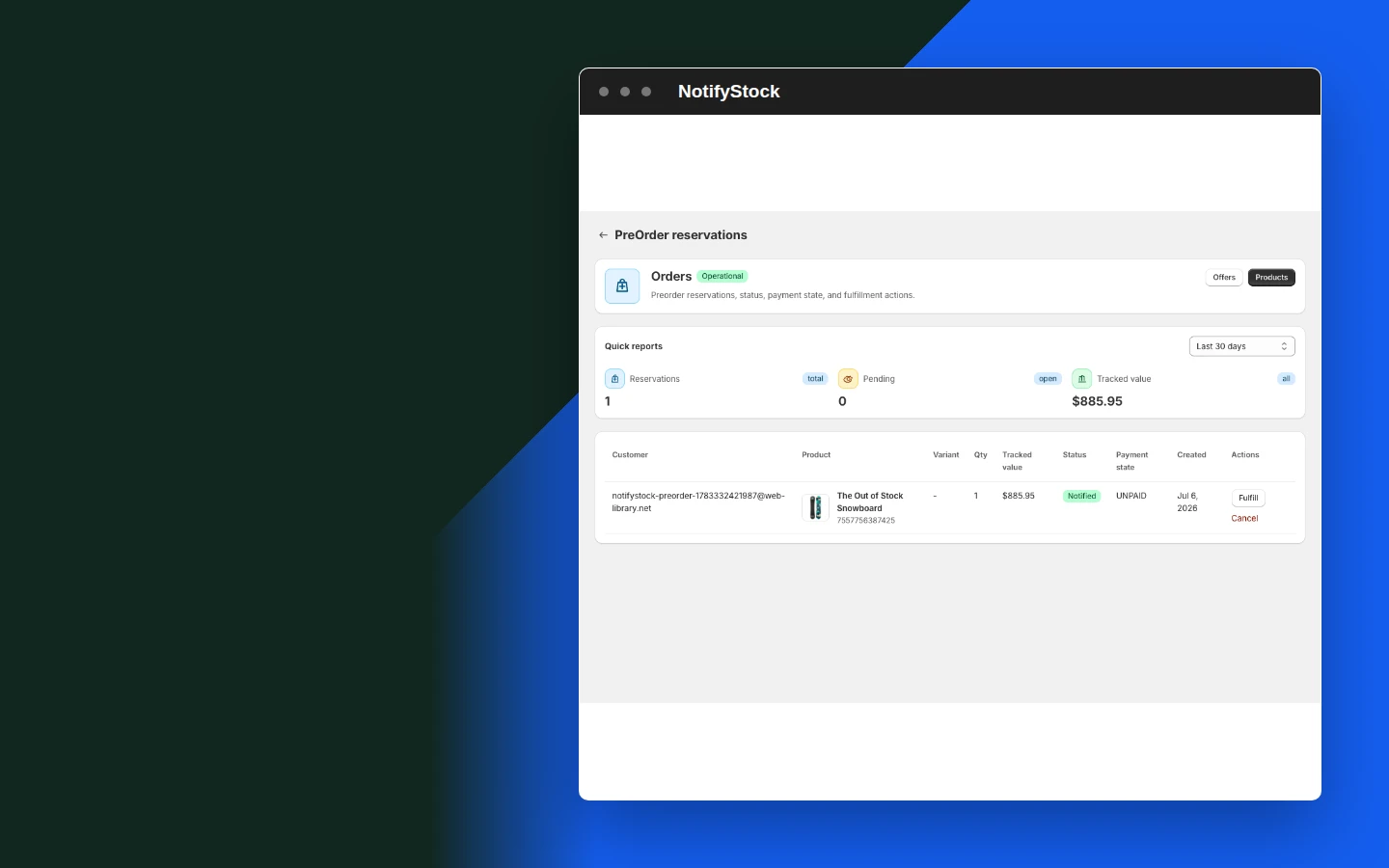
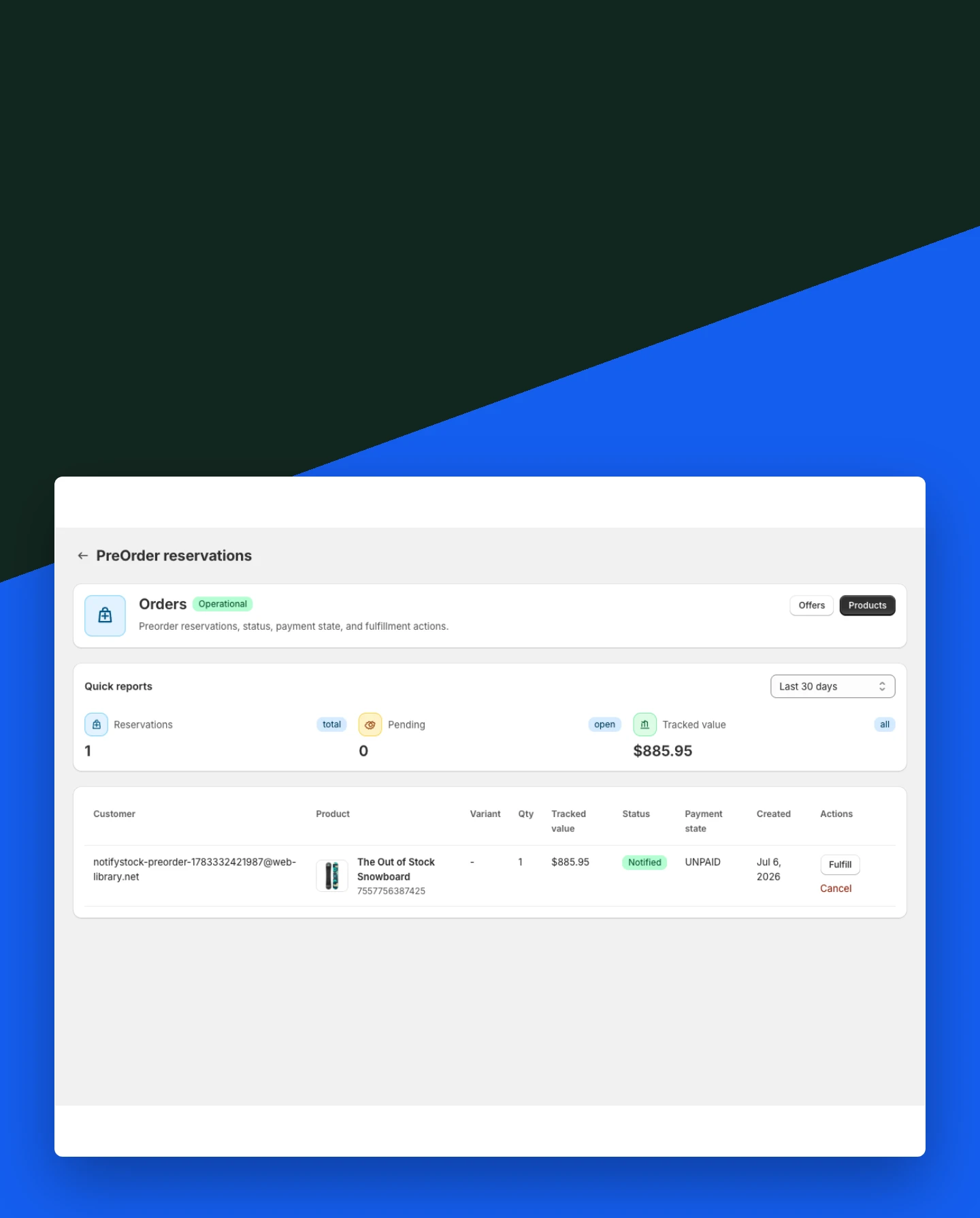
Review preorder records with the corresponding shopper and product information.

Included:

  • Reservation status
  • Product context
  • Customer details
Start free
Live demo
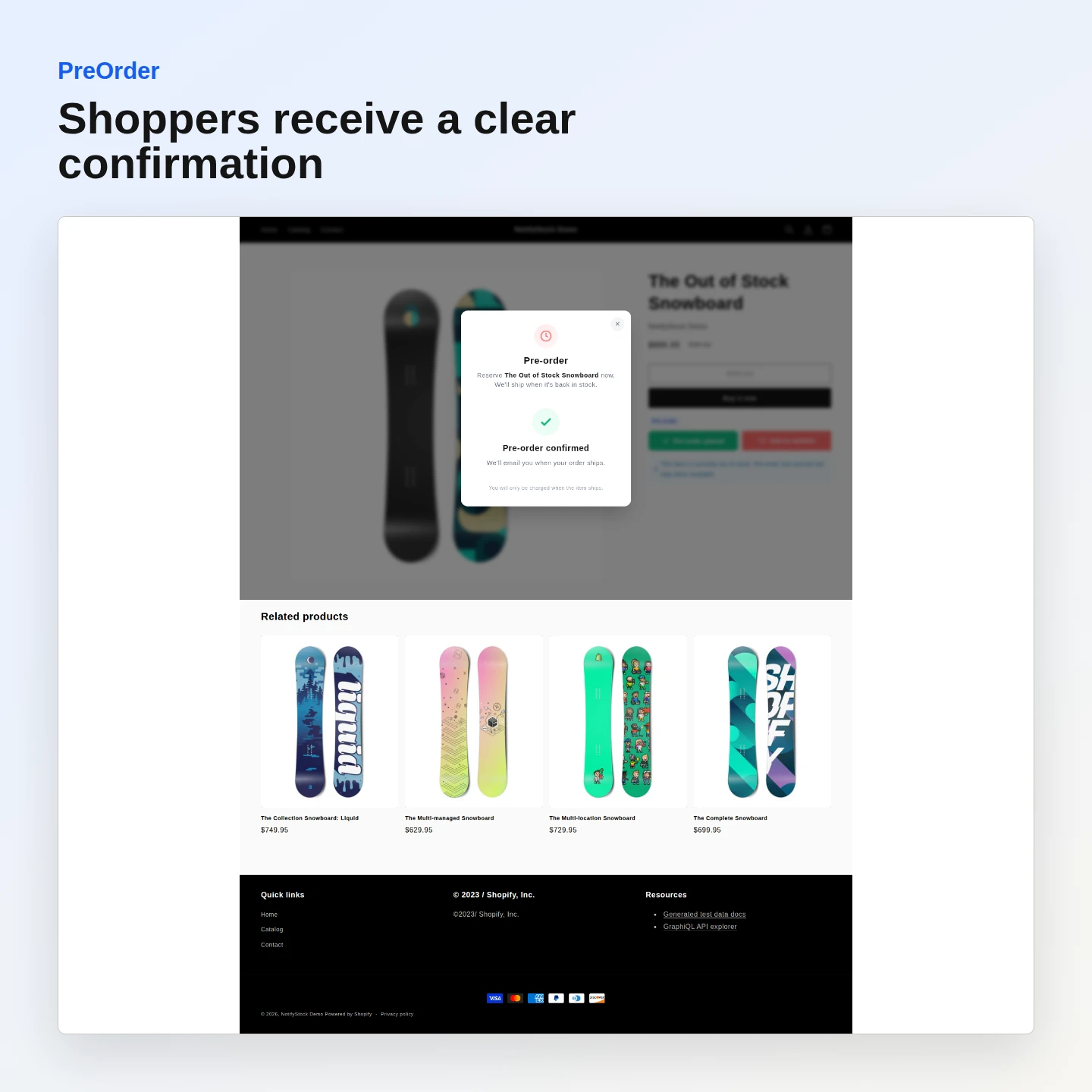
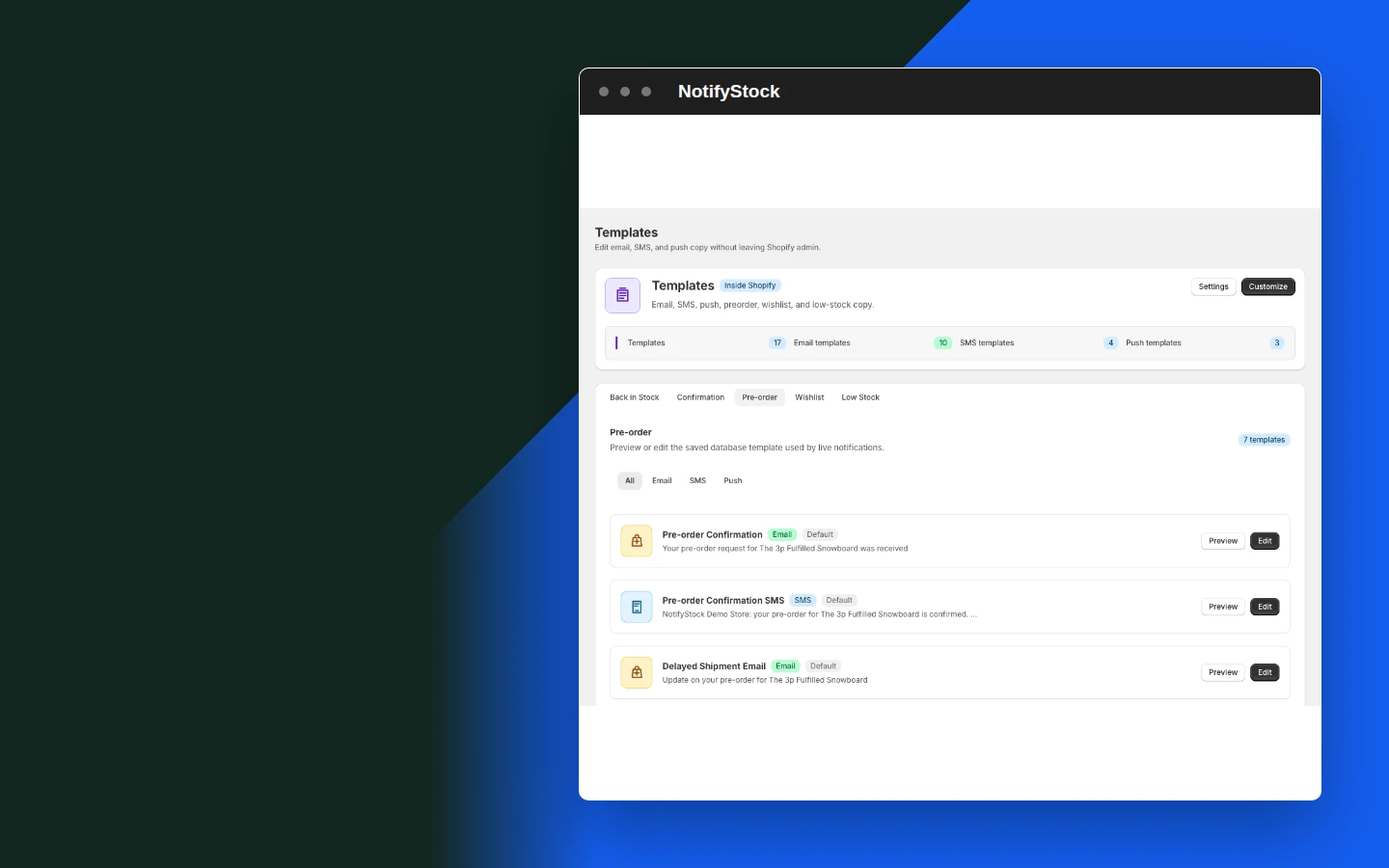
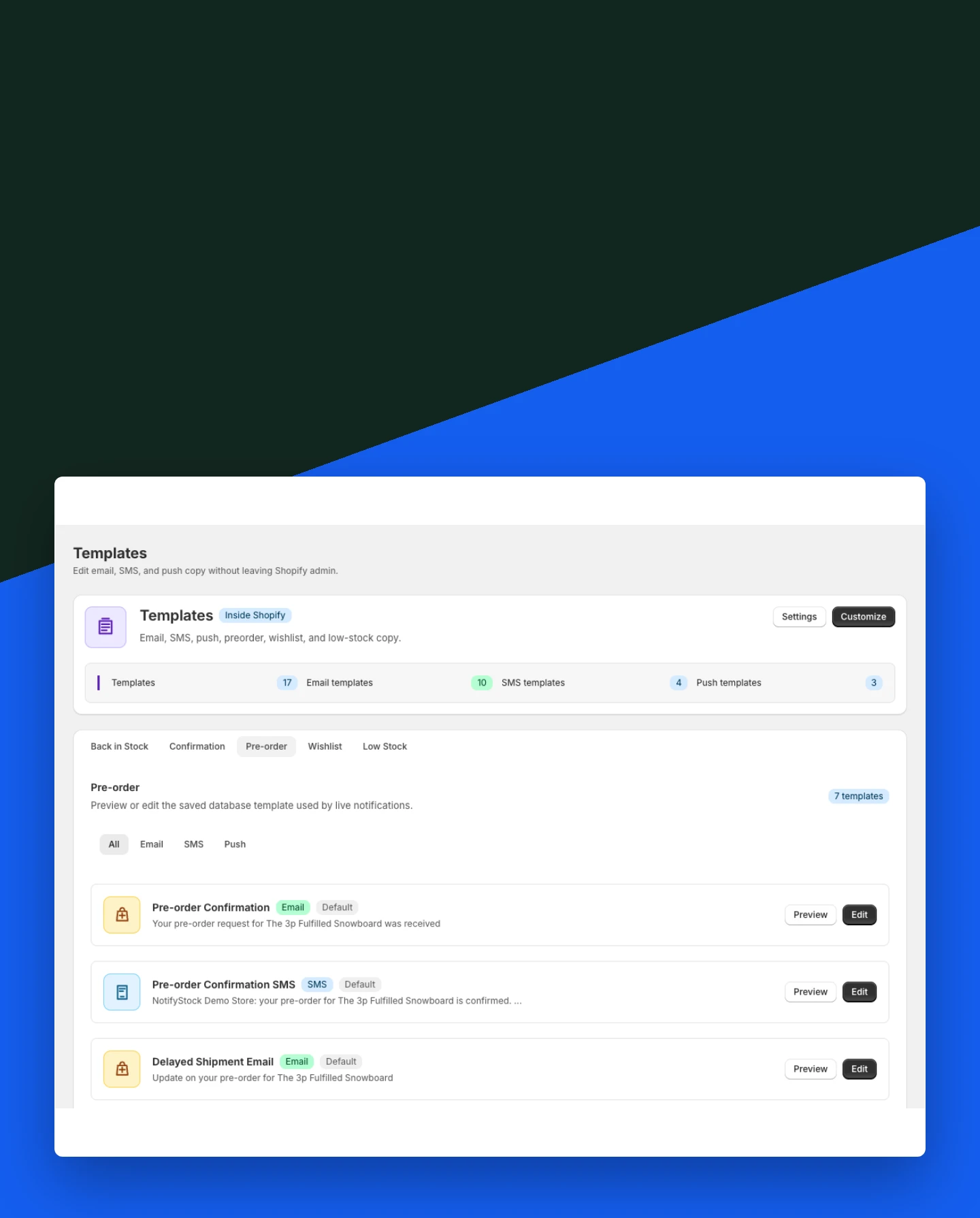
PreOrder: Confirm the shopper action

Confirm the shopper action

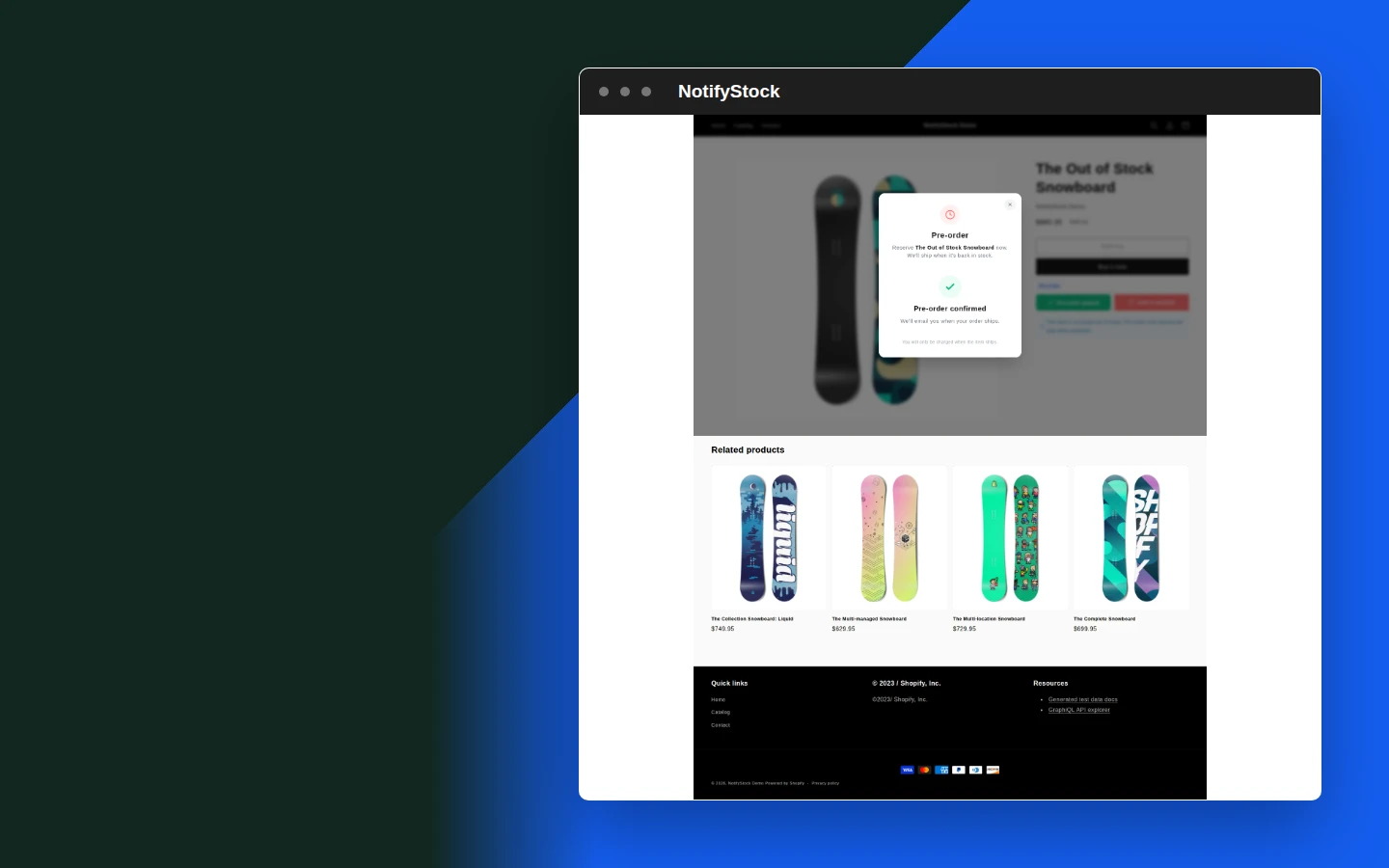
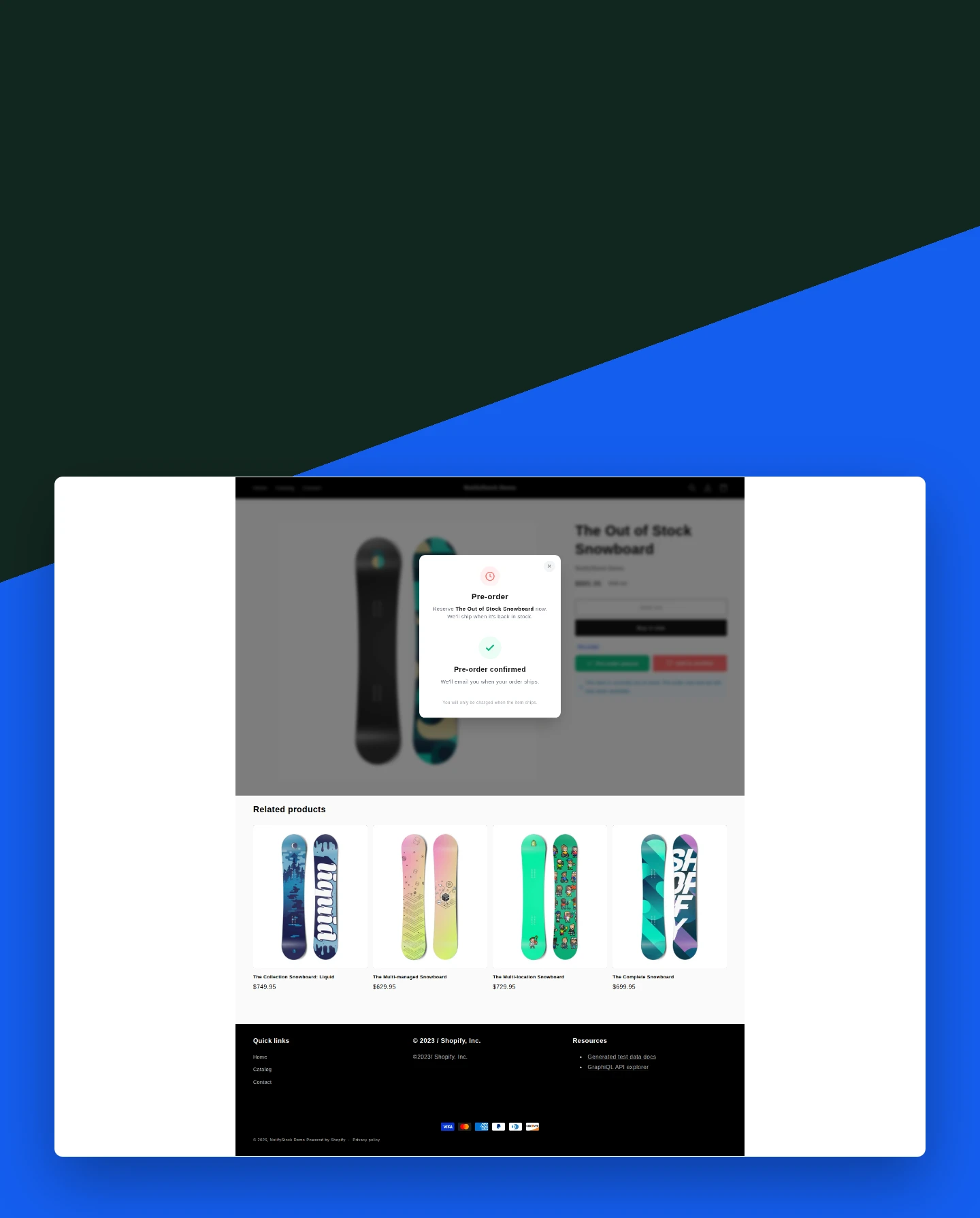
Show a clear success state and prepare the matching confirmation message.

Included:

  • Storefront confirmation
  • Template support
  • Admin visibility
Start free
Live demo

Why merchants use PreOrder.

Each PreOrder capability supports the same product-specific workflow without mixing unrelated shopper actions.

Measure launch demand

Collect product interest before available inventory exists.

Control products individually

Use explicit product modes instead of showing every widget everywhere.

Keep shoppers informed

Confirmation copy explains what was recorded and what happens next.

PreOrder in six practical views.
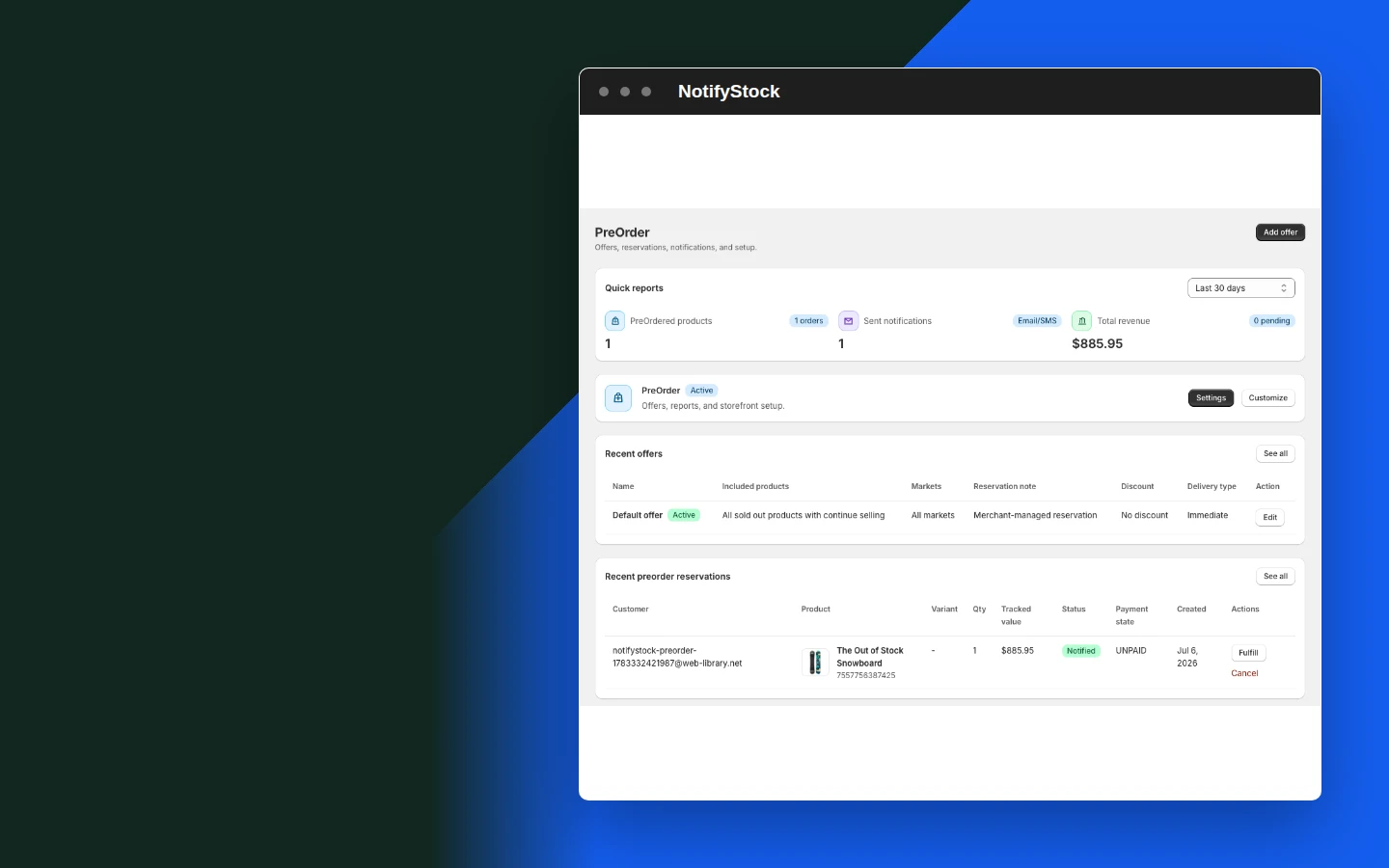
PreOrder storefront in NotifyStockPreOrder storefront mobile view

PreOrder storefront

  1. Present the configured preorder offer and confirmation on eligible products.
Start free
Configure preorder offers in NotifyStockConfigure preorder offers mobile view

Configure preorder offers

  1. Control the offer shoppers see and the products where it is available.
Start free
Keep product modes explicit in NotifyStockKeep product modes explicit mobile view

Keep product modes explicit

  1. Choose Notify, PreOrder, or Disabled without the selector reverting after save.
Start free
Organize reservations in NotifyStockOrganize reservations mobile view

Organize reservations

  1. Review preorder records with the corresponding shopper and product information.
Start free
Confirm the shopper action in NotifyStockConfirm the shopper action mobile view

Confirm the shopper action

  1. Show a clear success state and prepare the matching confirmation message.
Start free
PreOrder confirmation in NotifyStockPreOrder confirmation mobile view

PreOrder confirmation

  1. Use a workflow-specific template after a shopper records preorder interest.
Start free

PreOrder workflow, step by step.

PreOrder workflow: Offer configured

The merchant selects eligible products and customer-facing details.

Offer configured
PreOrder
01
Workflow step
PreOrder workflow: Reservation submitted

The shopper records preorder interest on the storefront.

Reservation submitted
PreOrder
02
Workflow step
PreOrder workflow: Activity visible

The merchant can review the reservation and confirmation state.

Activity visible
PreOrder
03
Workflow step

Frequently asked questions

Which products can show PreOrder?

Only products explicitly configured for PreOrder mode should show the offer.

Does a preorder request create a paid Shopify order?

NotifyStock records preorder interest and reservation details; it does not represent an immediate paid order unless a separate supported purchase flow is configured.

What does the shopper receive?

The storefront shows a confirmation state and the merchant can send the configured PreOrder confirmation message.

Can the offer include availability details?

Yes. Merchants can configure offer wording, availability, delivery details, form content, and confirmation copy.

Can a product switch between Notify and PreOrder?

Yes. The merchant selects Notify, PreOrder, or Disabled mode for the product and the saved mode controls the storefront behavior.