
Choose the right workflow for every Shopify product.
Set product-level behavior so Notify Me, PreOrder, Wishlist, and Low Stock appear only where they make sense.
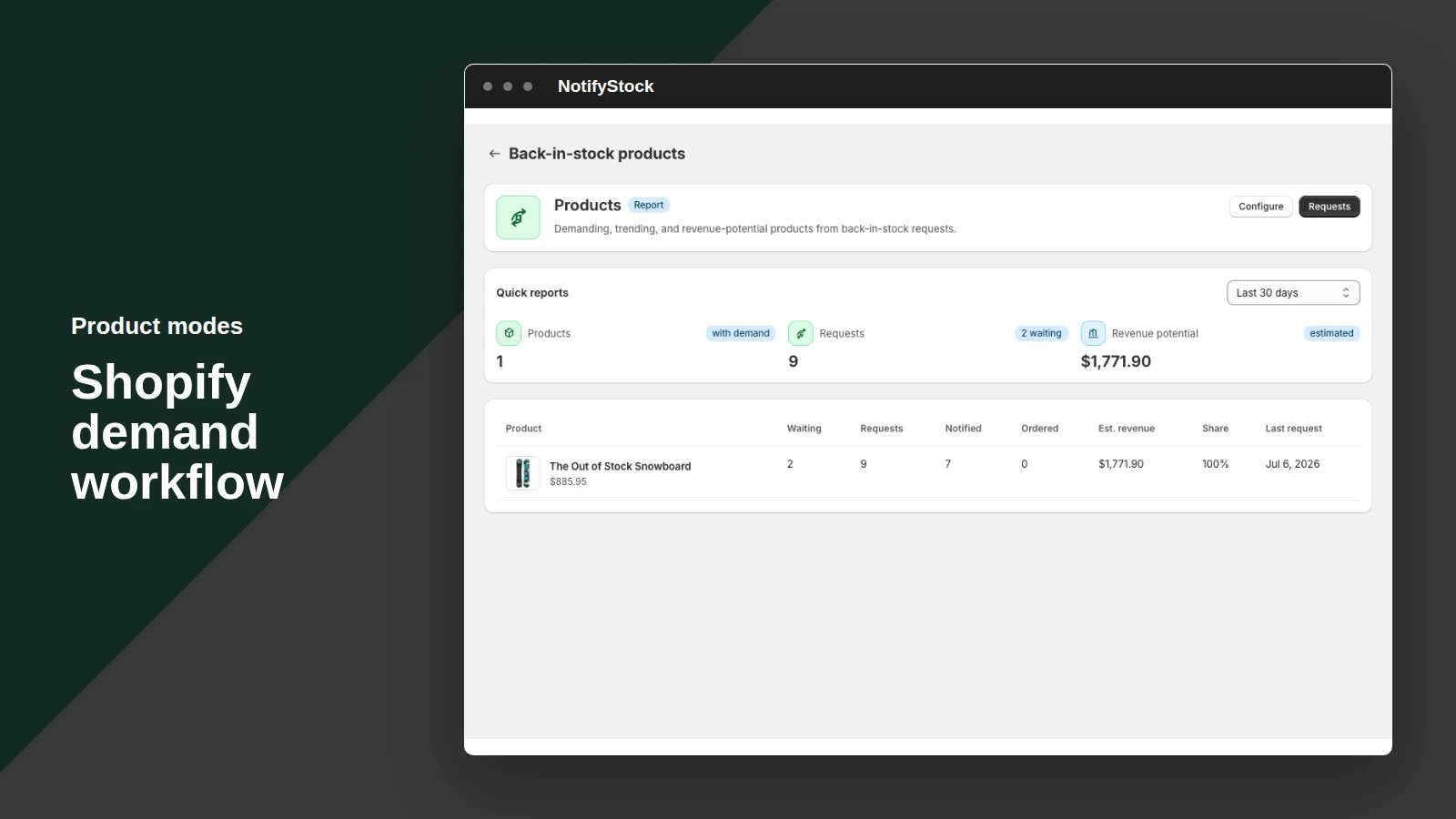
Product modes, from storefront action to merchant follow-up.
See how Product modes moves from a clear storefront action to accurate product context and merchant follow-up.
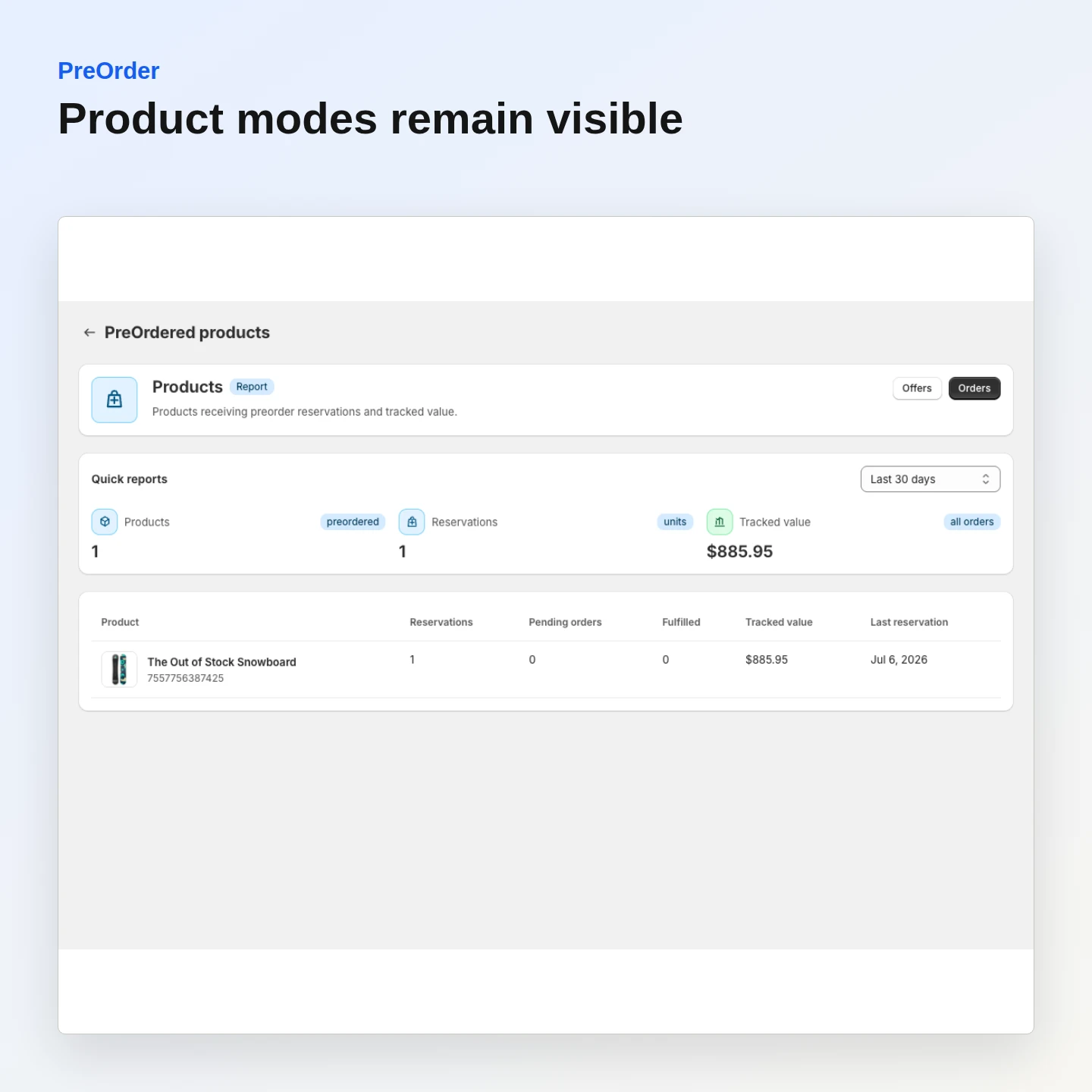
Review product eligibility
See which products are configured for demand capture before changing storefront behavior.
Included:
- Product list
- Workflow state
- Admin visibility
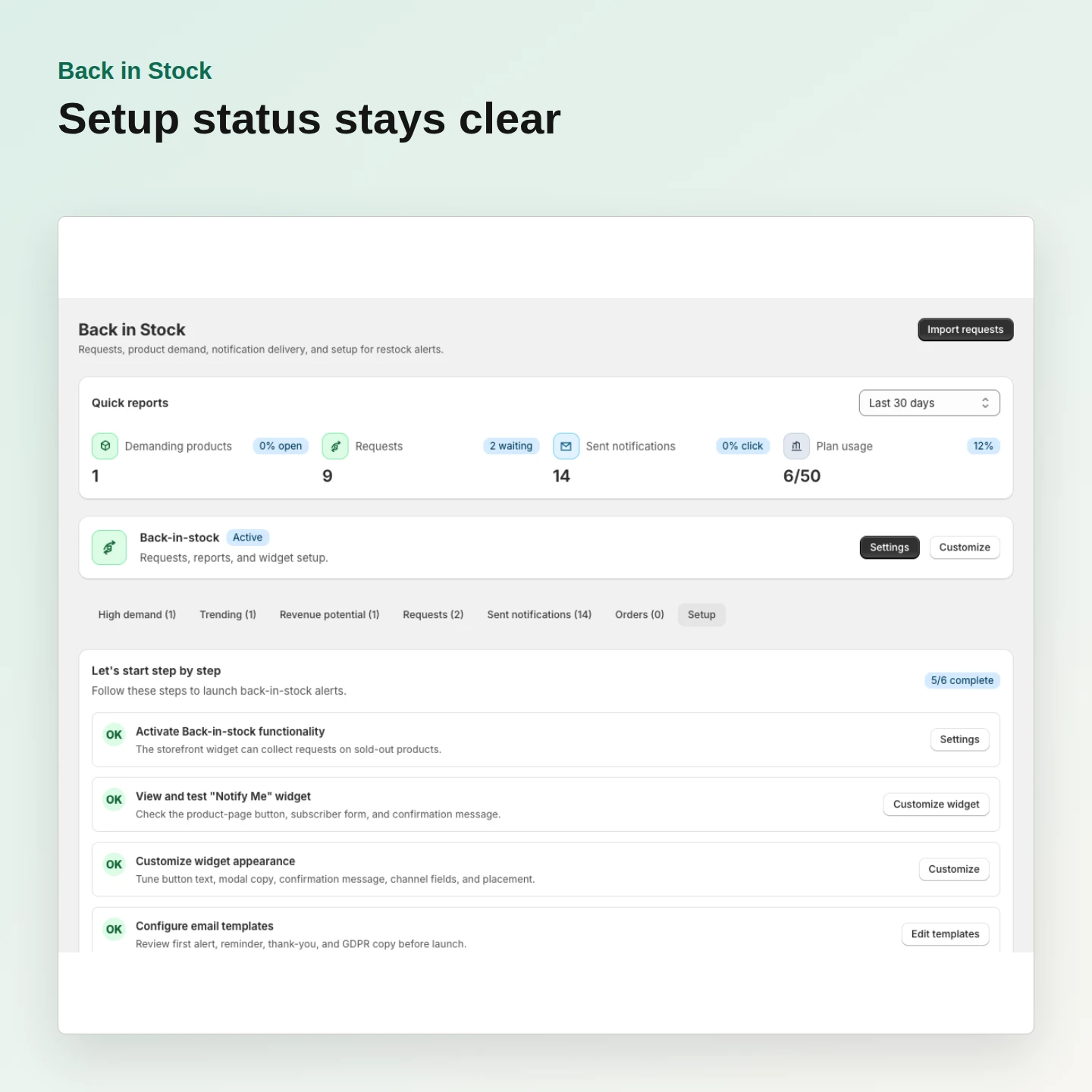
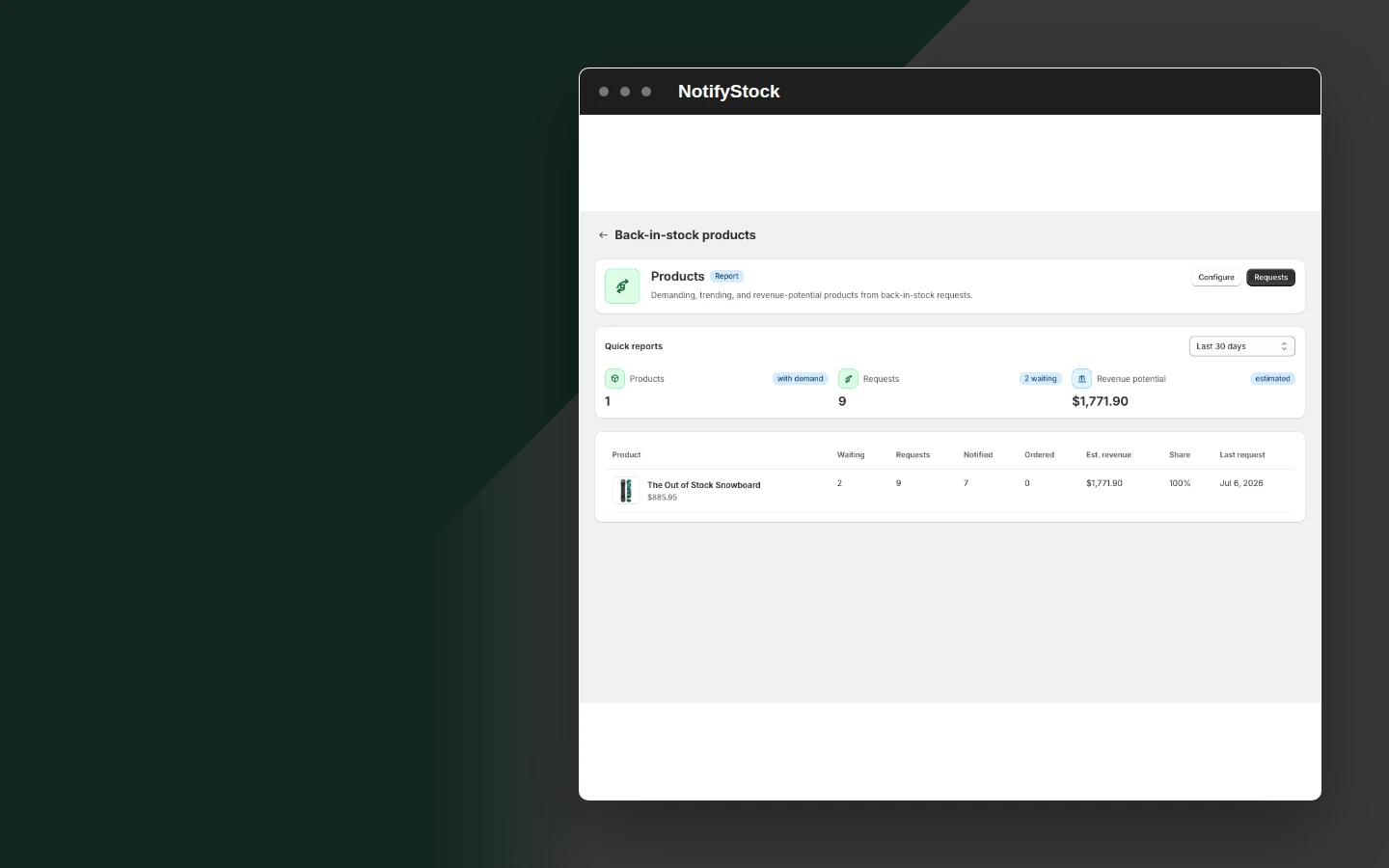
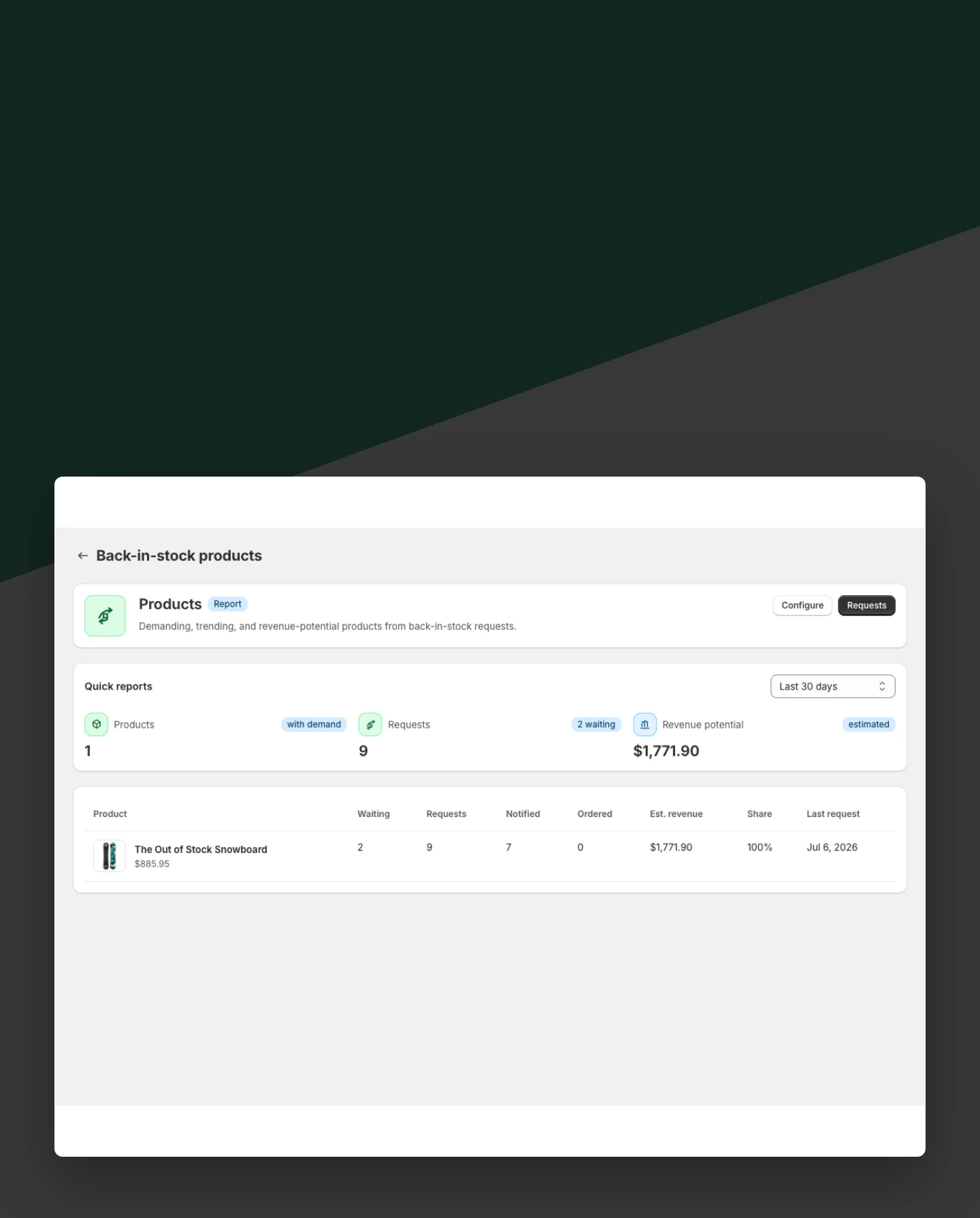
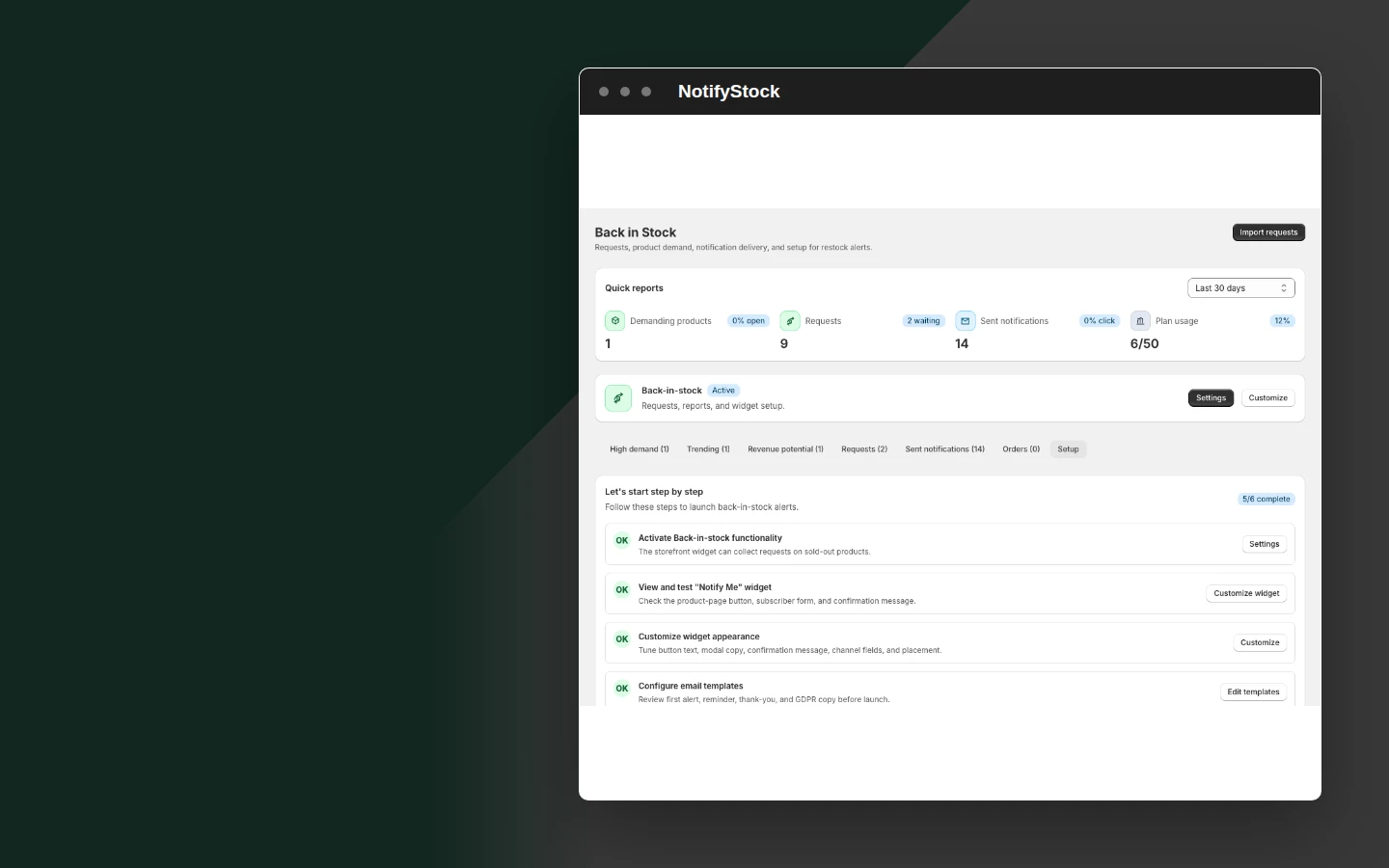
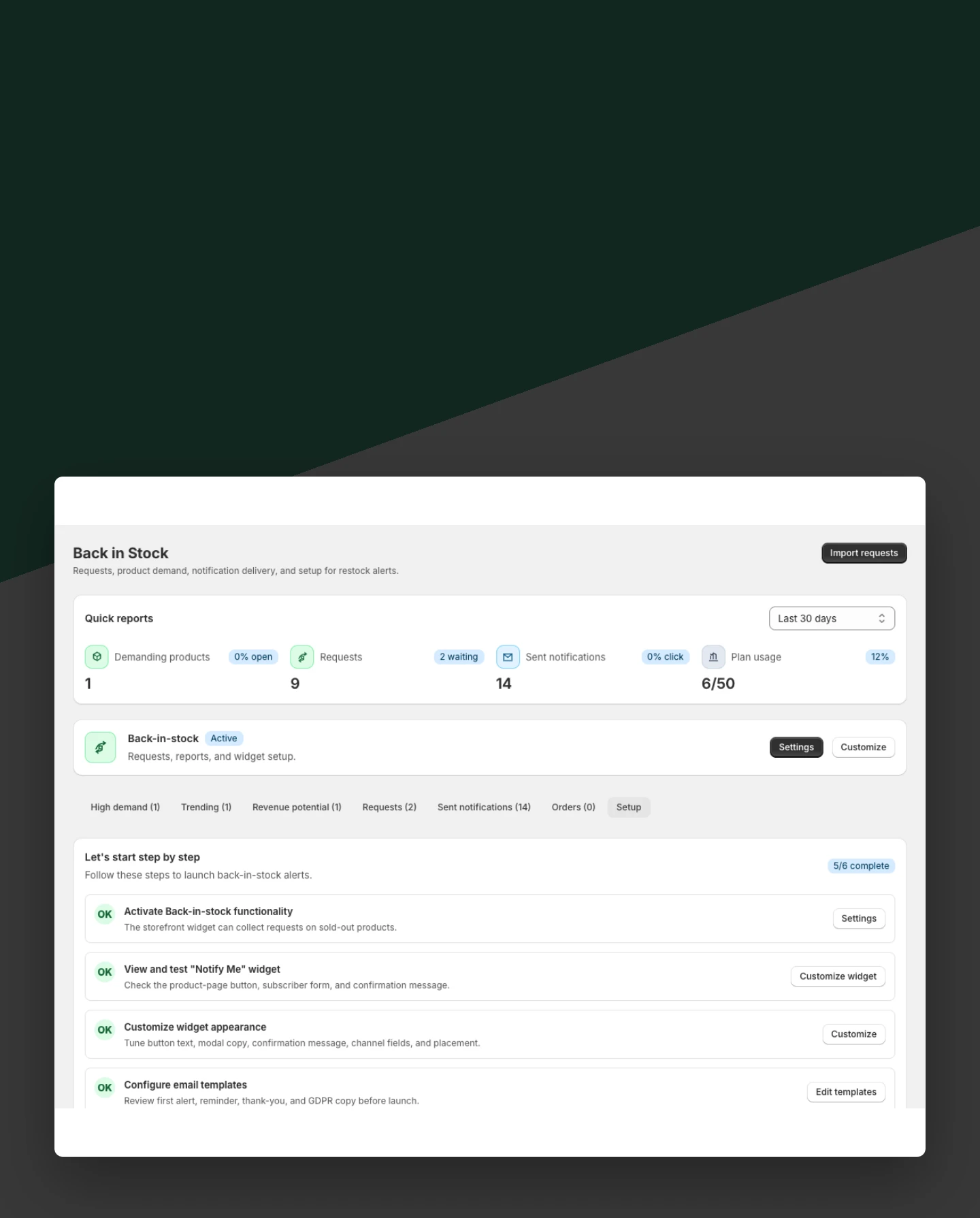
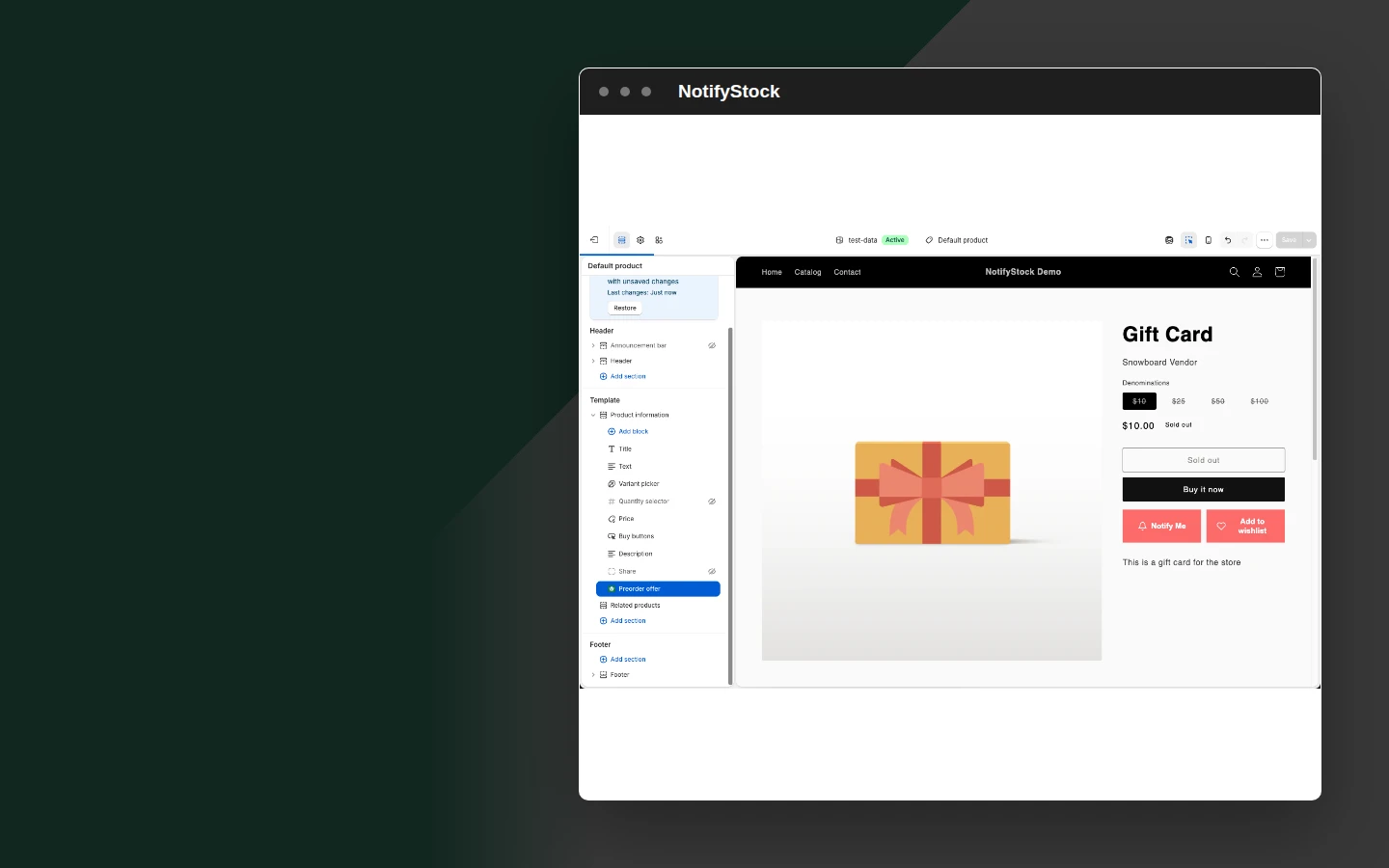
Use Notify mode for sold-out demand
Keep Back in Stock active for products where shoppers should request a restock alert.
Included:
- Notify mode
- Sold-out state
- Request capture
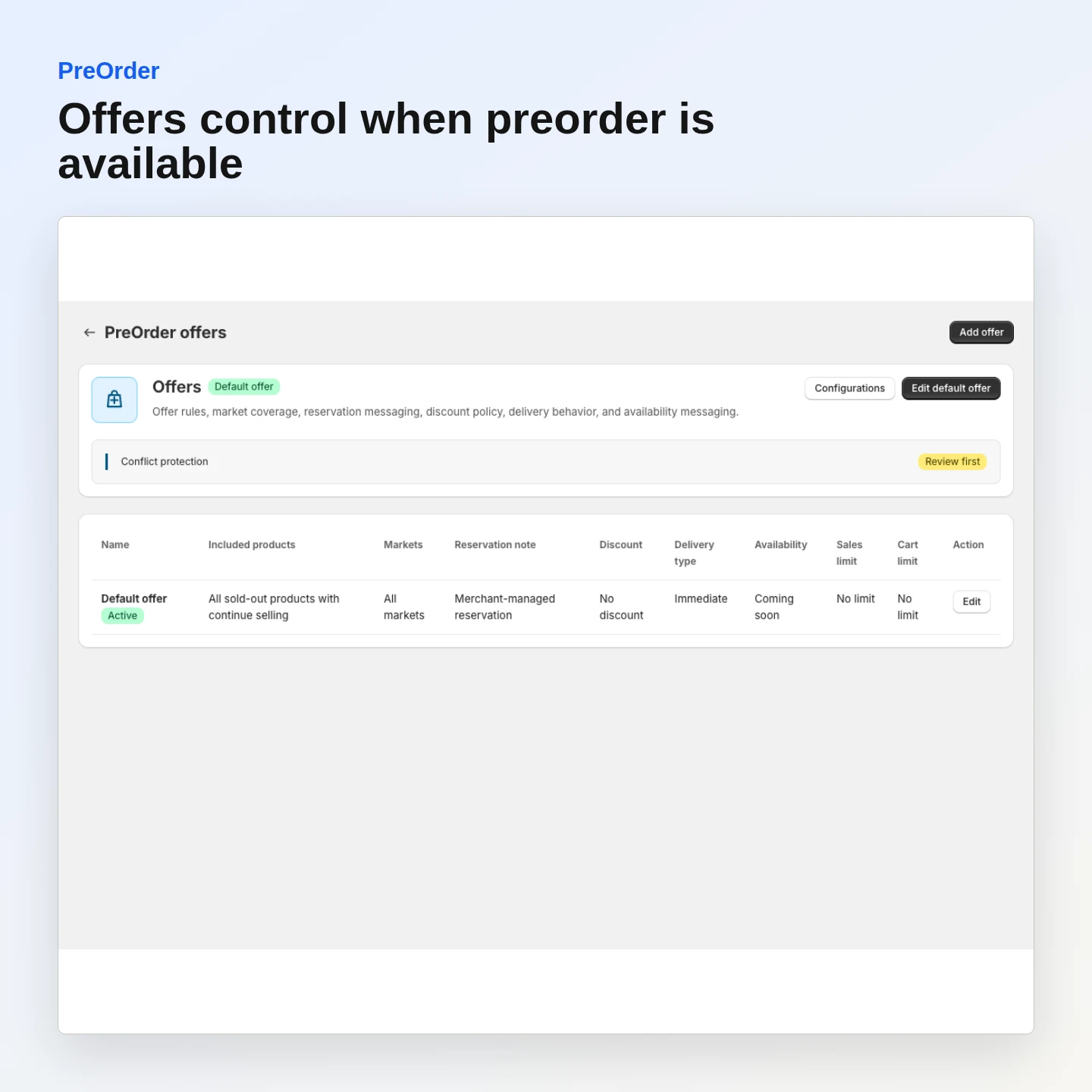
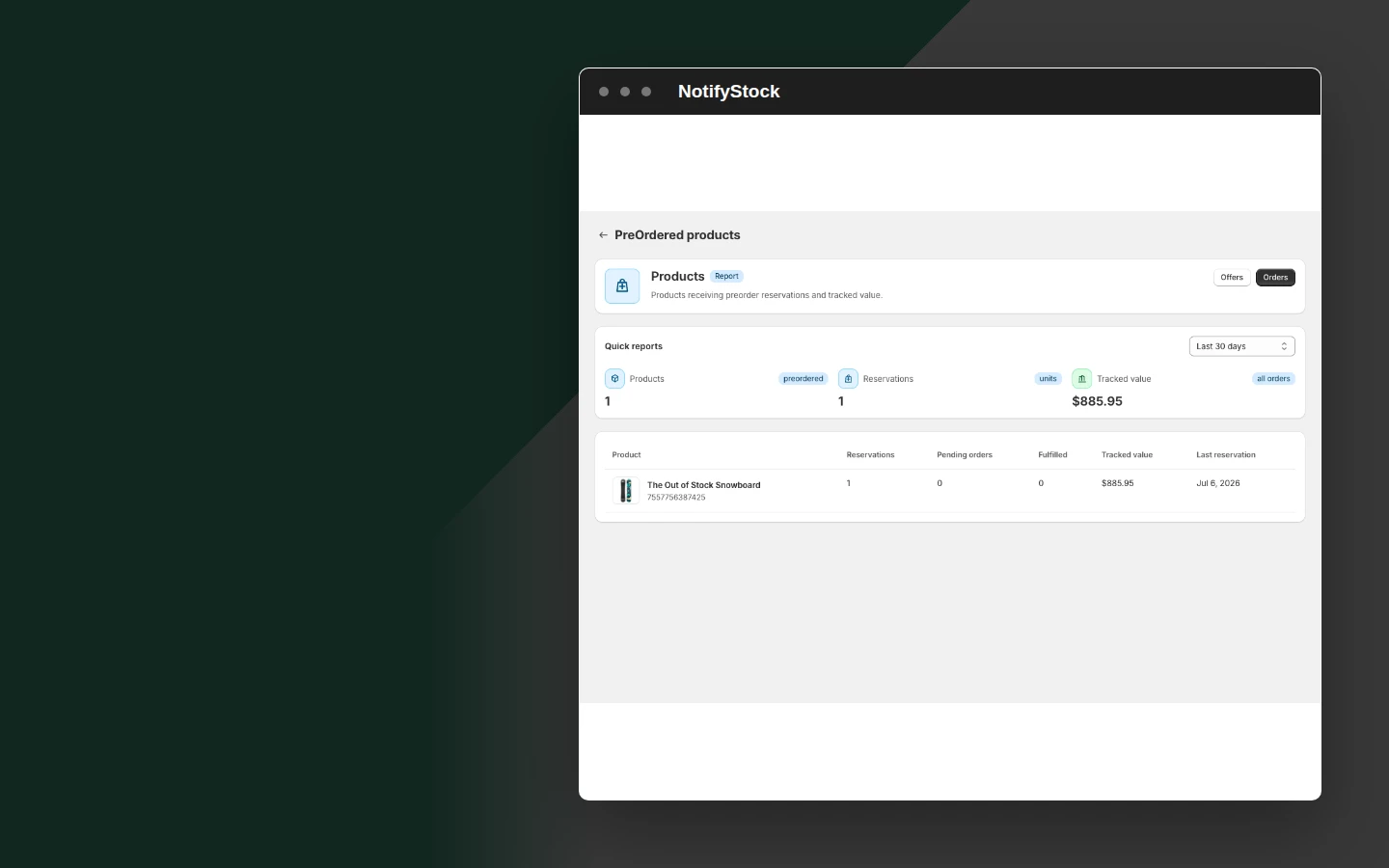
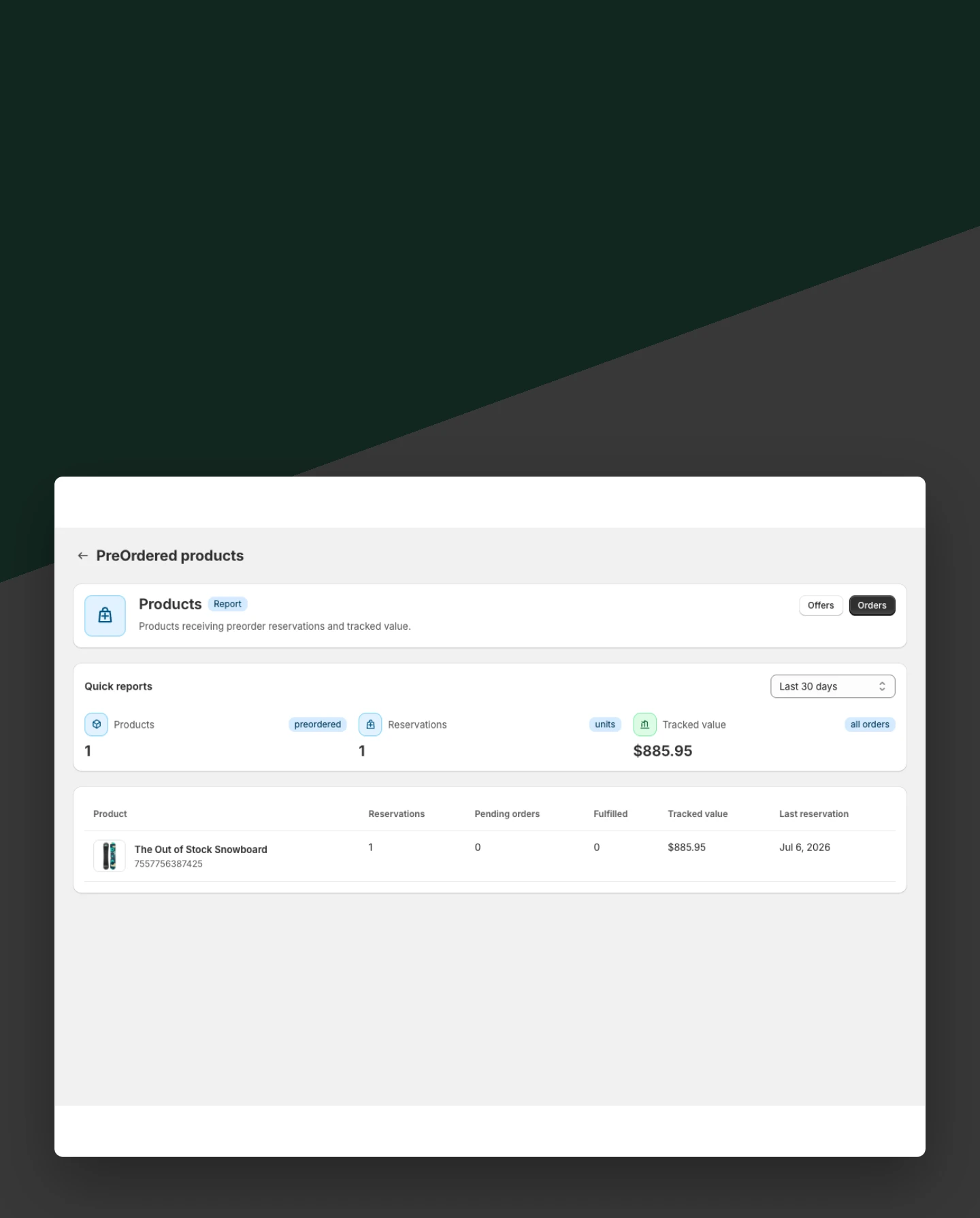
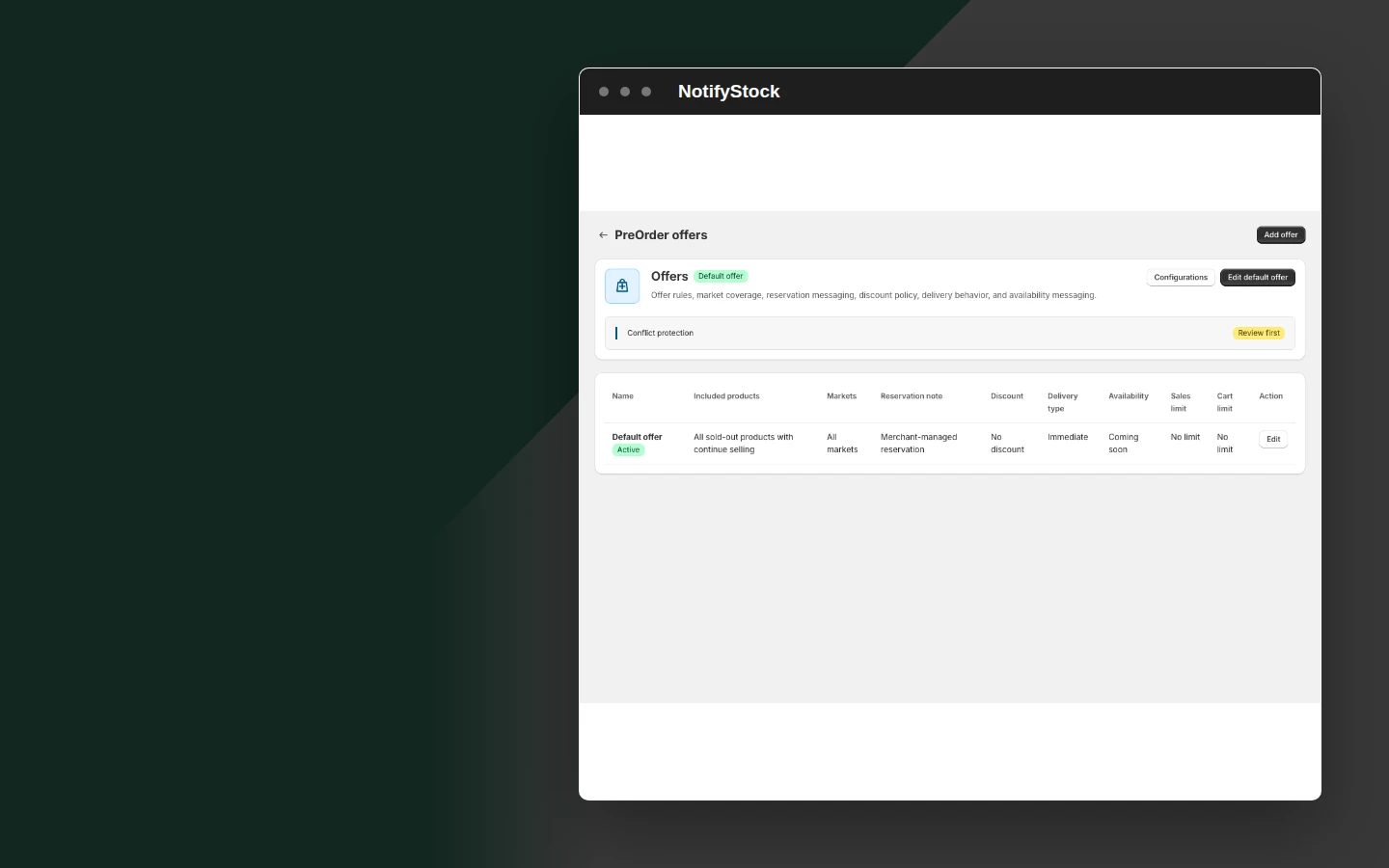
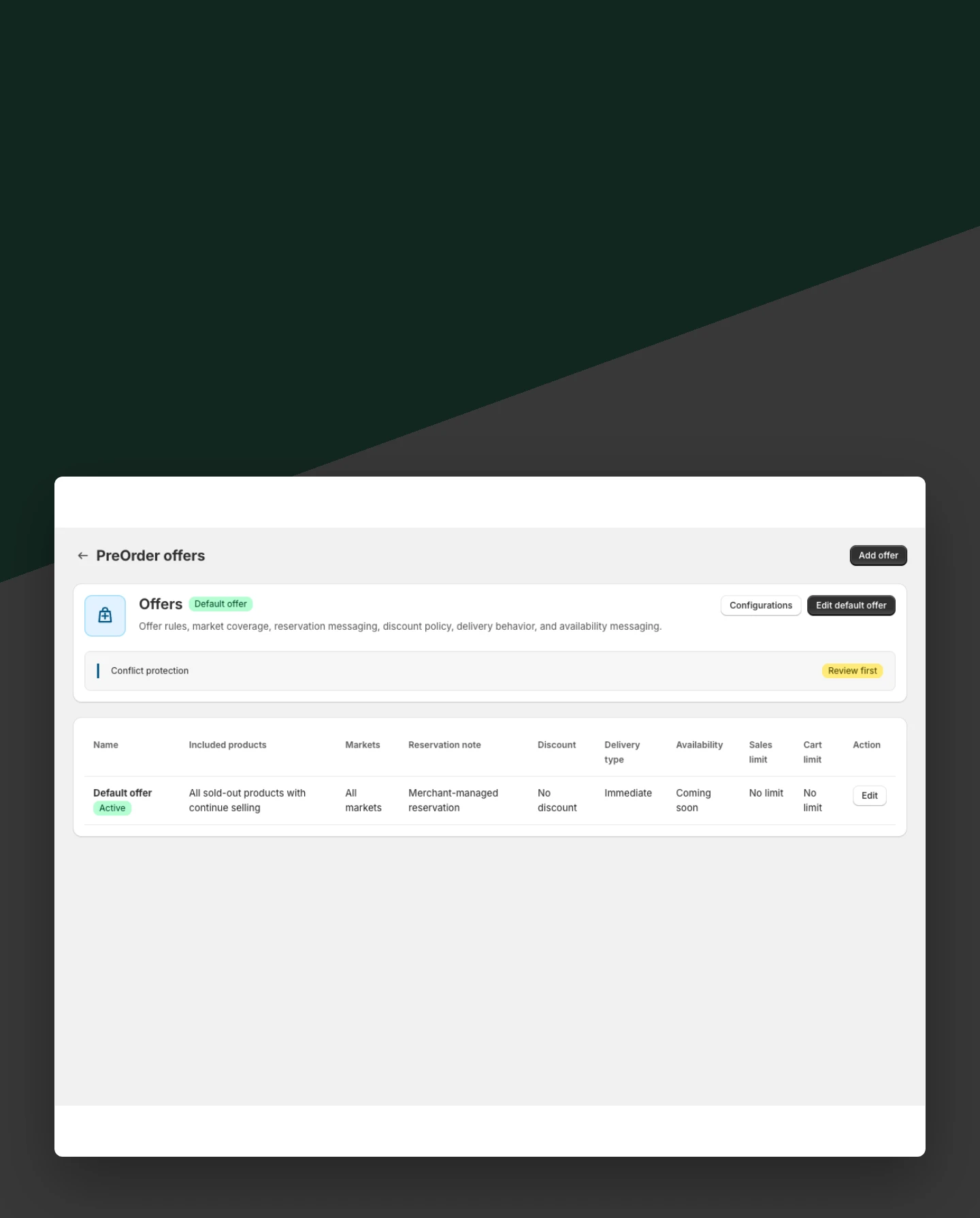
Use PreOrder mode for early interest
Switch selected products to PreOrder when the merchant wants to collect reservations before availability.
Included:
- PreOrder mode
- Offer context
- Reservation workflow
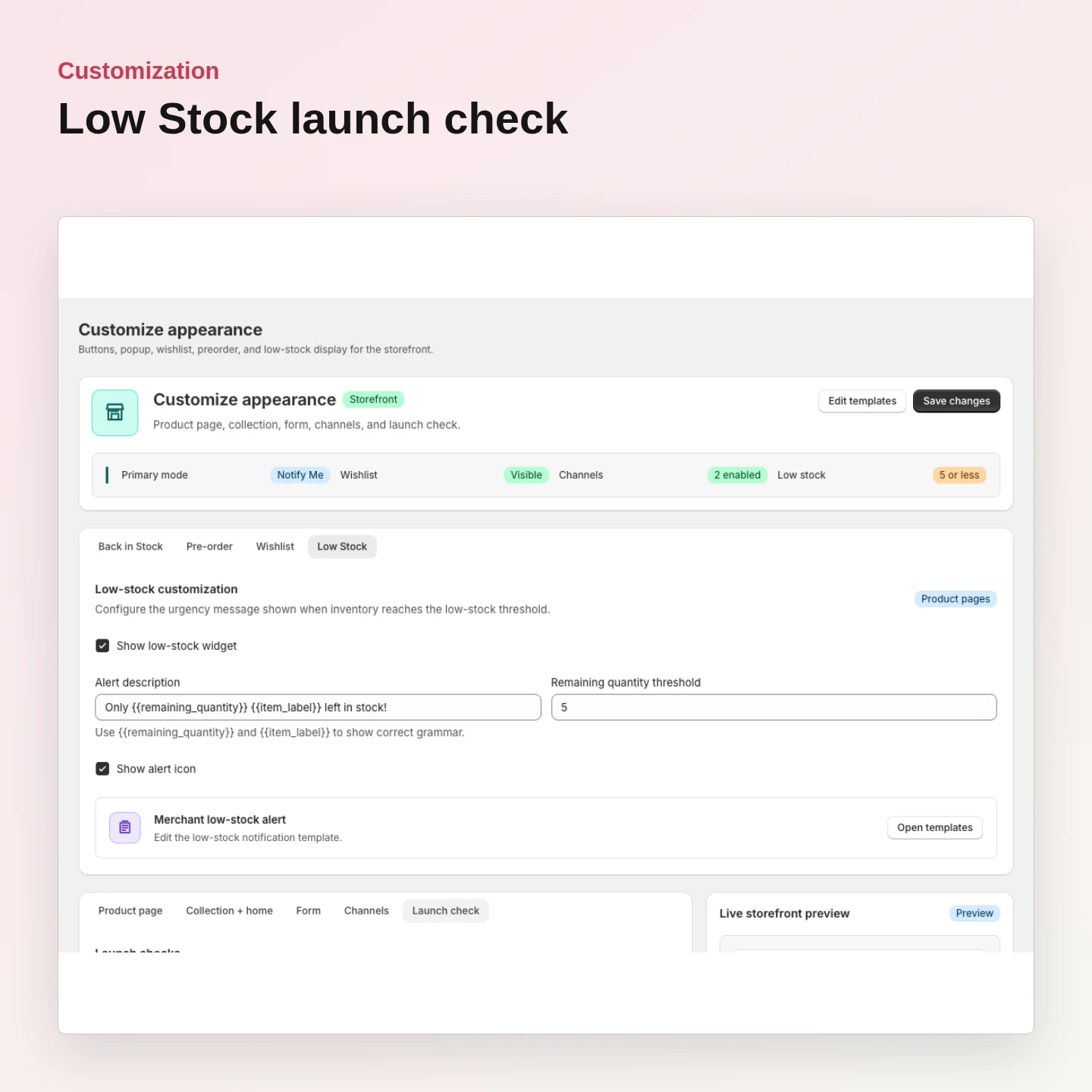
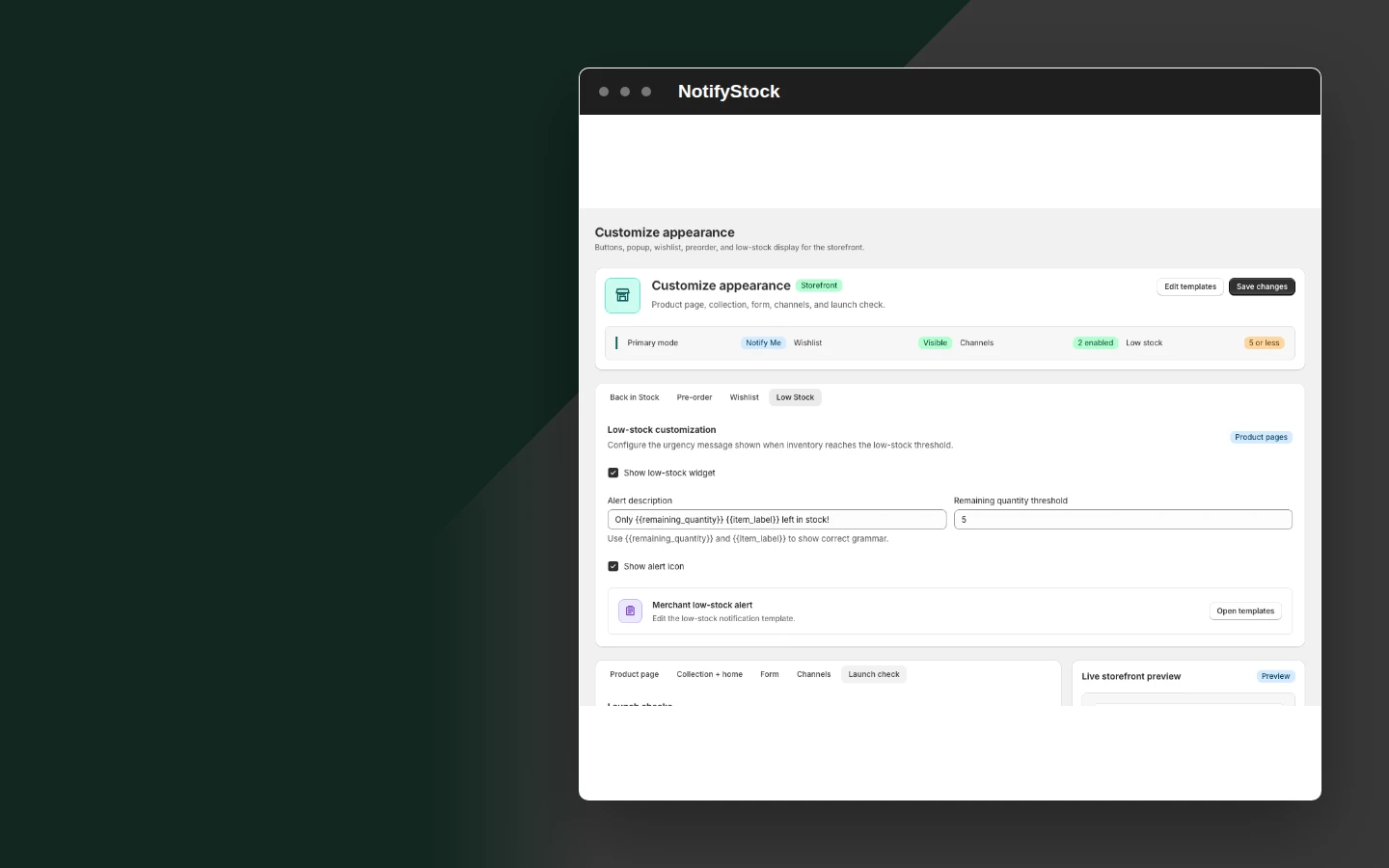
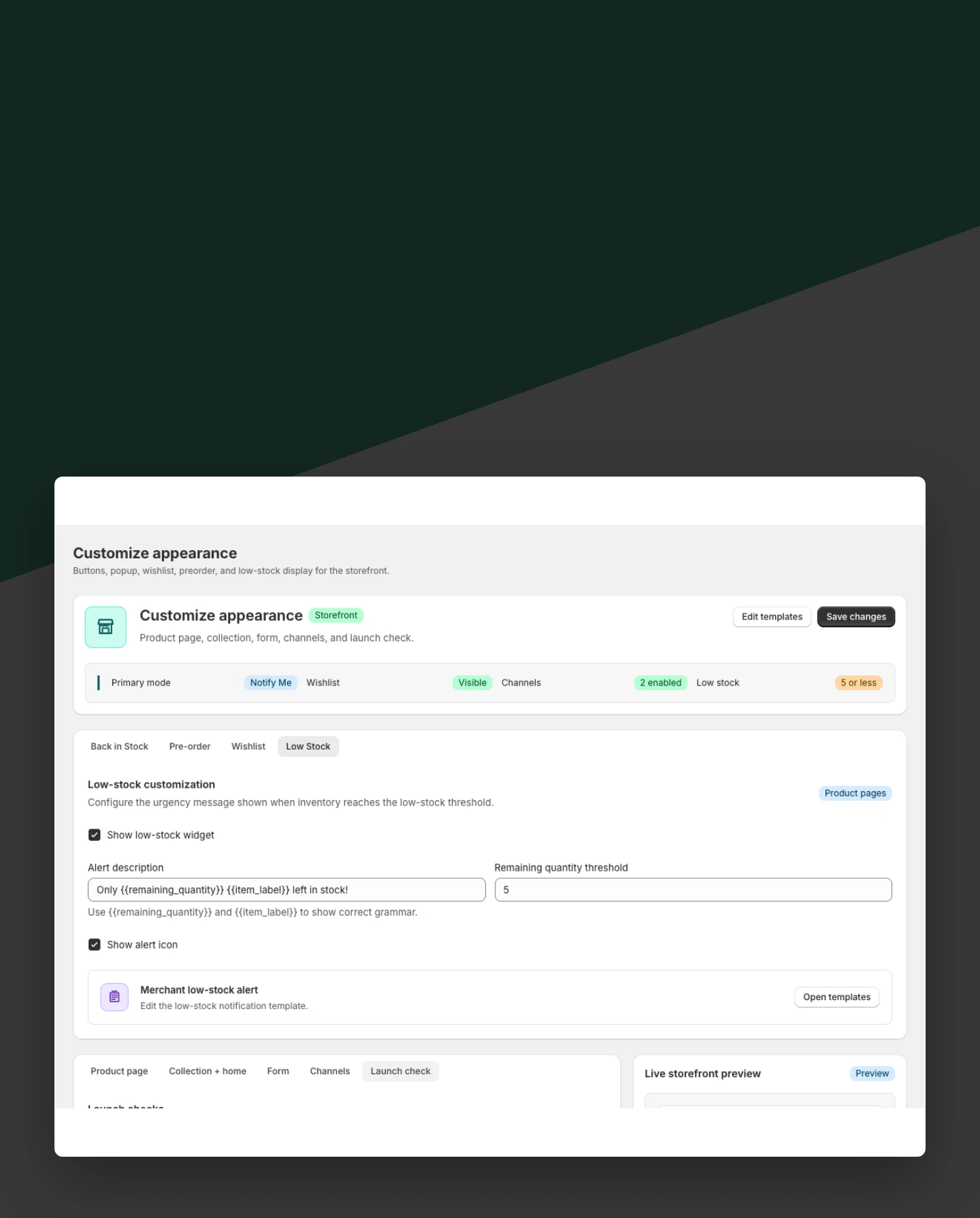
Keep inactive workflows disabled
Avoid rendering unrelated widgets when a product should not collect a specific demand signal.
Included:
- Disabled state
- Independent blocks
- Clean storefront
Why merchants use Product modes.
Each Product modes capability supports the same product-specific workflow without mixing unrelated shopper actions.

Prevent wrong widgets
Product modes stop PreOrder, Notify Me, or other workflow content from appearing on the wrong product.
Keep setup readable
Merchants can confirm the active mode before testing theme blocks.
Support safe switching
Saved product modes keep the storefront behavior consistent after configuration changes.
Product modes in six practical views.
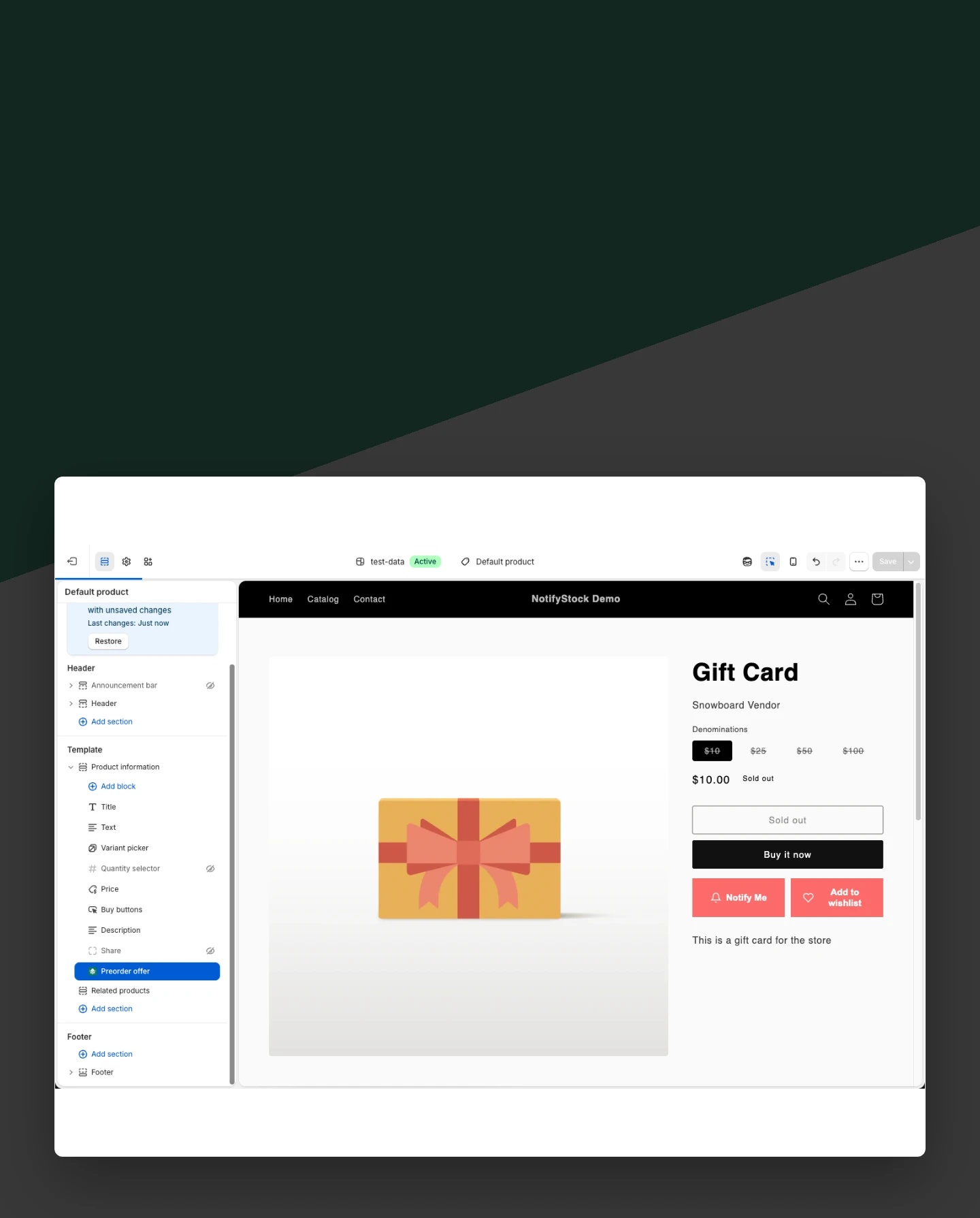
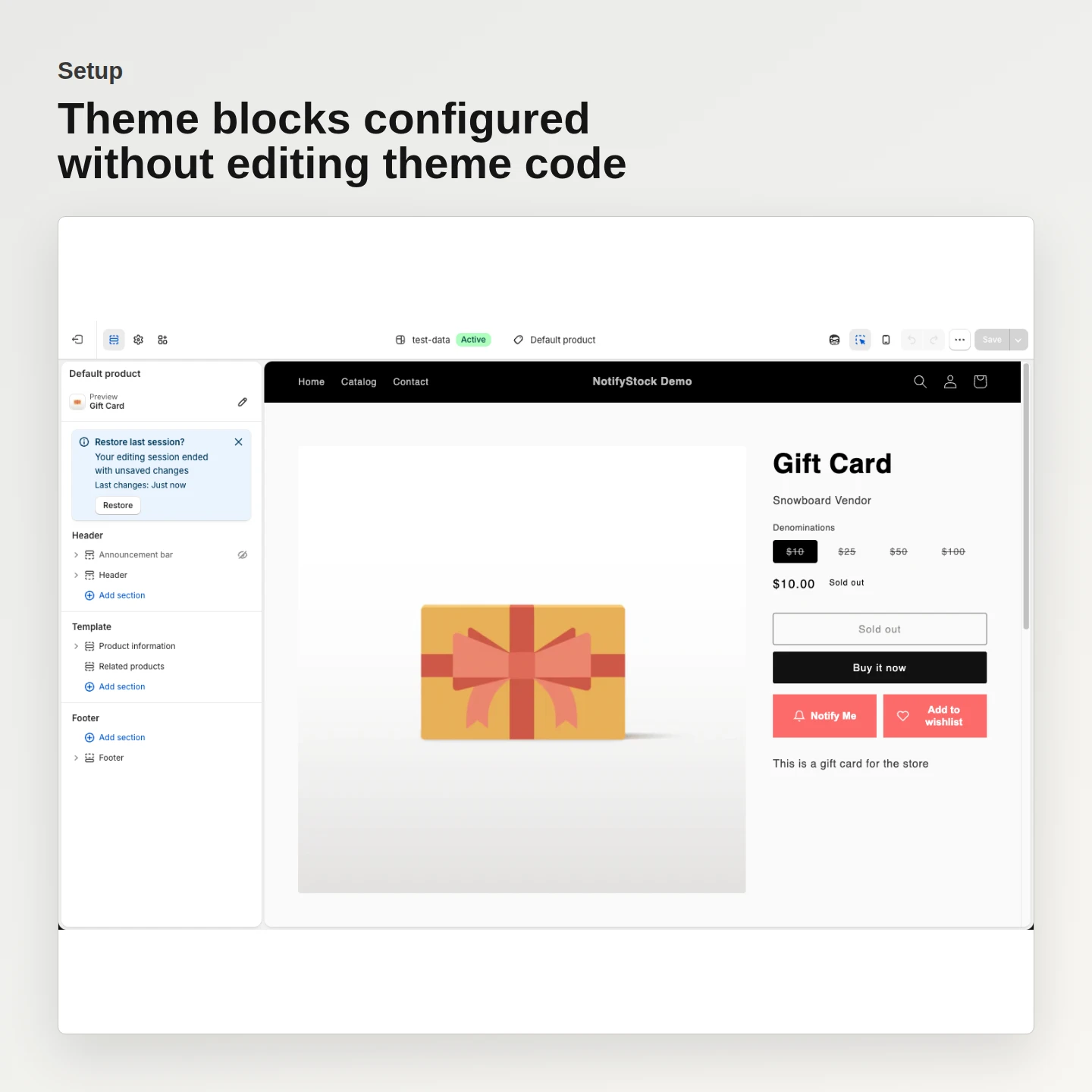
Product modes workflow, step by step.
The merchant reviews the product's current workflow mode.
Notify, PreOrder, or Disabled is saved intentionally.
Only the matching storefront workflow appears for that product state.