
WHAT THE MIGRATION COVERS
Move each workflow with a clear checkpoint.
NotifyStock keeps subscriber data, product behavior, storefront blocks, and delivery settings in one migration plan.
Migration area
NotifyStock
Manual switch
Subscriber records
Supported CSV preparation
Manual cleanup
Product modes
Notify, PreOrder, Disabled mapping
Reconfigure separately
Theme extension
App embed and independent blocks
Manual theme risk
Templates and providers
Sender and credential review
Reconnect after cutover
Storefront QA
Desktop and mobile verification
Often deferred
Rollback readiness
Inventory and mode checkpoint
No shared checklist
Best for
A controlled NotifyStock switch
Ad hoc transfers
You brought the expertise. NotifyStock brings the system.

Subscriber and request data
Prepare supported CSV data and verify product and variant identifiers before import.
Product modes and offers
Map each product to Notify, PreOrder, or Disabled and verify offer settings.
Theme blocks and app embed
Enable the shared app embed once, then add only the blocks required by each template.
NotifyStock workflow, step by step.
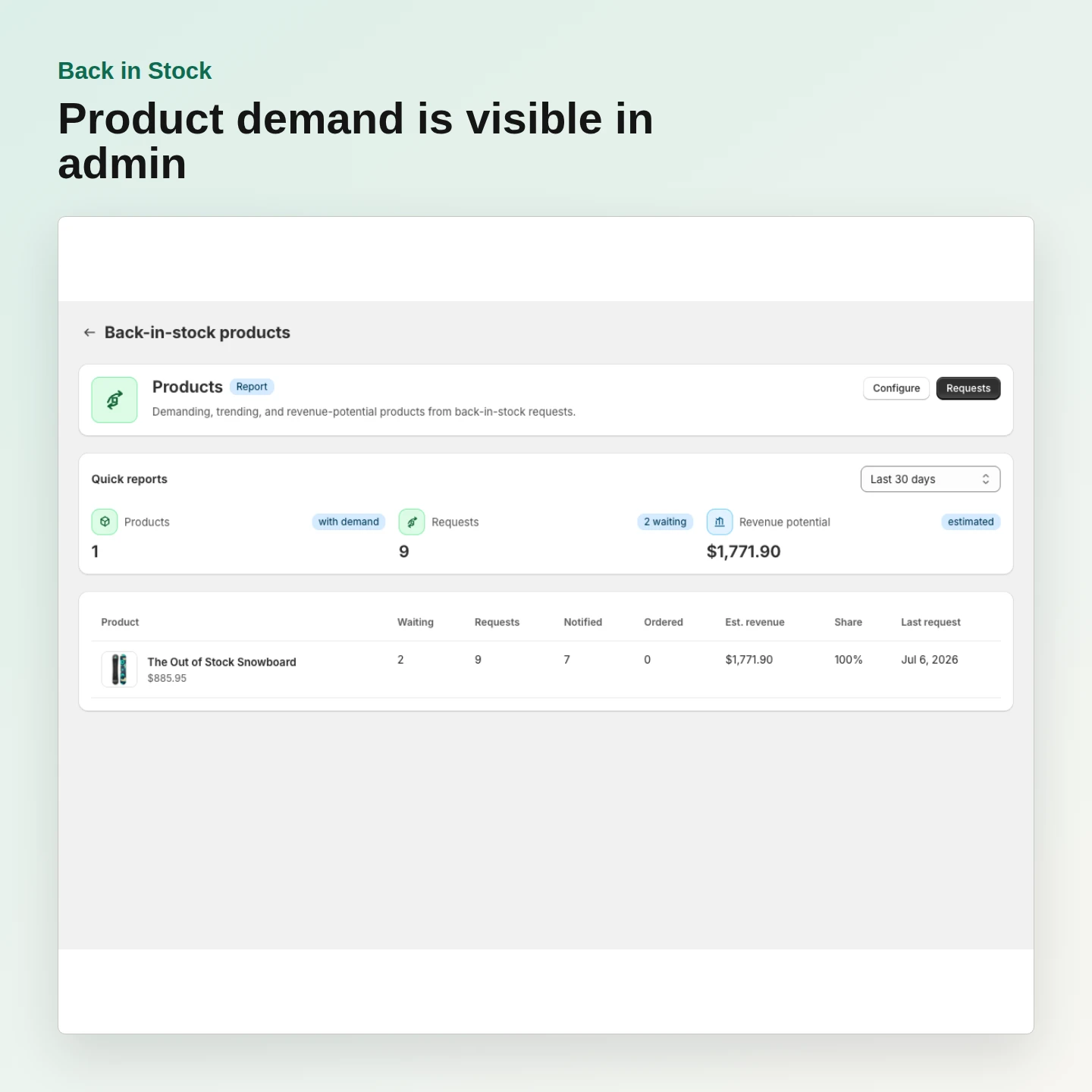
Record current products, variants, and stock states.
Inventory
NotifyStock
01
Workflow step
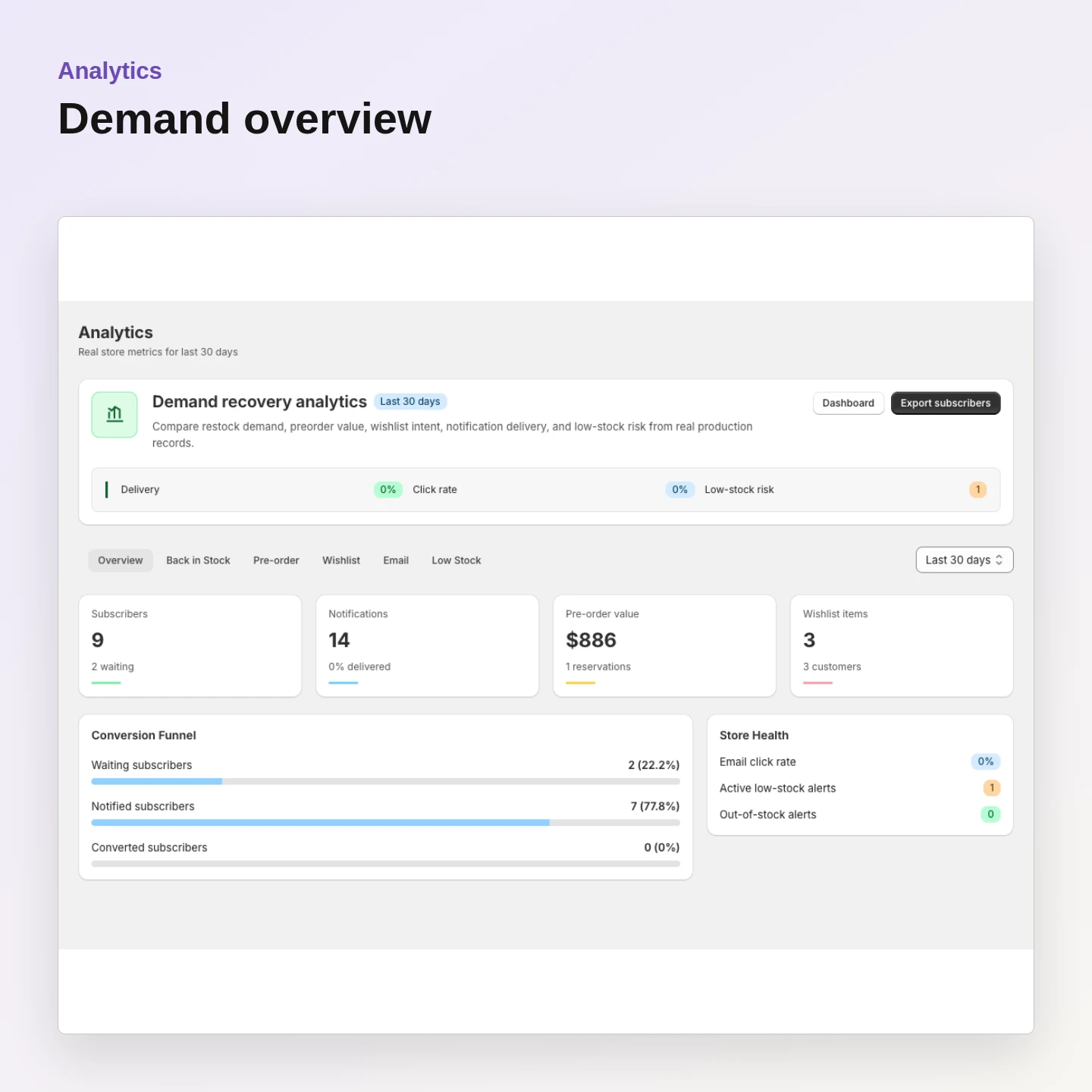
Validate the records that will be imported.
Demand data
NotifyStock
02
Workflow step
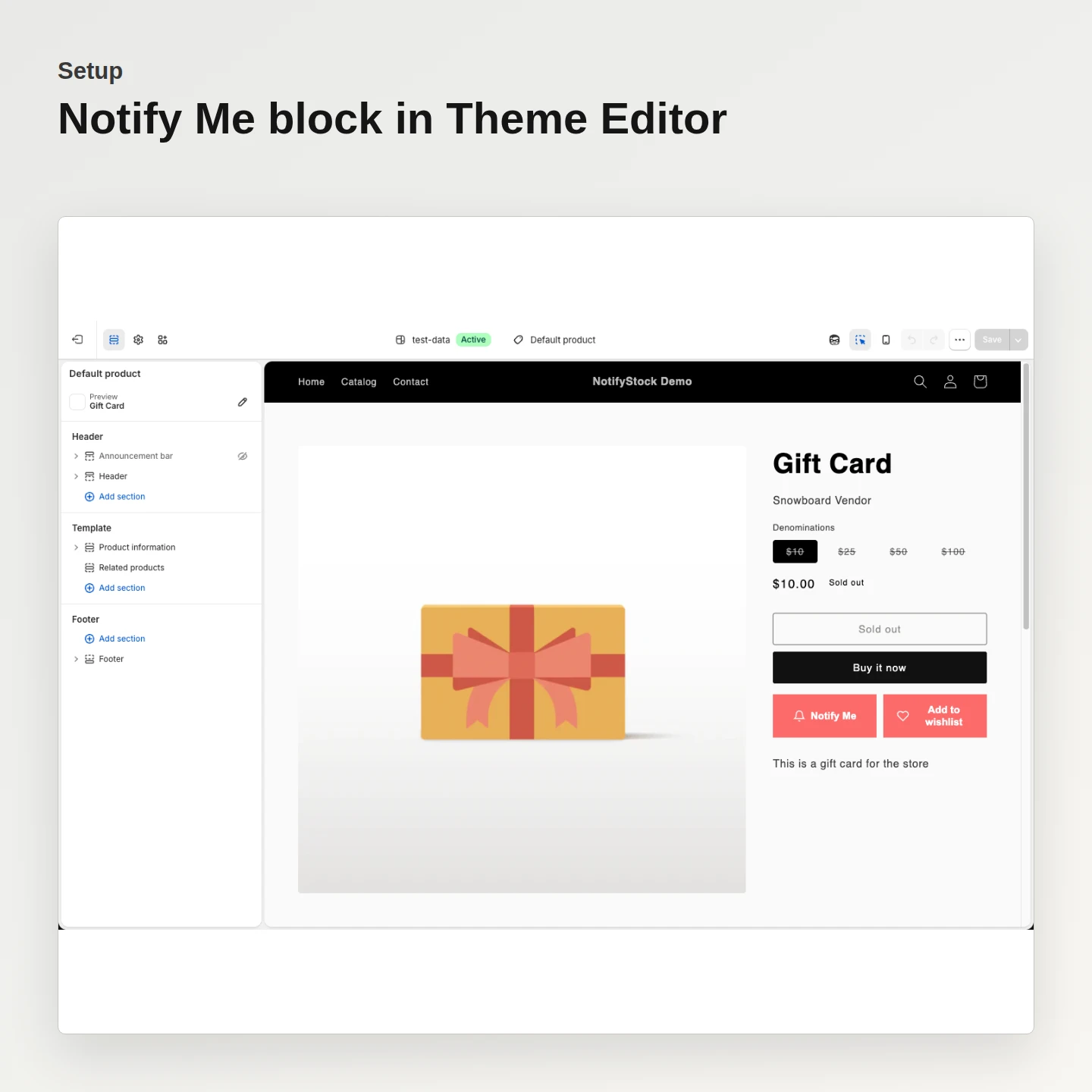
Publish only after every target state is verified.
Storefront
NotifyStock
03
Workflow step
READY TO MOVE?
Start free, then migrate with a controlled checklist.
A free plan is available. Eligible merchants receive one seven-day trial when they first choose a paid plan.
Frequently asked questions
What is NotifyStock?
Which storefront workflows are included?
Does NotifyStock require theme-code edits?
How are messages delivered?
Can merchants customize the widgets?
Is there a free plan?
Where does billing happen?