

The all-in-one Shopify app that turns product demand into sales
Back in stock, preorder, wishlist, and low-stock tools to capture demand and grow Shopify sales.
Available on the Shopify App Store. Demo password: oowoff
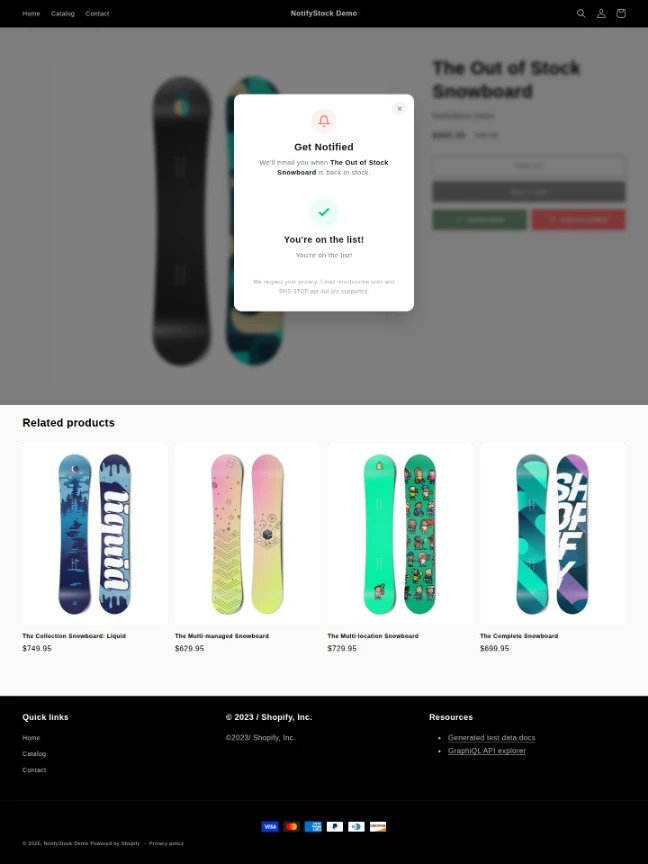

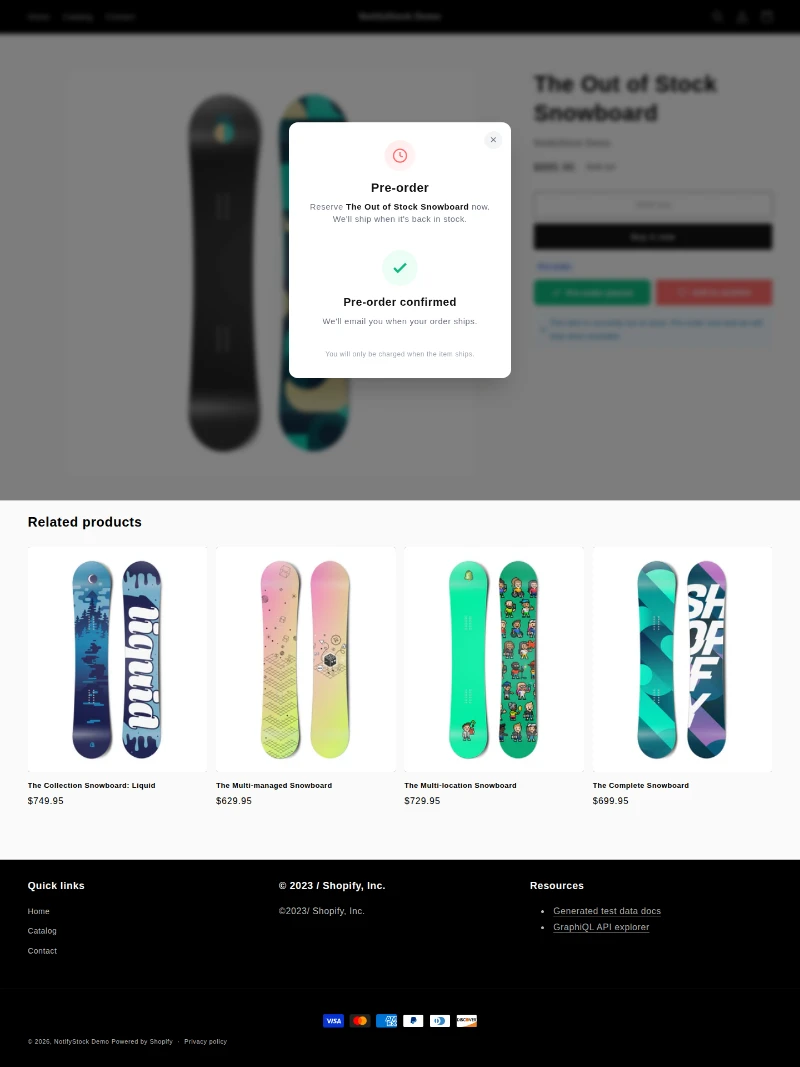
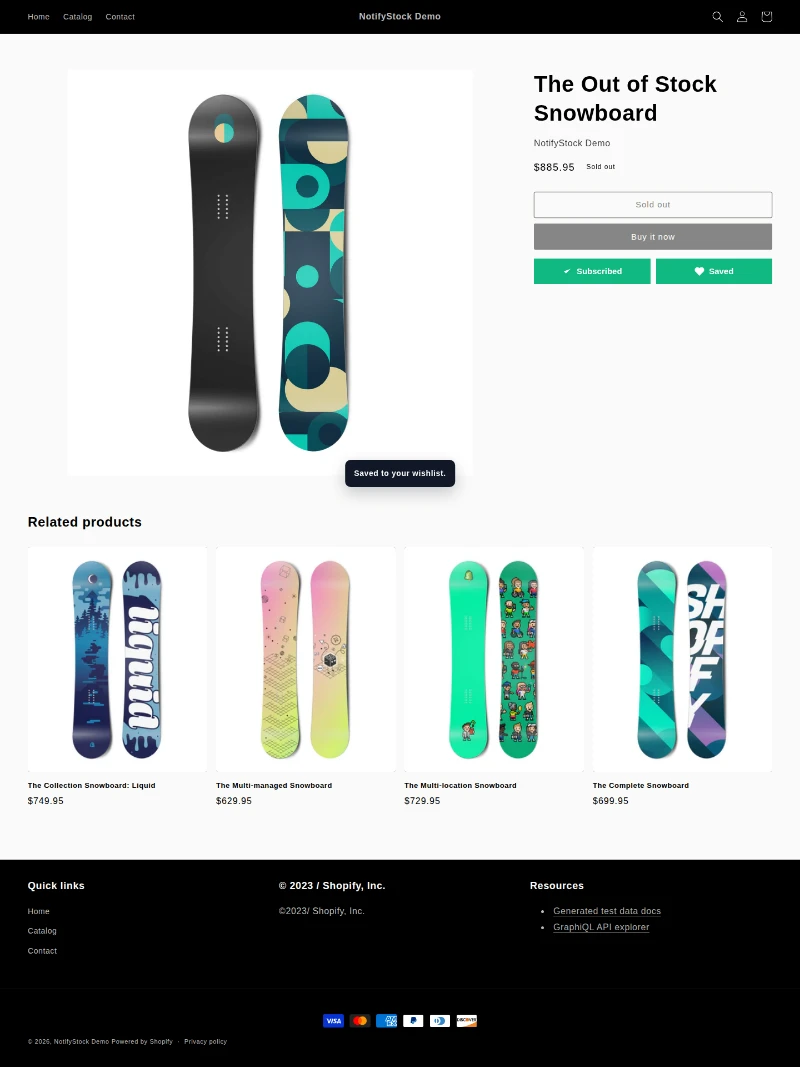
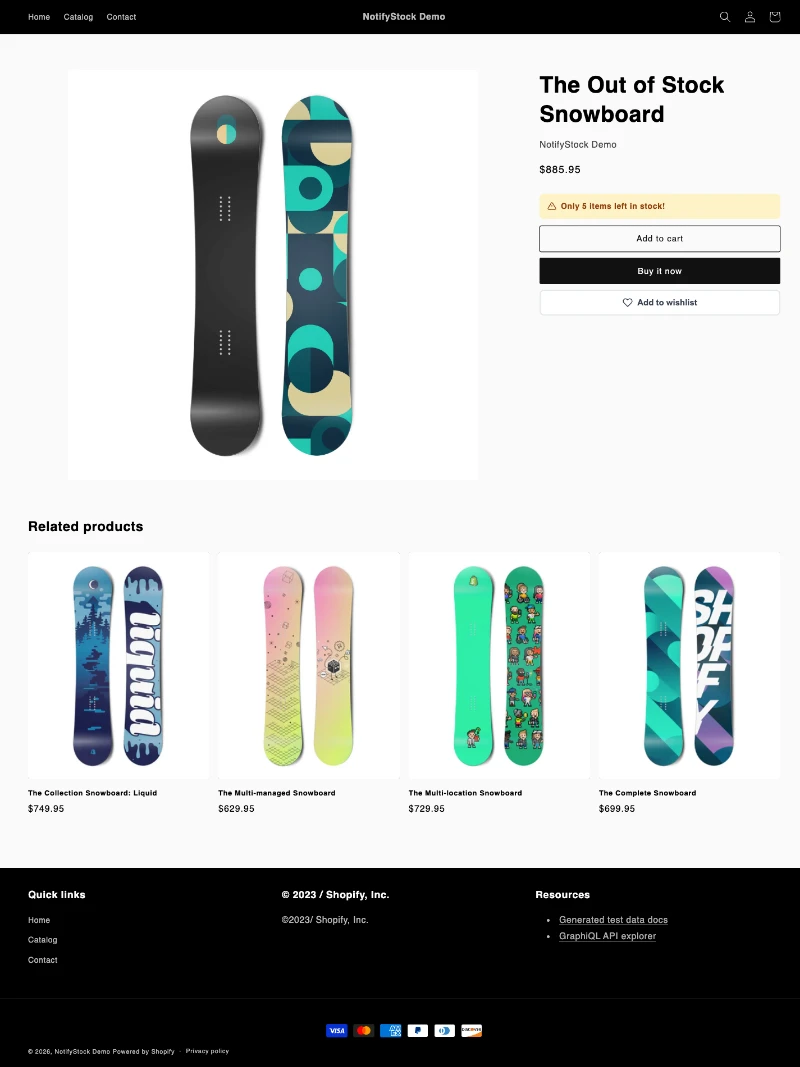
Four storefront products for every inventory moment.
Four demand workflows for every inventory moment
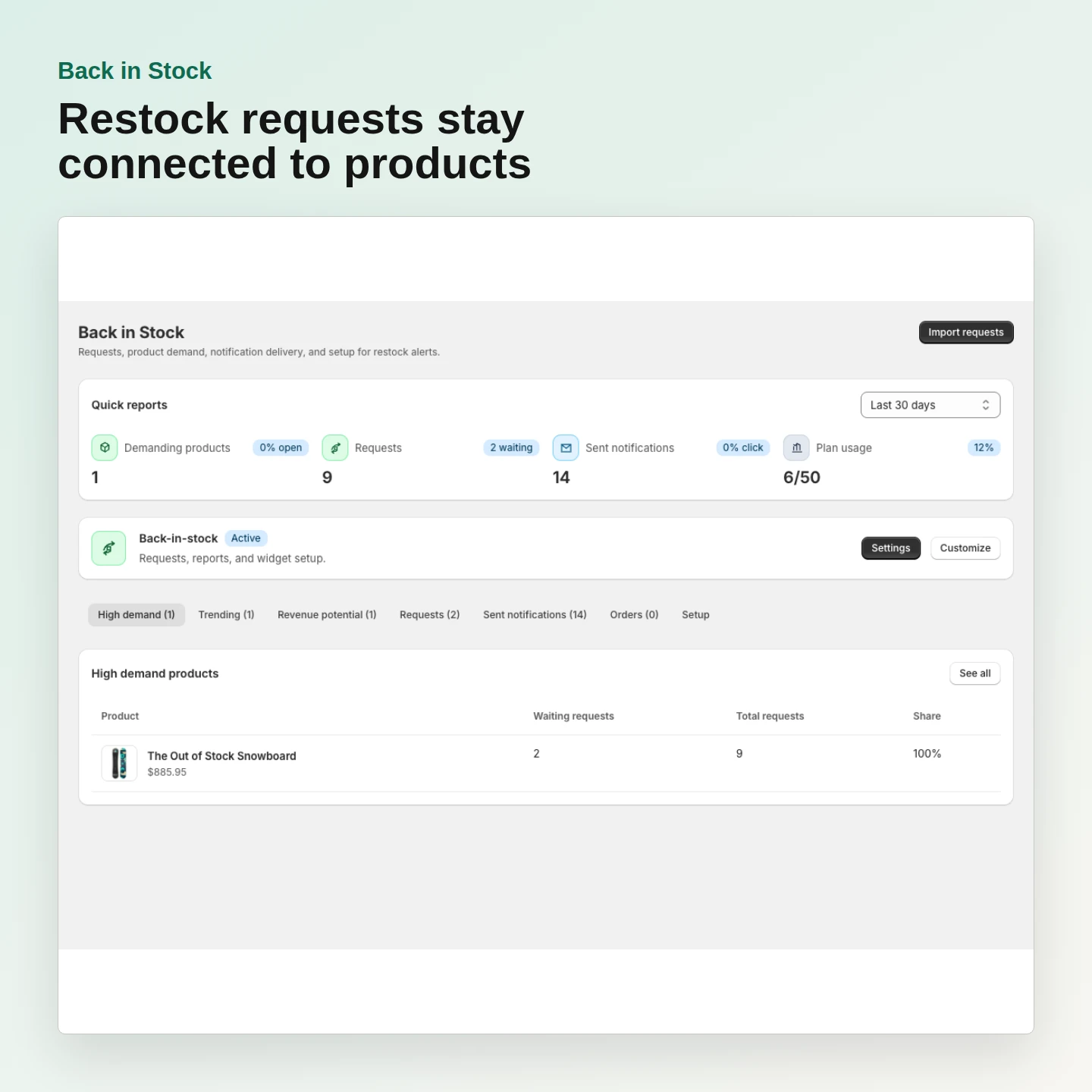
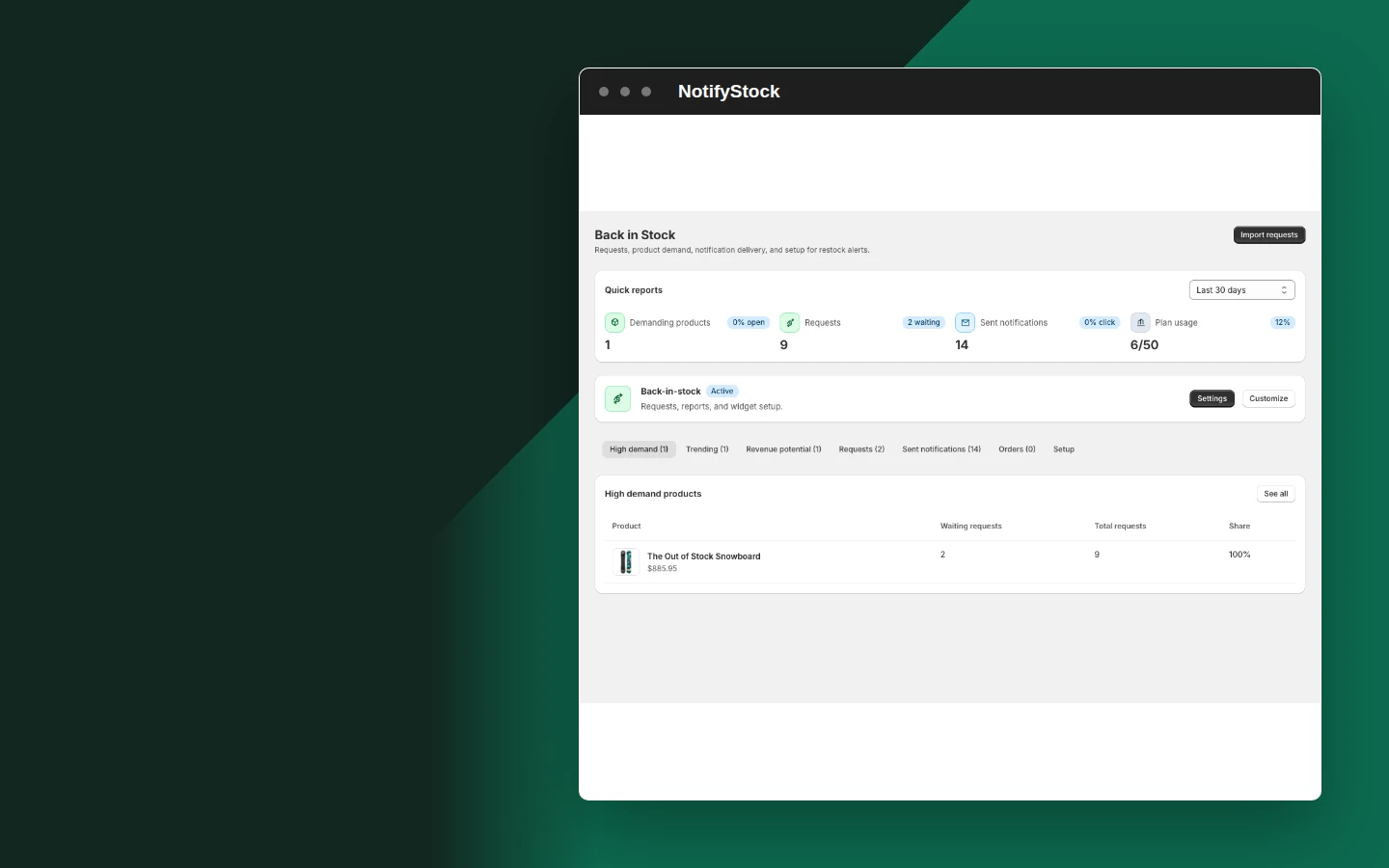
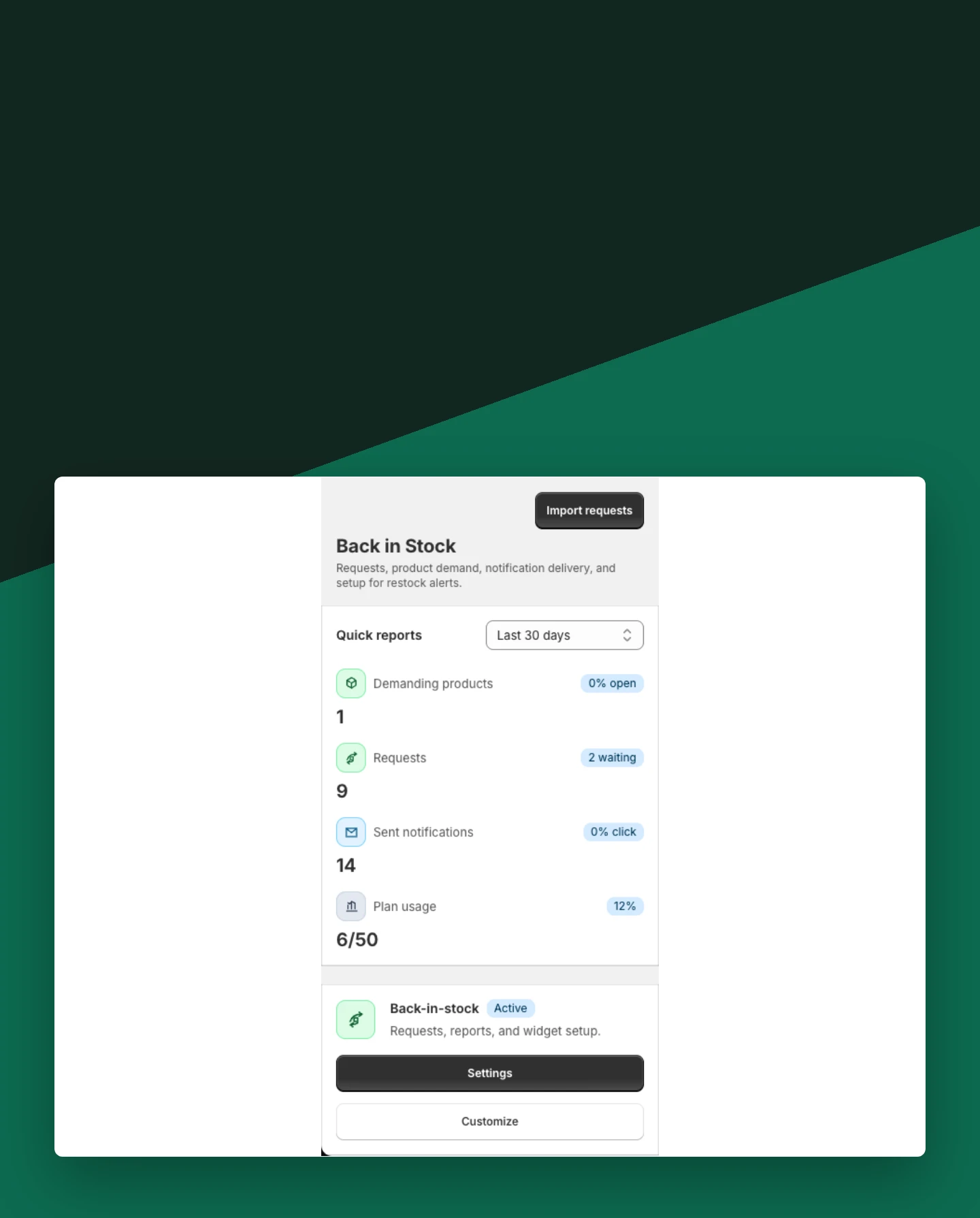
Recover demand when products sell out
Give shoppers a clear next action when inventory reaches zero, then keep every request connected to its product and variant.
- Show Notify Me on sold-out products
- Capture product, variant, email, and optional SMS details
- Send restock alerts through configured channels
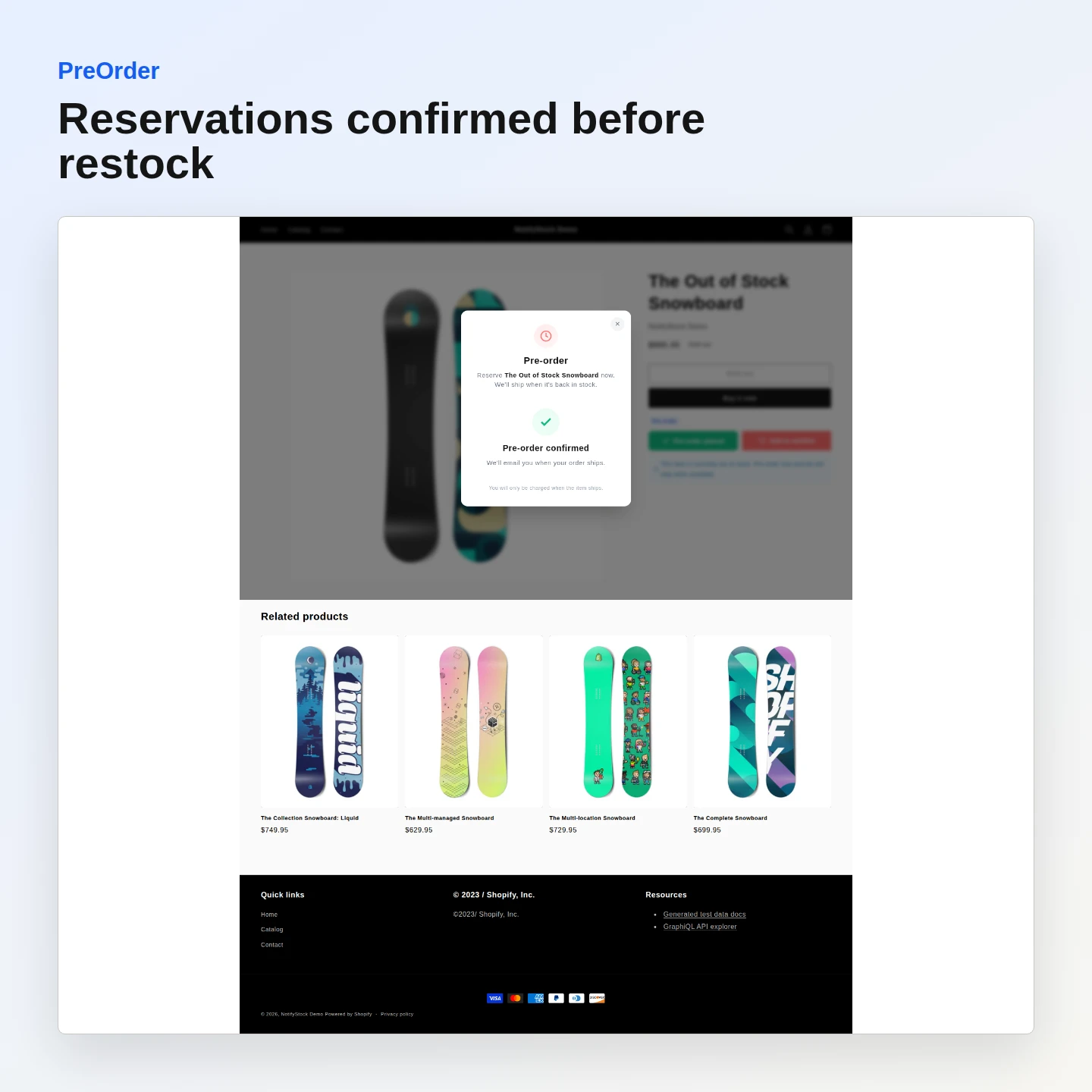
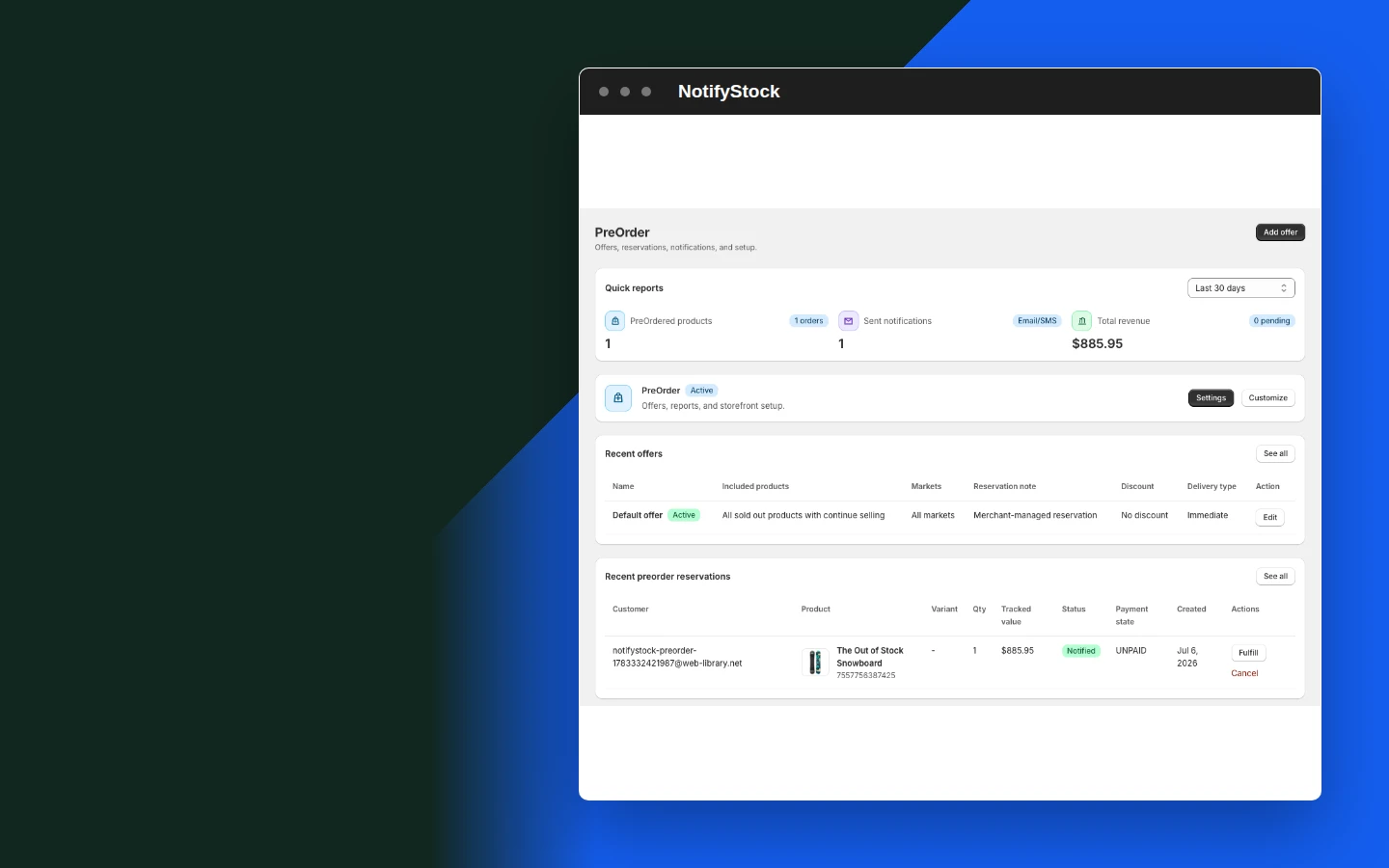
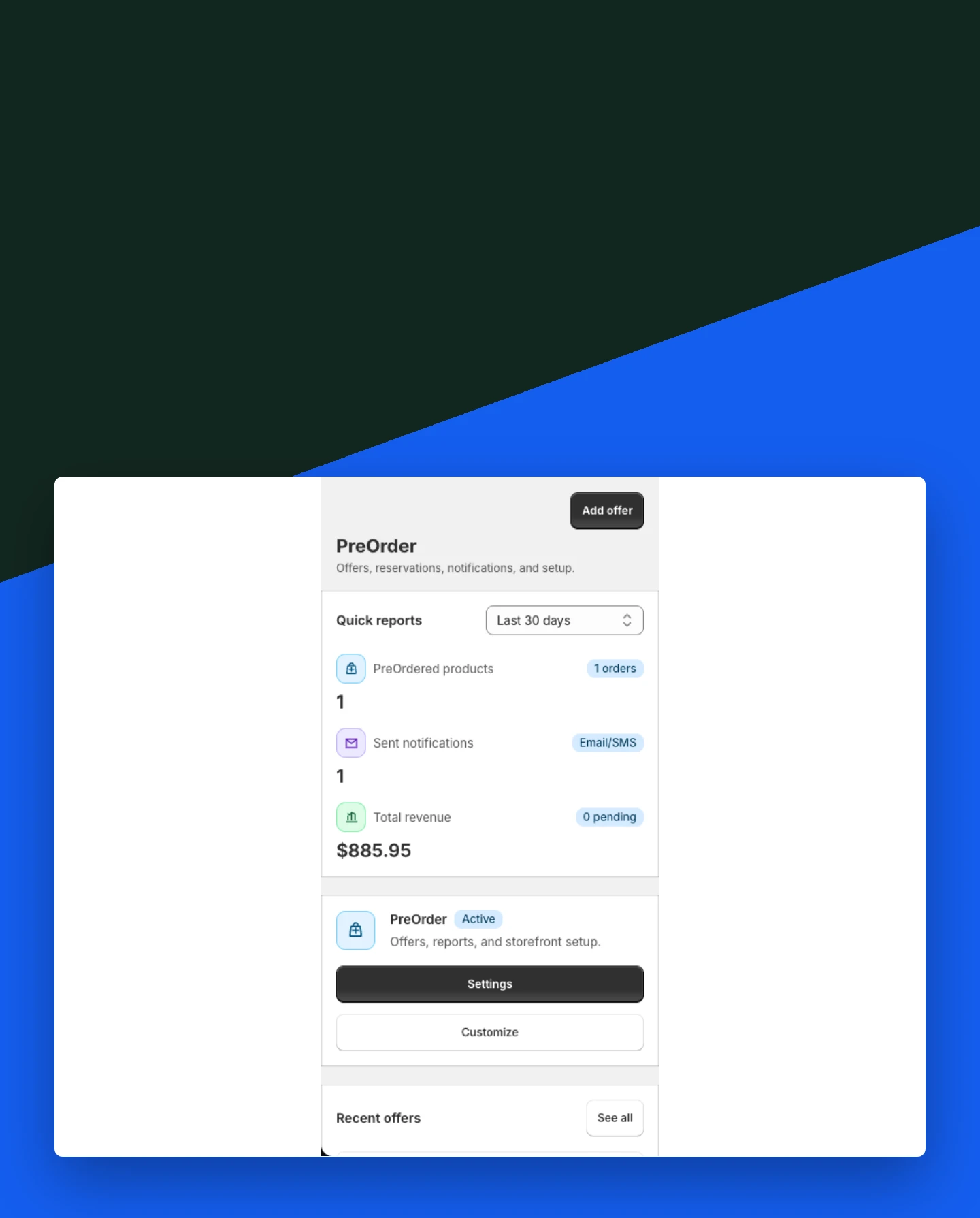
Launch products with PreOrder
Open demand before inventory is available and keep each shopper reservation visible from Shopify admin.
- Choose which products accept preorder interest
- Keep reservation and product details together
- Send confirmation through configured channels
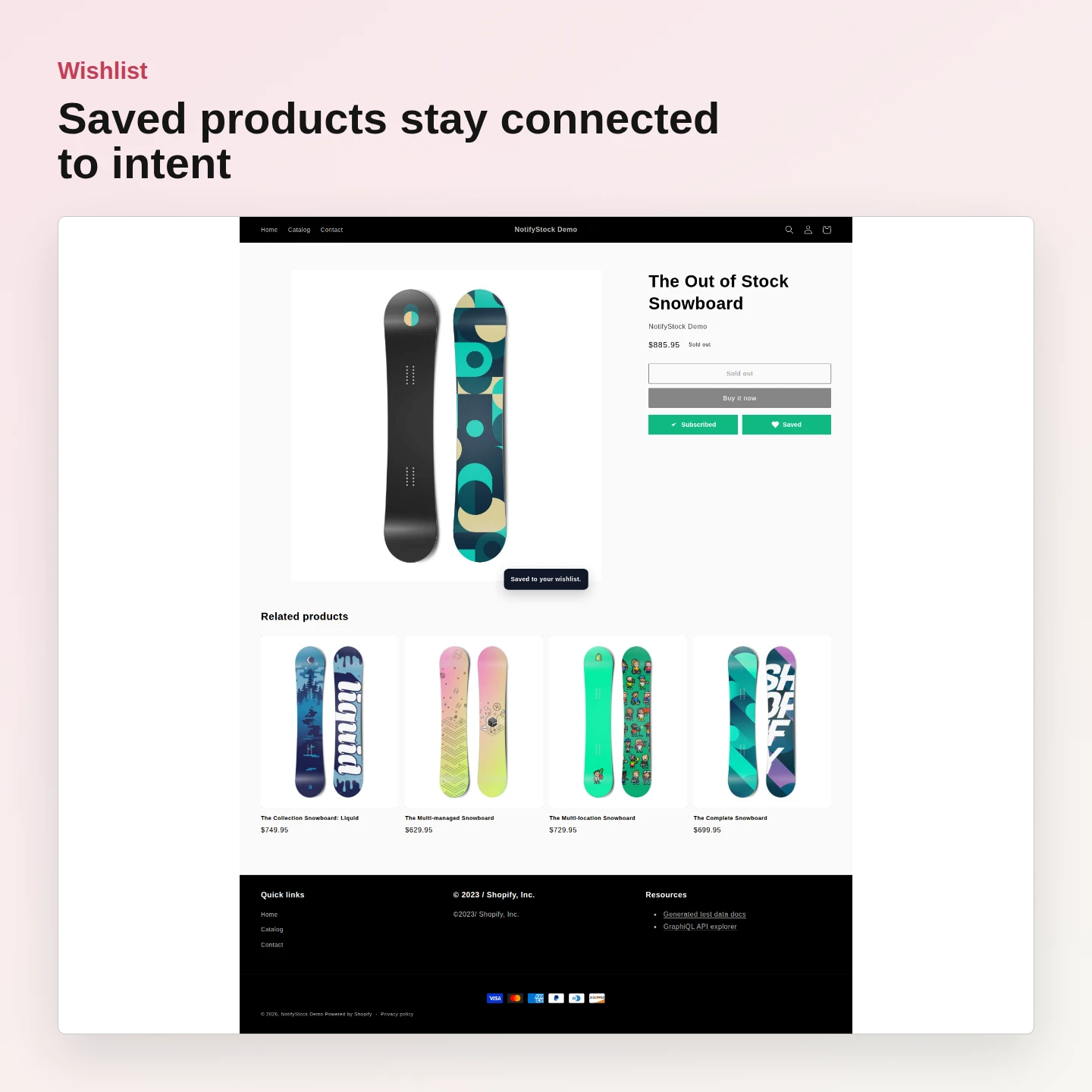
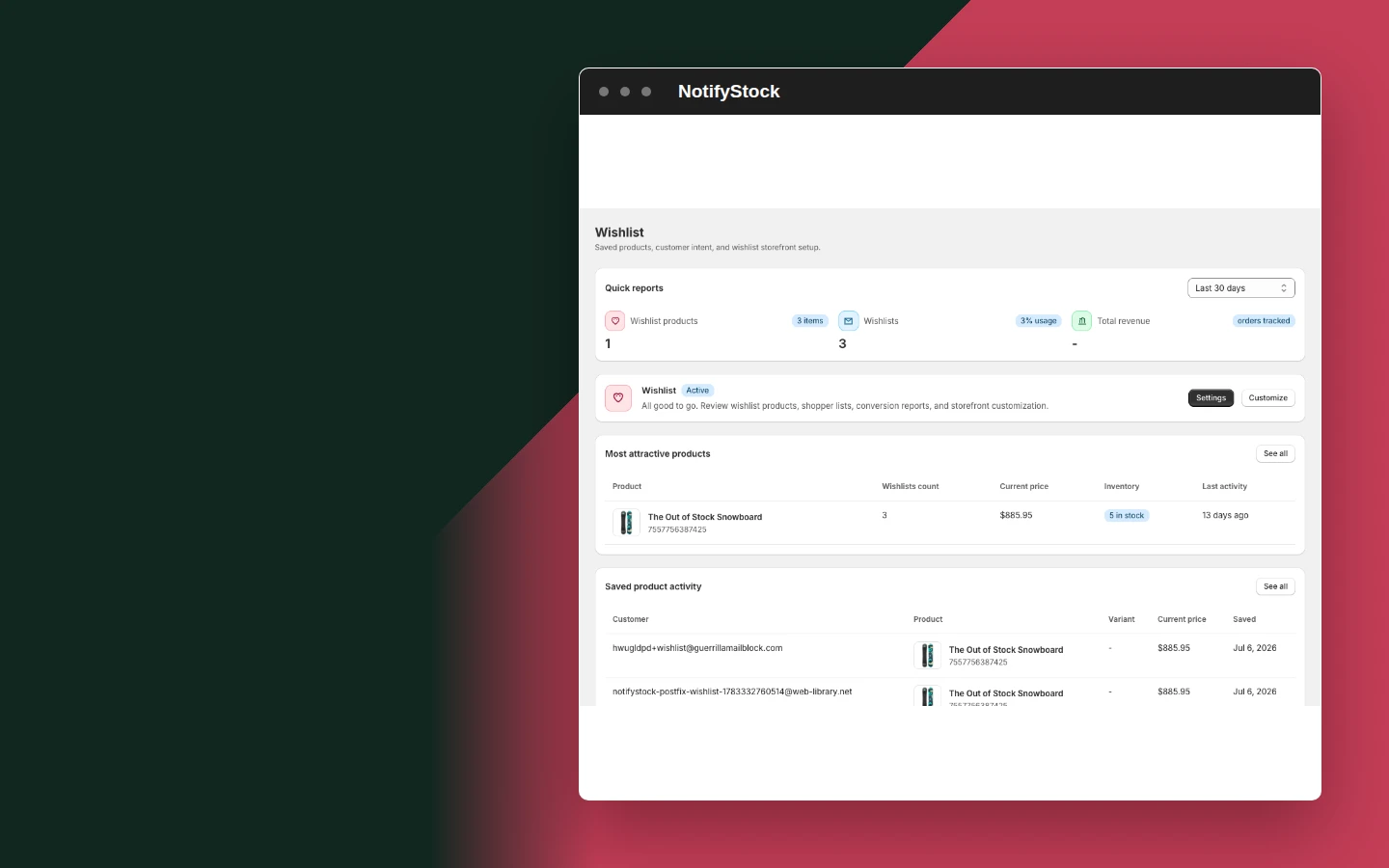
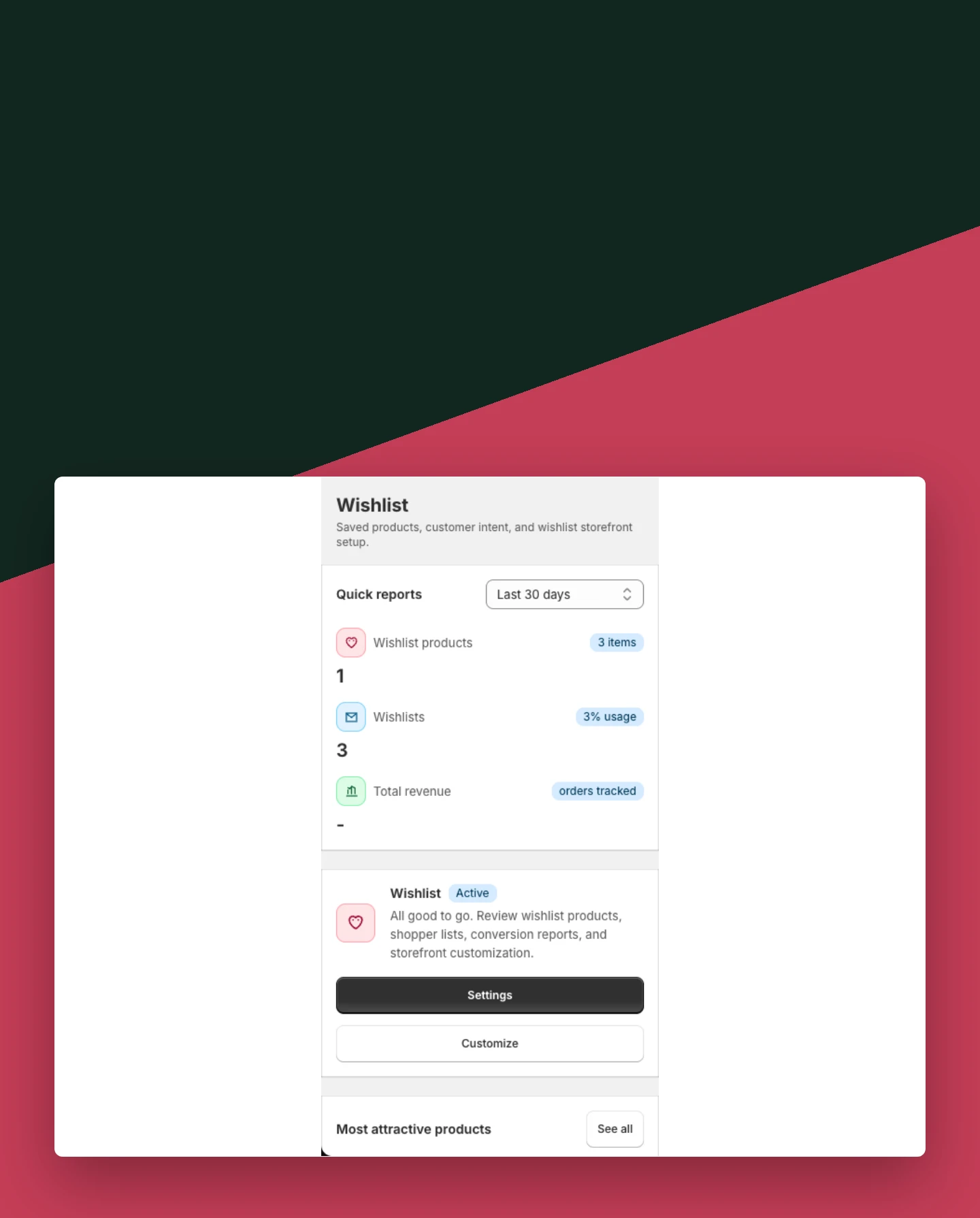
Keep shopper intent with Wishlist
Let shoppers save products for later and give merchants a clearer view of interest before purchase.
- Support guest wishlist actions
- Show wishlist controls on product and collection surfaces
- Review saved-product activity in Shopify admin
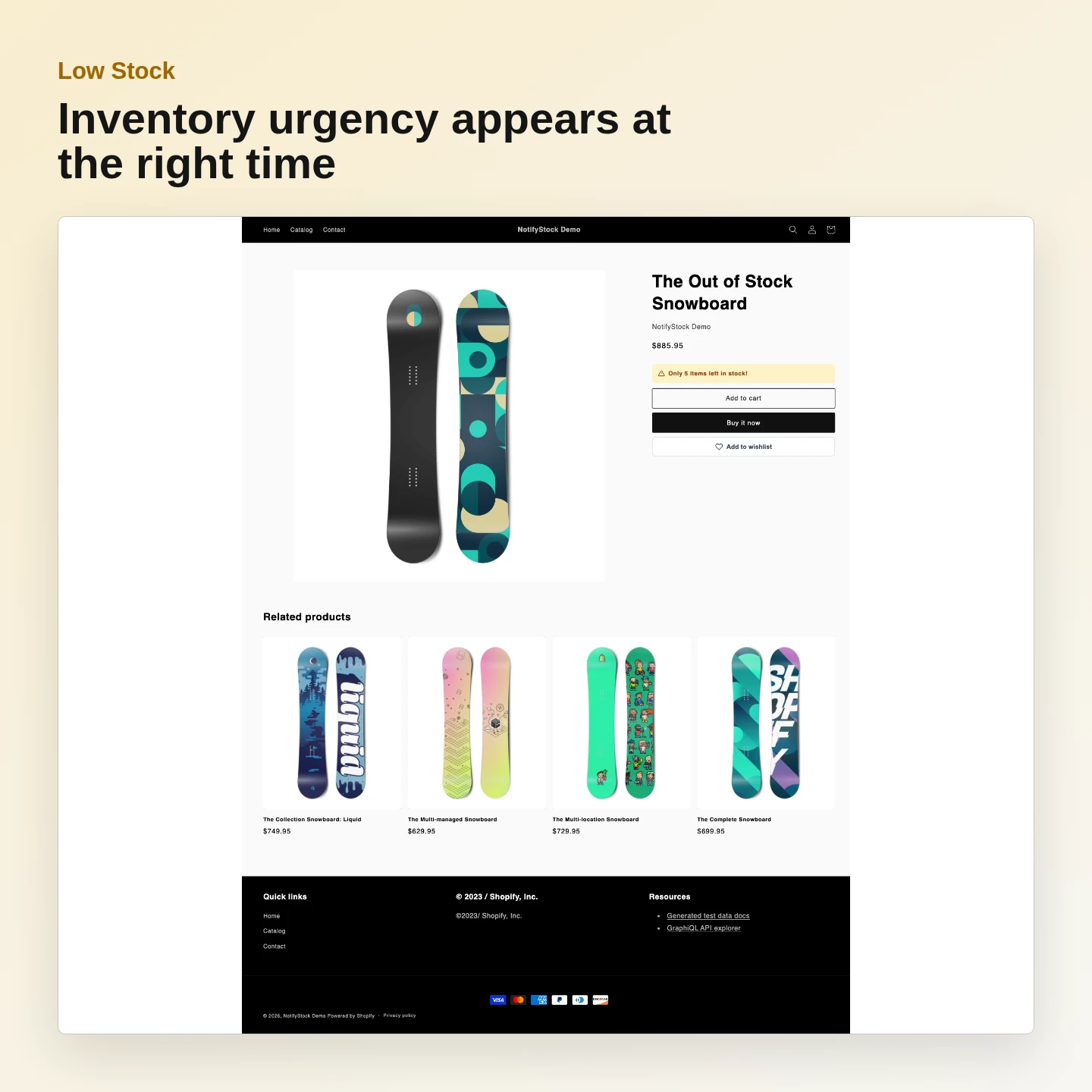
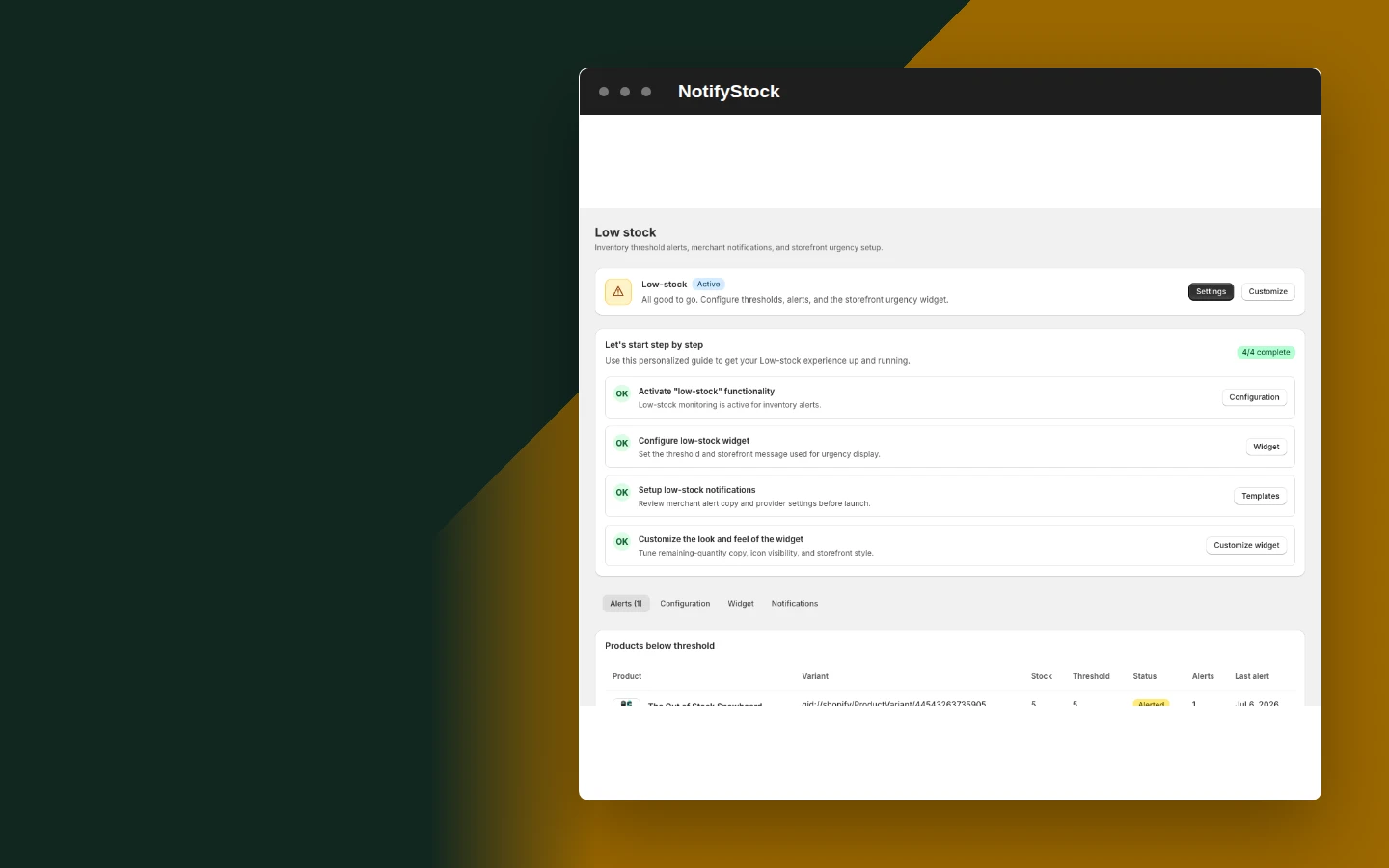
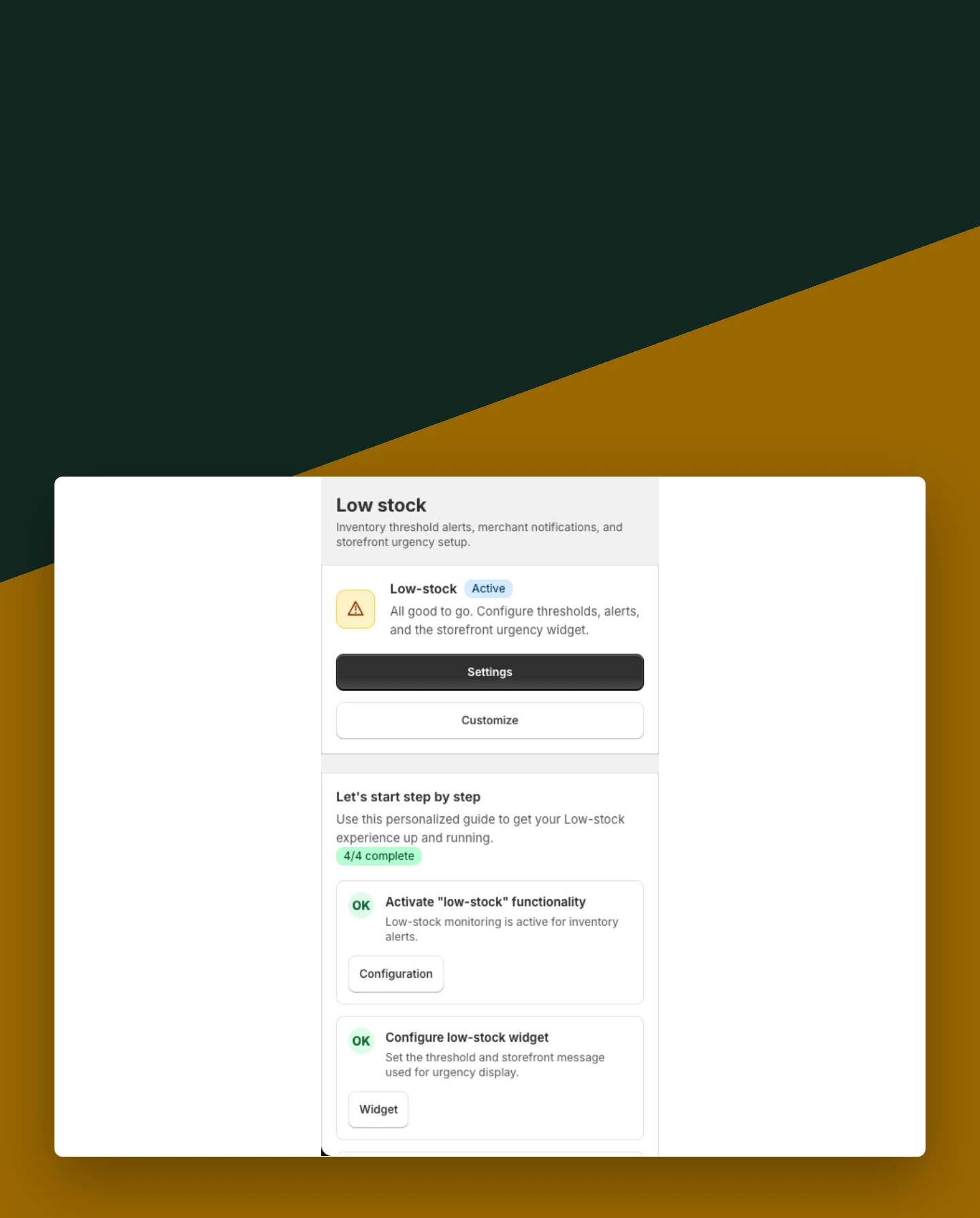
Show inventory urgency with Low Stock
Display a clear stock message when inventory reaches the threshold selected by the merchant.
- Set the inventory threshold
- Control where the message appears
- Keep low-stock activity visible in reports
Everything merchants need to act on demand
Configure the storefront, delivery, reporting, and setup from one app.
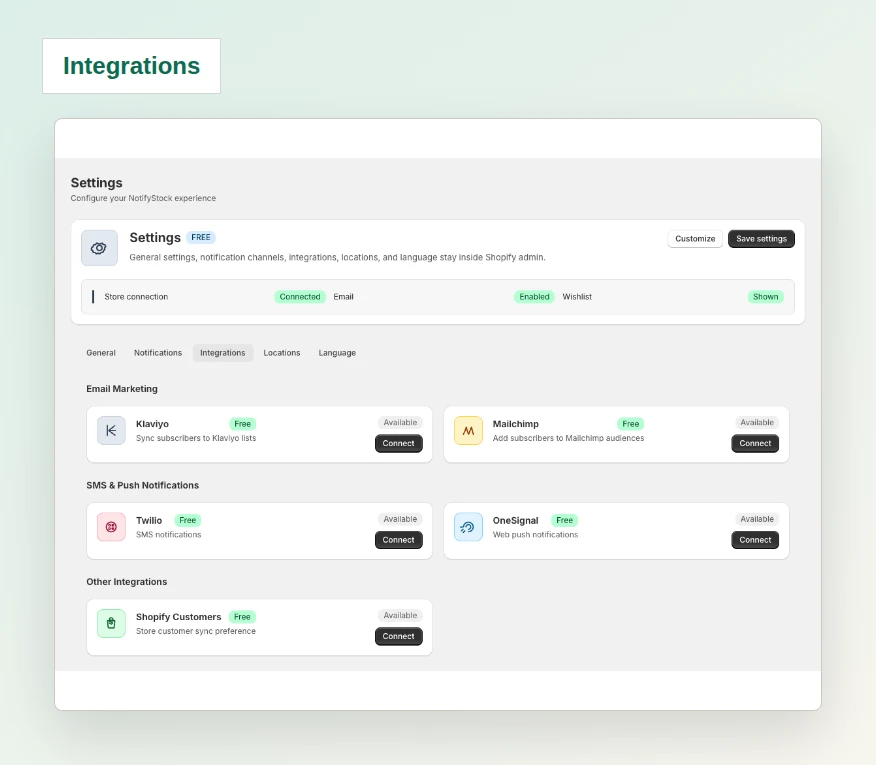
Integrations
Connect supported email, SMS, browser-push, and customer tools when credentials are configured.
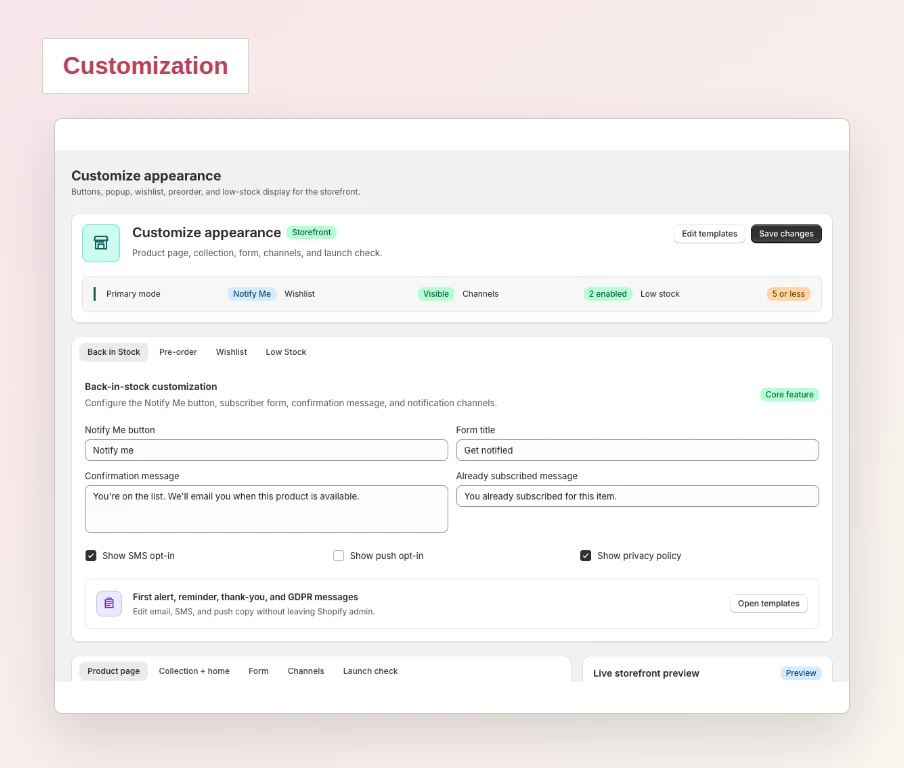
Customizable widgets
Adjust storefront buttons, forms, messages, and feature visibility without editing theme code.
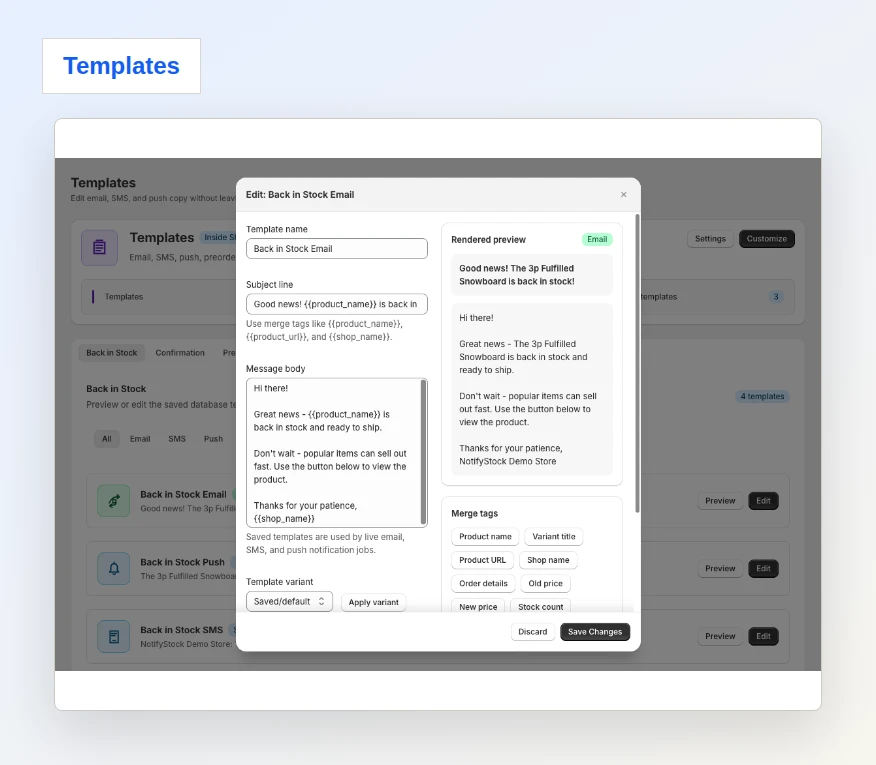
Message templates
Prepare confirmation, restock, preorder, wishlist, and low-stock messages.
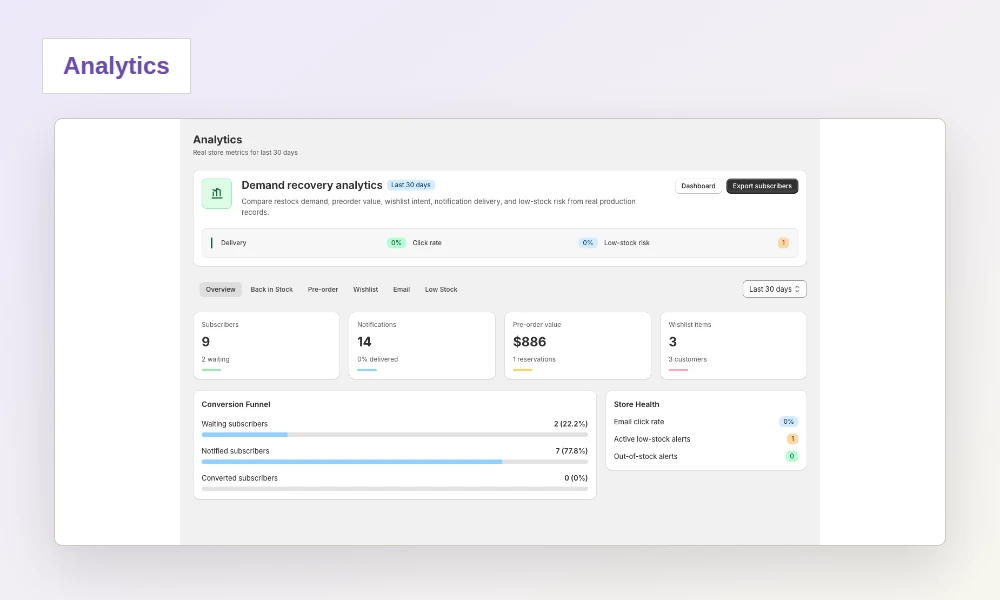
Reports and analytics
Review product demand, request status, notification activity, and exports.
Theme setup
Use the setup checklist to configure product modes, widgets, templates, and delivery settings.
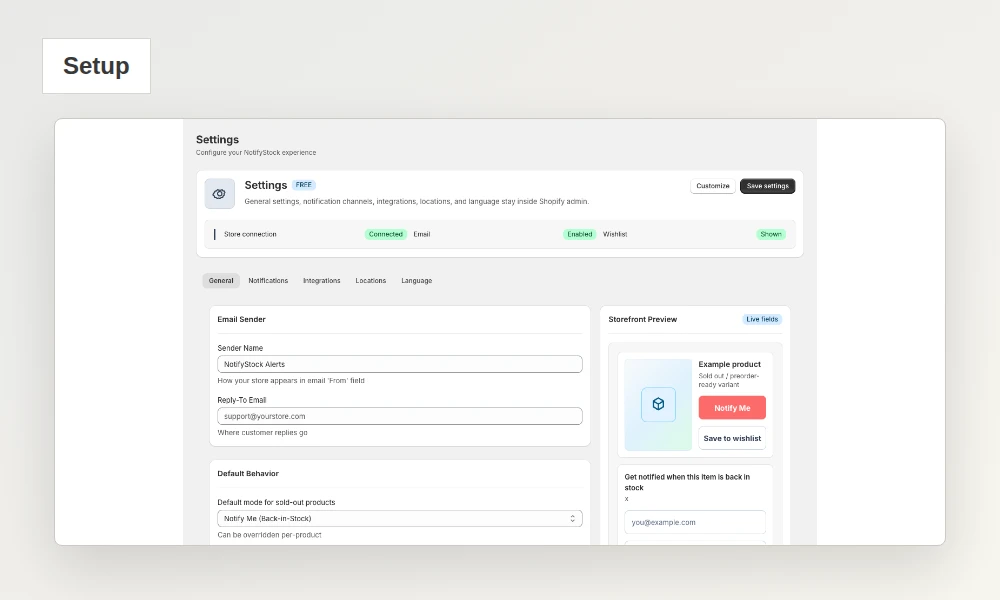
From storefront action to merchant follow-up
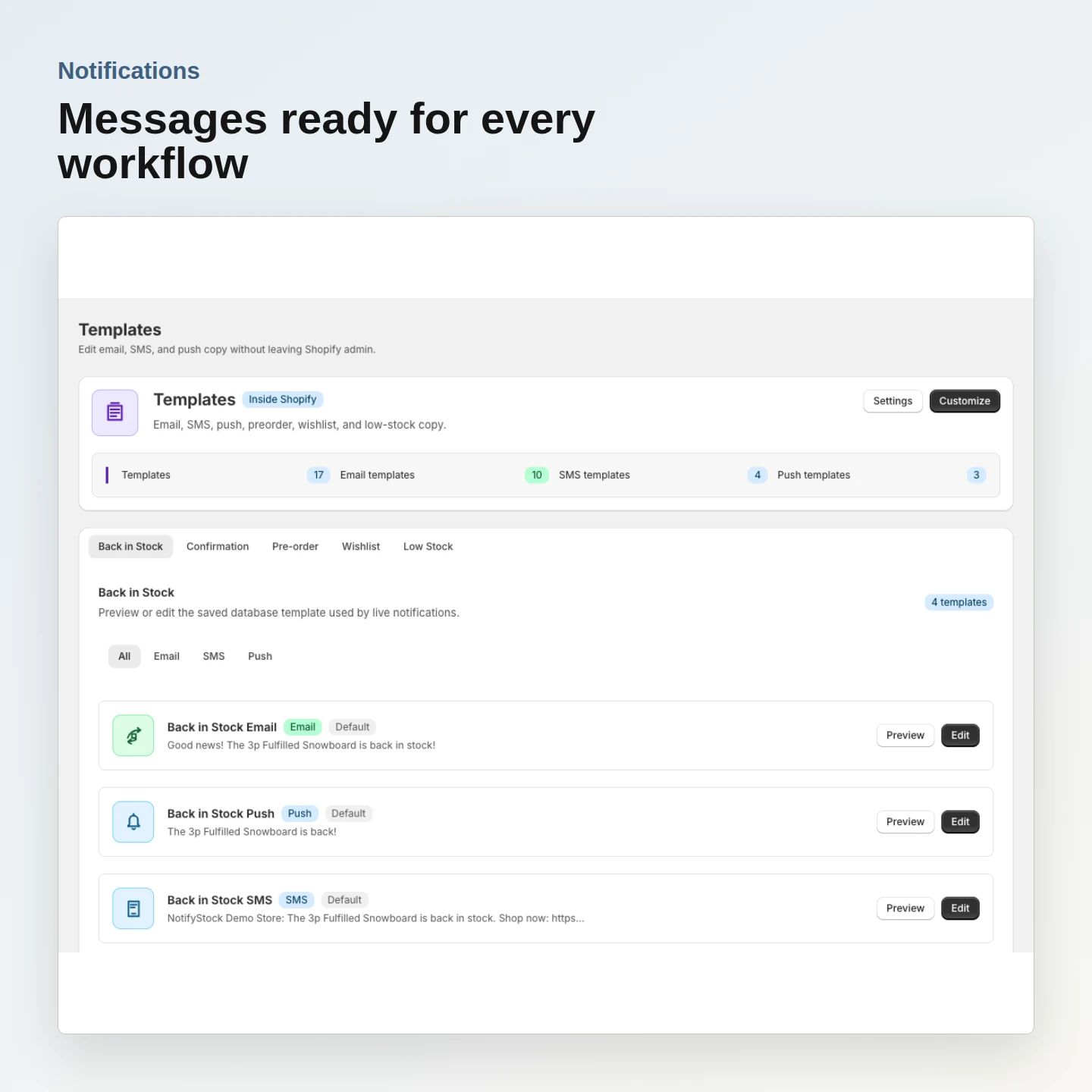
Deliver the right follow-up message
Prepare confirmation and restock messages for email, SMS, and browser push from one template area.
- Email delivery is available in the app
- SMS requires configured Twilio credentials and shopper consent
- Browser push requires an active OneSignal subscription
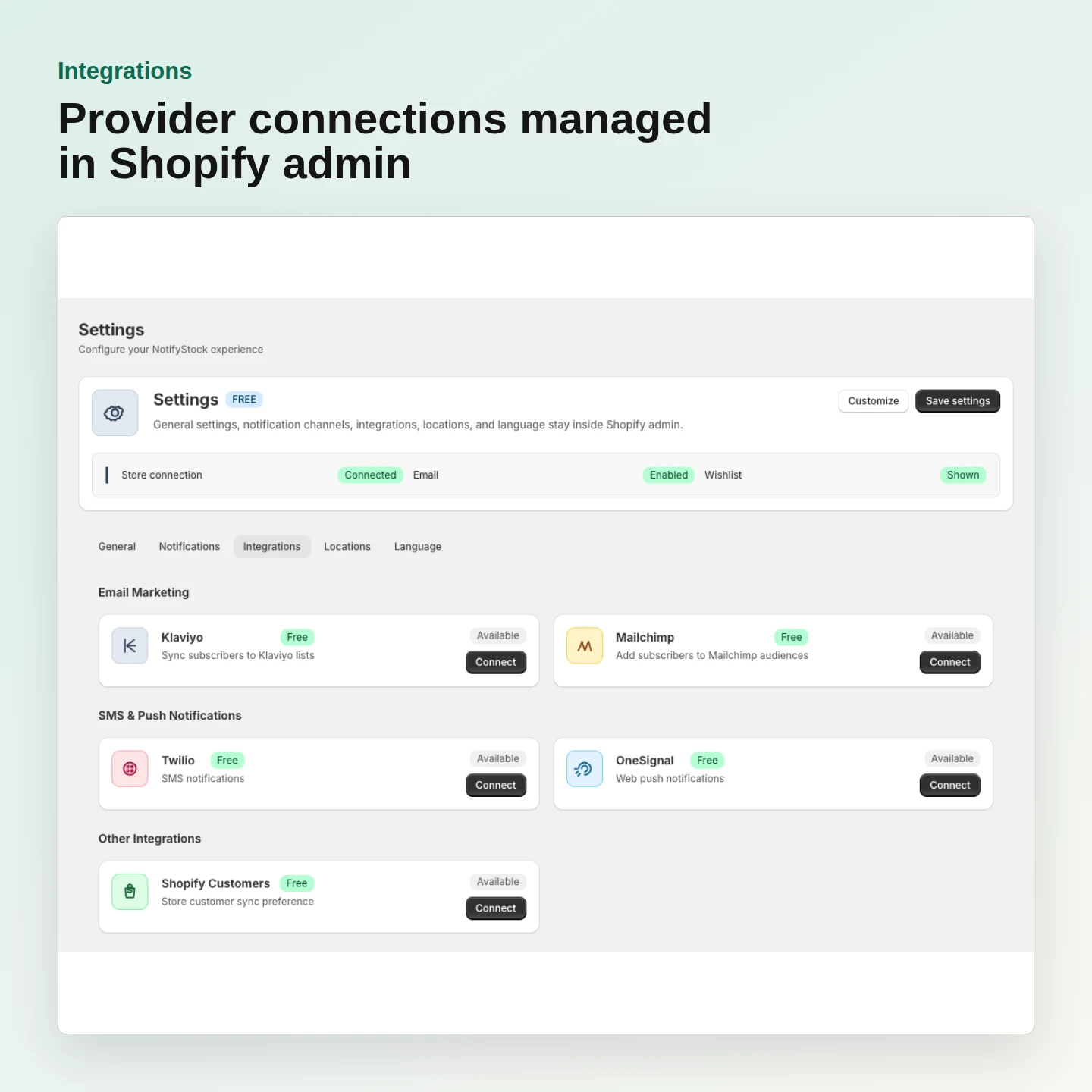
Connect the providers you already use
Manage supported provider connections from Shopify admin and keep credentials under merchant control.
- Klaviyo and Mailchimp subscriber connections
- Twilio for transactional SMS
- OneSignal for browser-push delivery
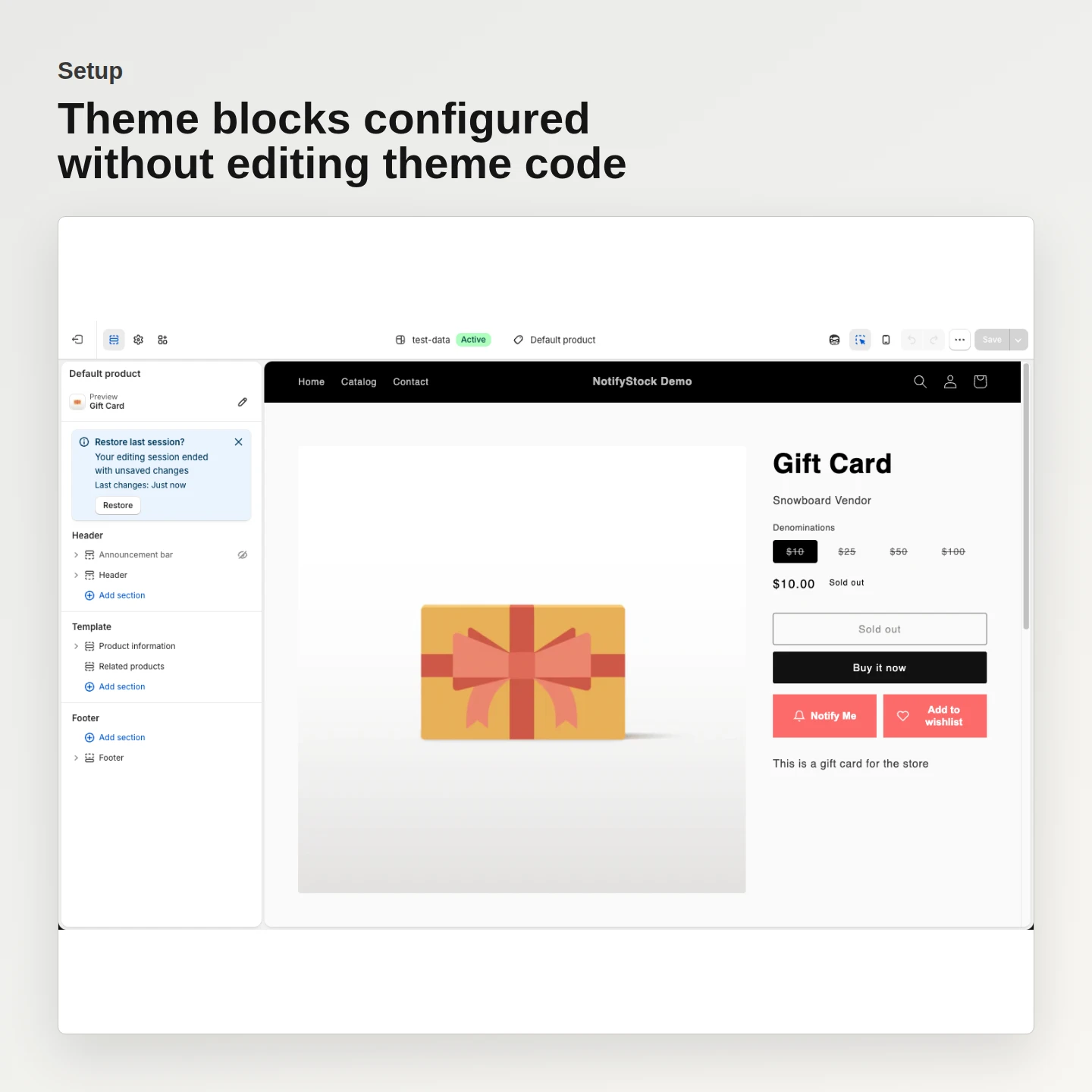
Set up storefront widgets without theme-code edits
Use Shopify theme app extensions to place each workflow where it belongs and preview it before publishing.
- Add Notify Me, PreOrder, Wishlist, and Low Stock blocks
- Control product modes from Shopify admin
- Preview desktop and mobile before publishing
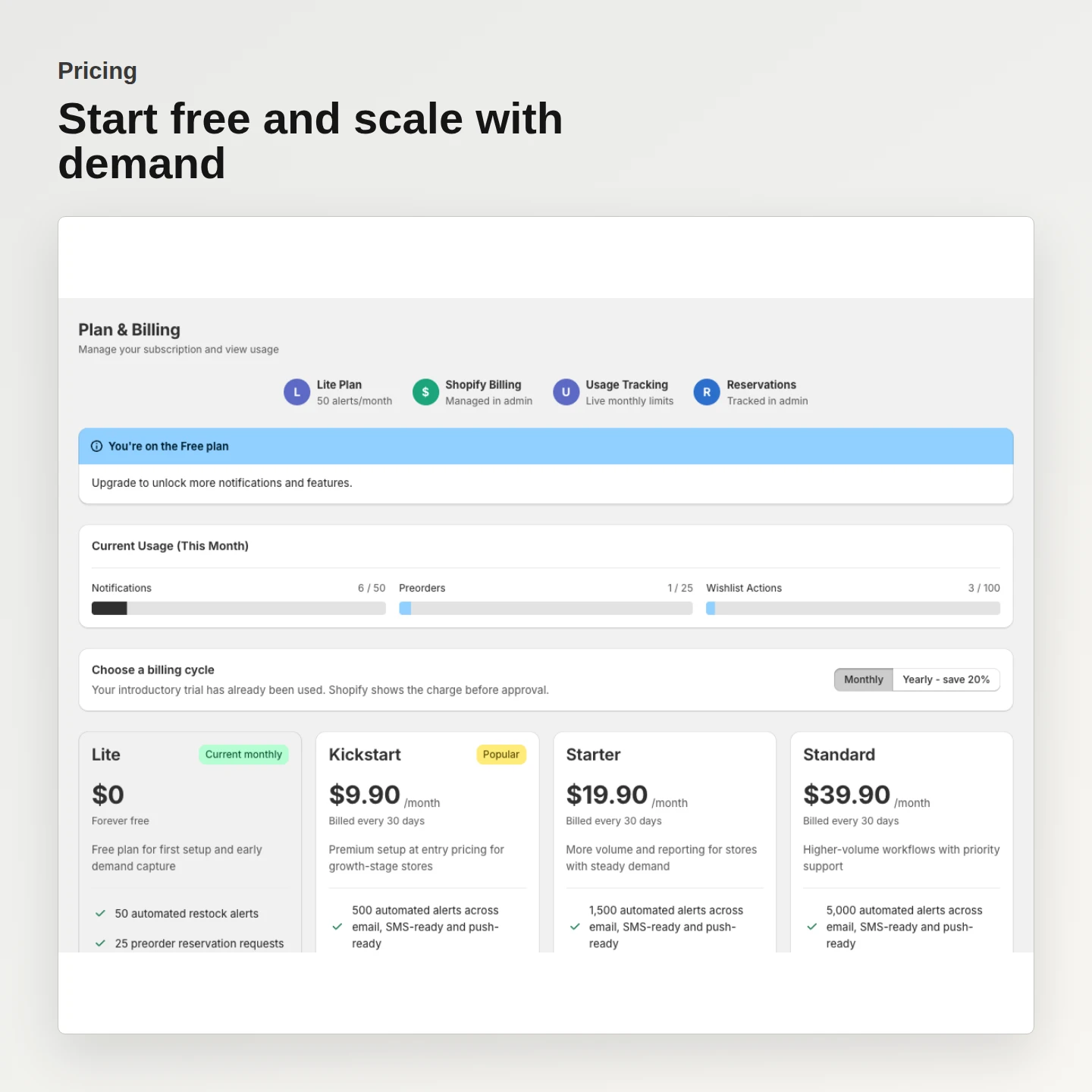
Start free and scale when demand grows
Begin with the free plan, then choose a paid plan when the store needs higher workflow limits.
- Free plan includes 50 monthly restock alerts
- Paid plans start at $9.90 per month
- Eligible stores receive one 7-day trial before Shopify billing
Four storefront workflows in action.
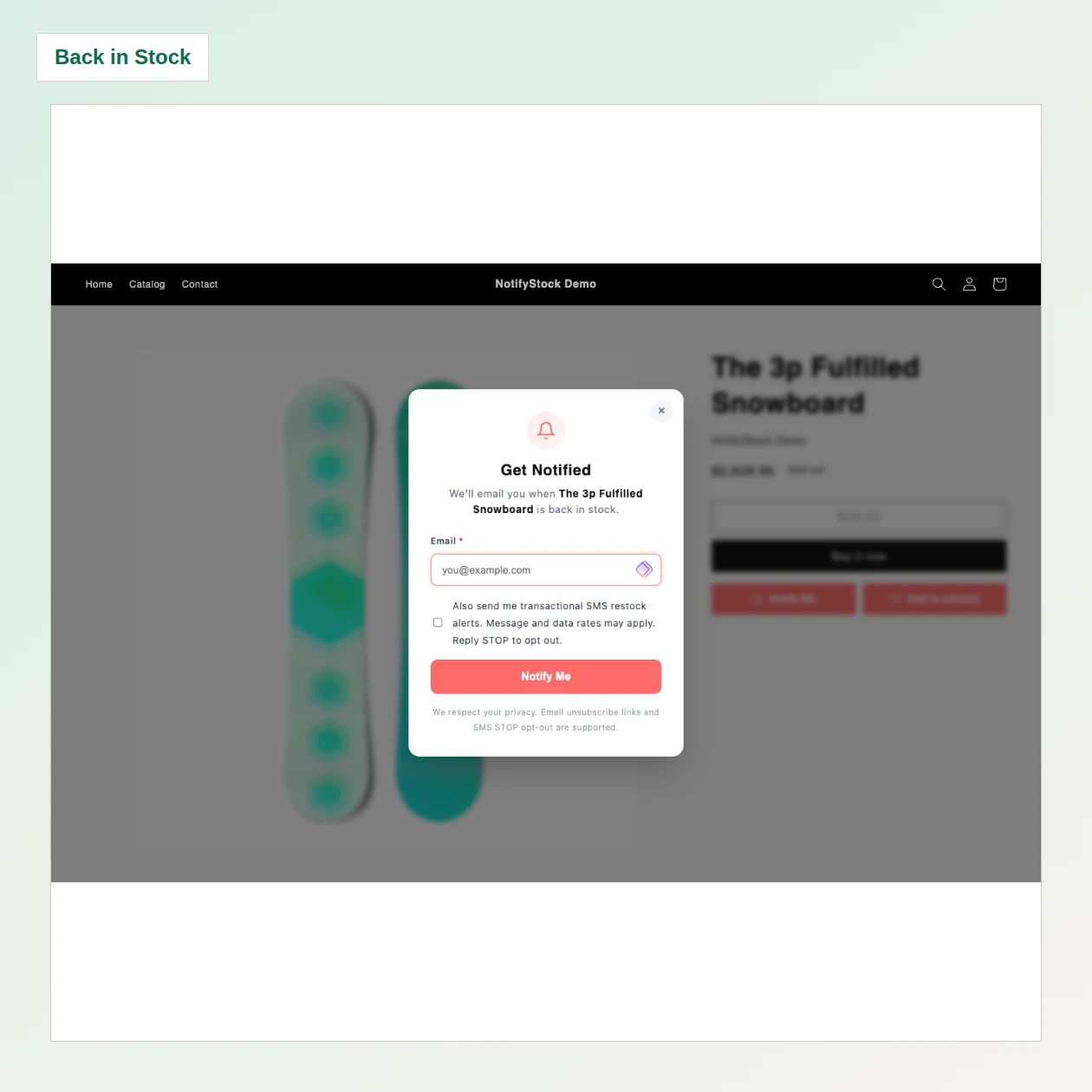
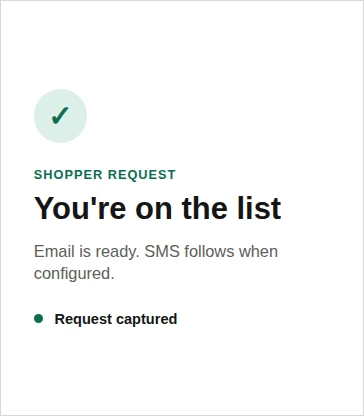
A sold-out shopper submits a product-specific request and the merchant can see the captured demand before inventory returns.
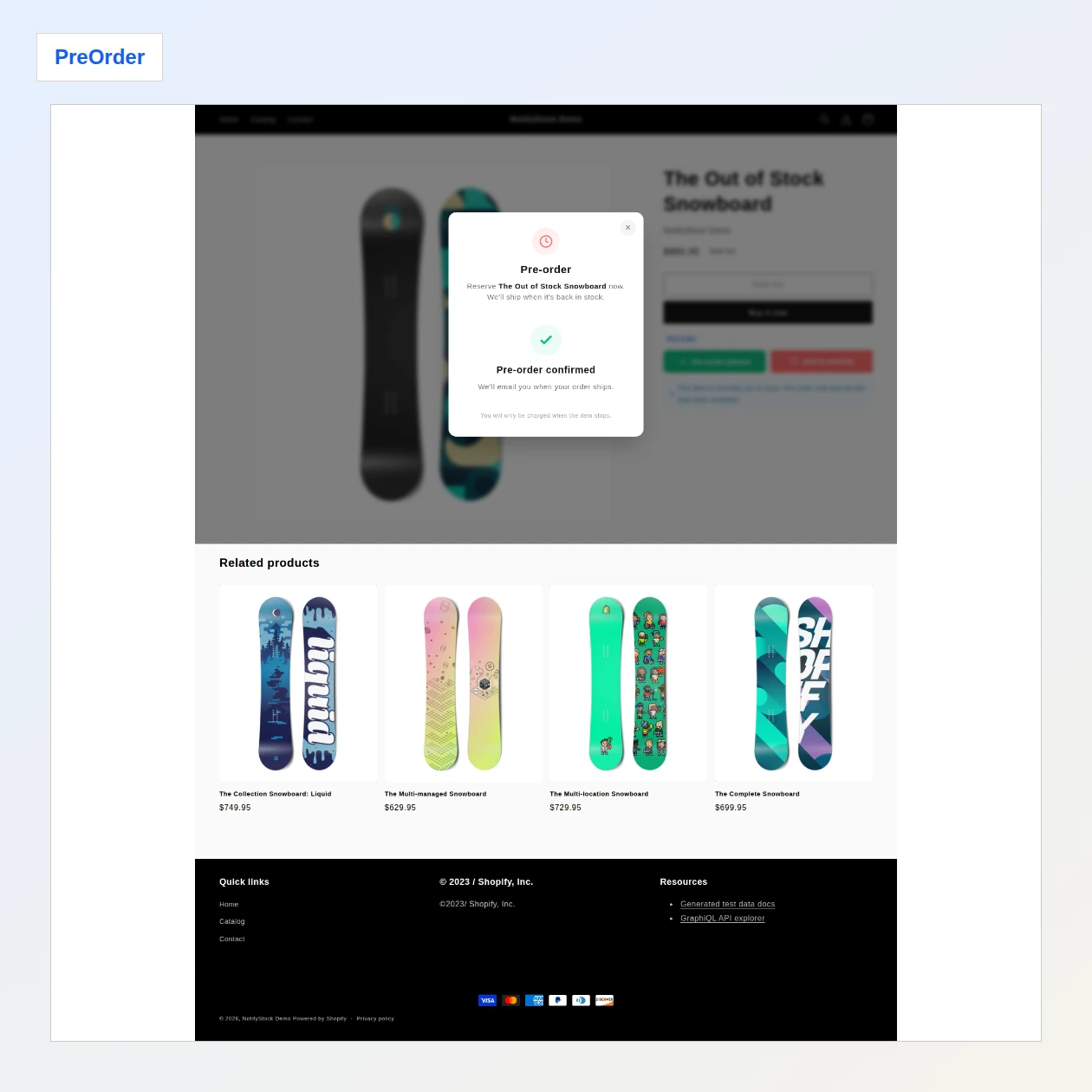
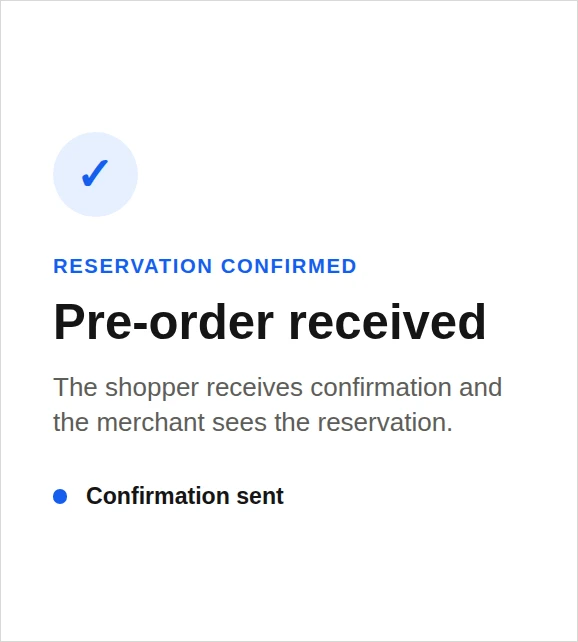
A shopper reserves an unavailable product and receives confirmation while the reservation remains visible to the merchant.
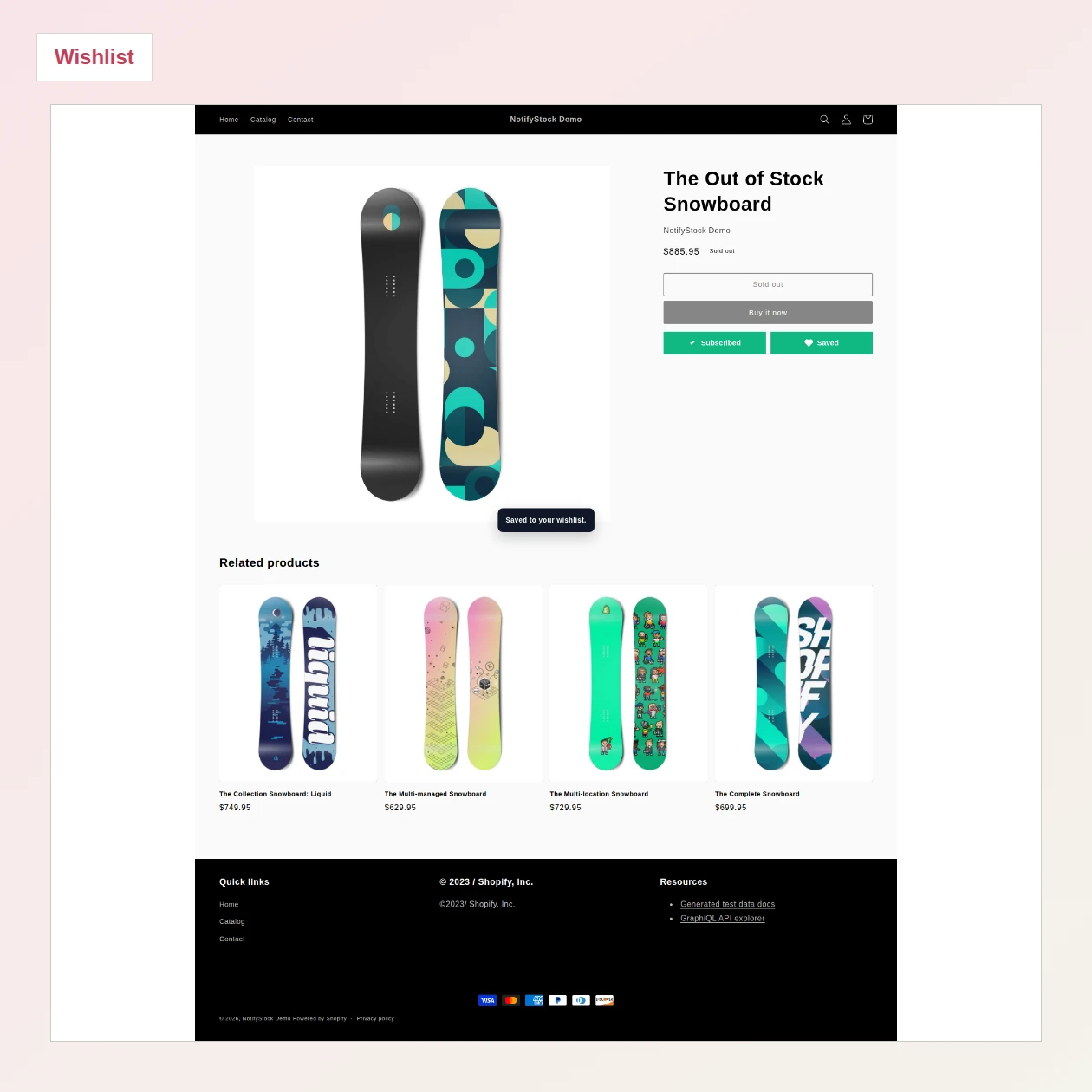
A shopper saves a product for later, preserving intent even when they are not ready to purchase during the current visit.
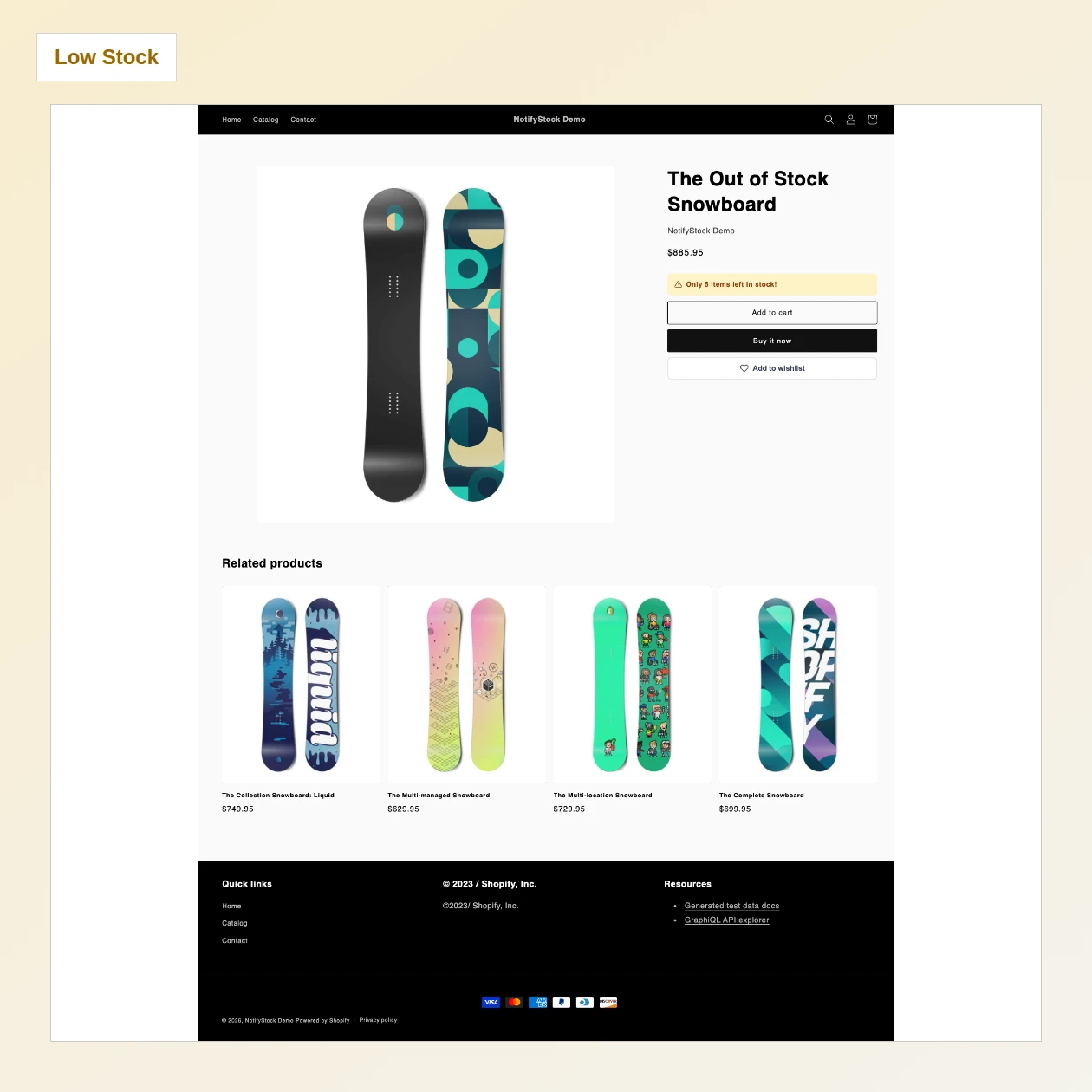
A merchant-defined inventory threshold displays a clear urgency message while the normal purchase journey remains available.