TEMPLATES FOR SHOPIFY

Keep every workflow message clear and specific.

Manage confirmation, restock, preorder, wishlist, and low-stock message copy without mixing shopper expectations across workflows.
Start free
Start free

50% off NotifyStock for 6 months. Limited time.

Workflow
Specific copy
Preview
Before send
Providers
Ready when configured

Templates, from storefront action to merchant follow-up.

See how Templates moves from a clear storefront action to accurate product context and merchant follow-up.
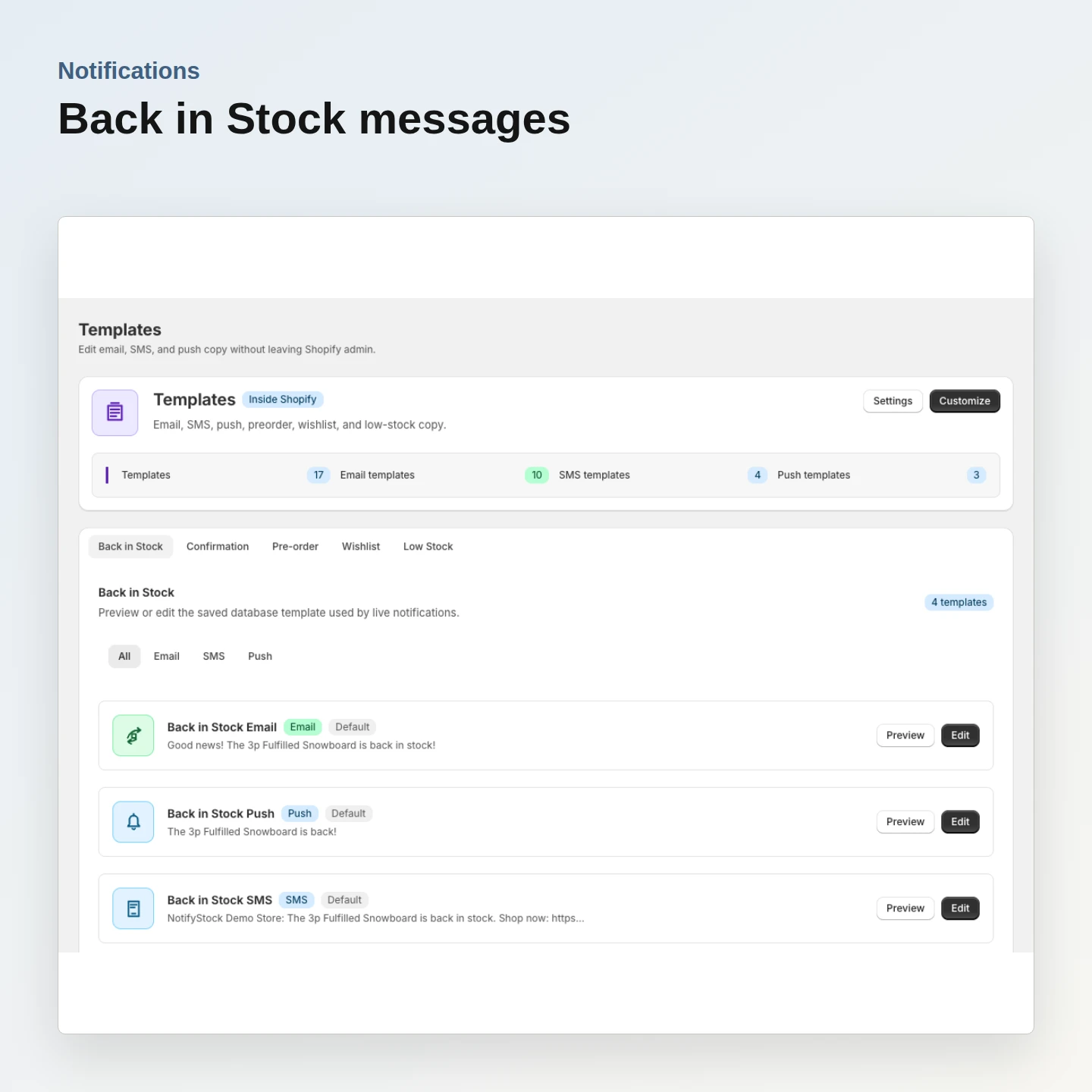
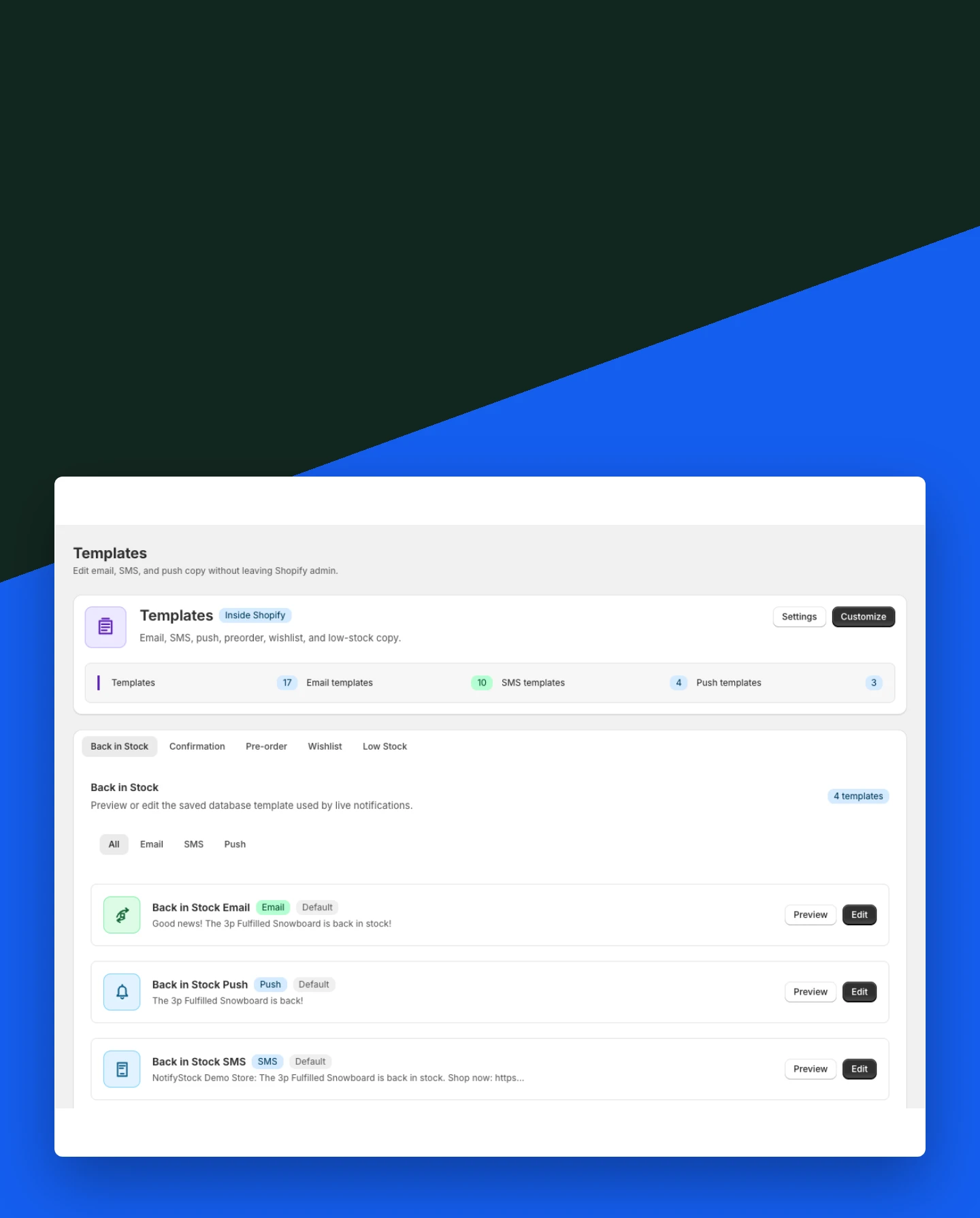
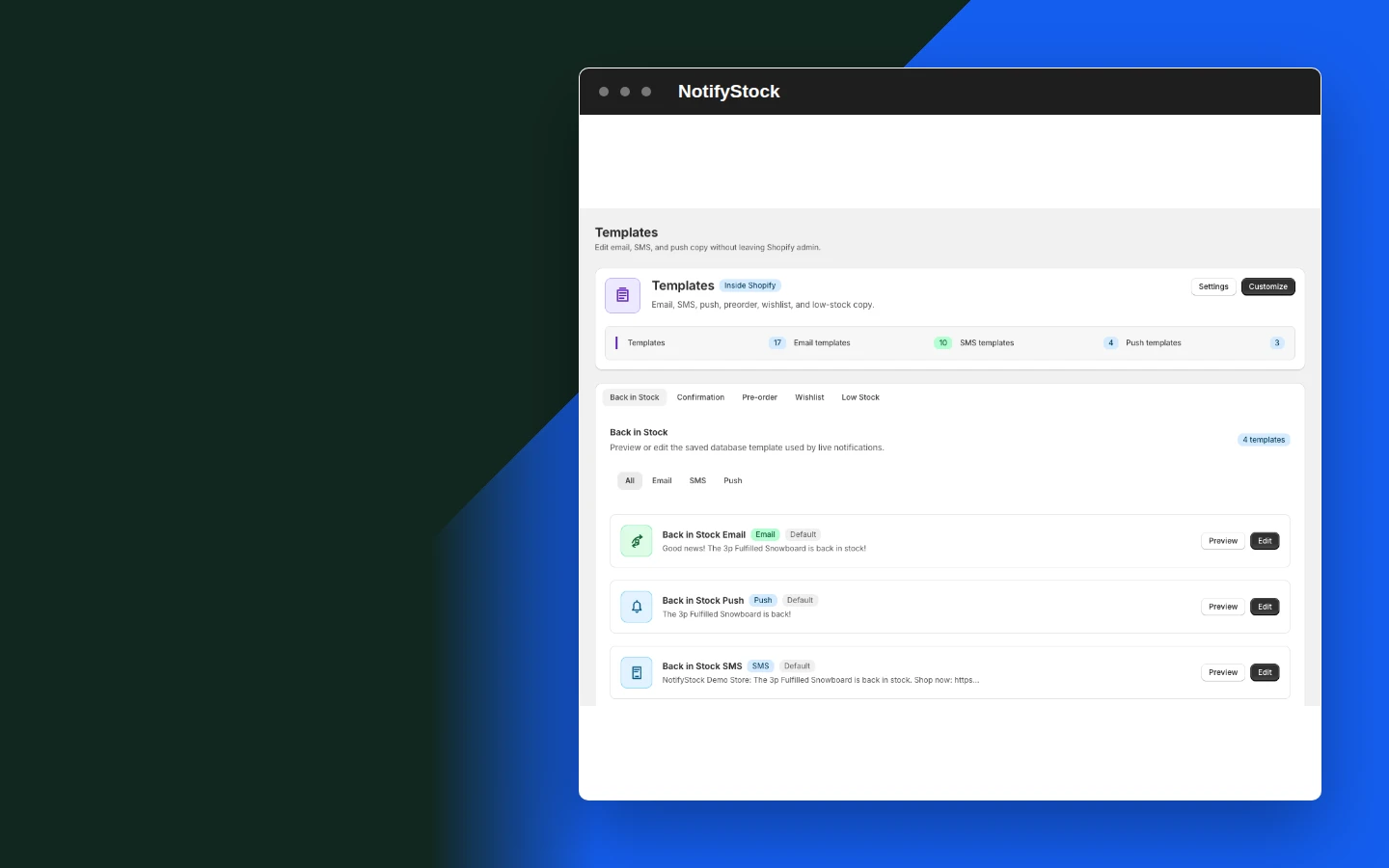
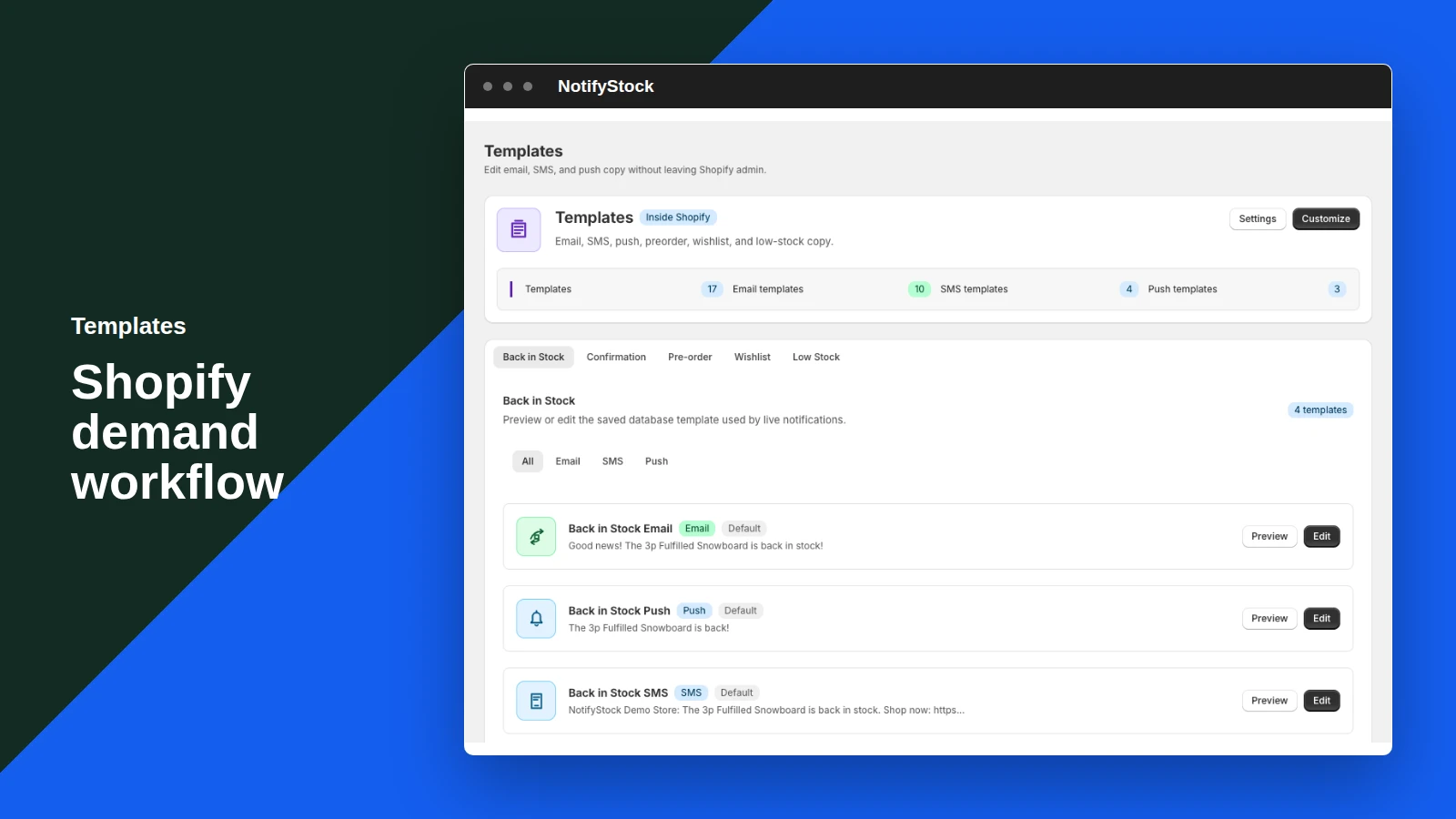
Templates: Back in Stock restock copy

Back in Stock restock copy

Prepare the message shoppers receive when inventory returns for the product they requested.

Included:

  • Product link
  • Restock context
  • Tracked destination
Start free
Live storefront demo
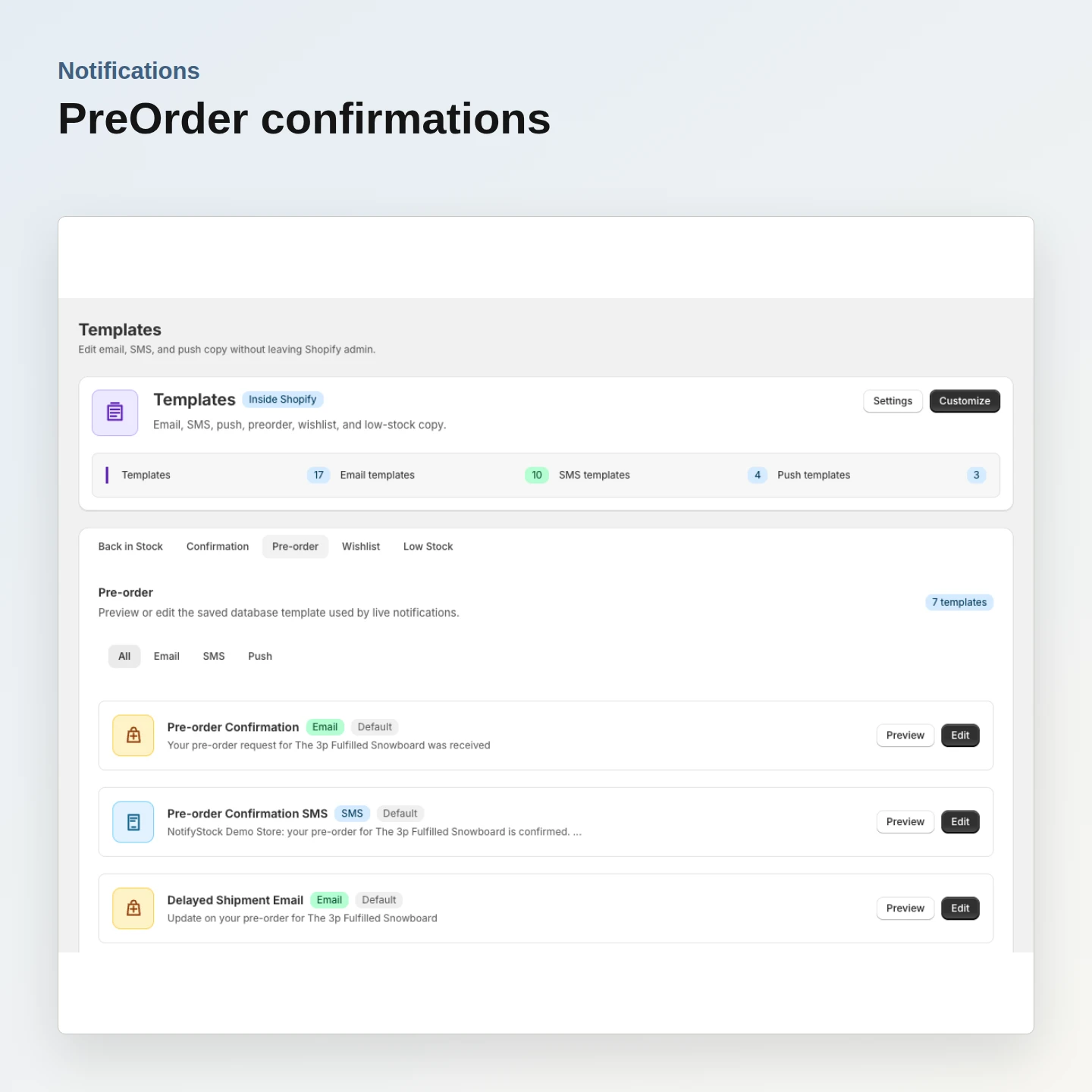
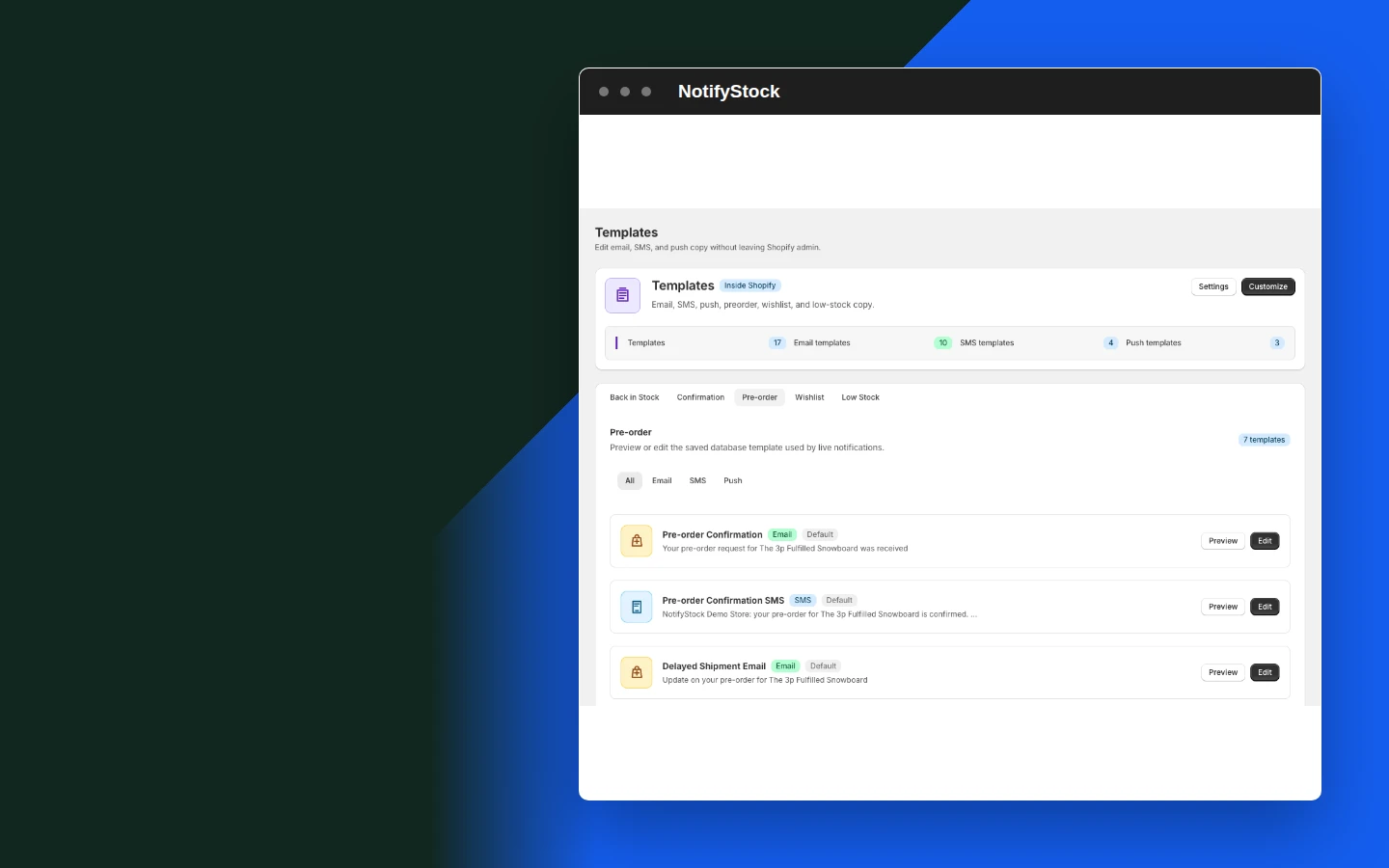
Templates: PreOrder confirmation copy

PreOrder confirmation copy

Confirm that preorder interest was recorded without implying a paid Shopify order was created.

Included:

  • Reservation context
  • Offer wording
  • Clear next step
Start free
Live storefront demo
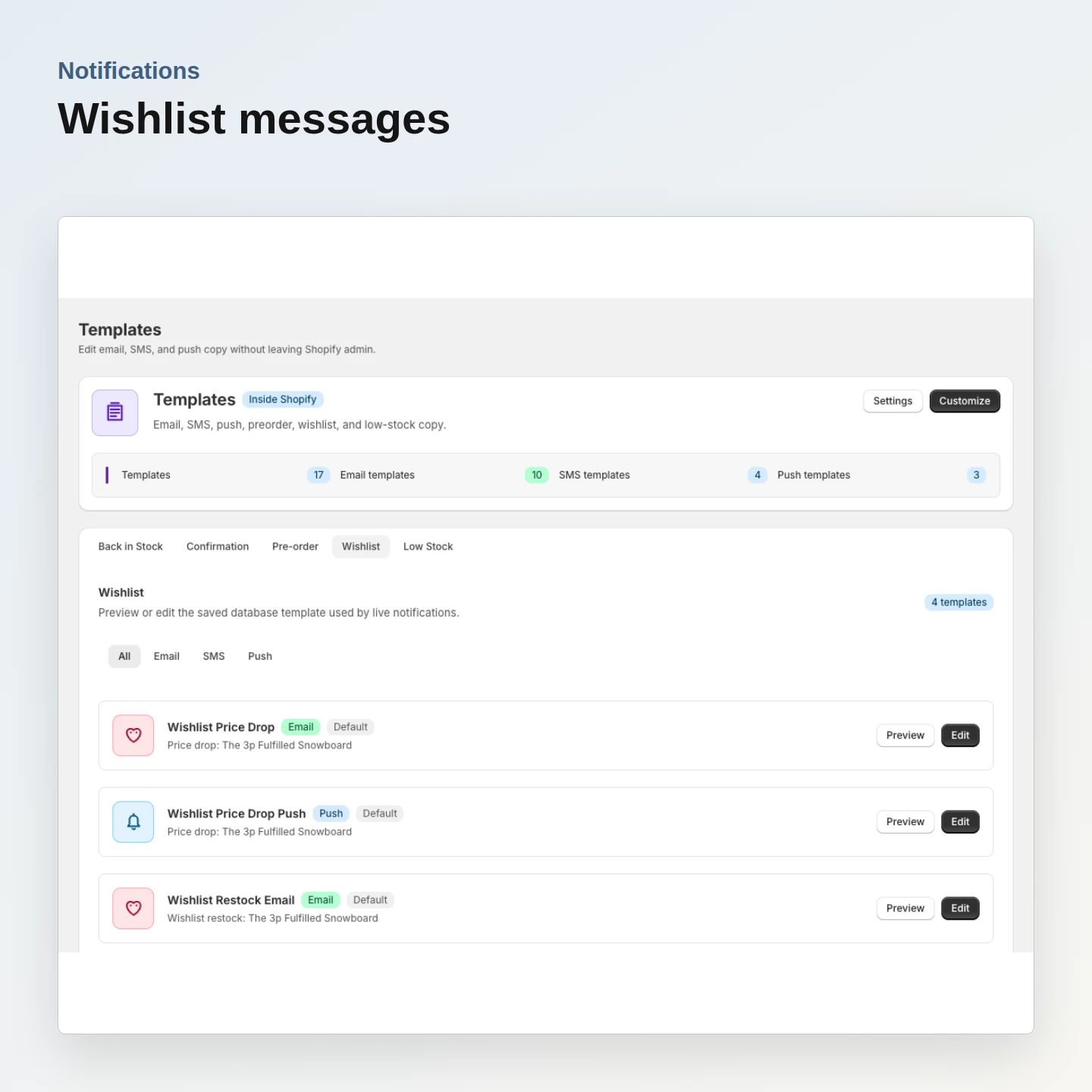
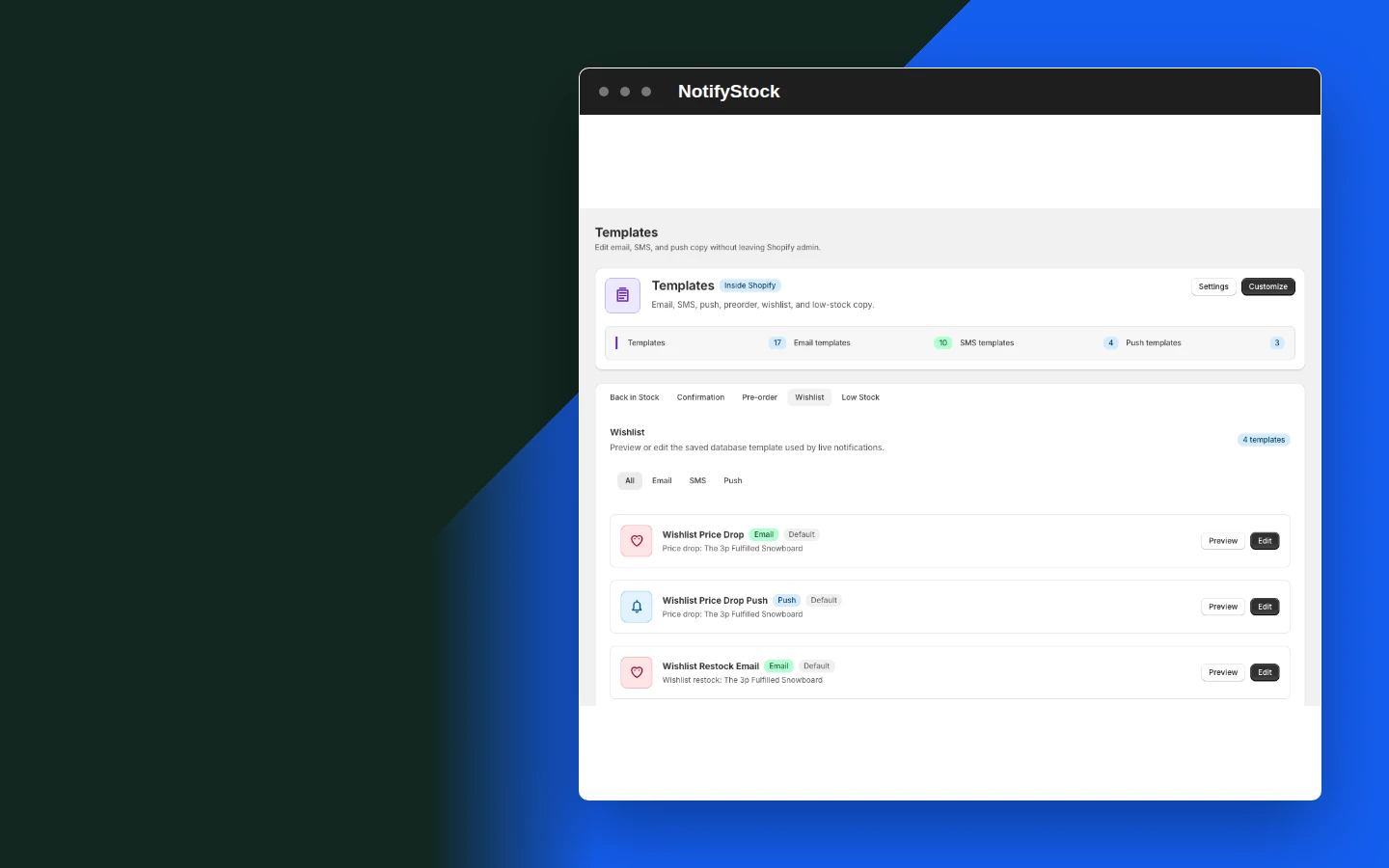
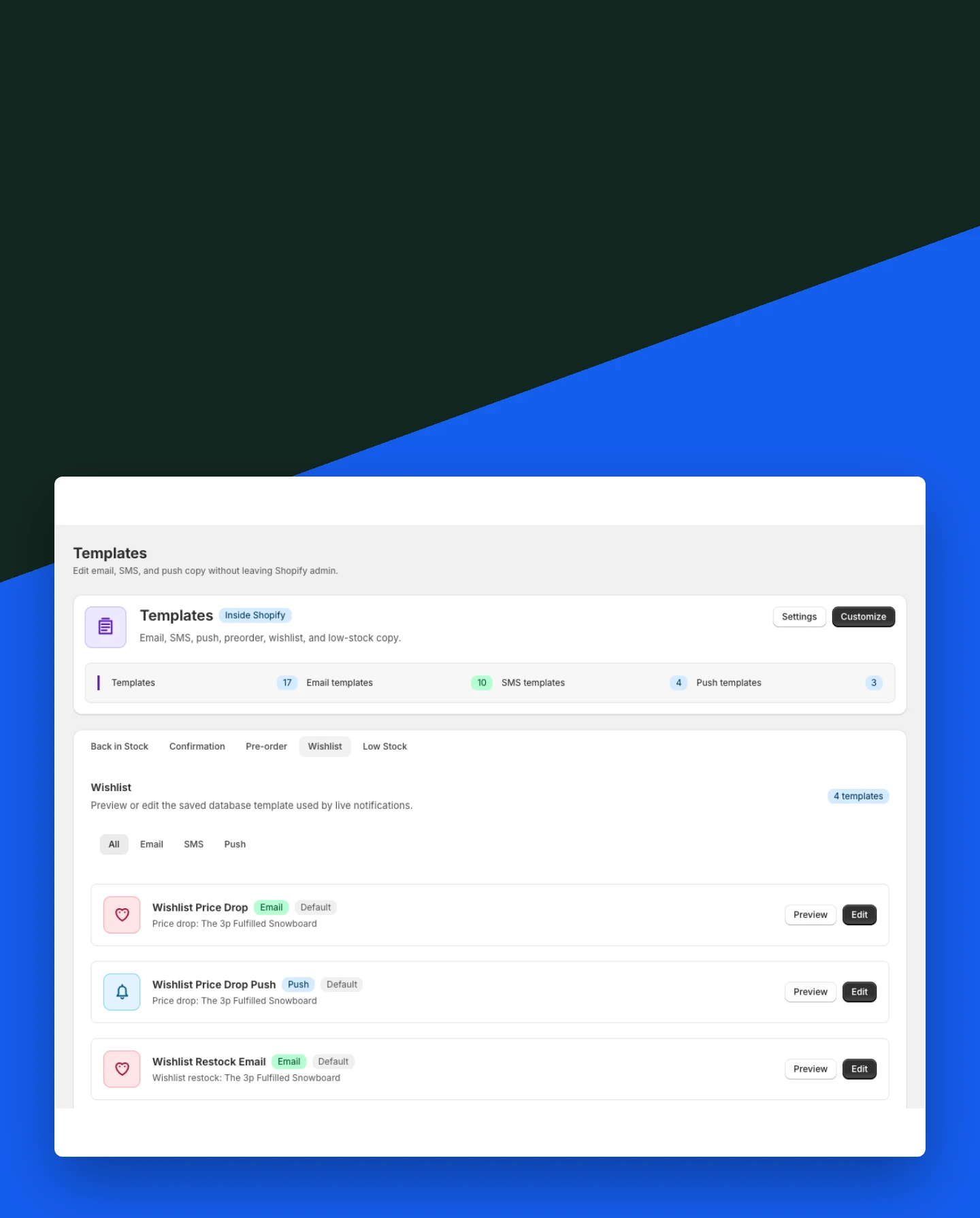
Templates: Wishlist message copy

Wishlist message copy

Keep wishlist communication separate from restock and preorder messages.

Included:

  • Saved-product context
  • Wishlist wording
  • Follow-up readiness
Start free
Live storefront demo
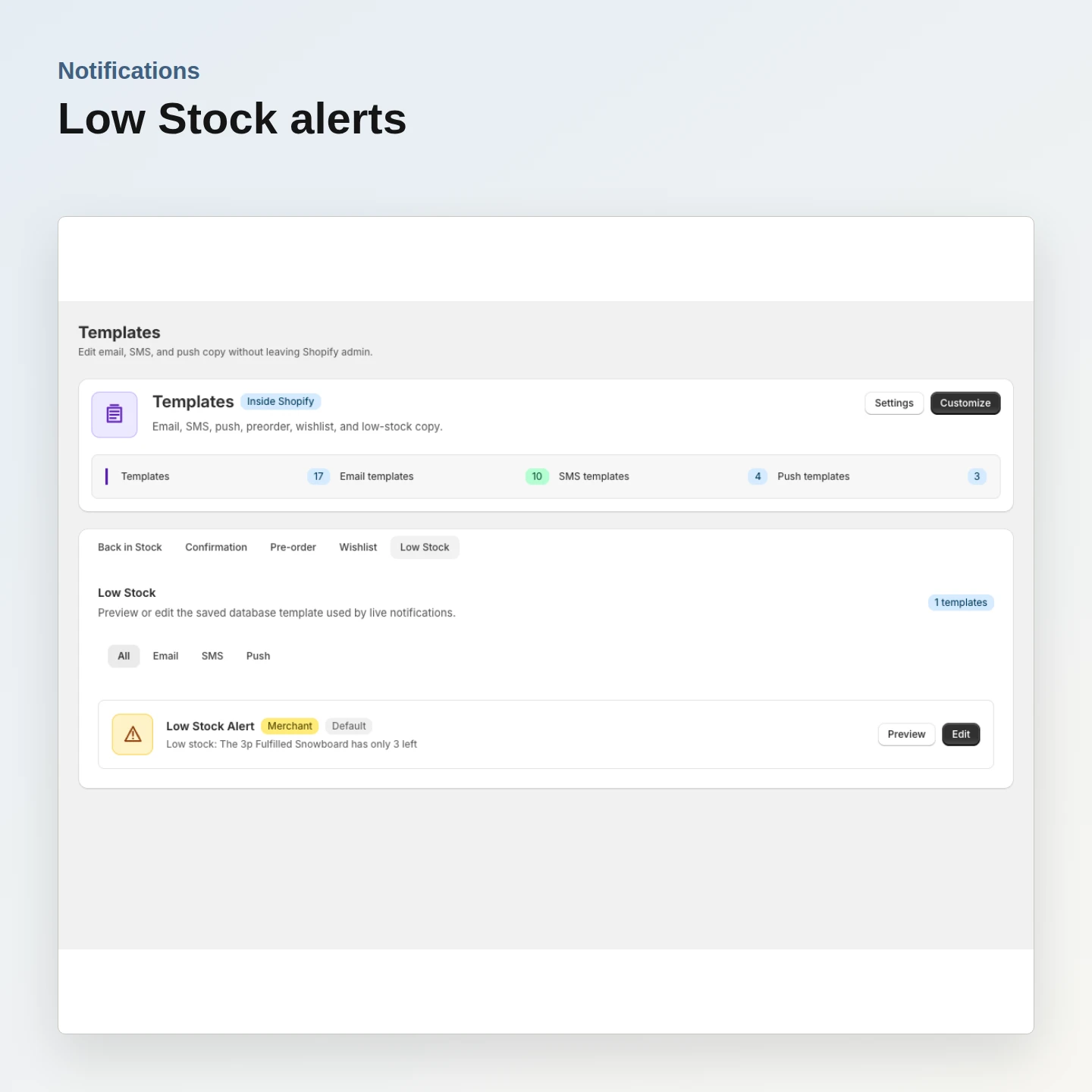
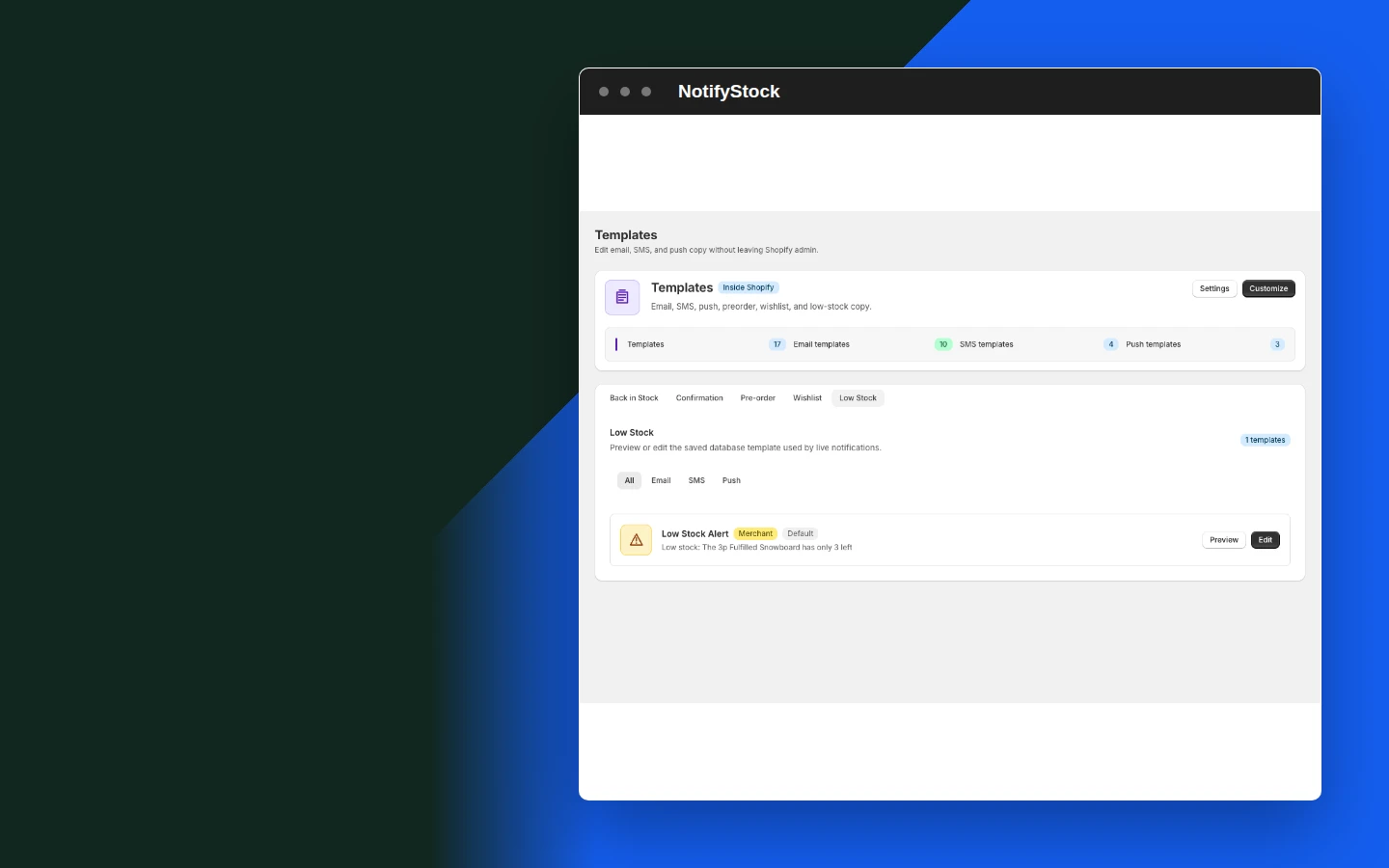
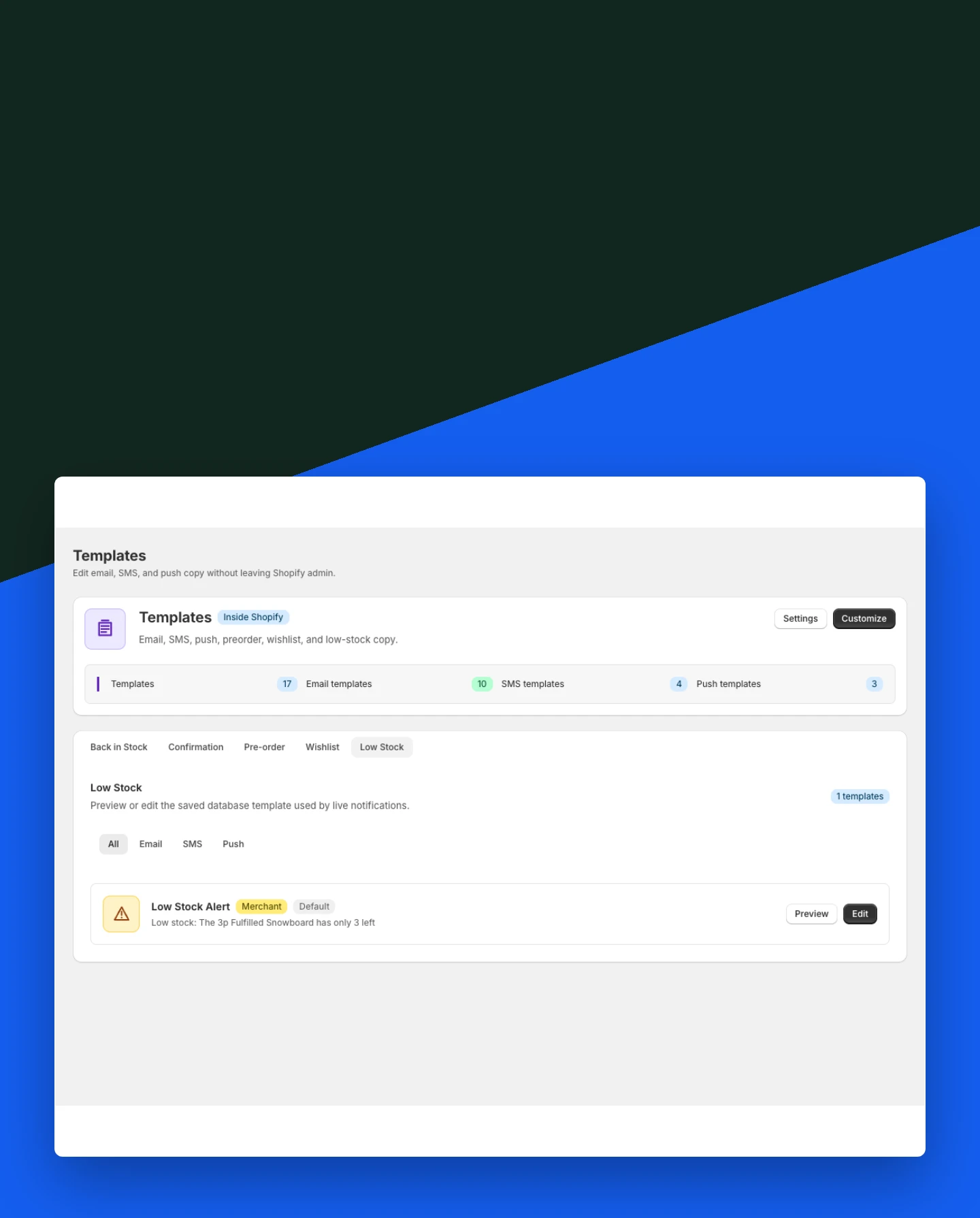
Templates: Low Stock alert copy

Low Stock alert copy

Prepare inventory-threshold messaging while keeping operational alerts distinct from shopper urgency.

Included:

  • Threshold context
  • Product detail
  • Merchant-controlled wording
Start free
Live storefront demo

Why merchants use Templates.

Each Templates capability supports the same product-specific workflow without mixing unrelated shopper actions.

Avoid mixed promises

Each workflow has copy that matches the shopper action.

Review before launch

Templates can be checked alongside widgets, product modes, and provider readiness.

Keep providers optional

SMS and push templates matter only after the merchant configures the required provider.

Templates in six practical views.
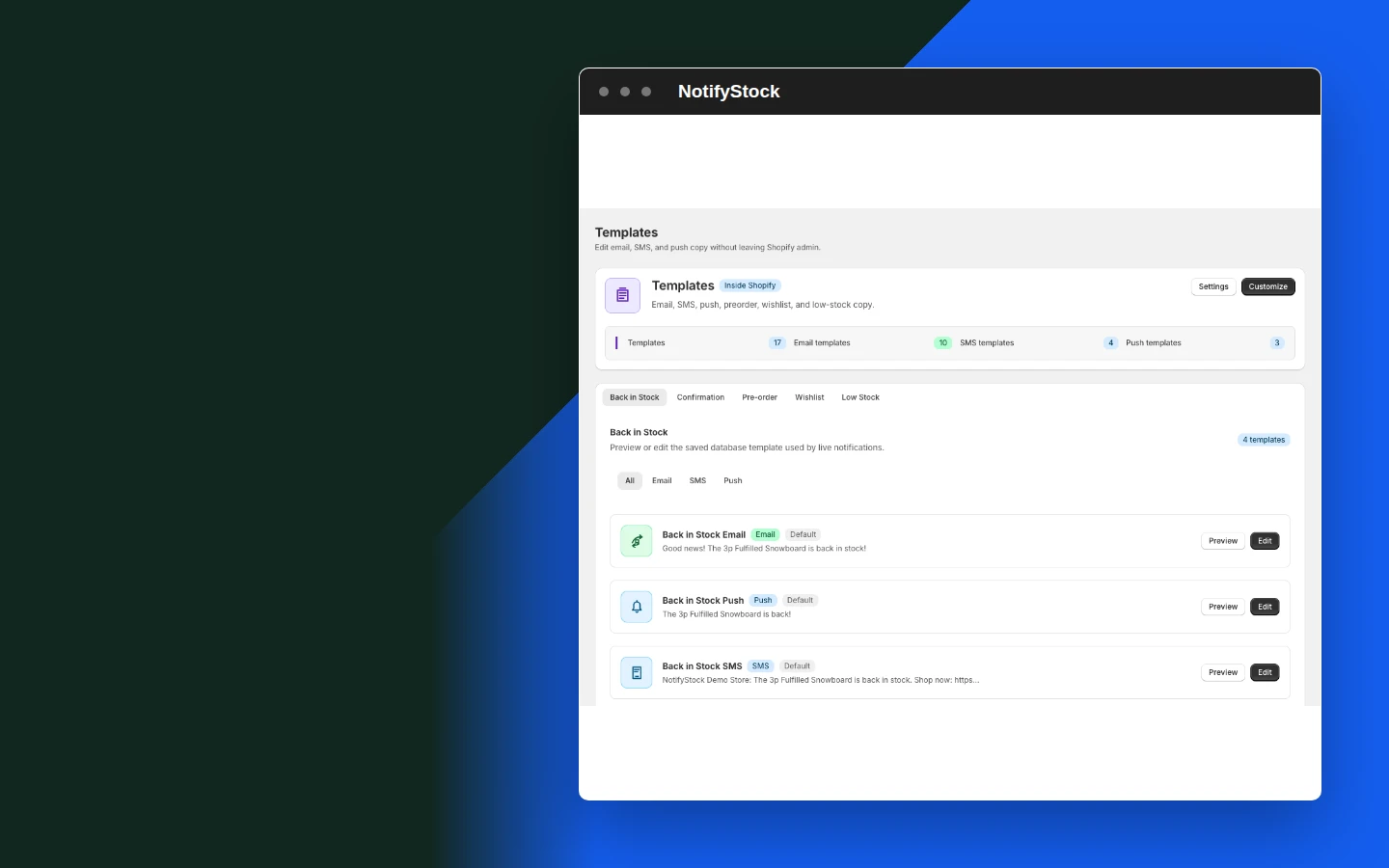
Template editor in NotifyStockTemplate editor mobile view

Template editor

  1. Edit workflow-specific message content from Shopify admin.
Start free
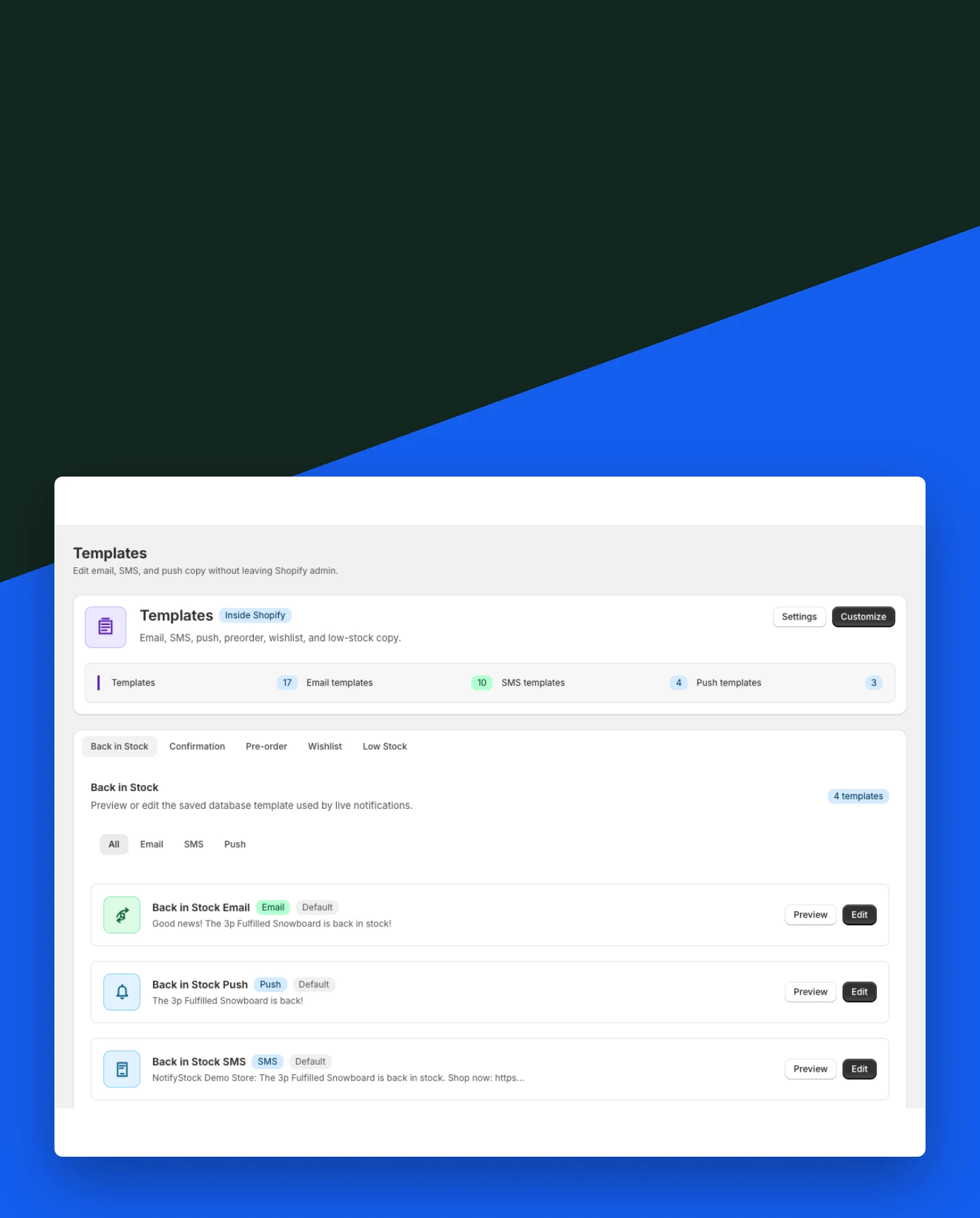
Back in Stock restock copy in NotifyStockBack in Stock restock copy mobile view

Back in Stock restock copy

  1. Prepare the message shoppers receive when inventory returns for the product they requested.
Start free
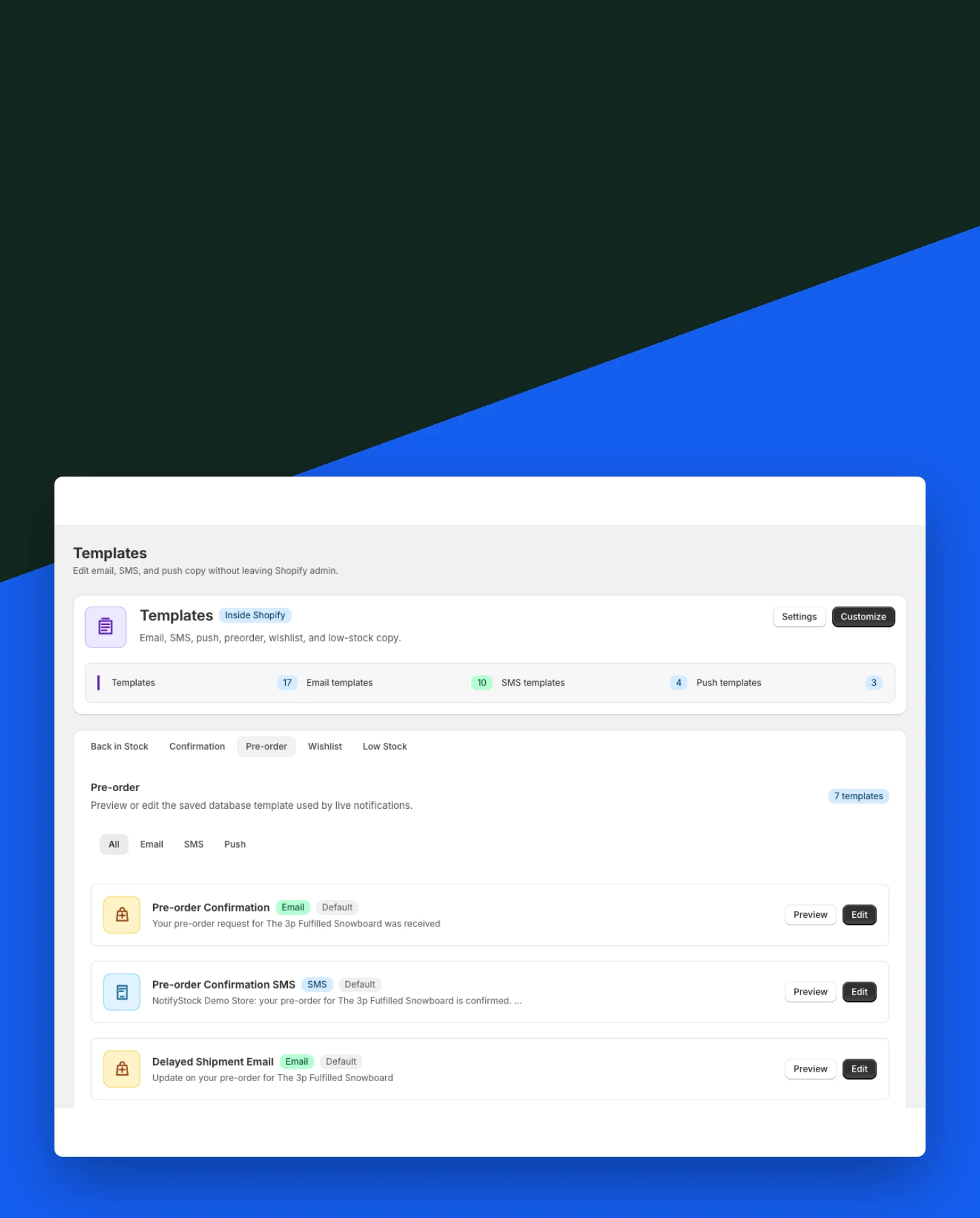
PreOrder confirmation copy in NotifyStockPreOrder confirmation copy mobile view

PreOrder confirmation copy

  1. Confirm that preorder interest was recorded without implying a paid Shopify order was created.
Start free
Wishlist message copy in NotifyStockWishlist message copy mobile view

Wishlist message copy

  1. Keep wishlist communication separate from restock and preorder messages.
Start free
Low Stock alert copy in NotifyStockLow Stock alert copy mobile view

Low Stock alert copy

  1. Prepare inventory-threshold messaging while keeping operational alerts distinct from shopper urgency.
Start free
Provider-ready messages in NotifyStockProvider-ready messages mobile view

Provider-ready messages

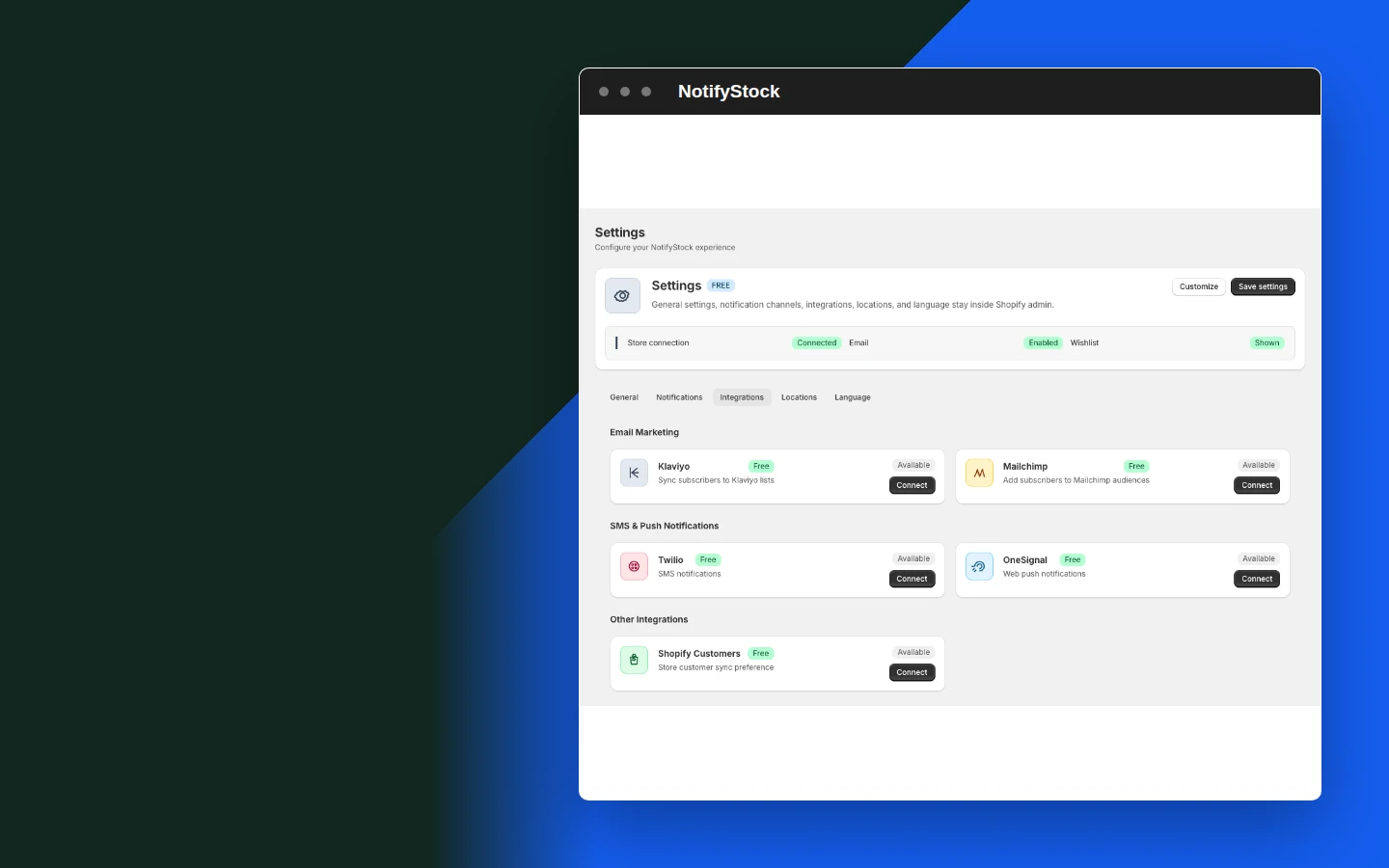
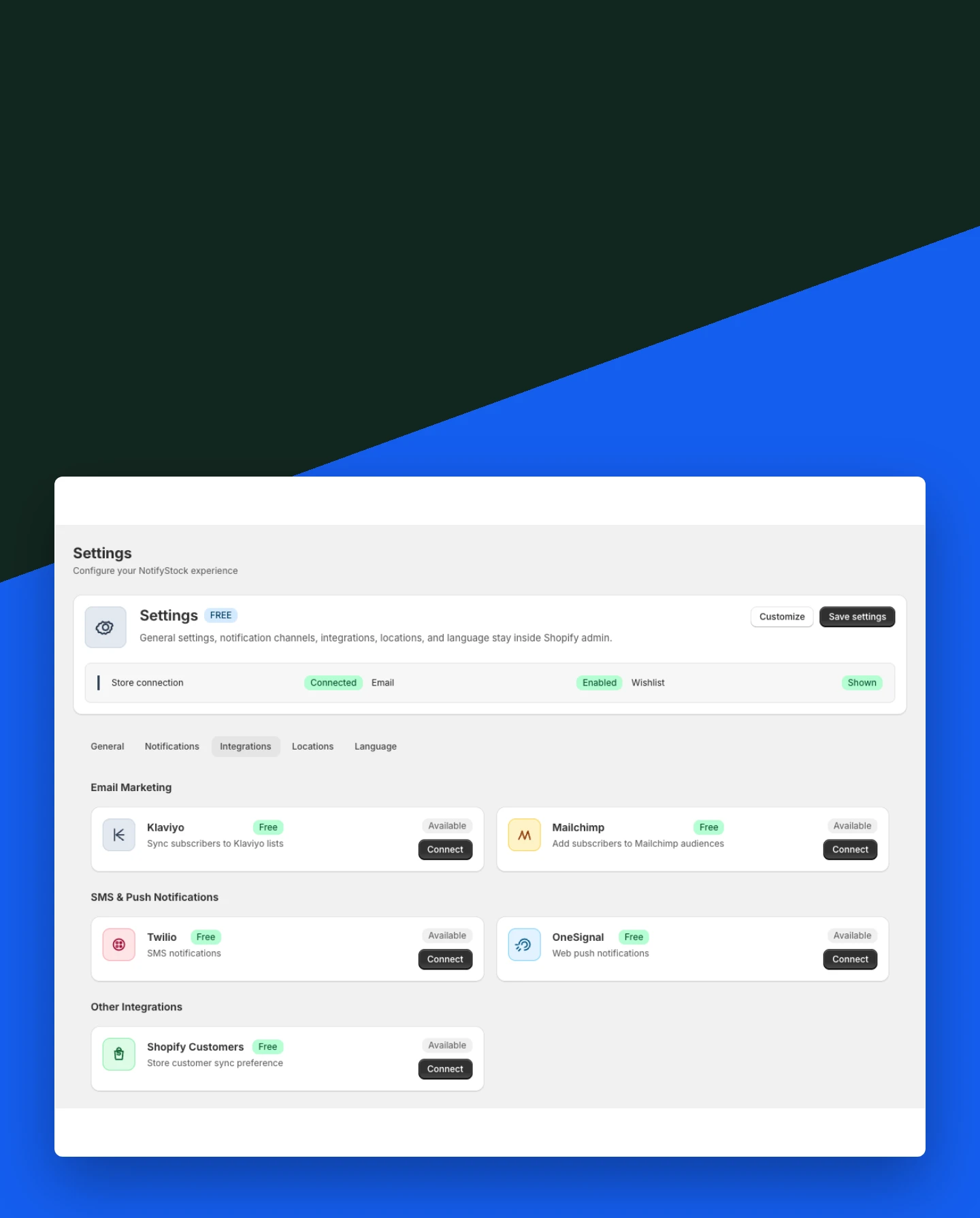
  1. Keep templates aligned with email, Twilio SMS, and OneSignal browser push requirements.
Start free

Templates workflow, step by step.

Templates workflow: Choose workflow

The merchant opens the matching message area.

Choose workflow
Templates
01
Workflow step
Templates workflow: Edit message

Copy stays aligned to the exact shopper action.

Edit message
Templates
02
Workflow step
Templates workflow: Send when ready

Configured providers use the relevant template for delivery.

Send when ready
Templates
03
Workflow step

Frequently asked questions

Why are templates separate by workflow?

Back in Stock, PreOrder, Wishlist, and Low Stock actions mean different things to shoppers, so their messages should not share generic promises.

Can merchants edit restock links?

Templates can include product context and a storefront destination while keeping the final destination controlled by NotifyStock and Shopify.

Does a PreOrder template create an order?

No. The template confirms recorded interest or reservation context; it does not create a paid Shopify order by itself.

Do SMS and push templates send automatically?

Only when the merchant has configured the required provider and the shopper has supplied the necessary consent or browser permission.

Can merchants preview copy before launch?

Yes. Templates should be reviewed with product modes, storefront blocks, and provider readiness before a workflow is published.