NOTIFICATIONS FOR SHOPIFY

Send the right message for each product-demand workflow.

Manage confirmation, restock, preorder, wishlist, and low-stock messaging while keeping provider requirements clear.
Start free
Start free

50% off NotifyStock for 6 months. Limited time.

Email
Available
Twilio
SMS provider
OneSignal
Push provider

Notifications, from storefront action to merchant follow-up.

See how Notifications moves from a clear storefront action to accurate product context and merchant follow-up.
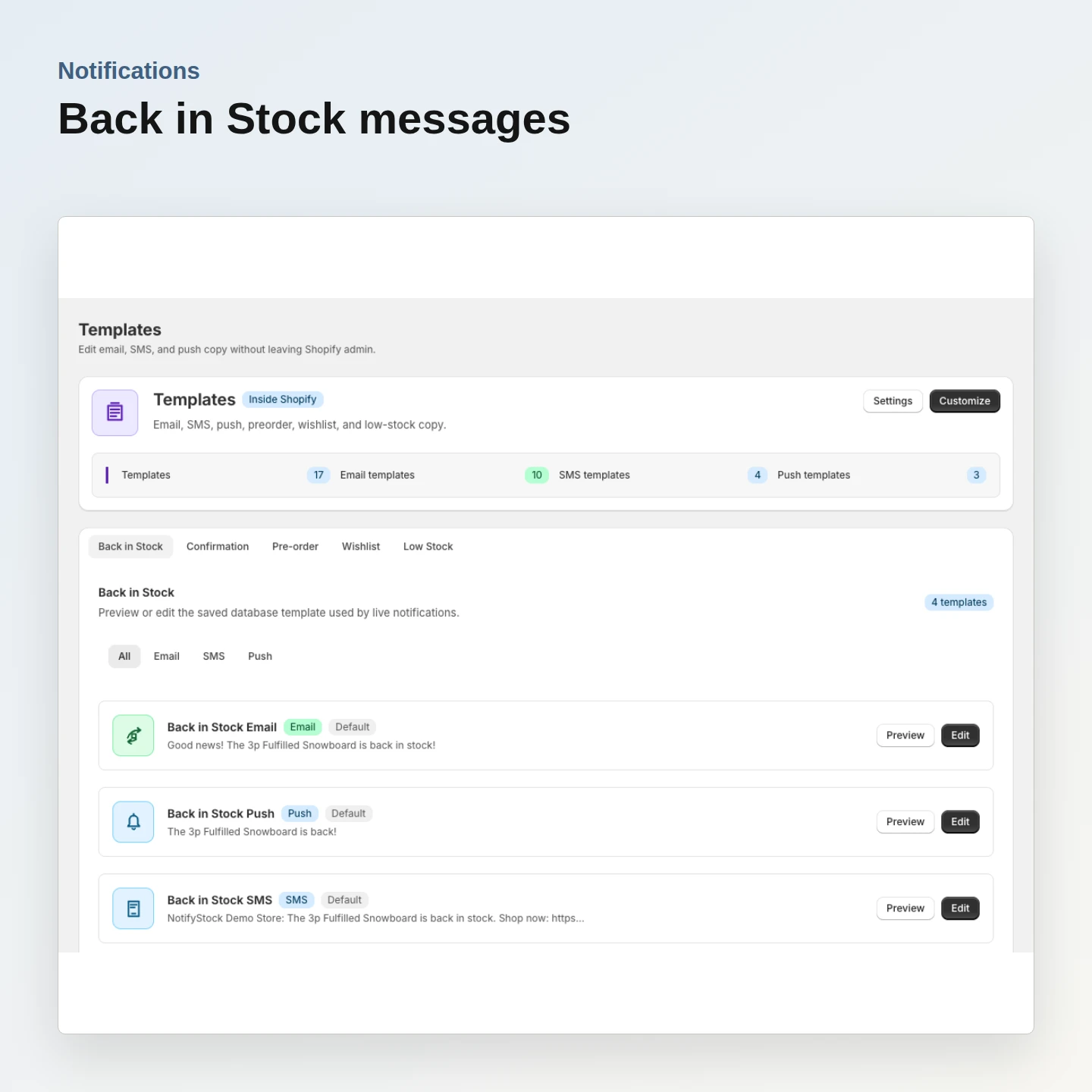
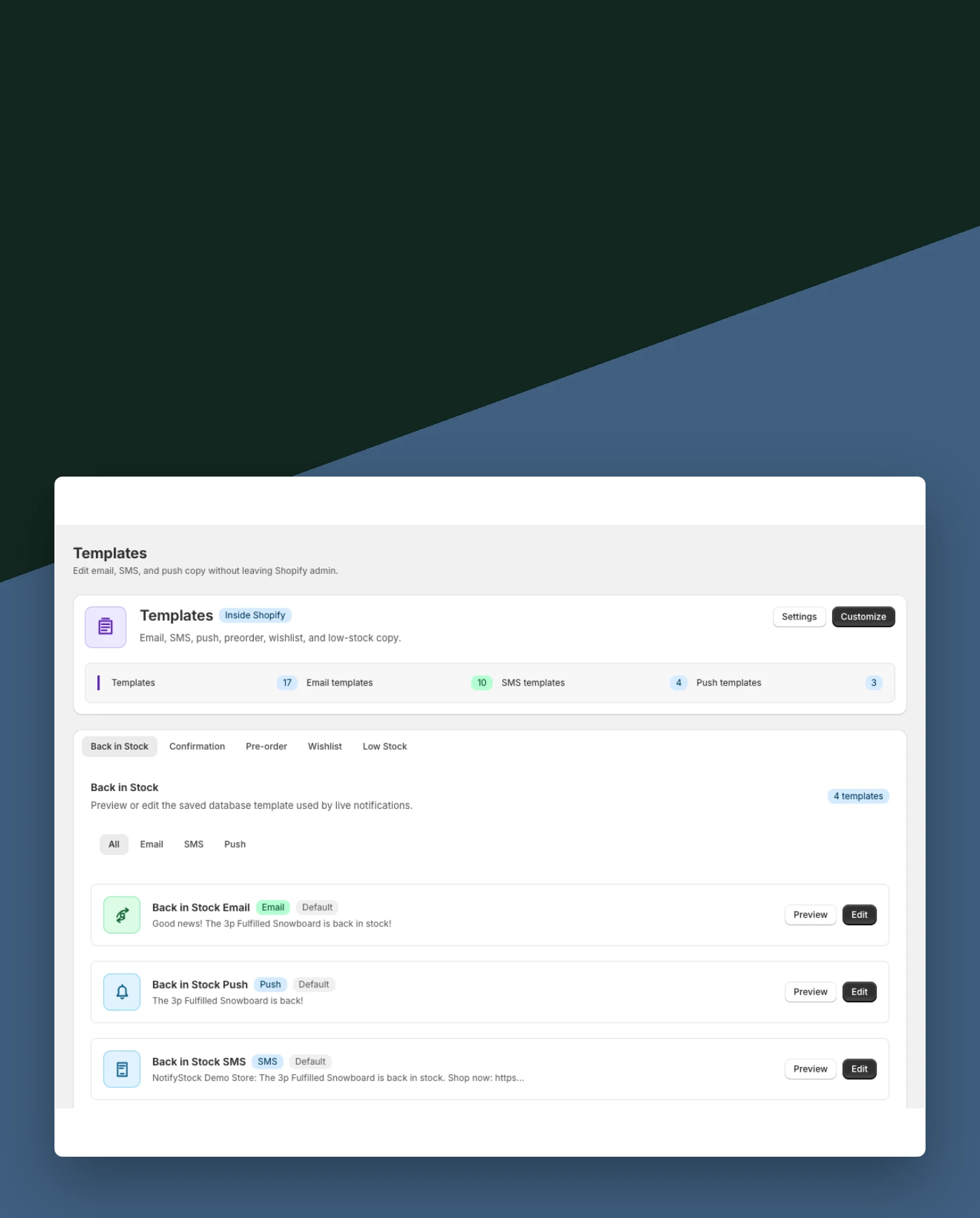
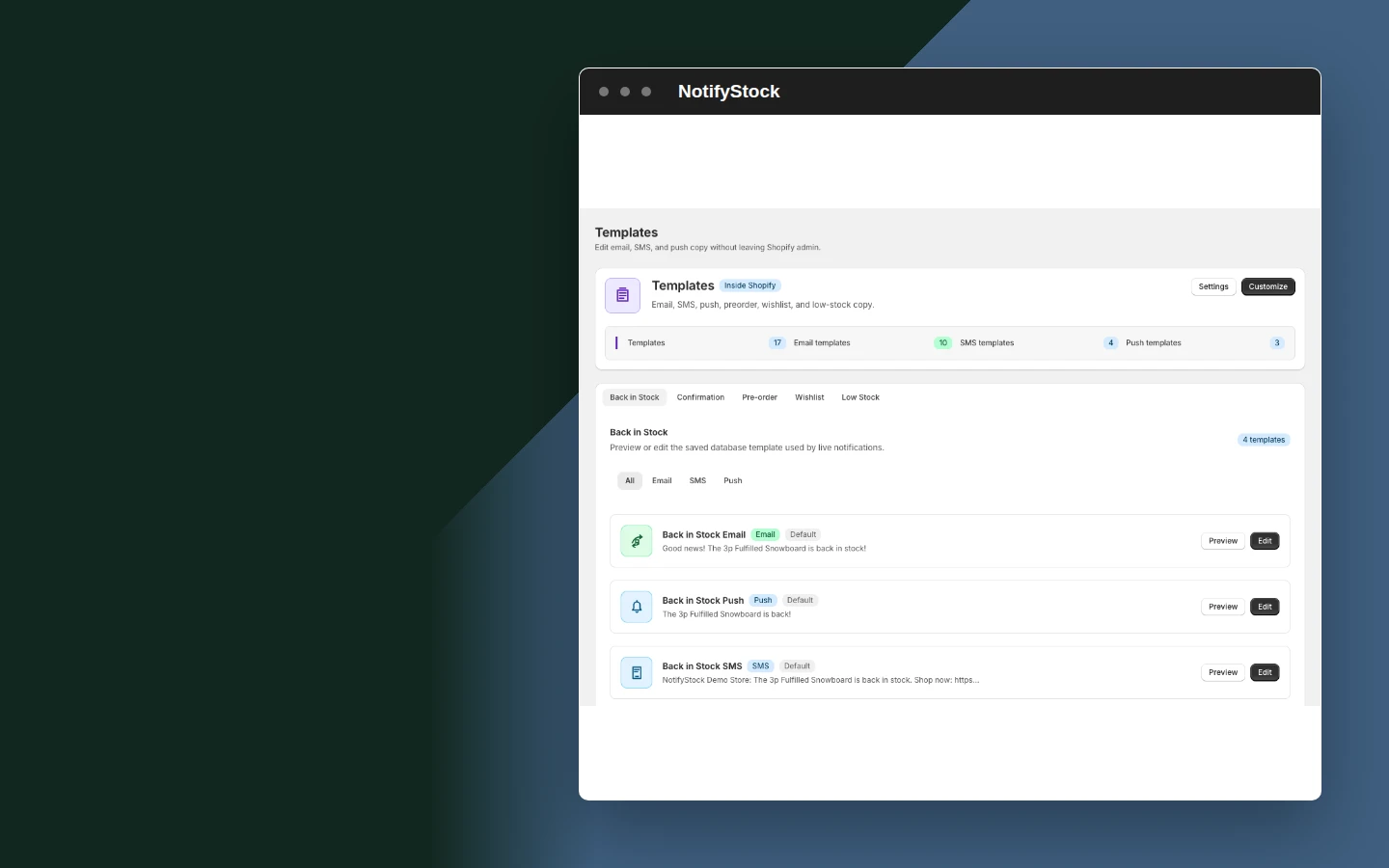
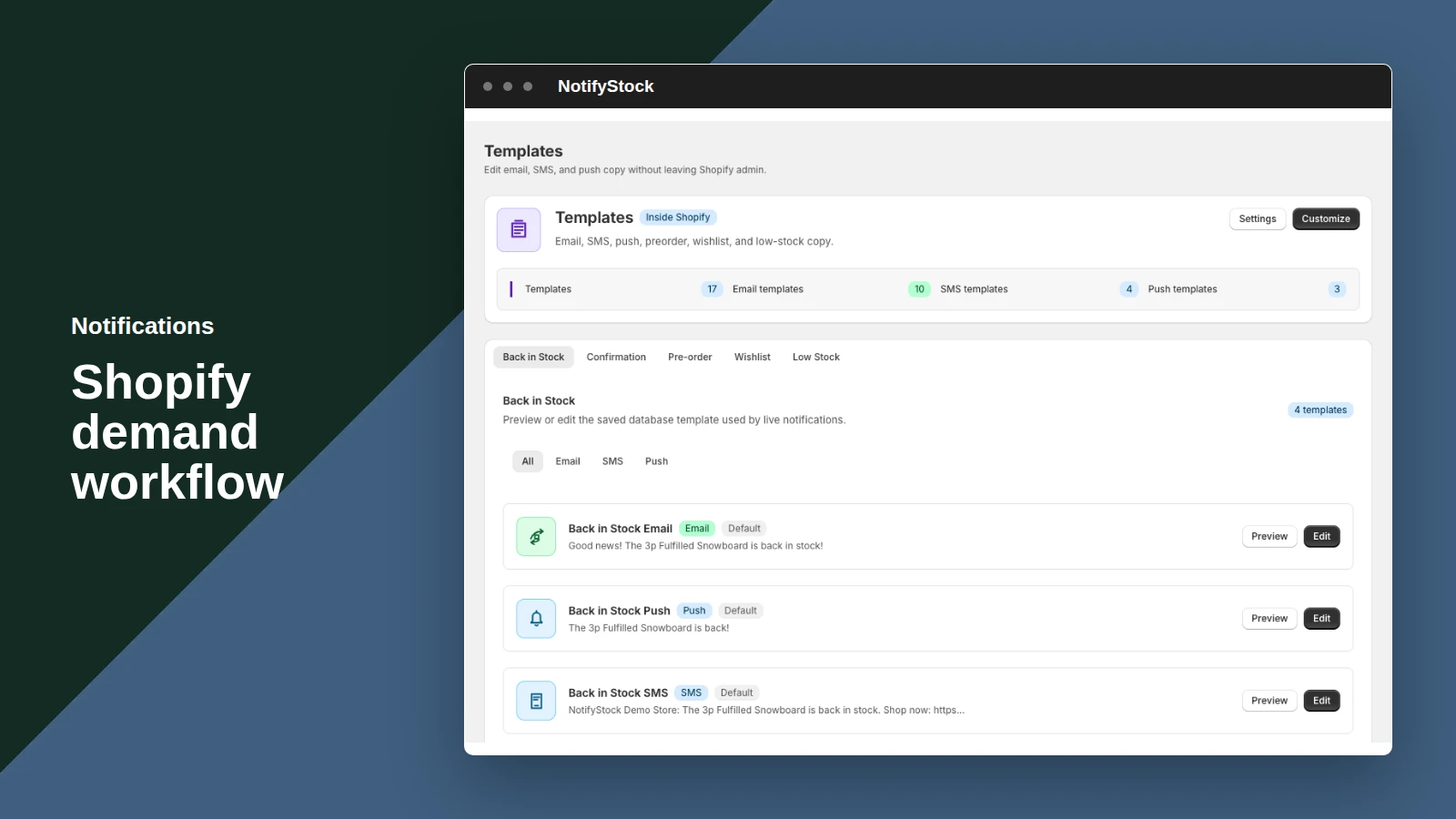
Notifications: Back in Stock messages

Back in Stock messages

Prepare shopper confirmation and restock copy for product-specific requests.

Included:

  • Confirmation email
  • Restock message
  • Tracked destination link
Start free
Live demo
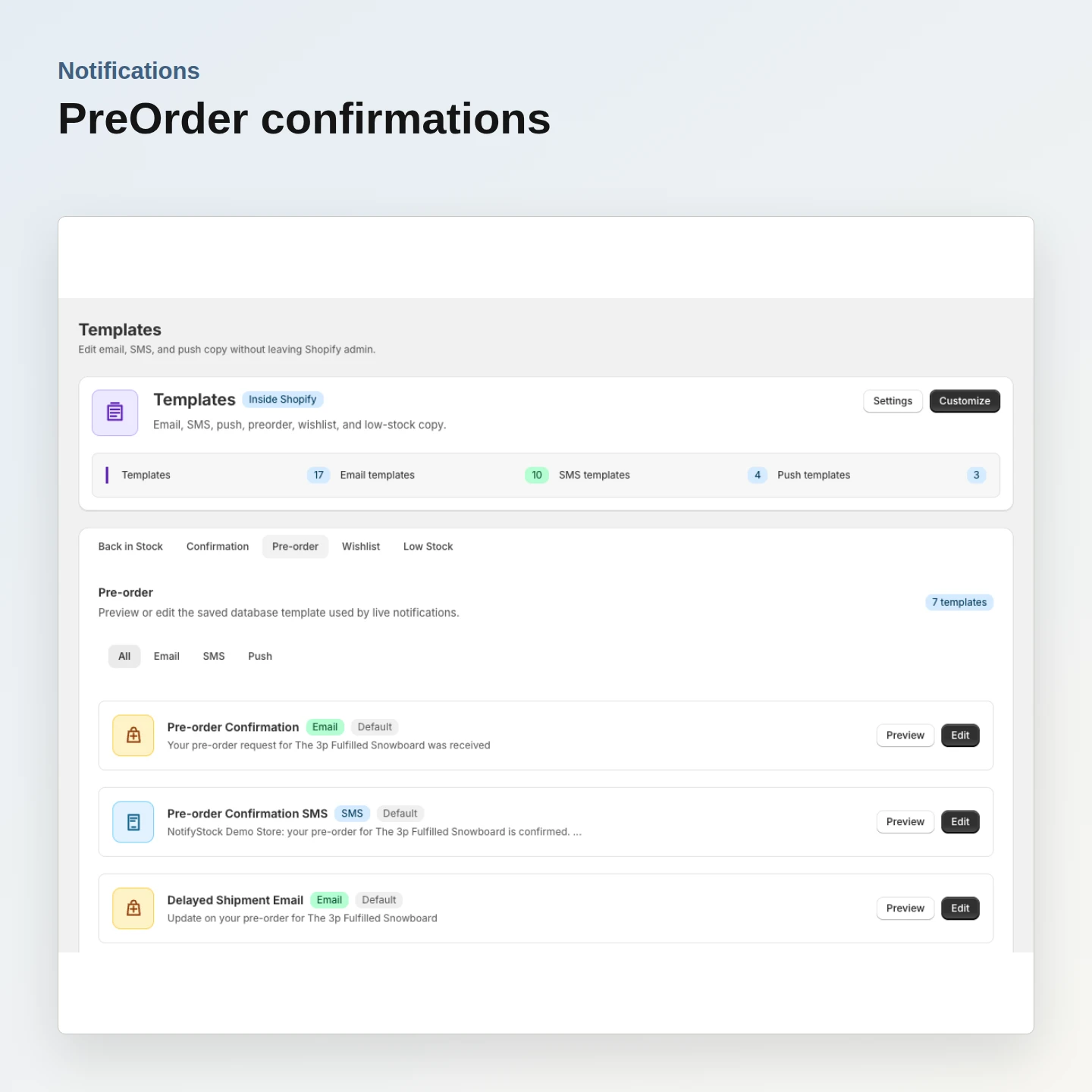
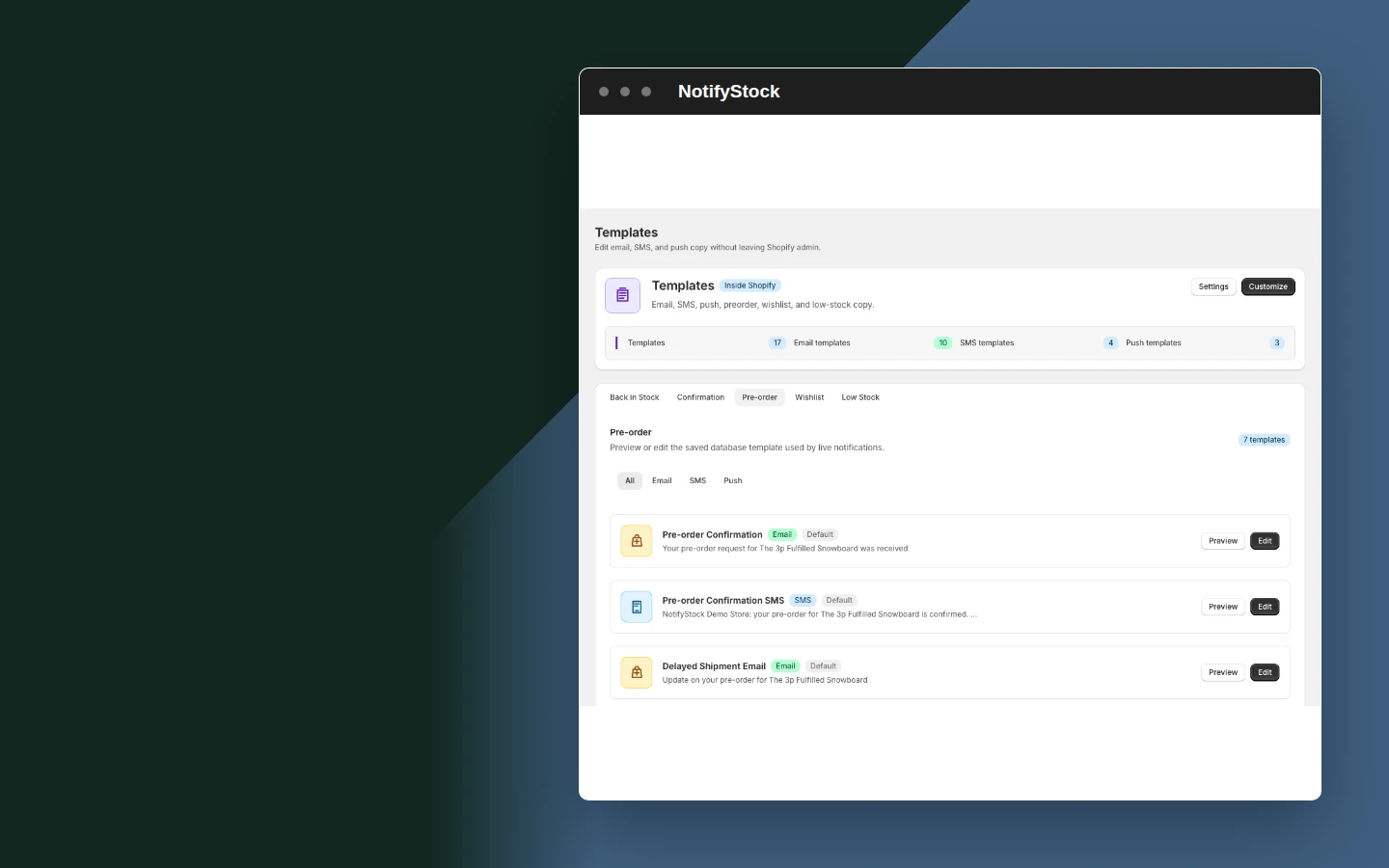
Notifications: PreOrder confirmations

PreOrder confirmations

Explain that preorder interest was recorded and keep the message aligned with the offer.

Included:

  • Reservation confirmation
  • Product details
  • Merchant-controlled copy
Start free
Live demo
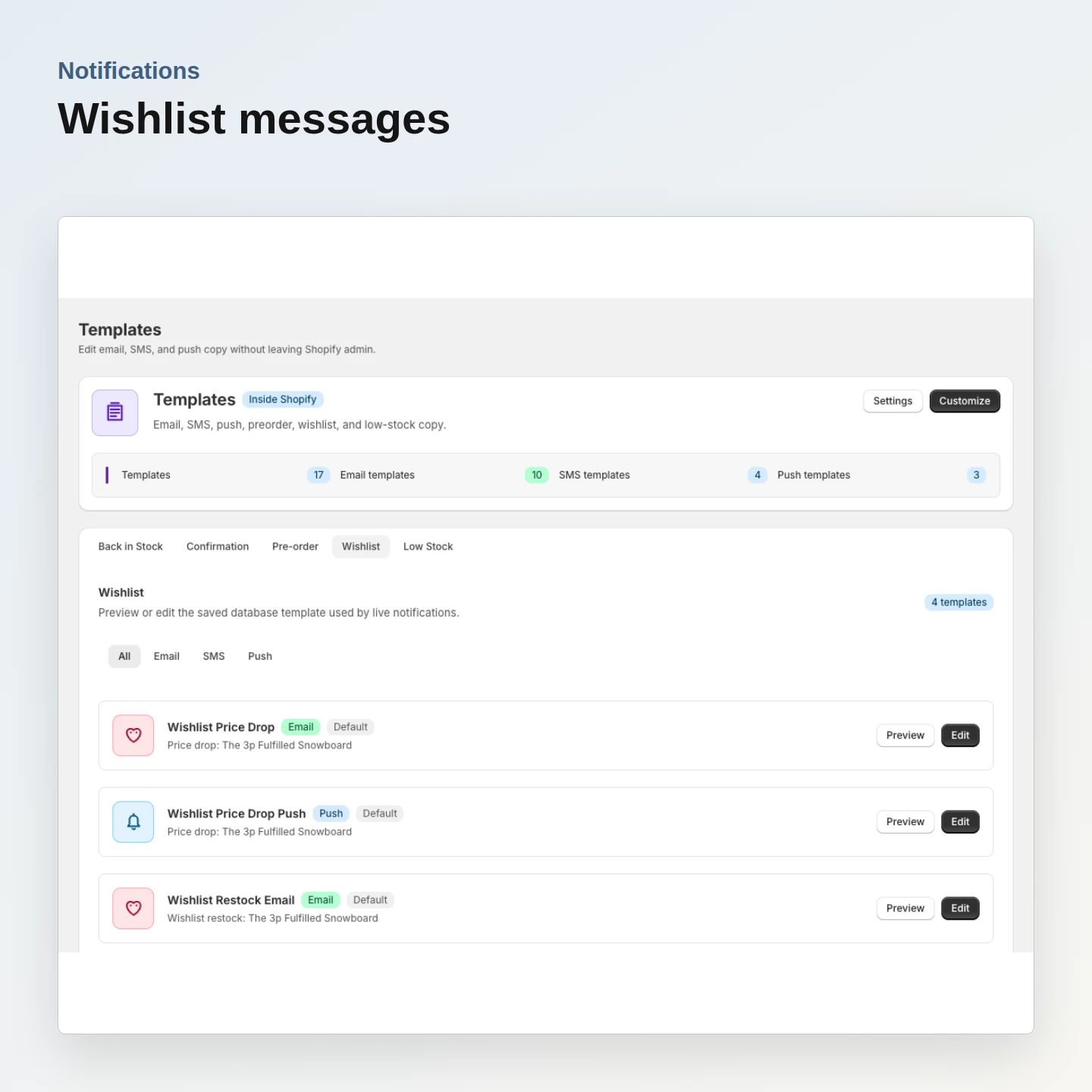
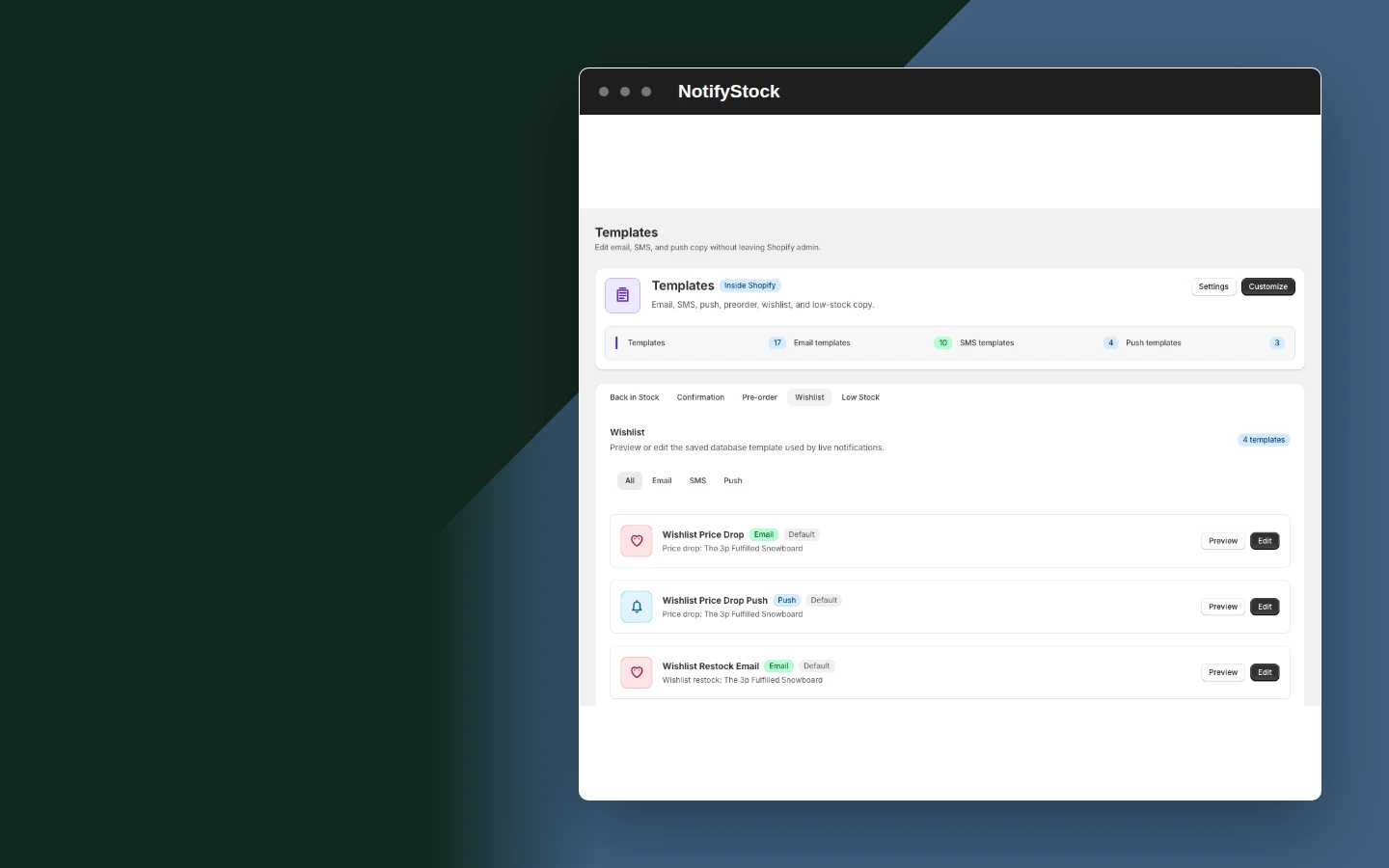
Notifications: Wishlist messages

Wishlist messages

Configure wishlist messaging without confusing it with restock or preorder behavior.

Included:

  • Feature-specific template
  • Product context
  • Clear sender identity
Start free
Live demo
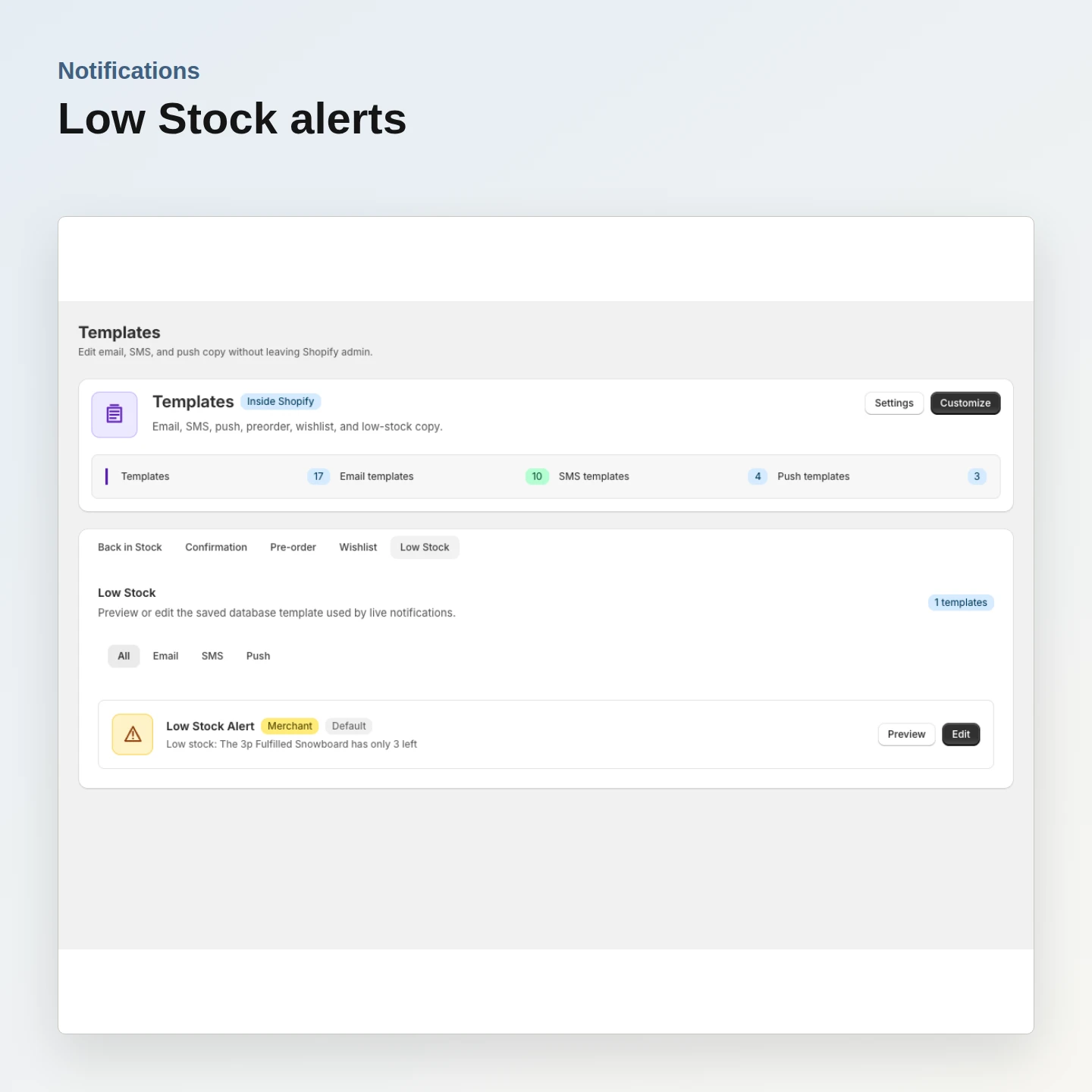
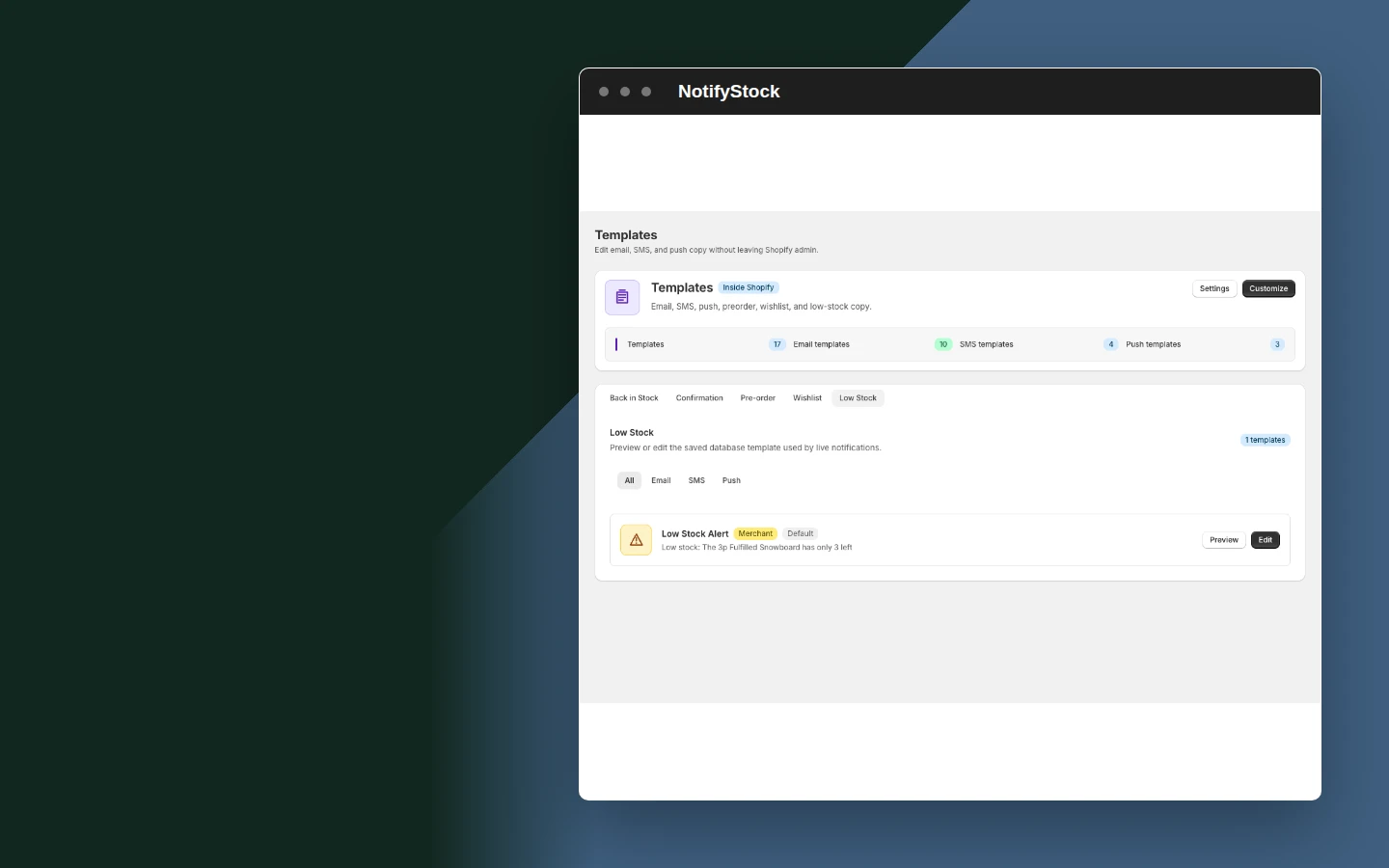
Notifications: Low Stock alerts

Low Stock alerts

Keep merchant-facing inventory alert copy separate from shopper urgency messaging.

Included:

  • Threshold context
  • Product detail
  • Configurable template
Start free
Live demo

Why merchants use Notifications.

Each Notifications capability supports the same product-specific workflow without mixing unrelated shopper actions.

Use honest channel states

Inactive OneSignal IDs are not stored or submitted.

Protect delivery reliability

Email retries handle provider rate limits and notification quota reservation is atomic.

Keep providers optional

SMS and push are enabled only after the merchant configures the relevant provider.

Notifications in six practical views.
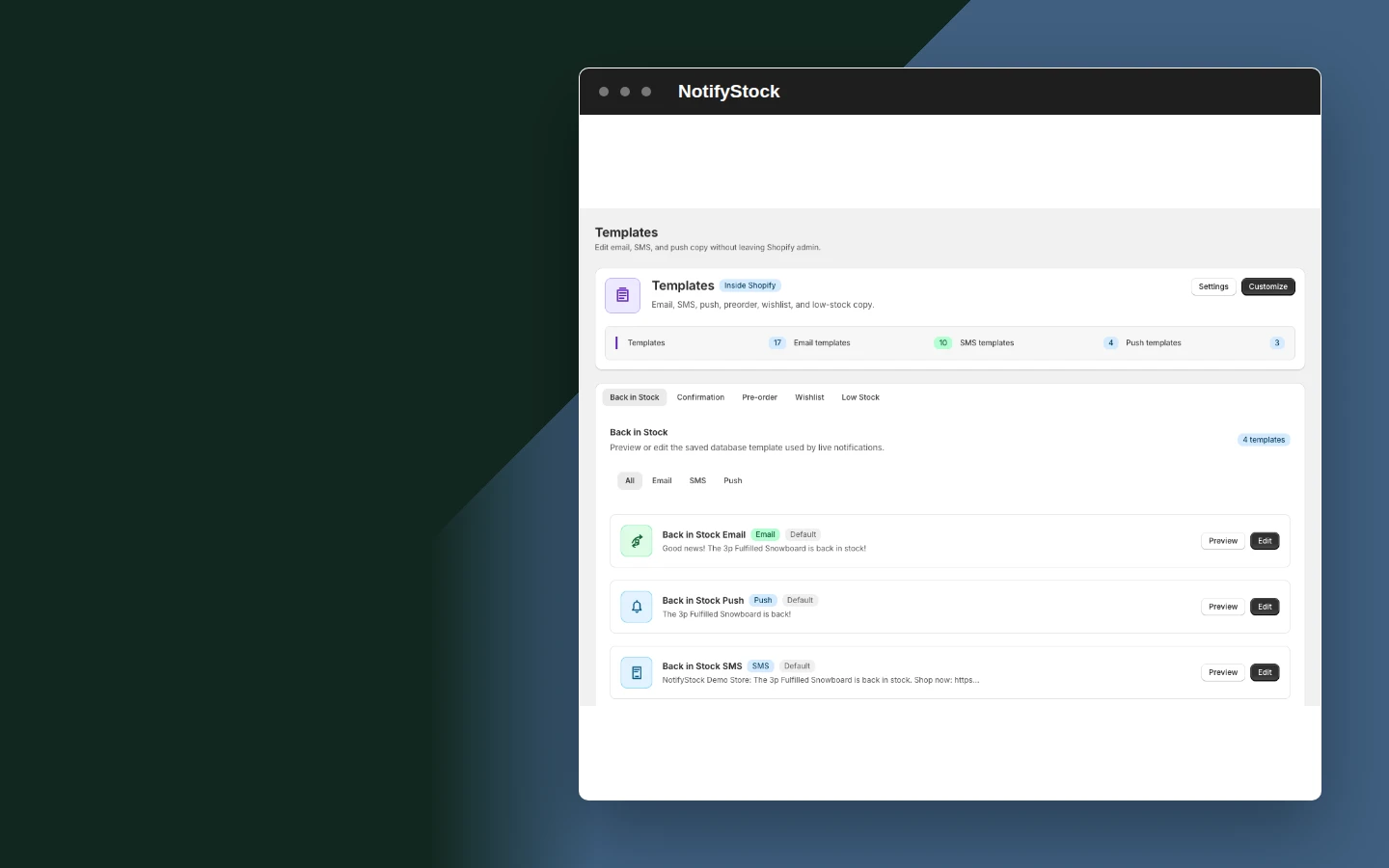
Notification templates in NotifyStockNotification templates mobile view

Notification templates

  1. Manage workflow-specific shopper messages without mixing their purpose.
Start free
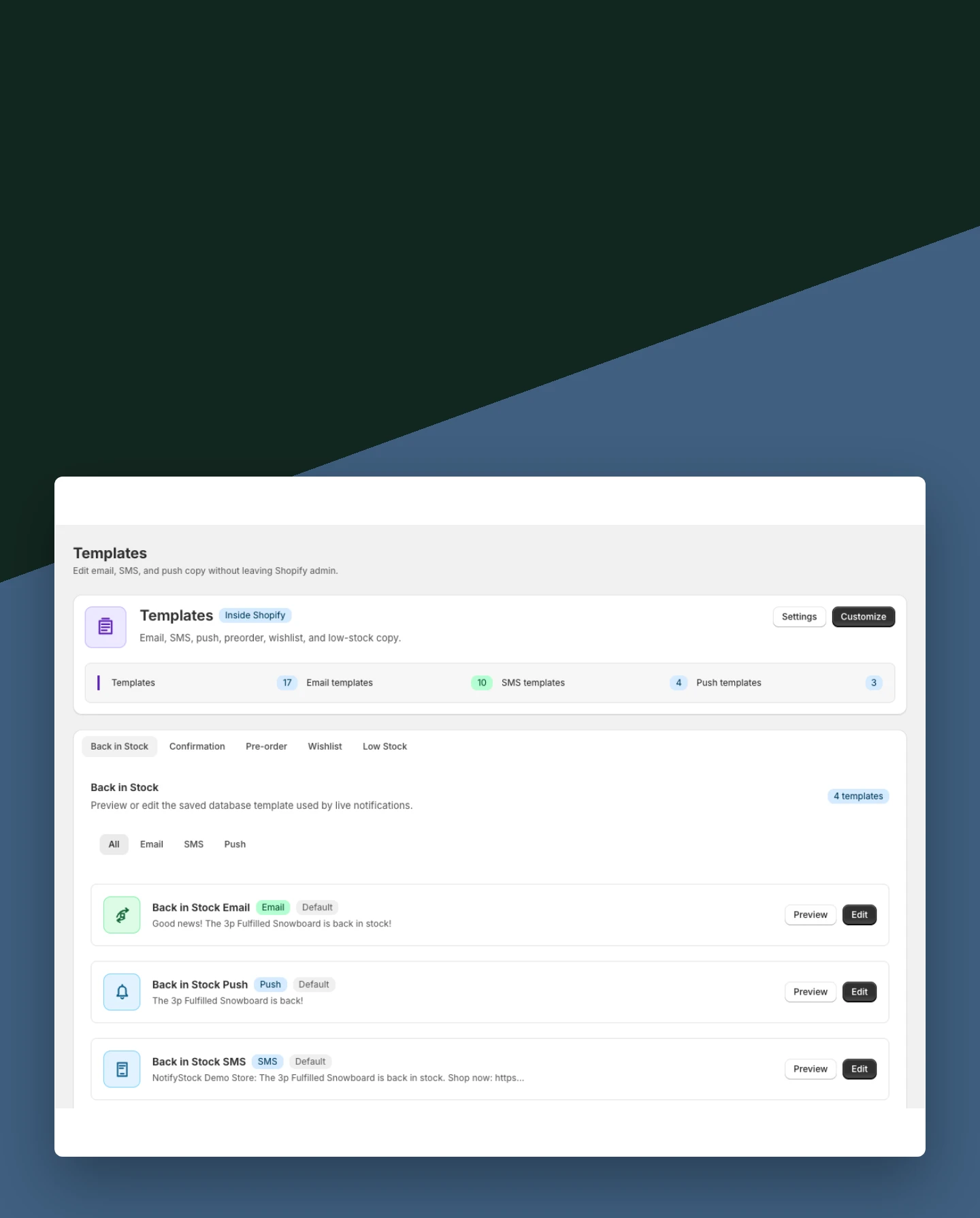
Back in Stock messages in NotifyStockBack in Stock messages mobile view

Back in Stock messages

  1. Prepare shopper confirmation and restock copy for product-specific requests.
Start free
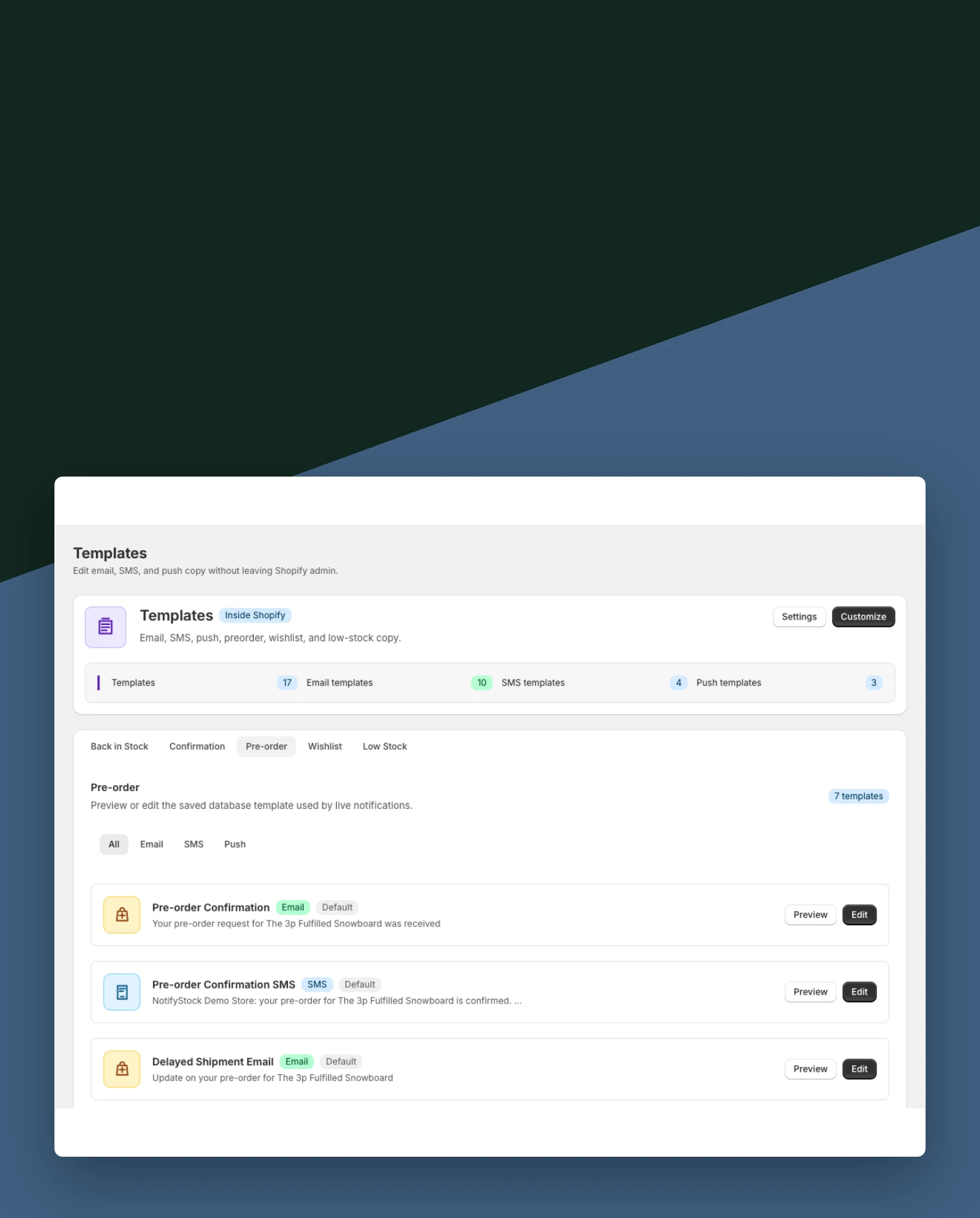
PreOrder confirmations in NotifyStockPreOrder confirmations mobile view

PreOrder confirmations

  1. Explain that preorder interest was recorded and keep the message aligned with the offer.
Start free
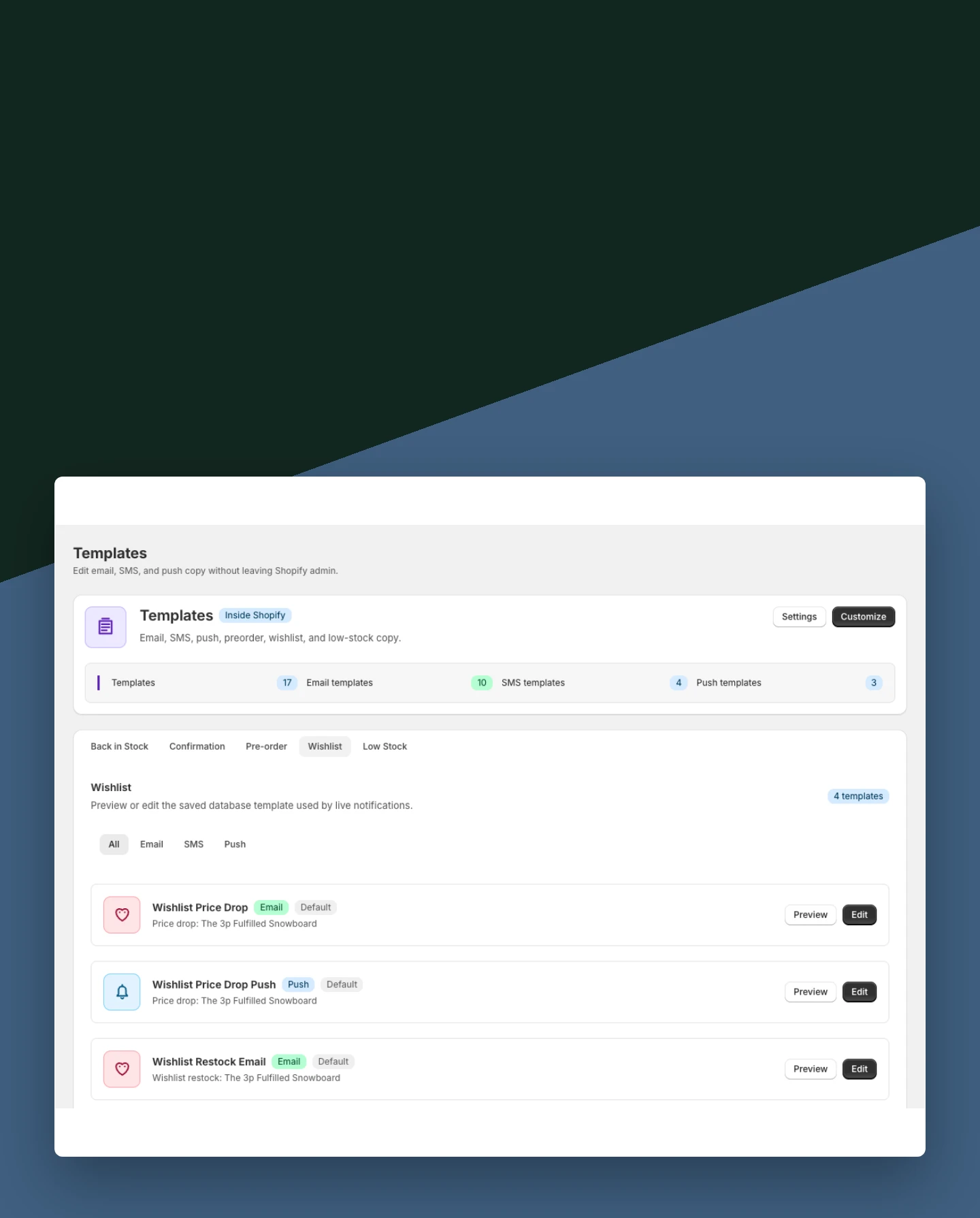
Wishlist messages in NotifyStockWishlist messages mobile view

Wishlist messages

  1. Configure wishlist messaging without confusing it with restock or preorder behavior.
Start free
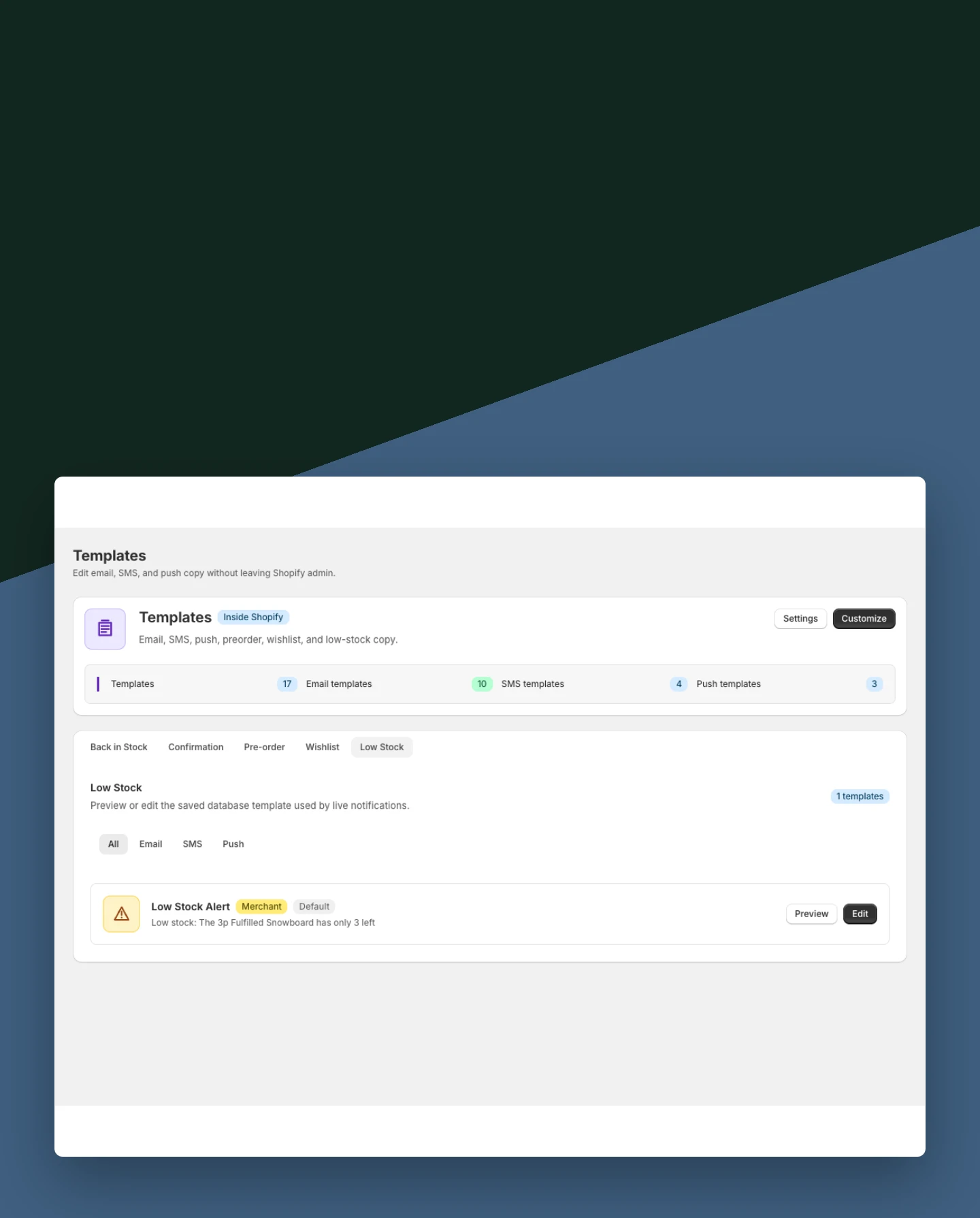
Low Stock alerts in NotifyStockLow Stock alerts mobile view

Low Stock alerts

  1. Keep merchant-facing inventory alert copy separate from shopper urgency messaging.
Start free
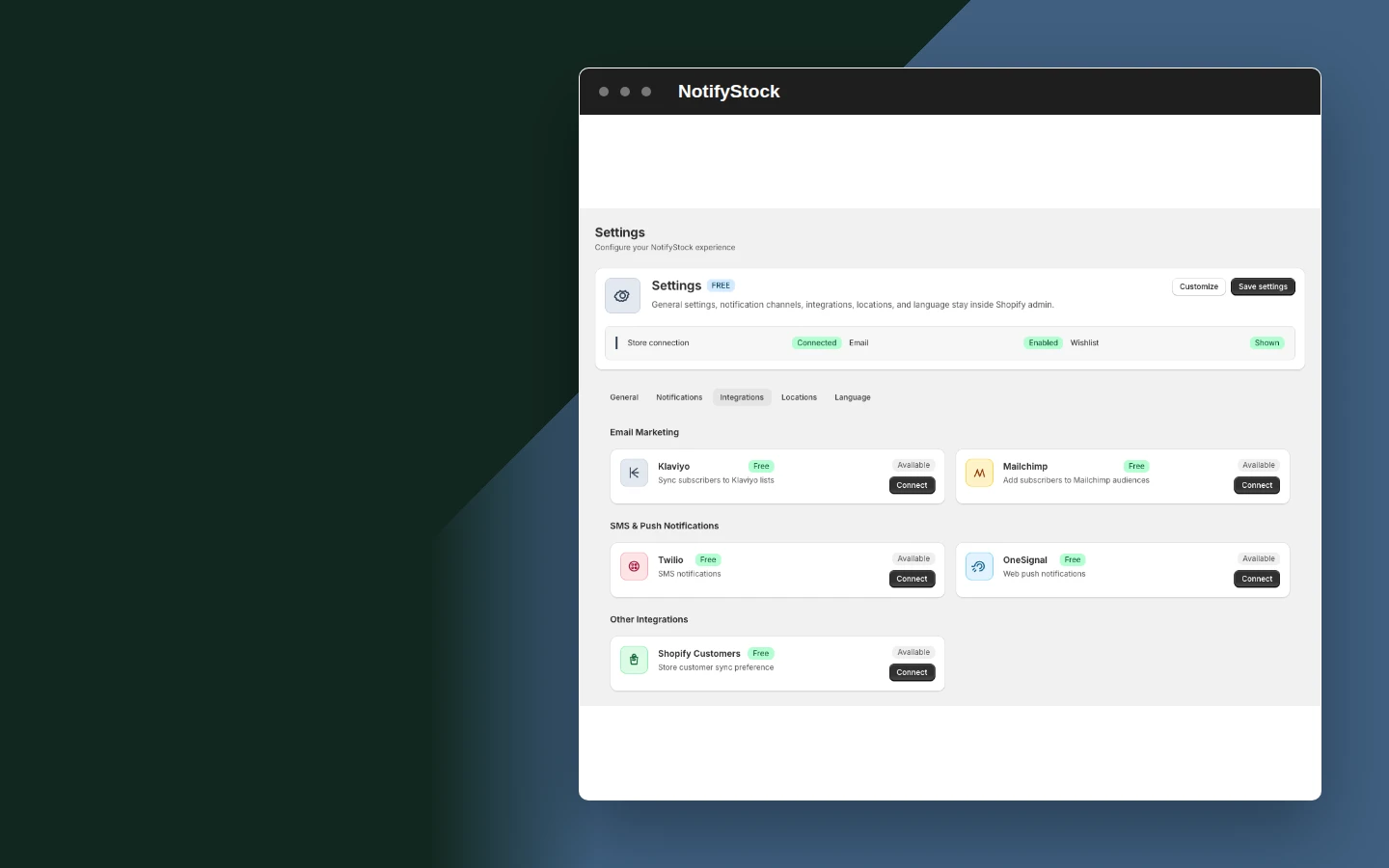
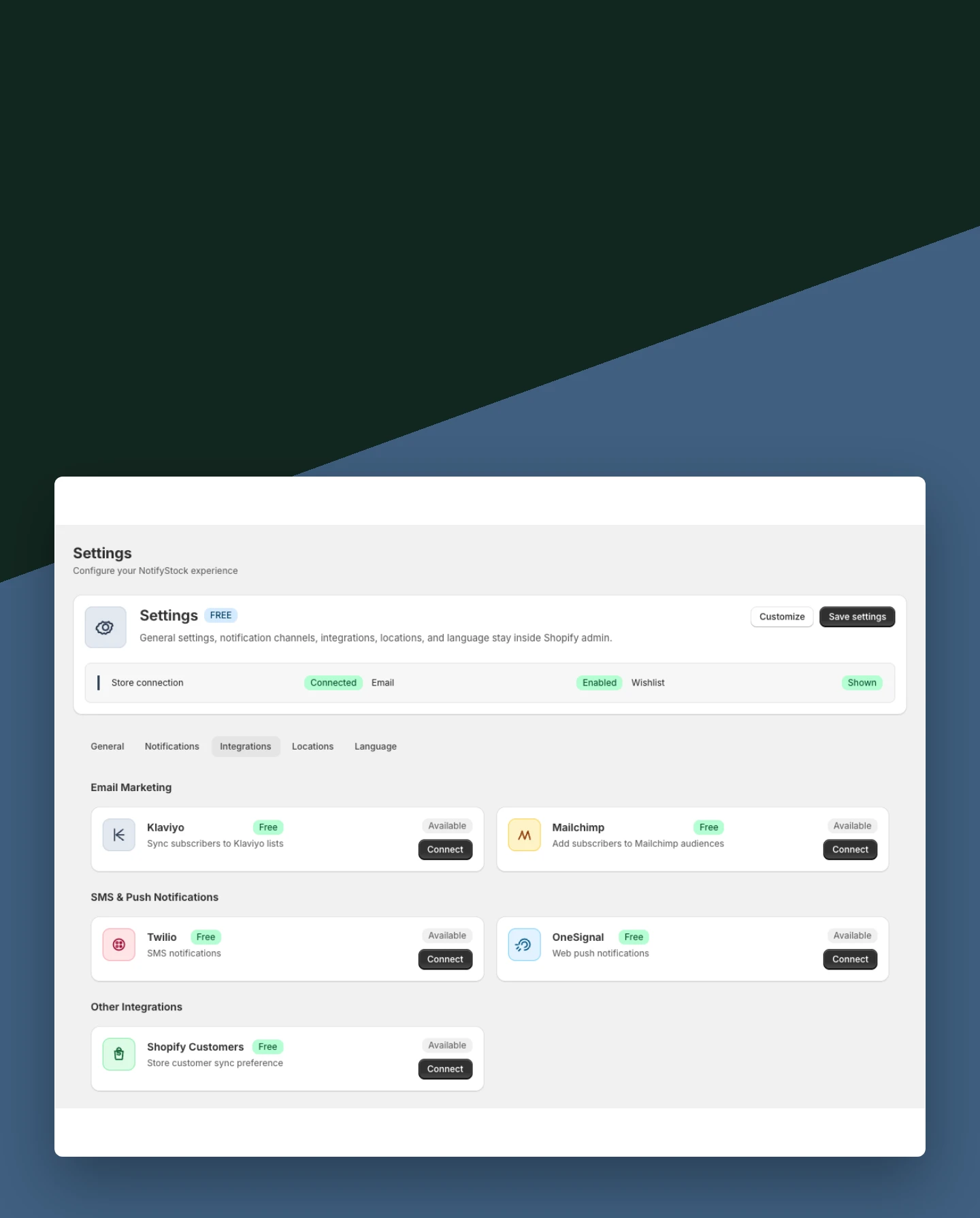
Provider configuration in NotifyStockProvider configuration mobile view

Provider configuration

  1. Connect optional delivery providers and keep their readiness visible.
Start free

Notifications workflow, step by step.

Notifications workflow: Template prepared

The merchant reviews the message for the selected workflow.

Template prepared
Notifications
01
Workflow step
Notifications workflow: Consent captured

The shopper provides the details required for the configured channel.

Consent captured
Notifications
02
Workflow step
Notifications workflow: Provider dispatches

NotifyStock records the result after the provider accepts the message.

Provider dispatches
Notifications
03
Workflow step

Frequently asked questions

Which notification channels are available?

Email is available in the app. SMS uses configured Twilio credentials, and browser push uses an active OneSignal subscription.

Does SMS work without merchant setup?

No. The merchant must configure Twilio and collect the shopper details and consent required for SMS.

Why might browser push be unavailable?

The shopper must grant the browser's native permission and OneSignal must report an active subscription.

Can each workflow have different copy?

Yes. Back in Stock, PreOrder, Wishlist, and Low Stock use separate configurable templates.

Are sent messages tracked?

NotifyStock records relevant subscriber and delivery status after a provider accepts or rejects a message.