
Recover demand when Shopify products sell out.
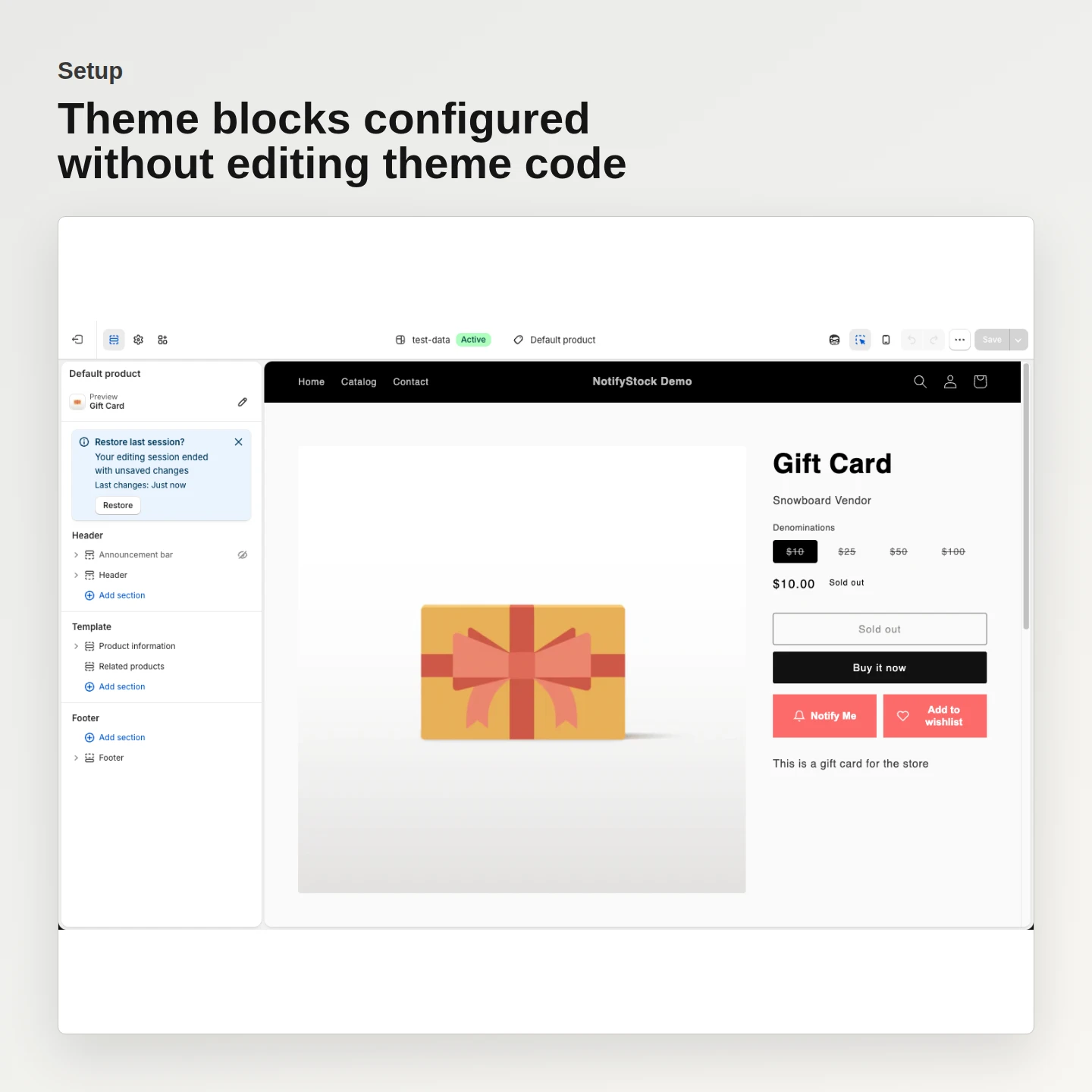
Show a clear Notify Me action on sold-out products, retain the product and variant context, and follow up when inventory returns.
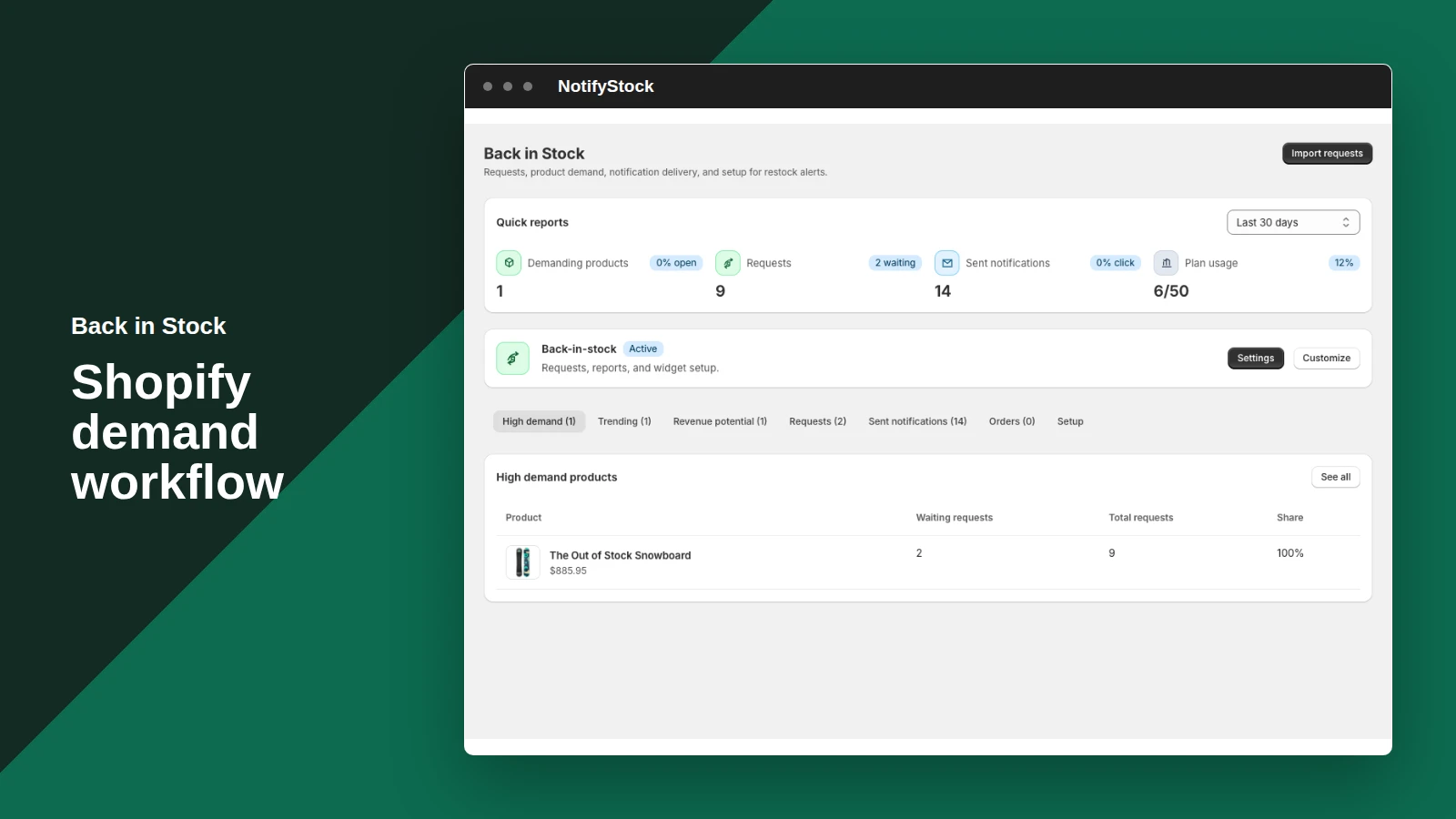
Back in Stock, from storefront action to merchant follow-up.
See how Back in Stock moves from a clear storefront action to accurate product context and merchant follow-up.
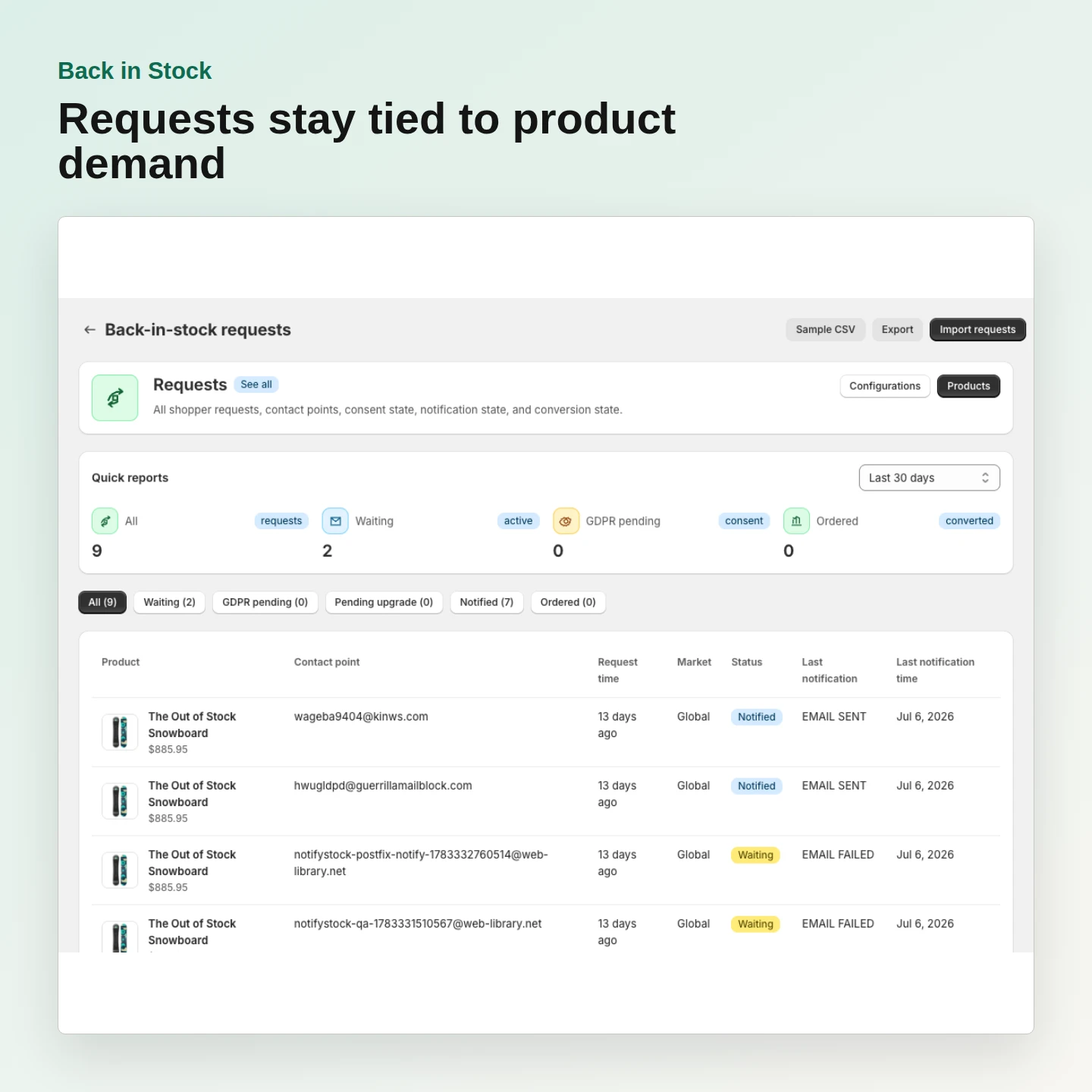
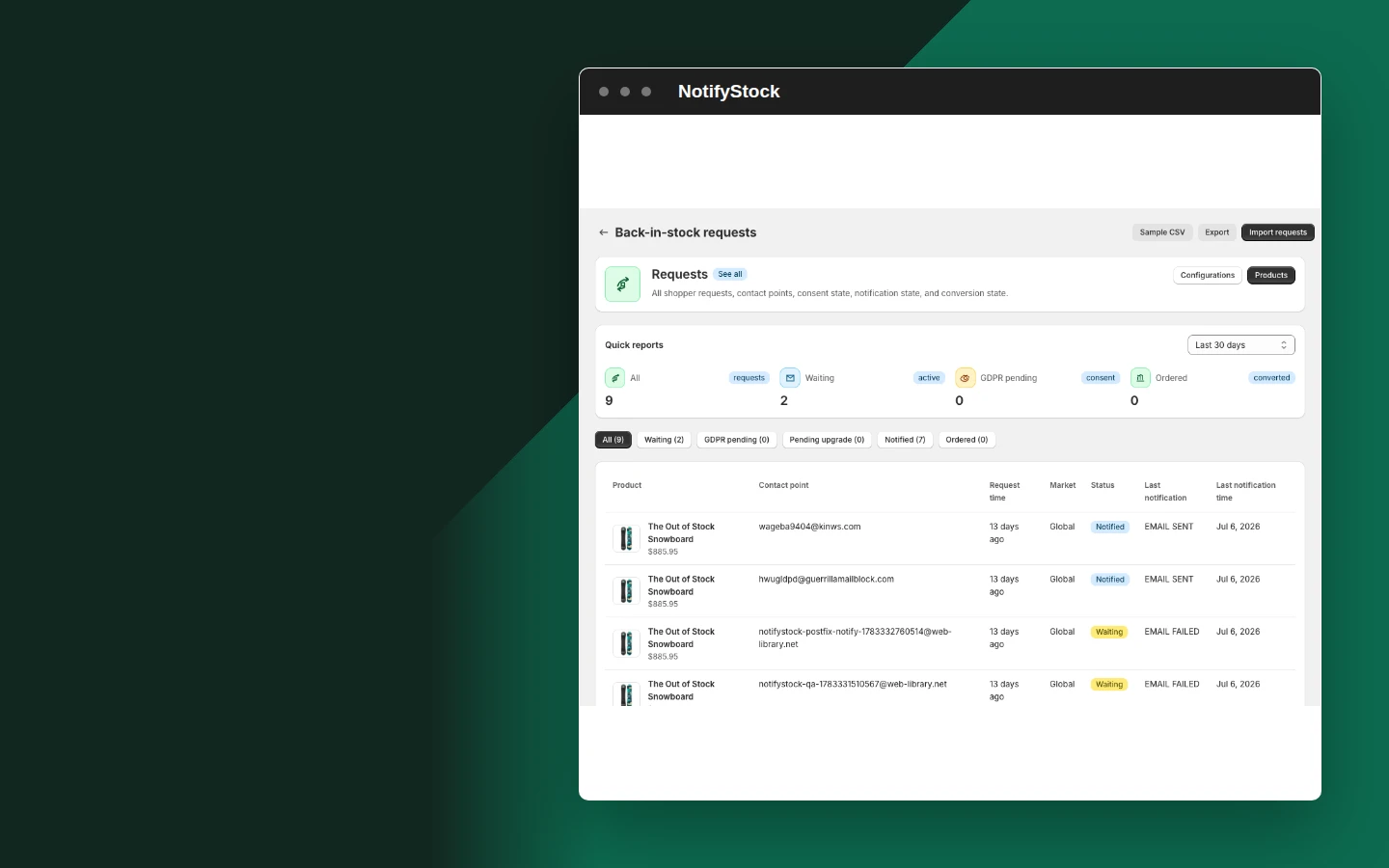
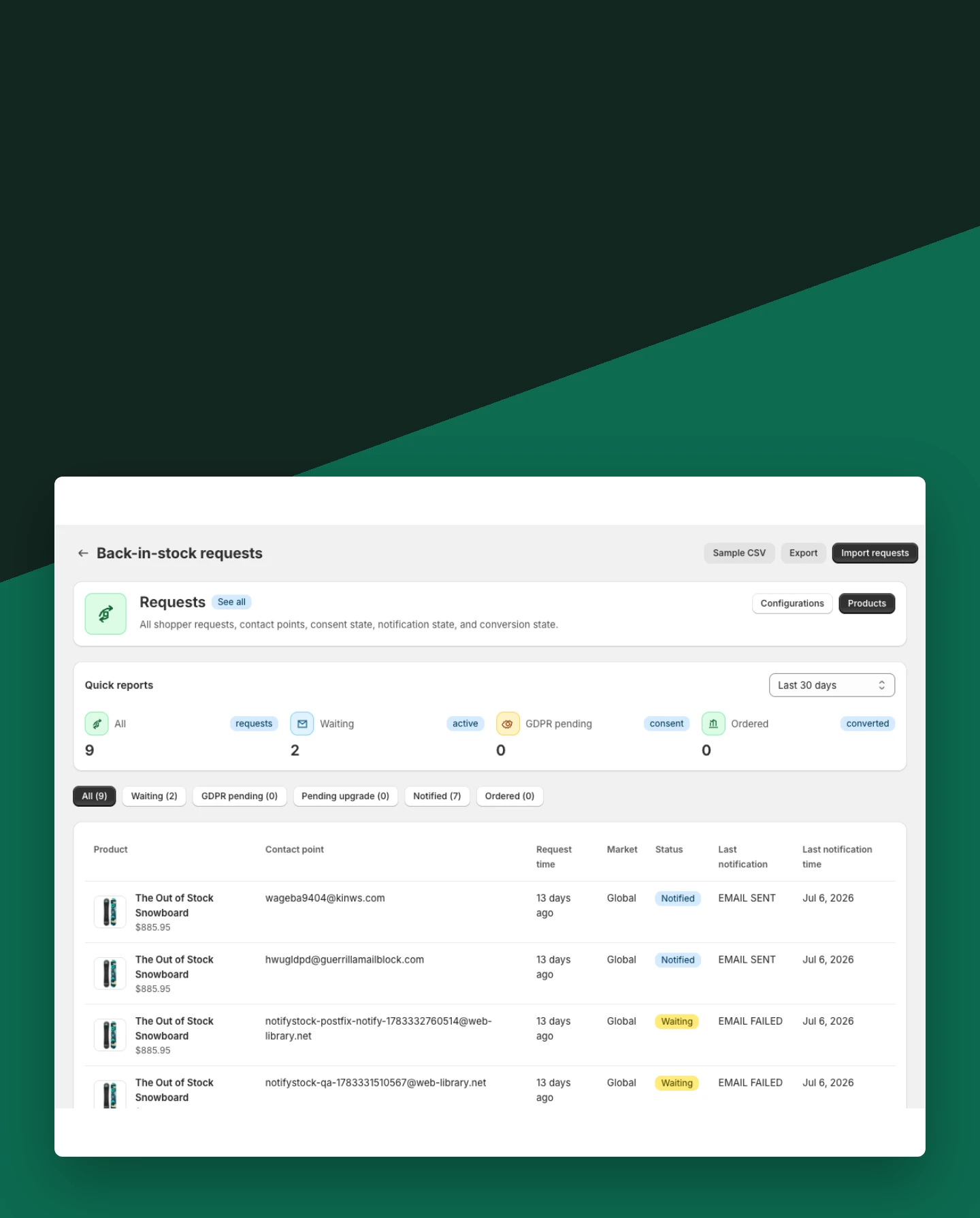
Capture complete restock requests
Keep email, optional phone details, product, variant, and request status connected.
Included:
- Product and variant context
- Duplicate-request handling
- Shopper confirmation
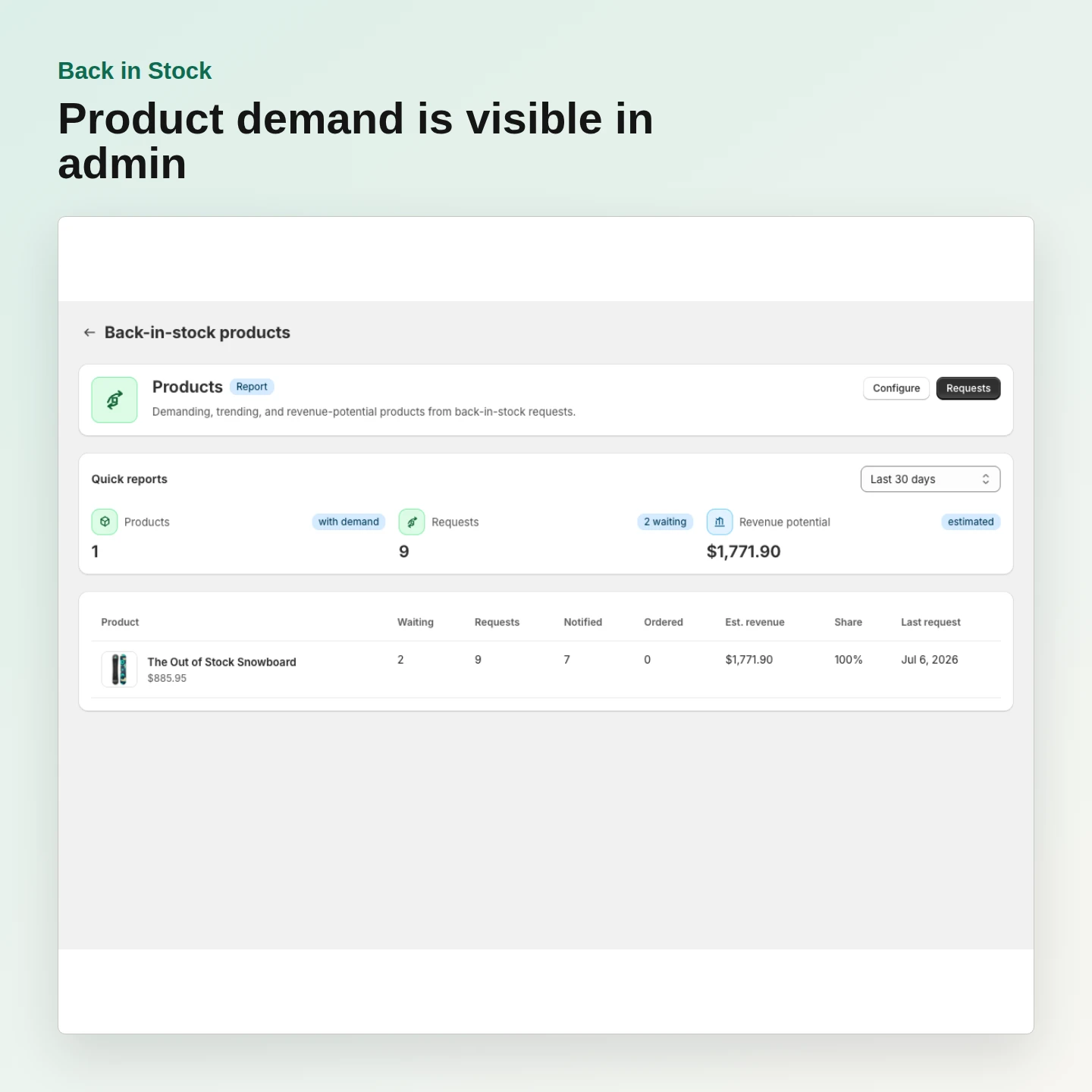
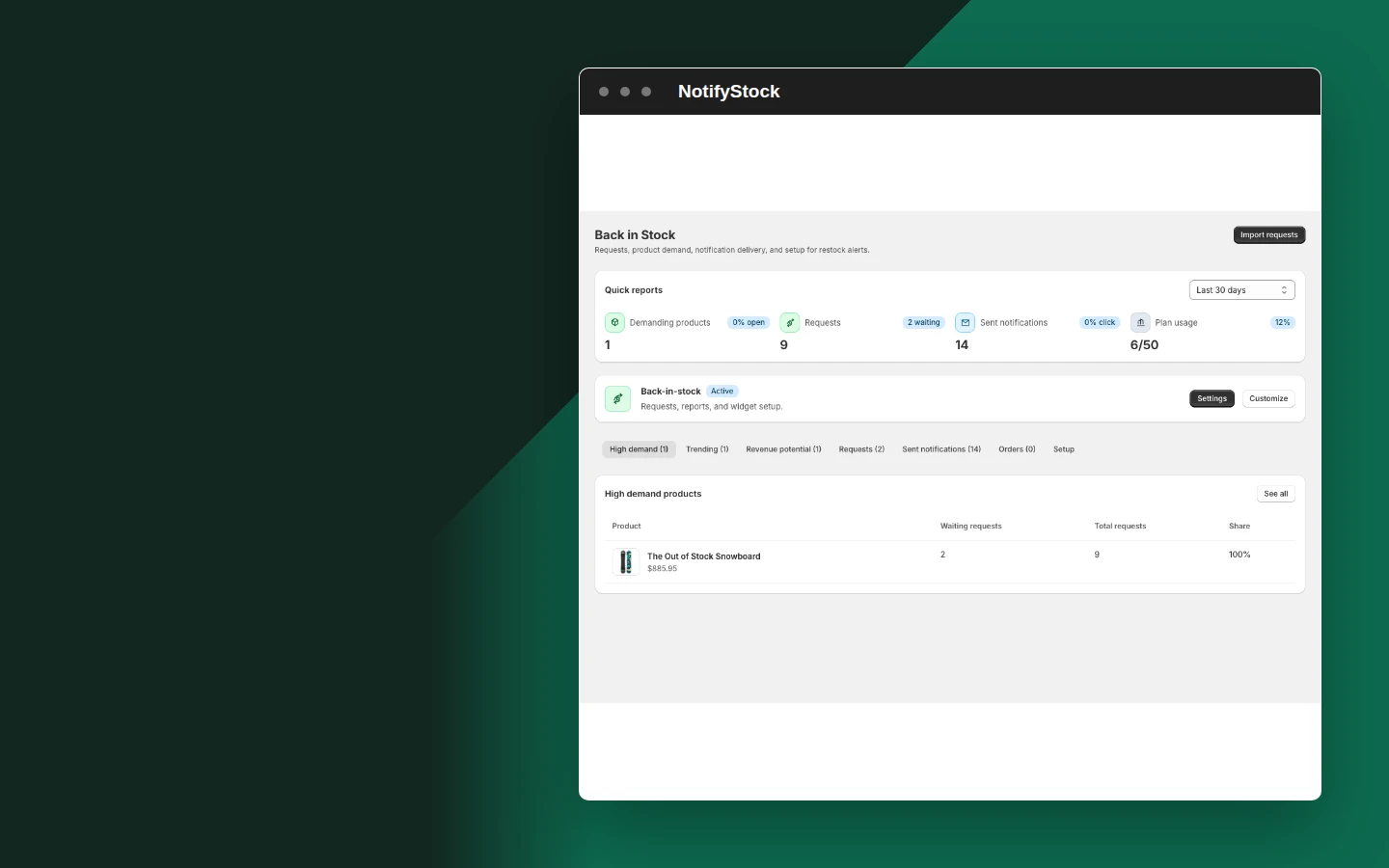
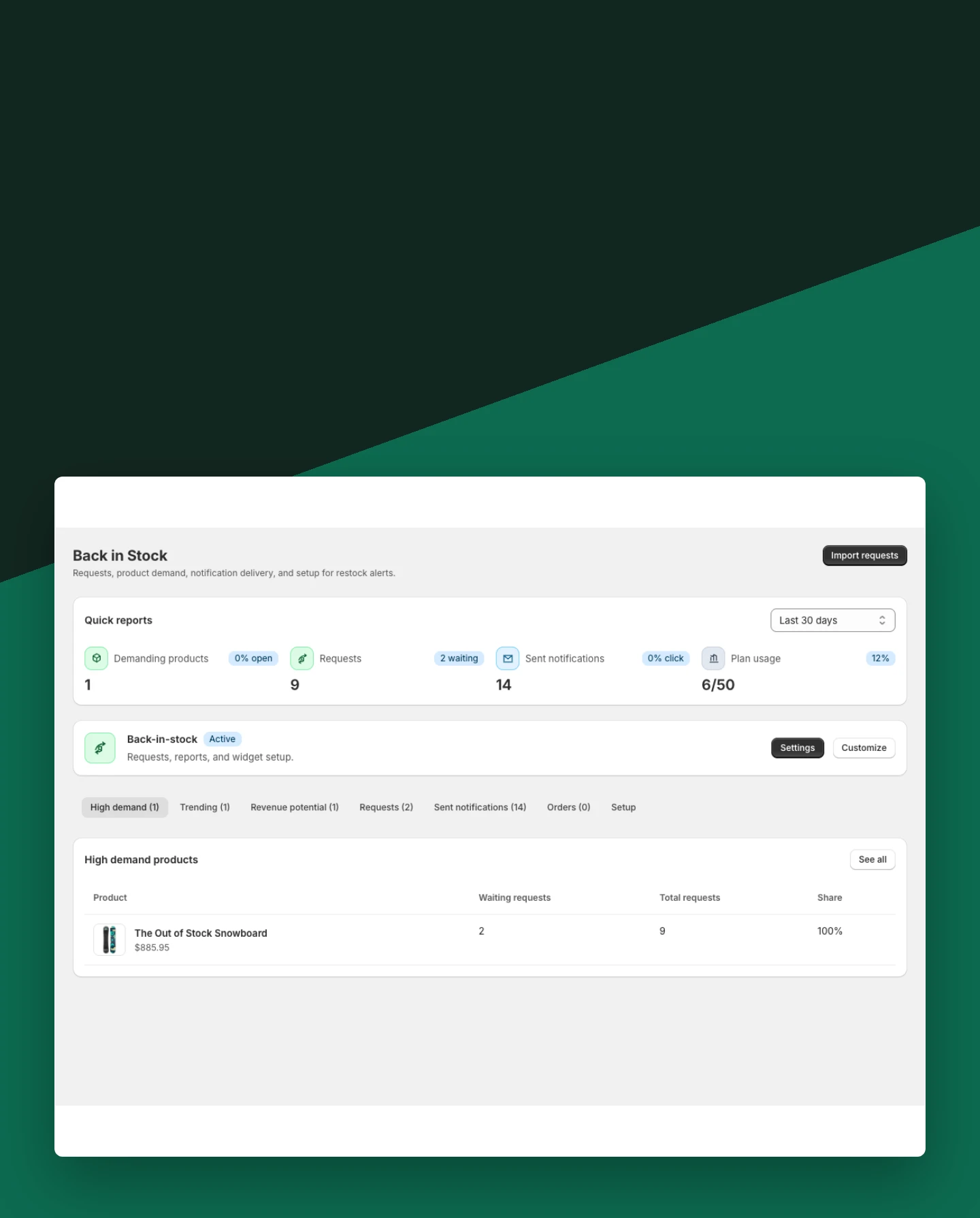
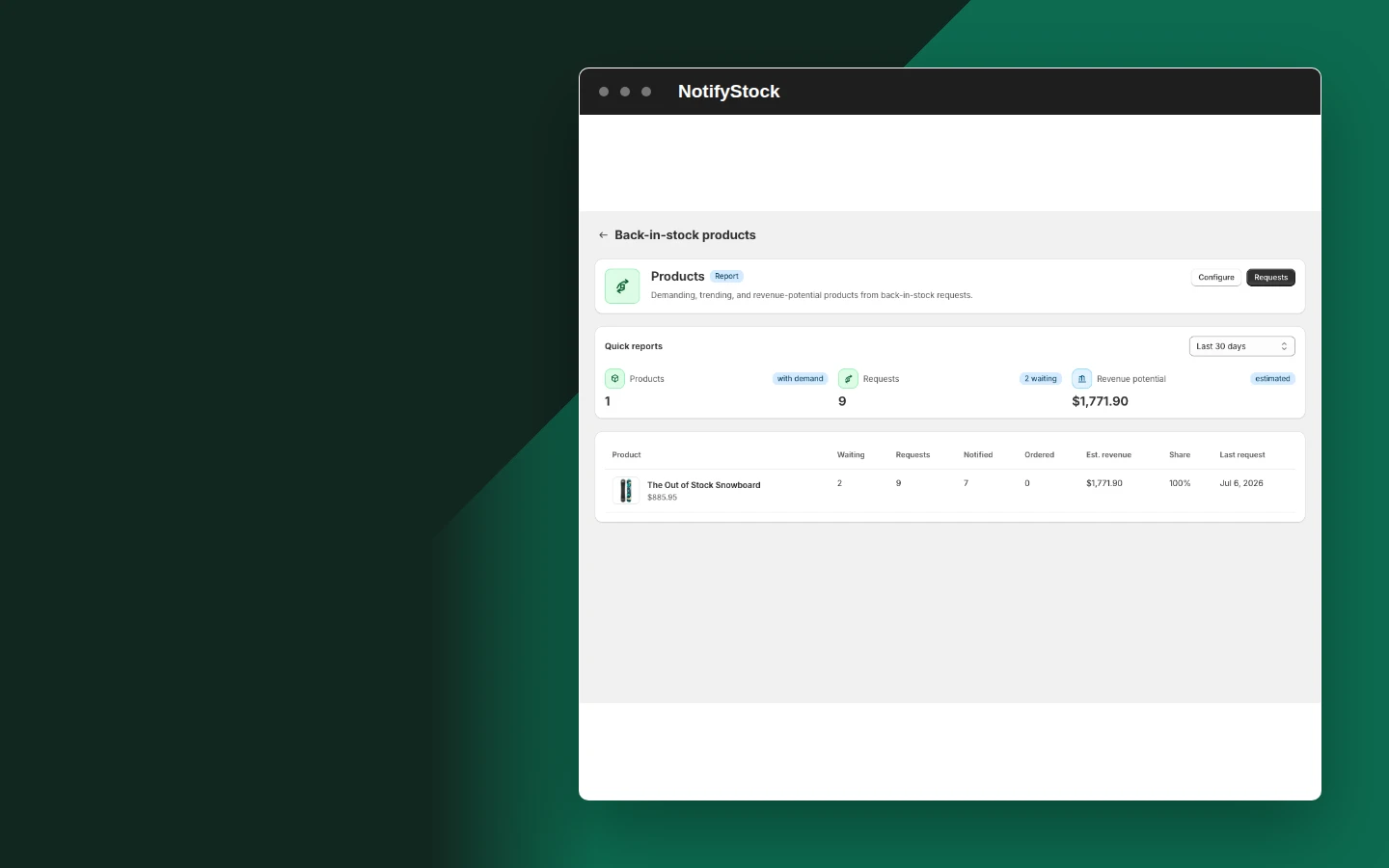
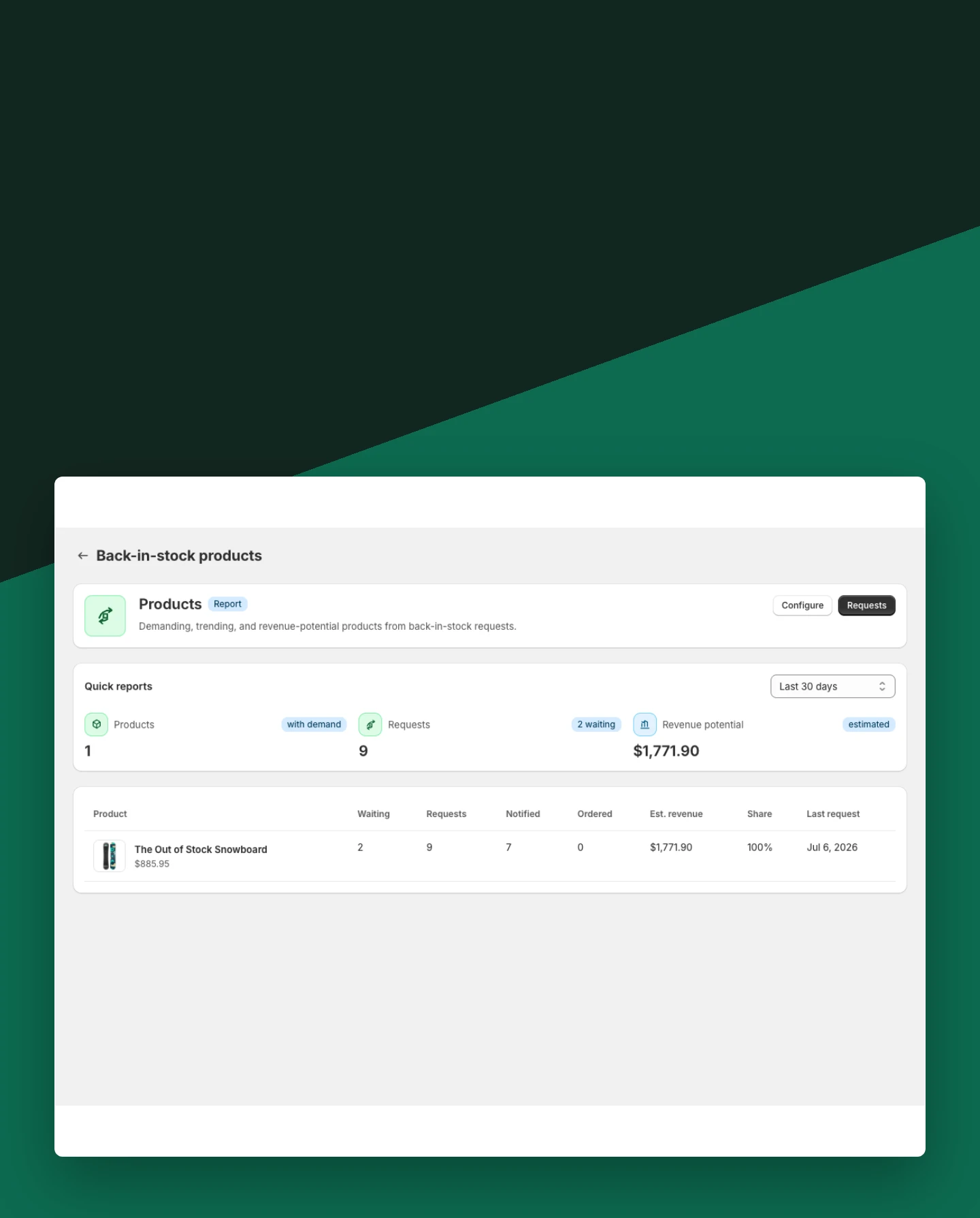
See demand by product
Review which sold-out products are collecting interest before inventory is changed.
Included:
- Product-level request totals
- Product-mode visibility
- Export-ready demand data
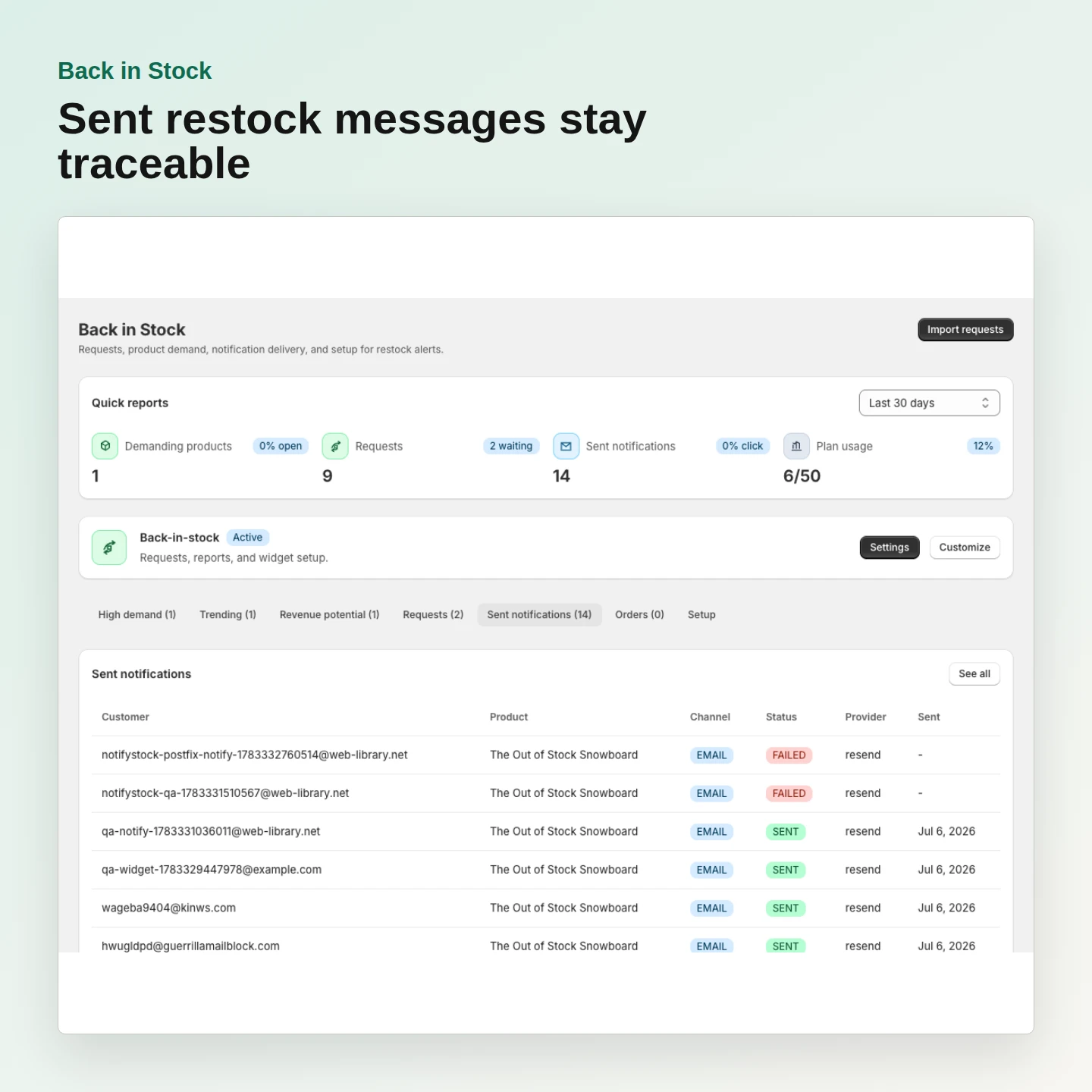
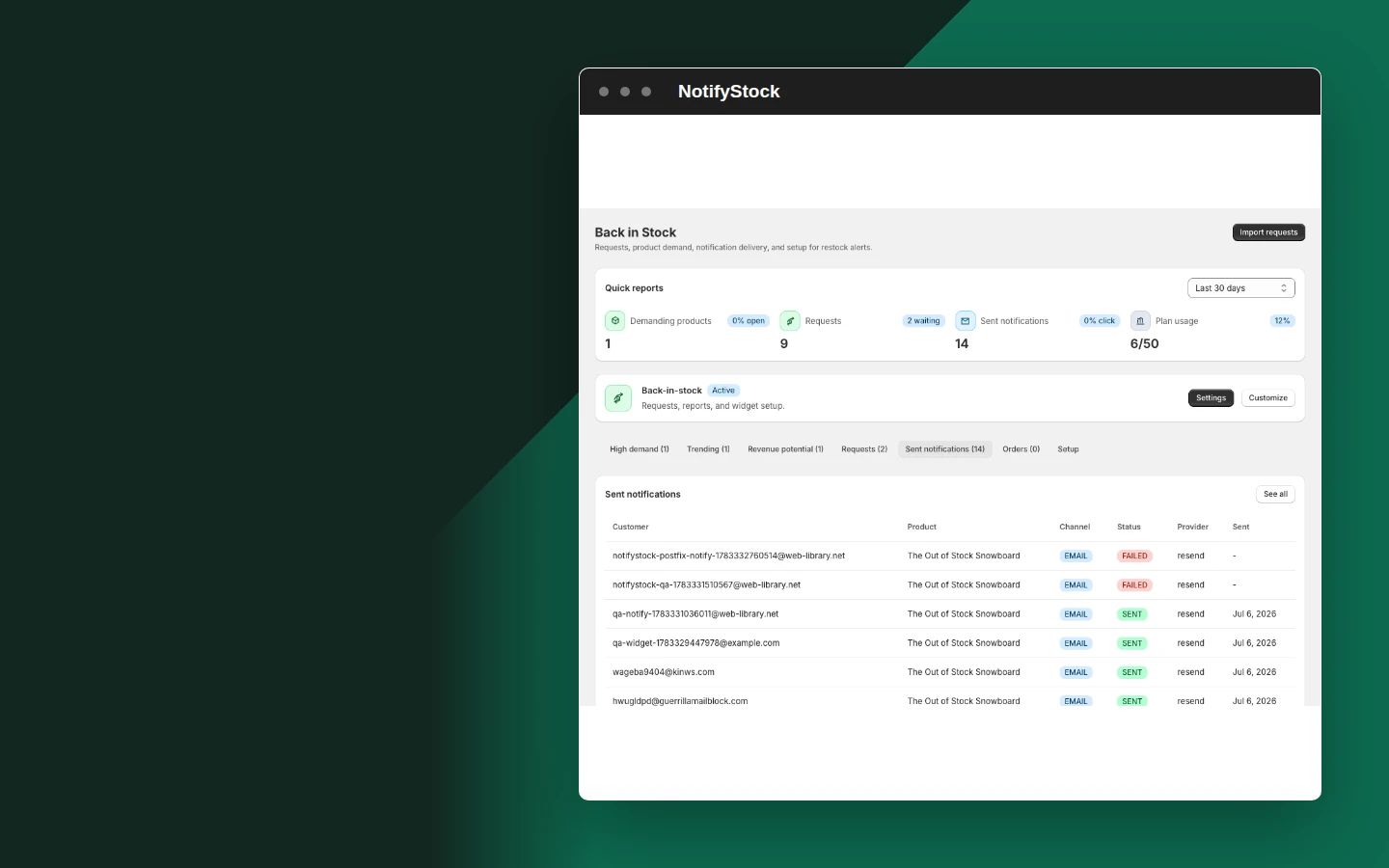
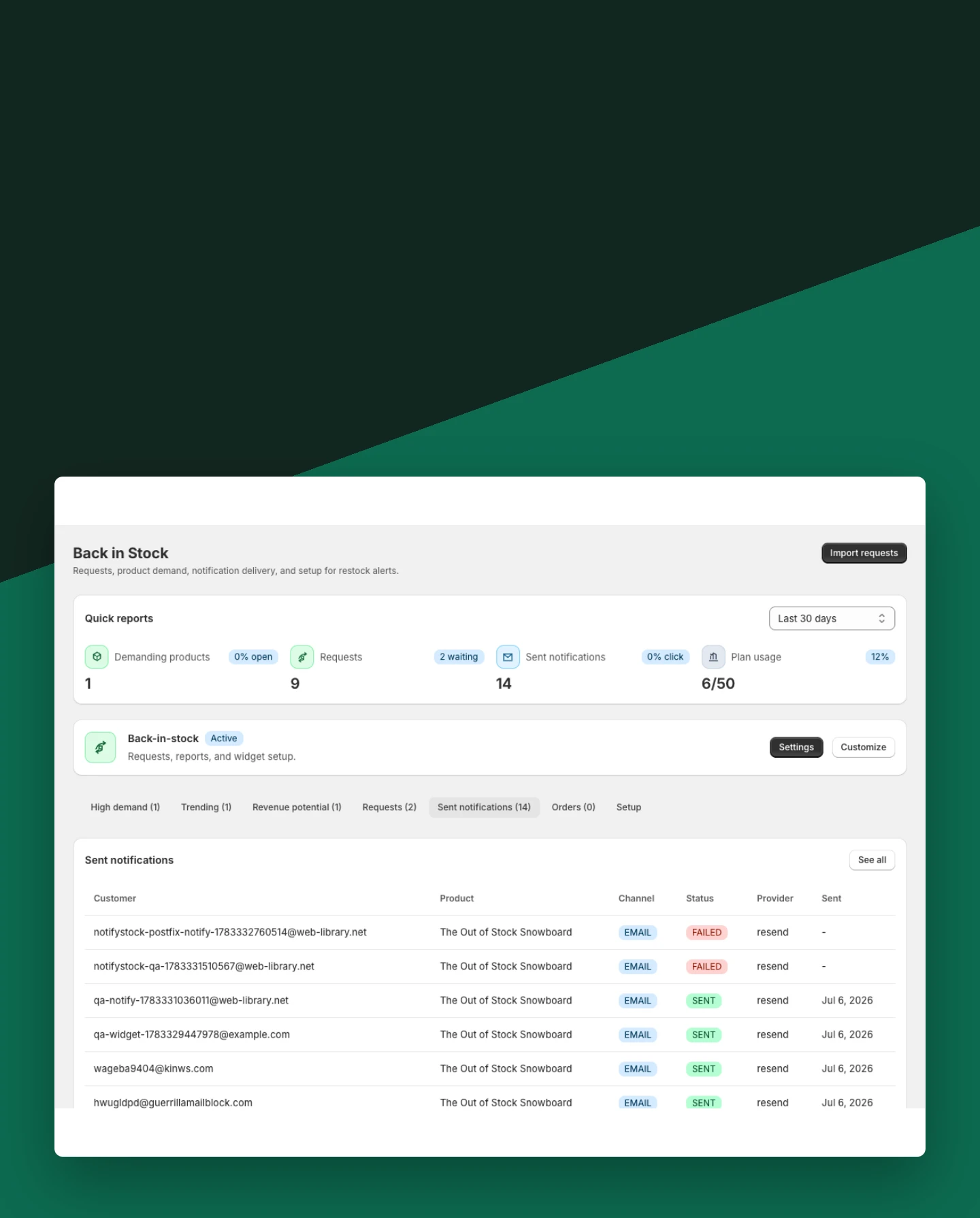
Track sent notifications
Keep dispatched restock messages and subscriber state visible after inventory returns.
Included:
- Delivery status
- Subscriber lifecycle
- Notification history
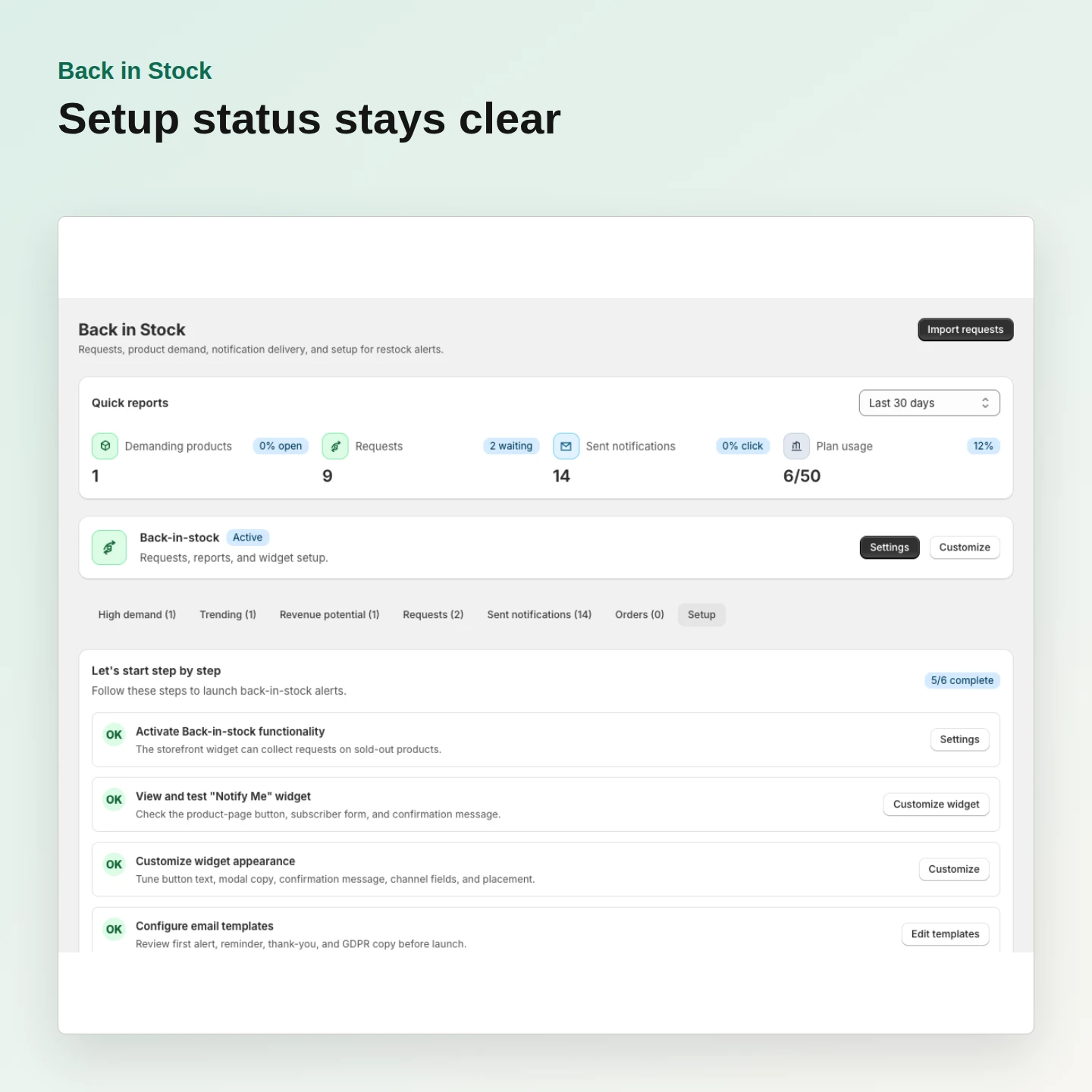
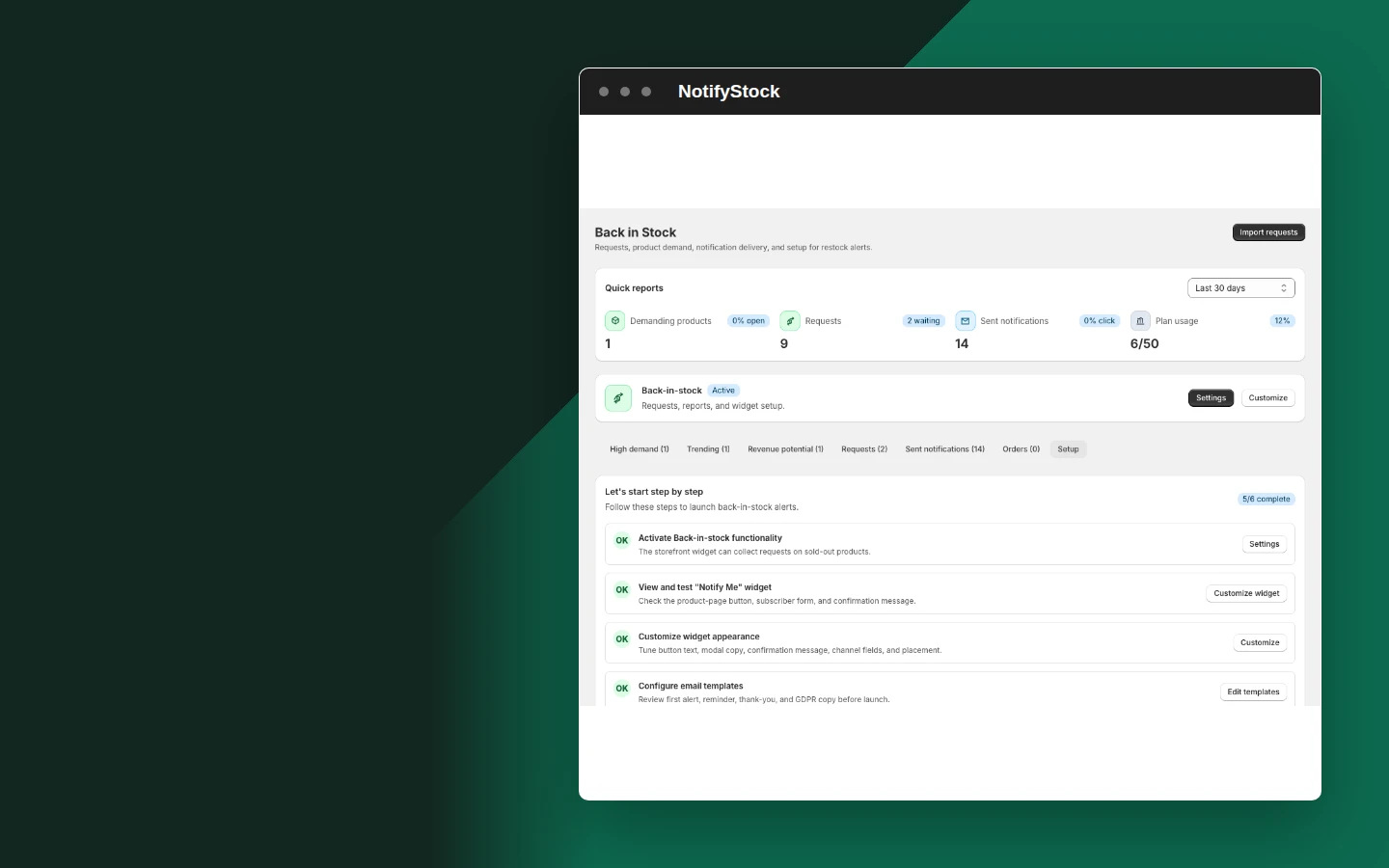
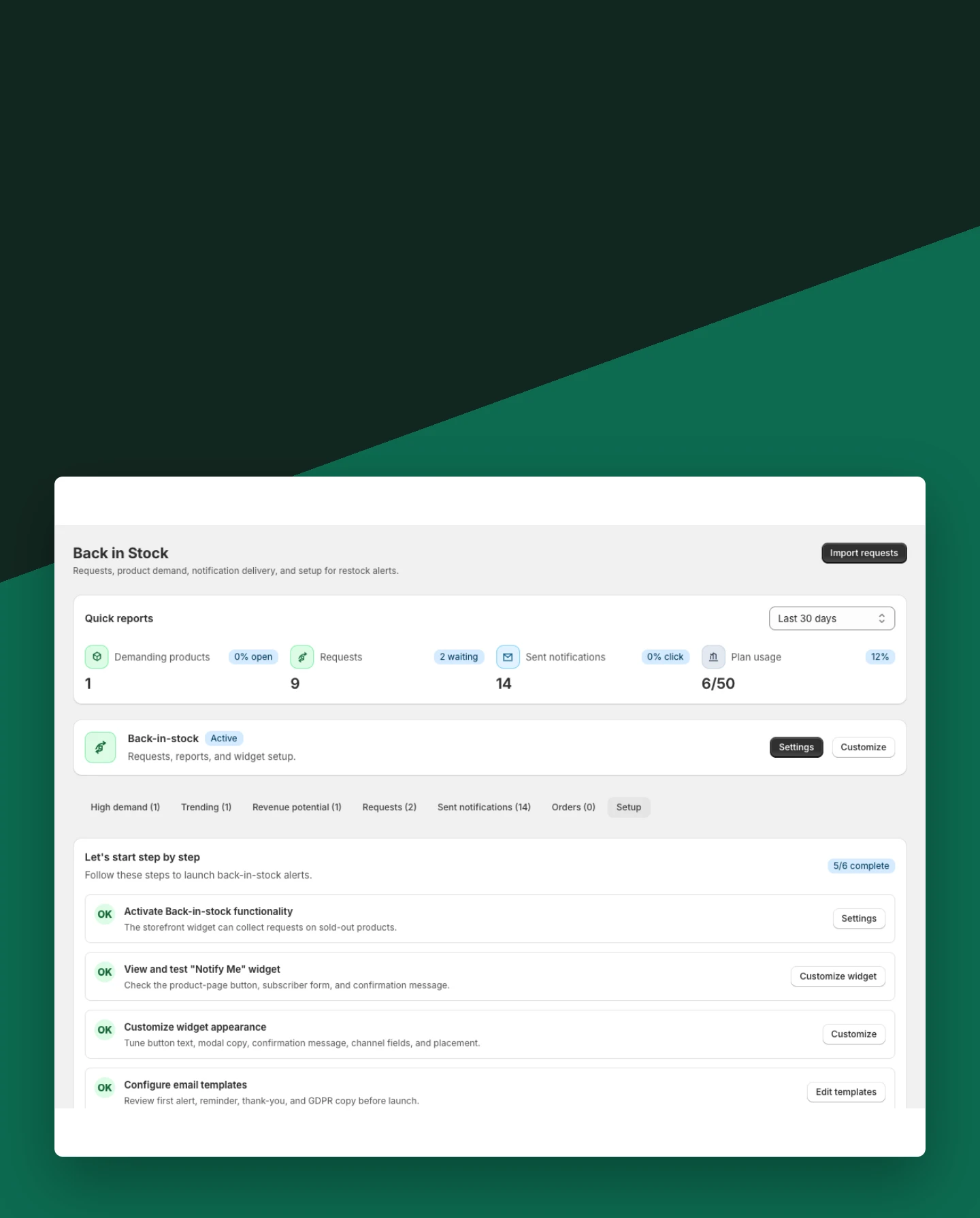
Know when setup is complete
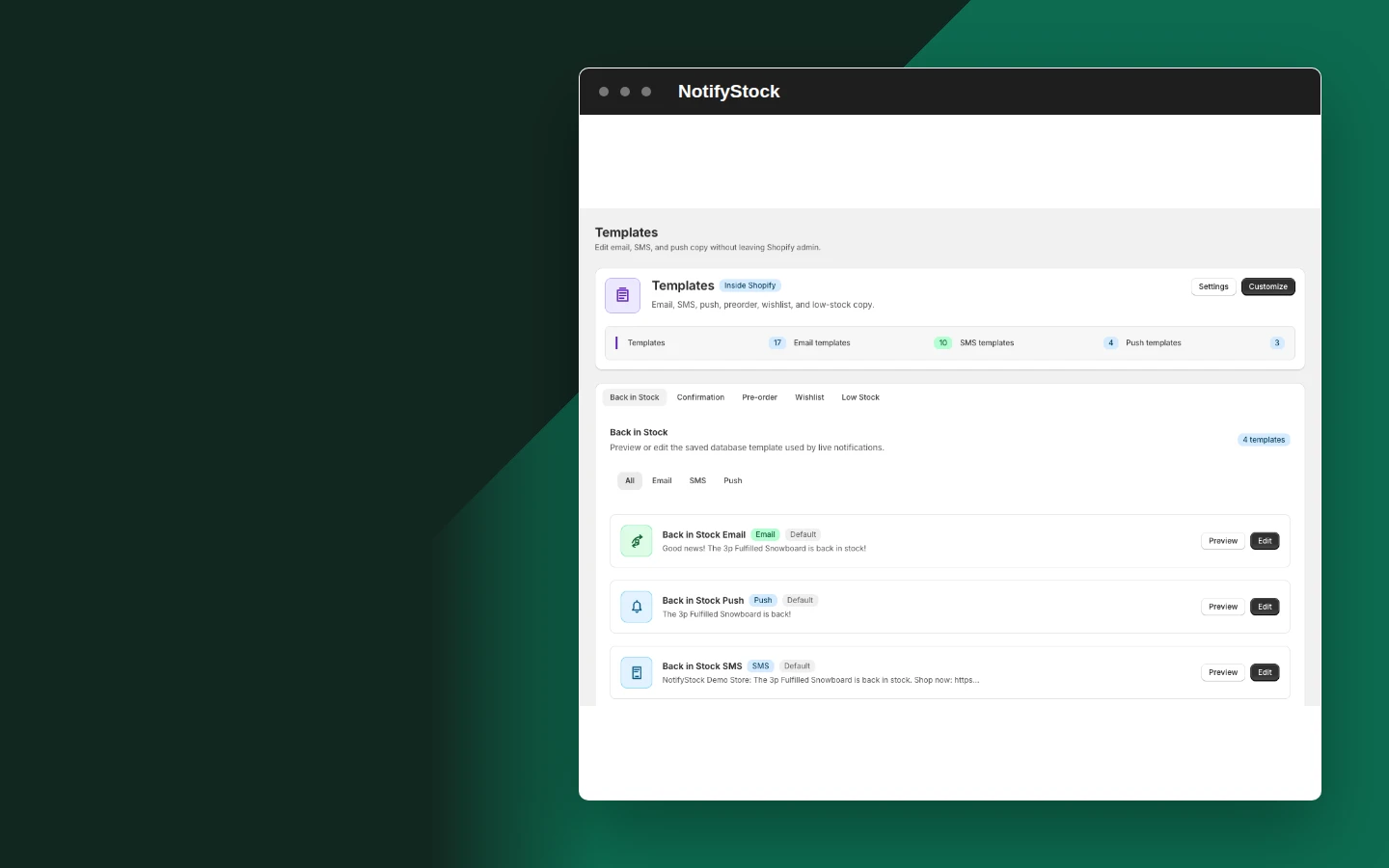
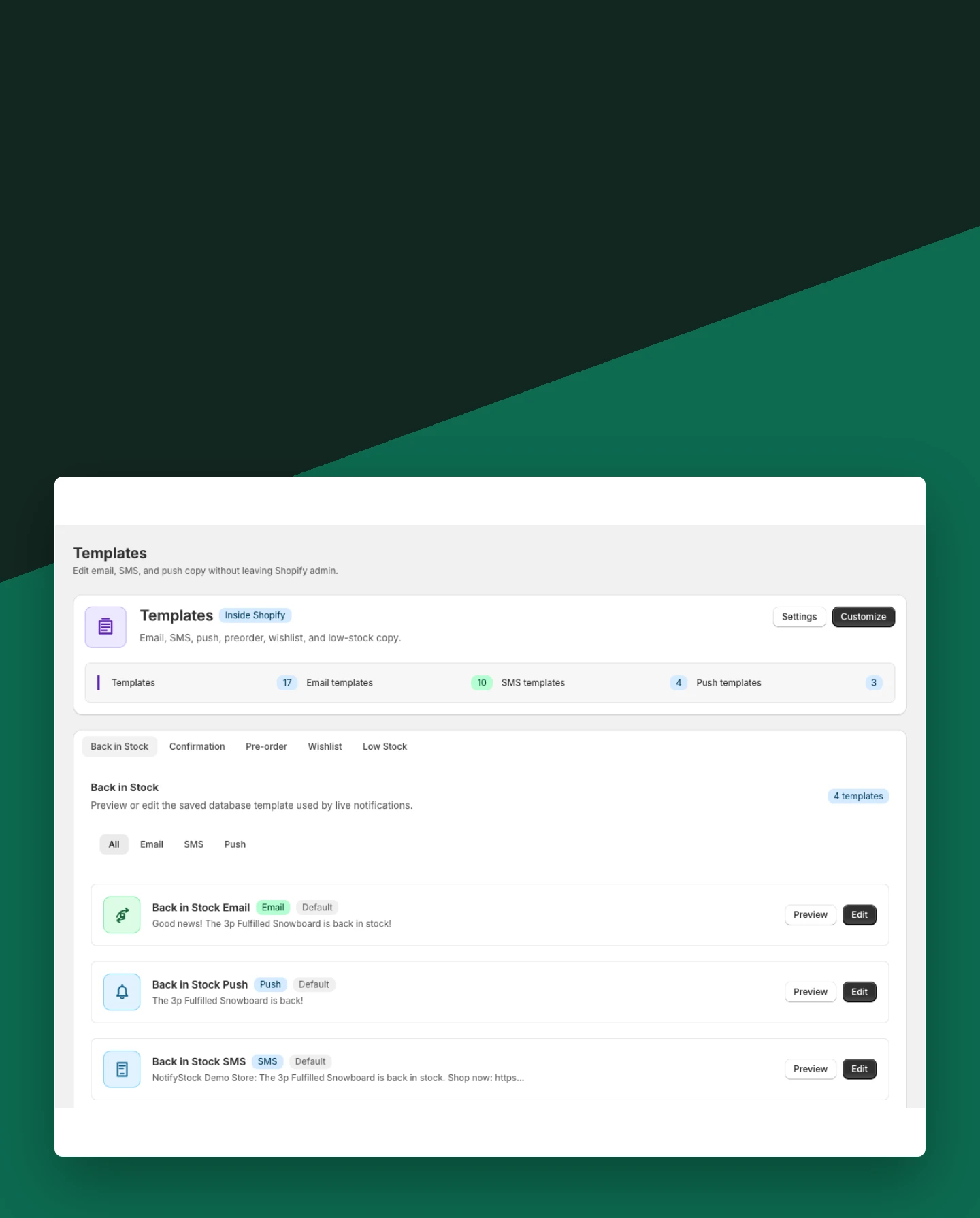
Use the setup view to verify product mode, theme placement, templates, and delivery configuration.
Included:
- Theme extension check
- Product configuration
- Provider readiness
Why merchants use Back in Stock.
Each Back in Stock capability supports the same product-specific workflow without mixing unrelated shopper actions.

Keep demand attached to inventory
A request remains tied to the product a shopper actually wanted.
Avoid duplicate sends
Webhook processing and quota reservation are protected against overlapping inventory events.
Use configured channels
Email works in-app; SMS and push use merchant-configured providers.
Back in Stock in six practical views.
Back in Stock workflow, step by step.
A shopper submits Notify Me on the sold-out product.
Shopify inventory changes trigger eligible request processing.
The shopper receives one restock message through configured channels.