LOW STOCK FOR SHOPIFY

Show inventory urgency at the right threshold.

Choose the stock level that triggers the message, configure where it appears, and keep low-inventory activity visible.
Start free
Start free

50% off NotifyStock for 6 months. Limited time.

Merchant-set
Threshold
Live inventory
Message
Theme block
Placement

Low Stock, from storefront action to merchant follow-up.

See how Low Stock moves from a clear storefront action to accurate product context and merchant follow-up.
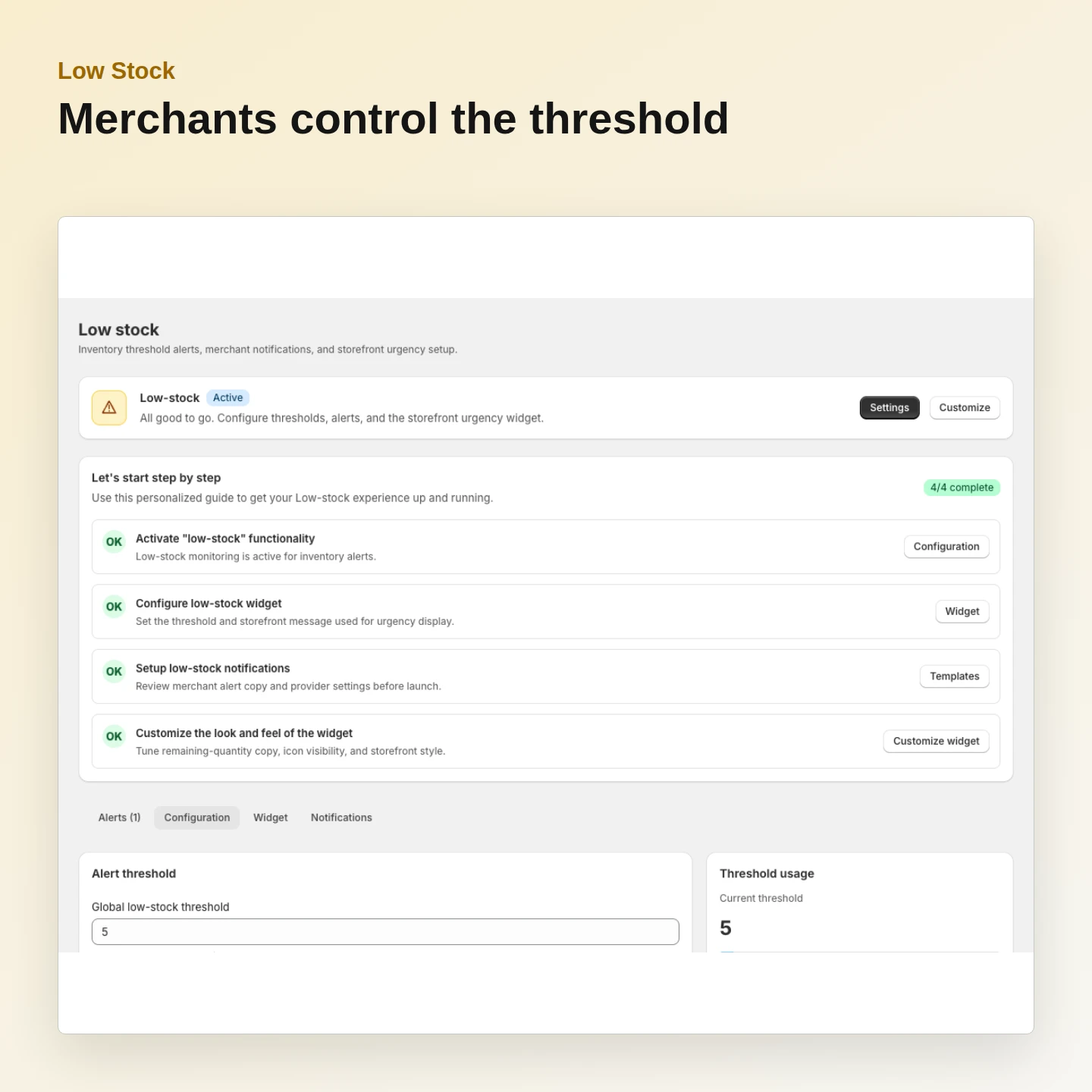
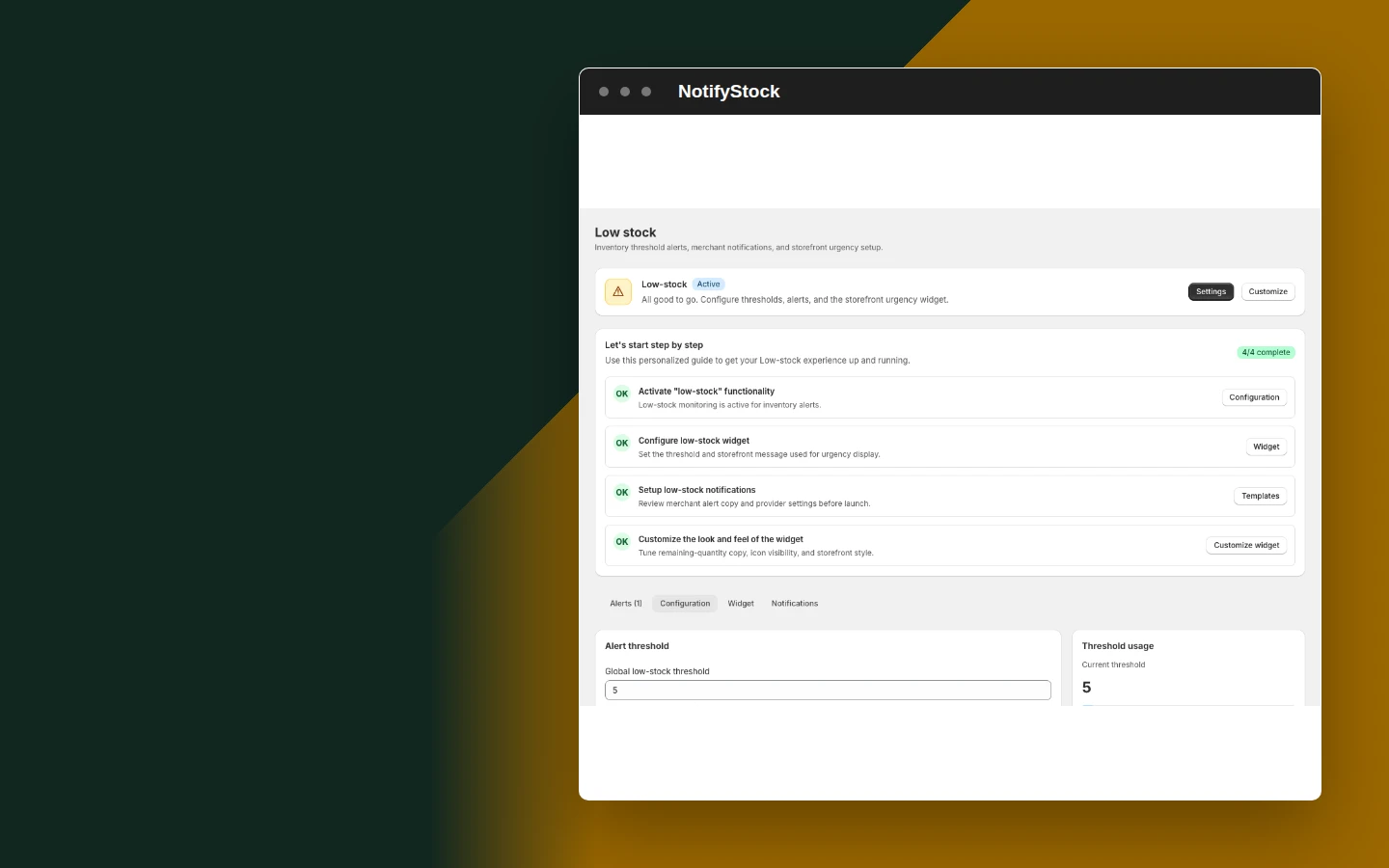
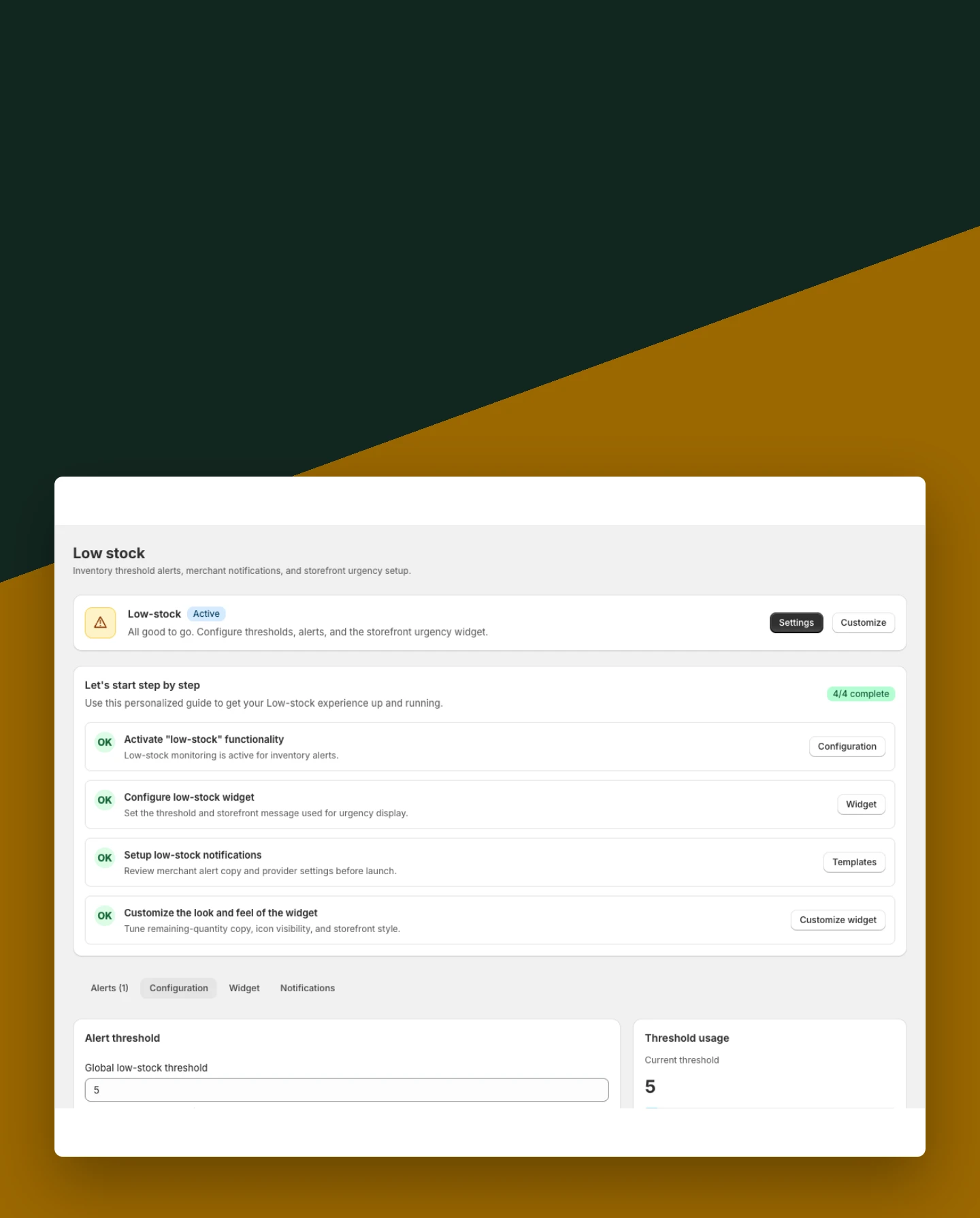
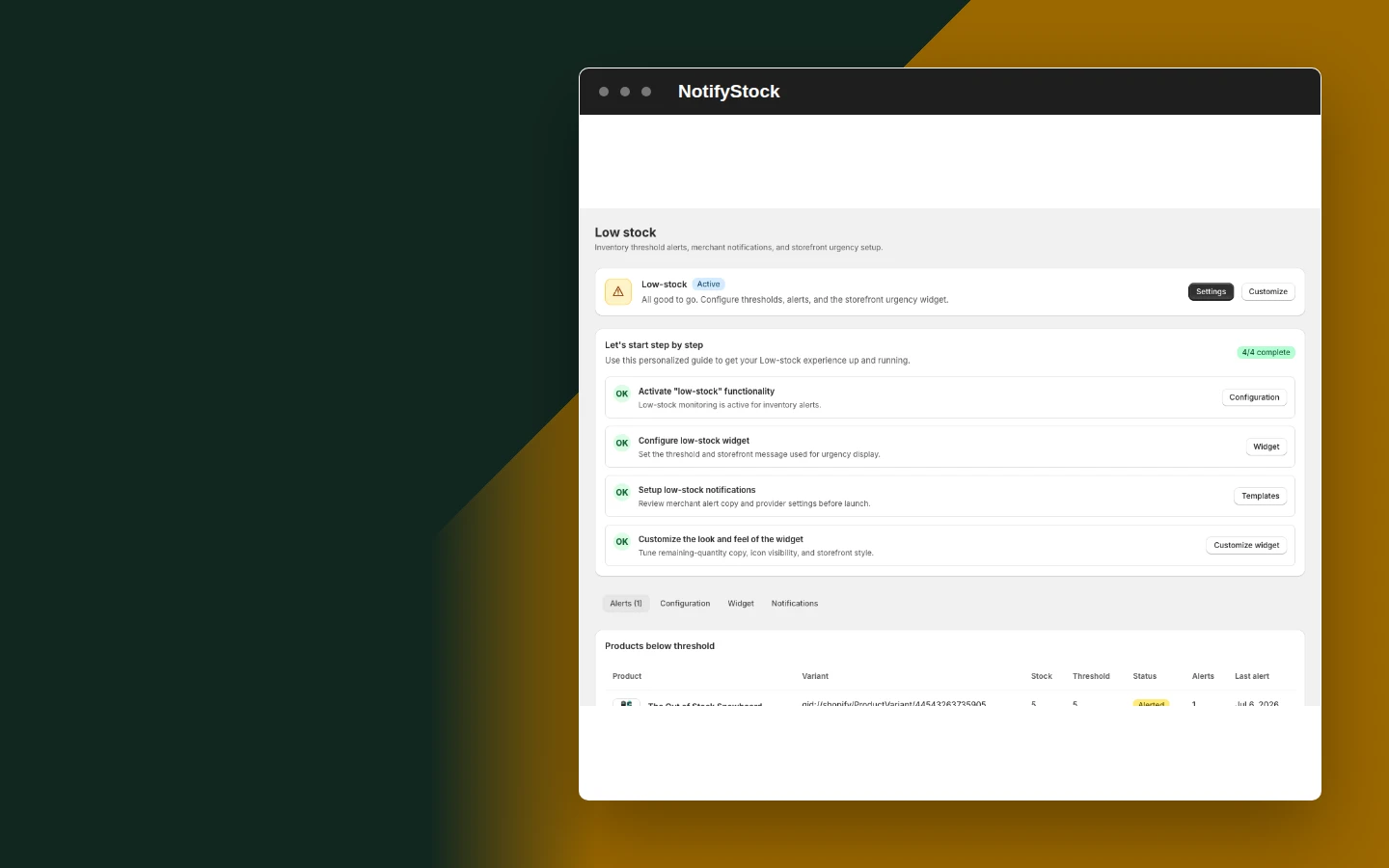
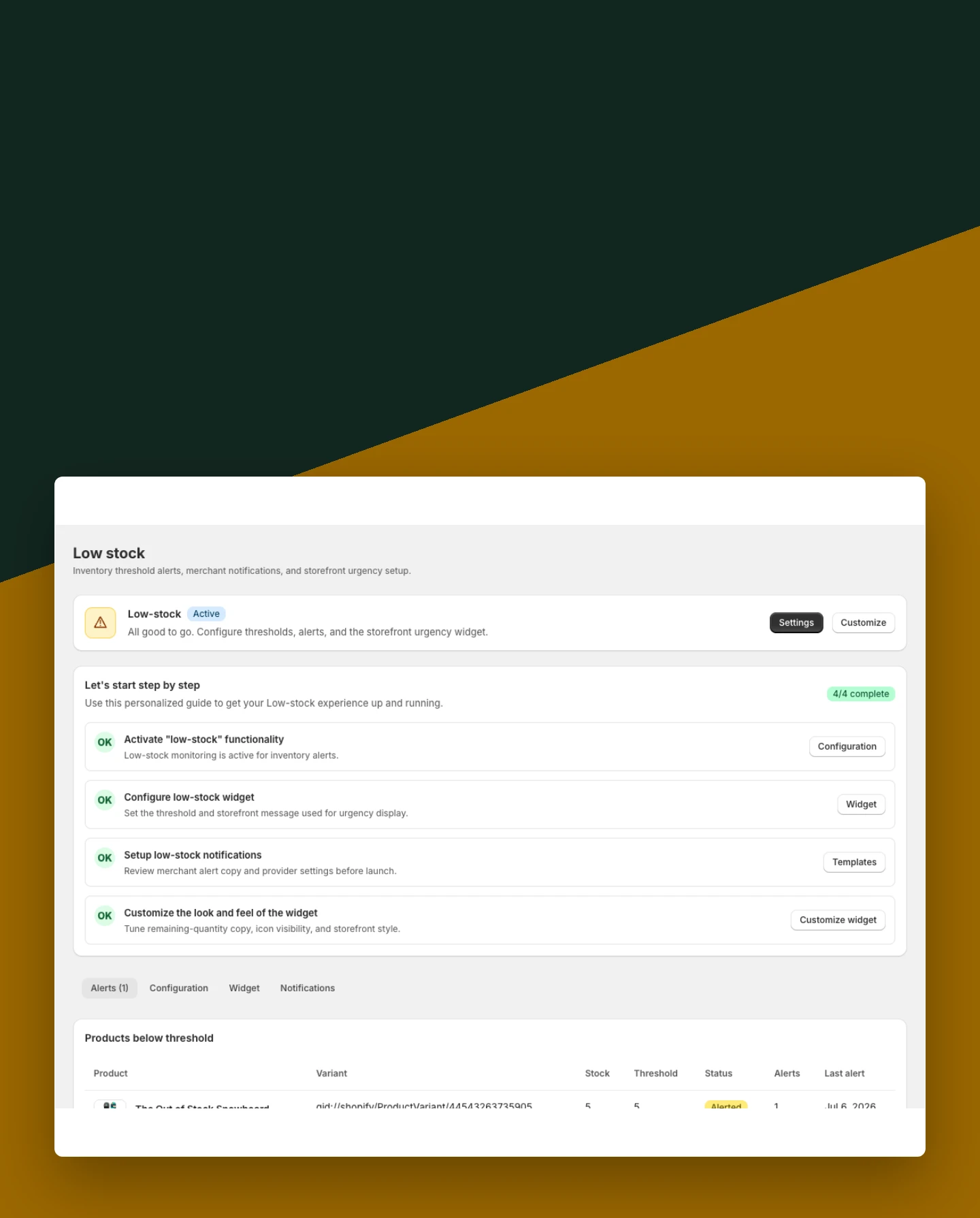
Low Stock: Set the threshold

Set the threshold

Define when the low-stock experience becomes relevant to the shopper.

Included:

  • Inventory threshold
  • Enable or disable
  • Store-level controls
Start free
Live demo
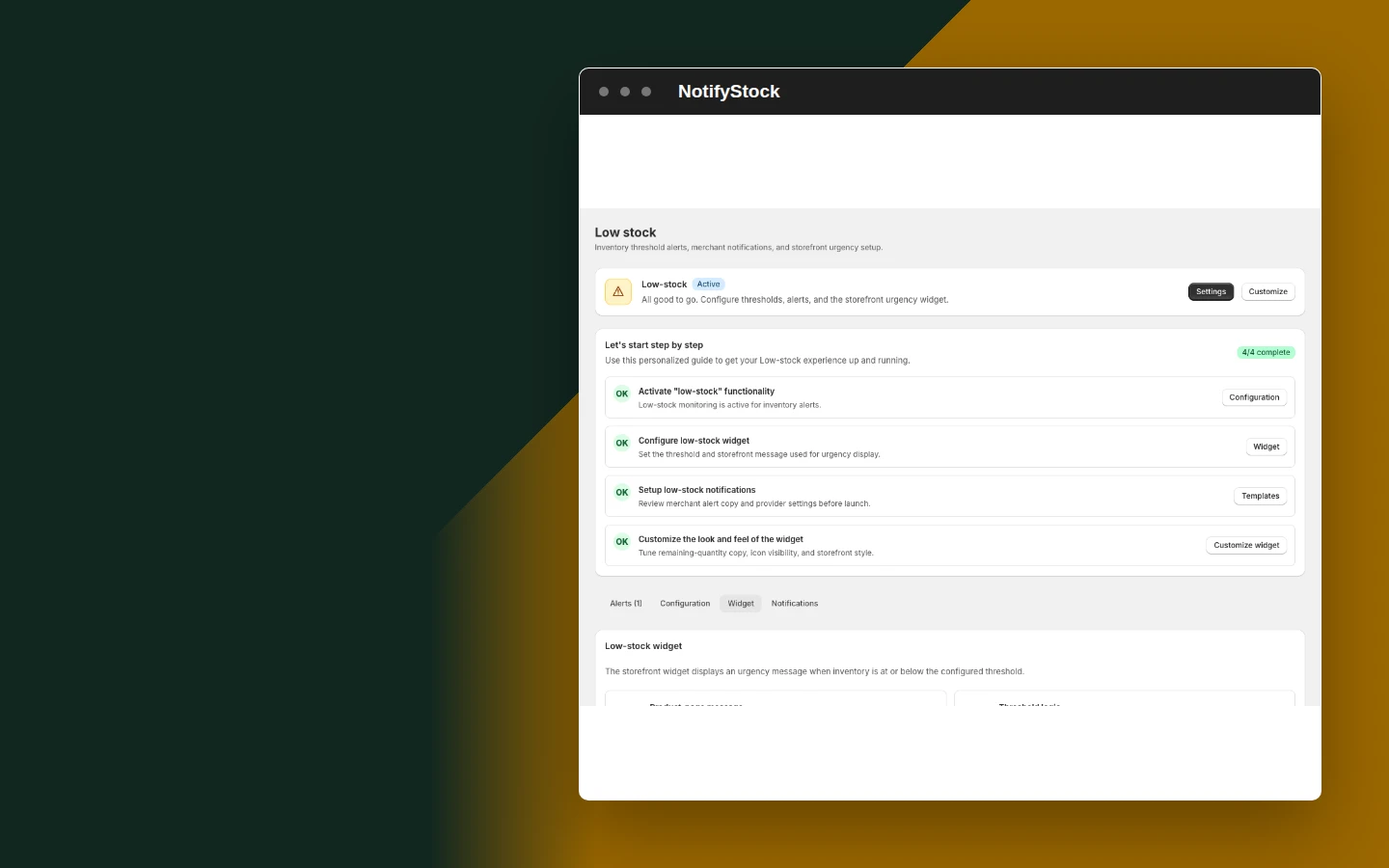
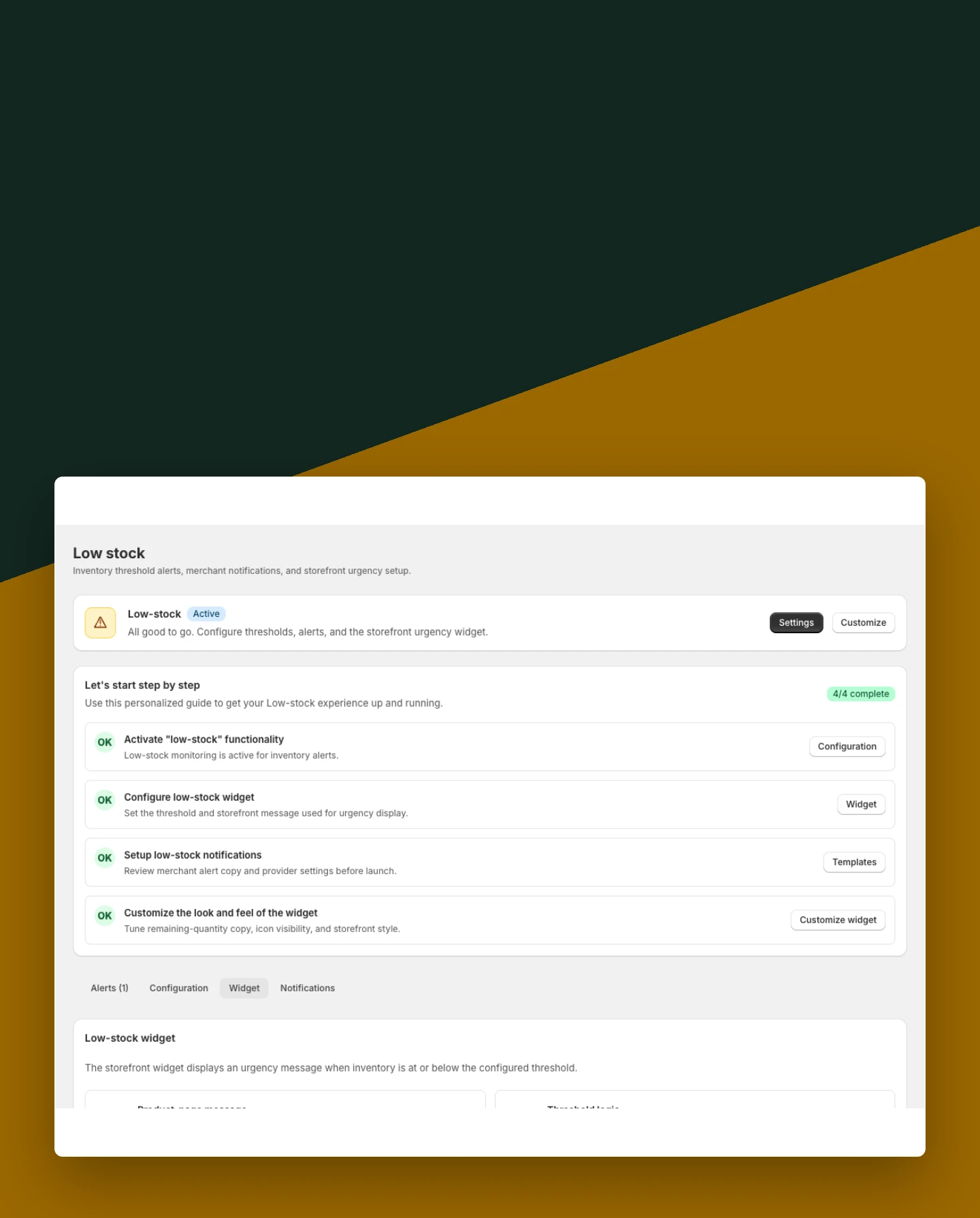
Low Stock: Configure the widget

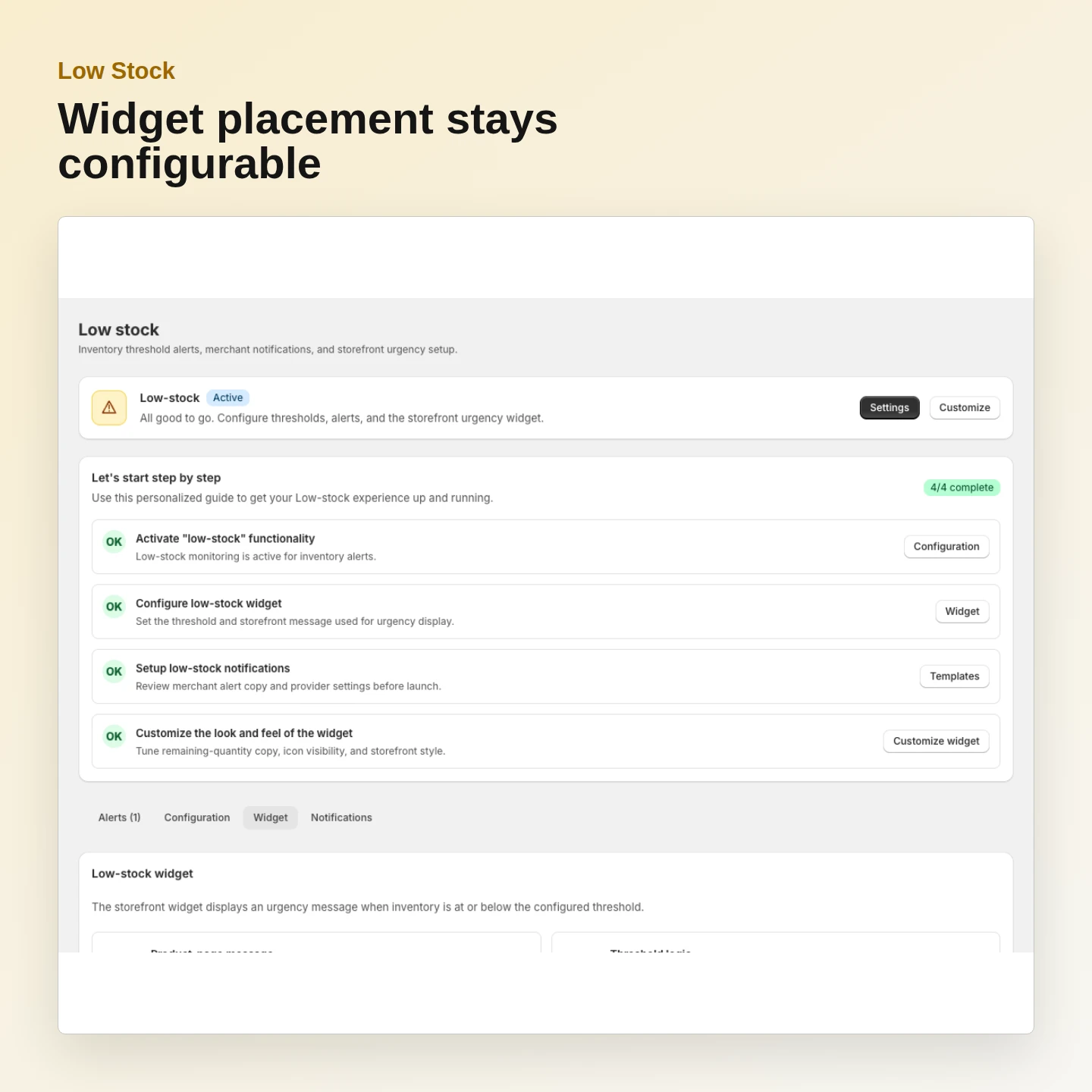
Configure the widget

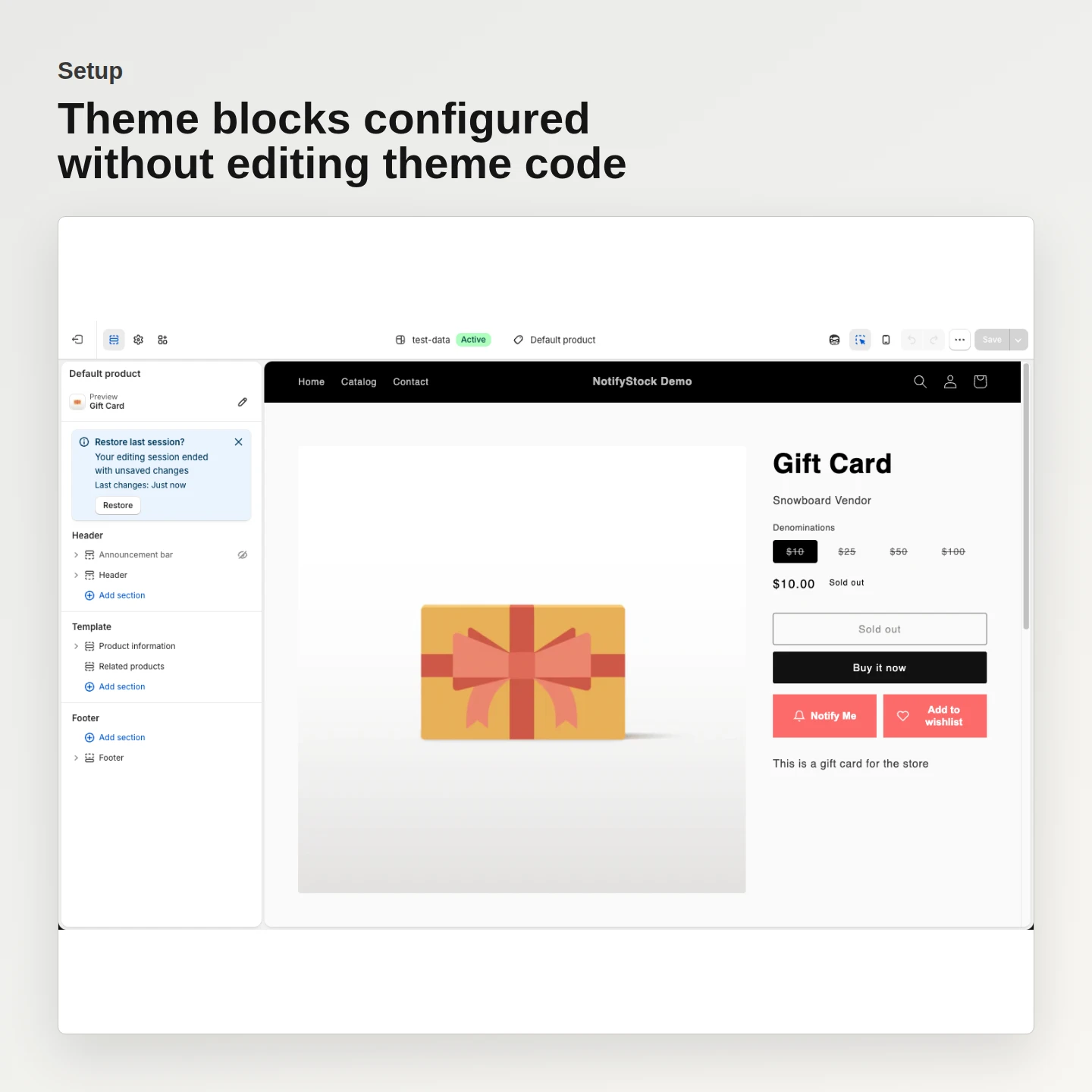
Control shopper-facing text and the supported placement without editing theme code.

Included:

  • Message settings
  • Widget visibility
  • Theme extension
Start free
Live demo
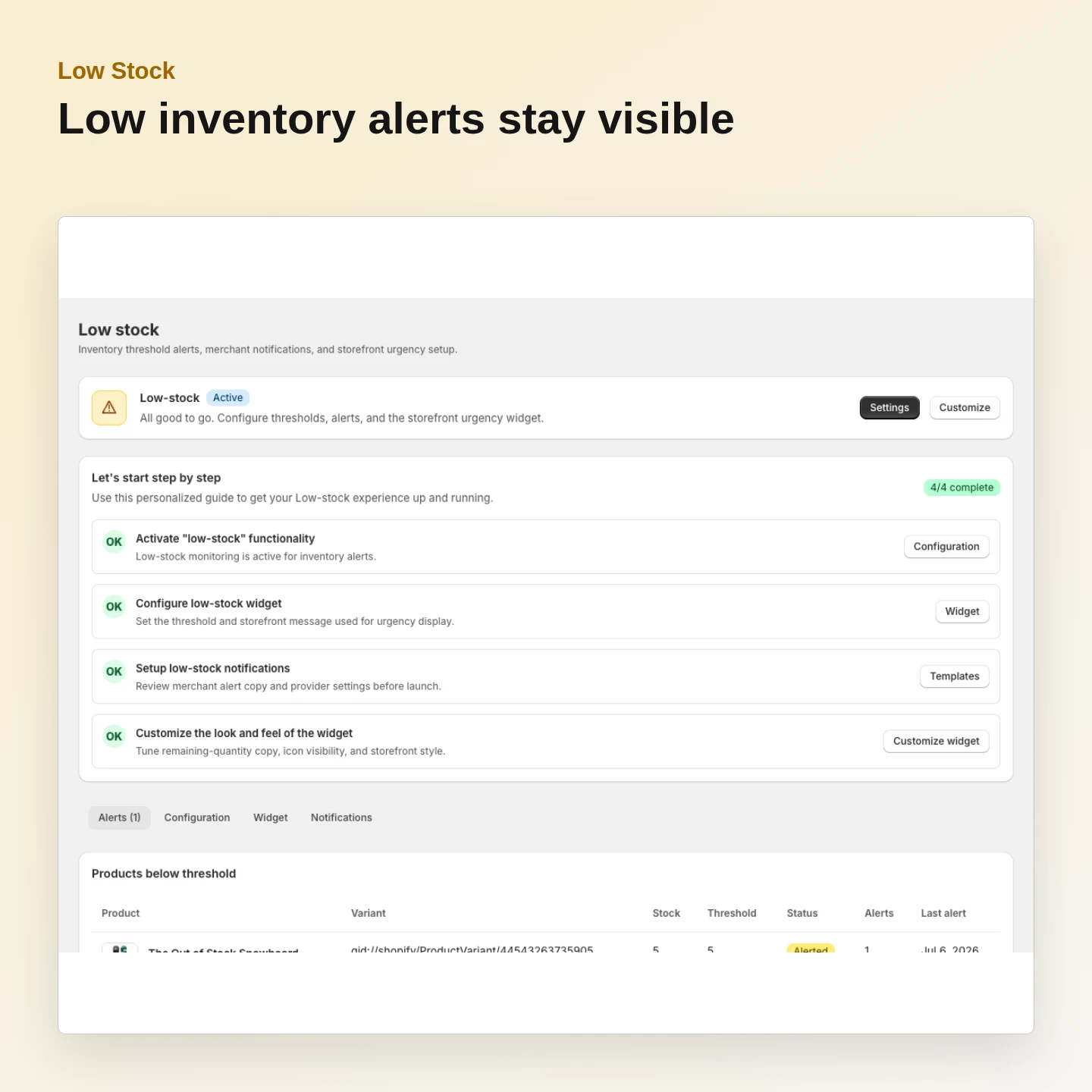
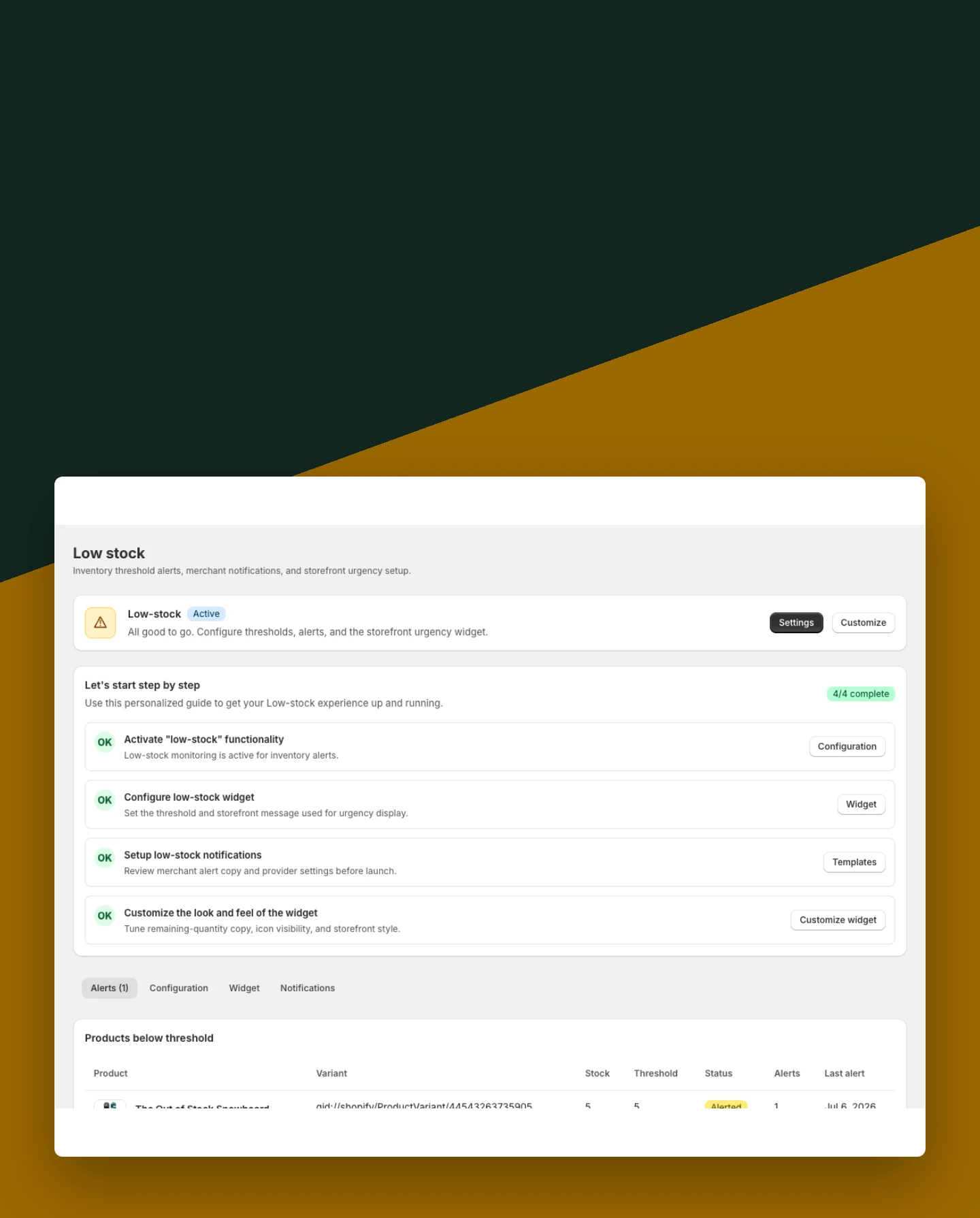
Low Stock: Review low-inventory activity

Review low-inventory activity

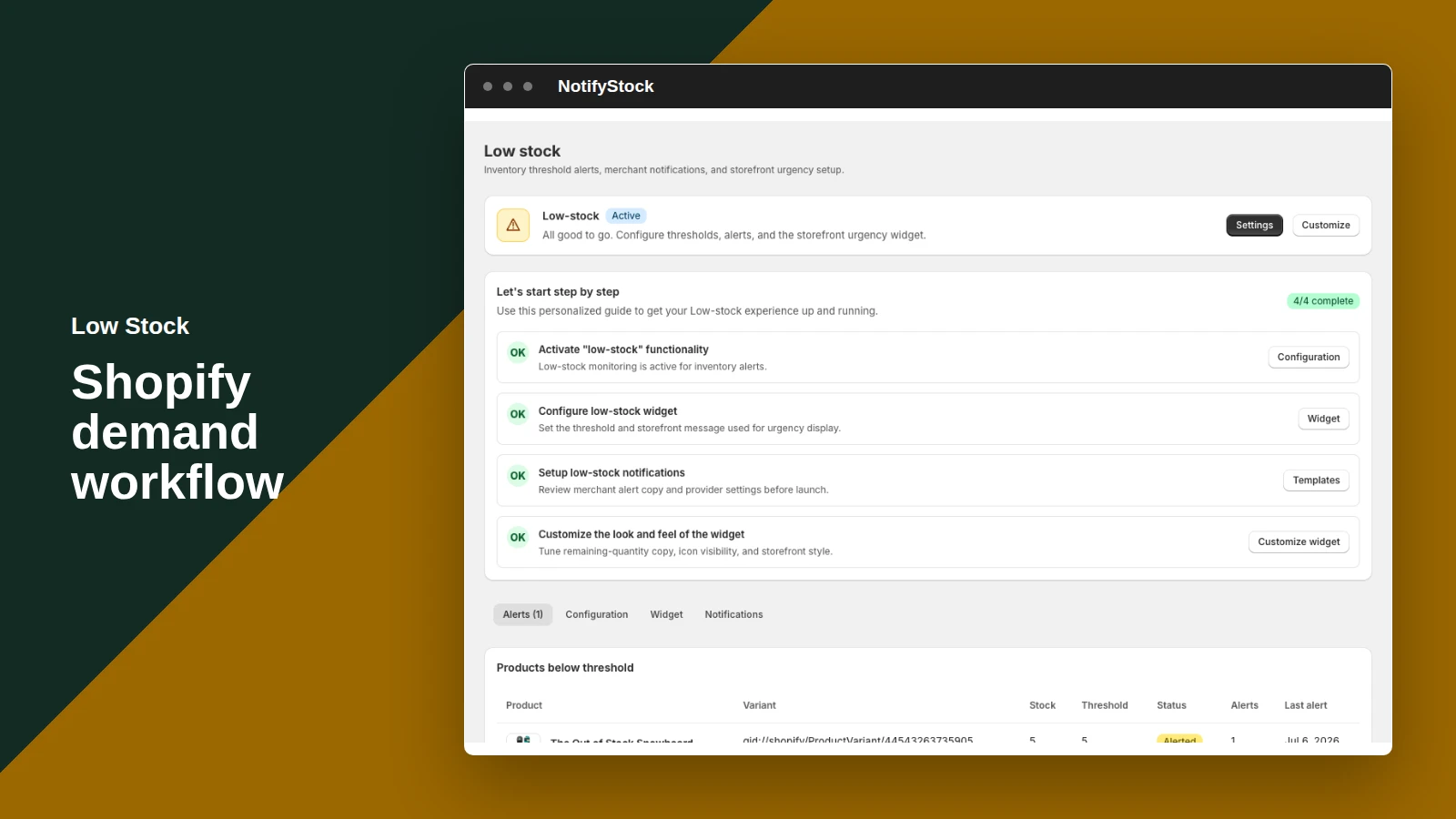
Keep alert configuration and recent stock signals available to the merchant.

Included:

  • Alert state
  • Product context
  • Operational visibility
Start free
Live demo
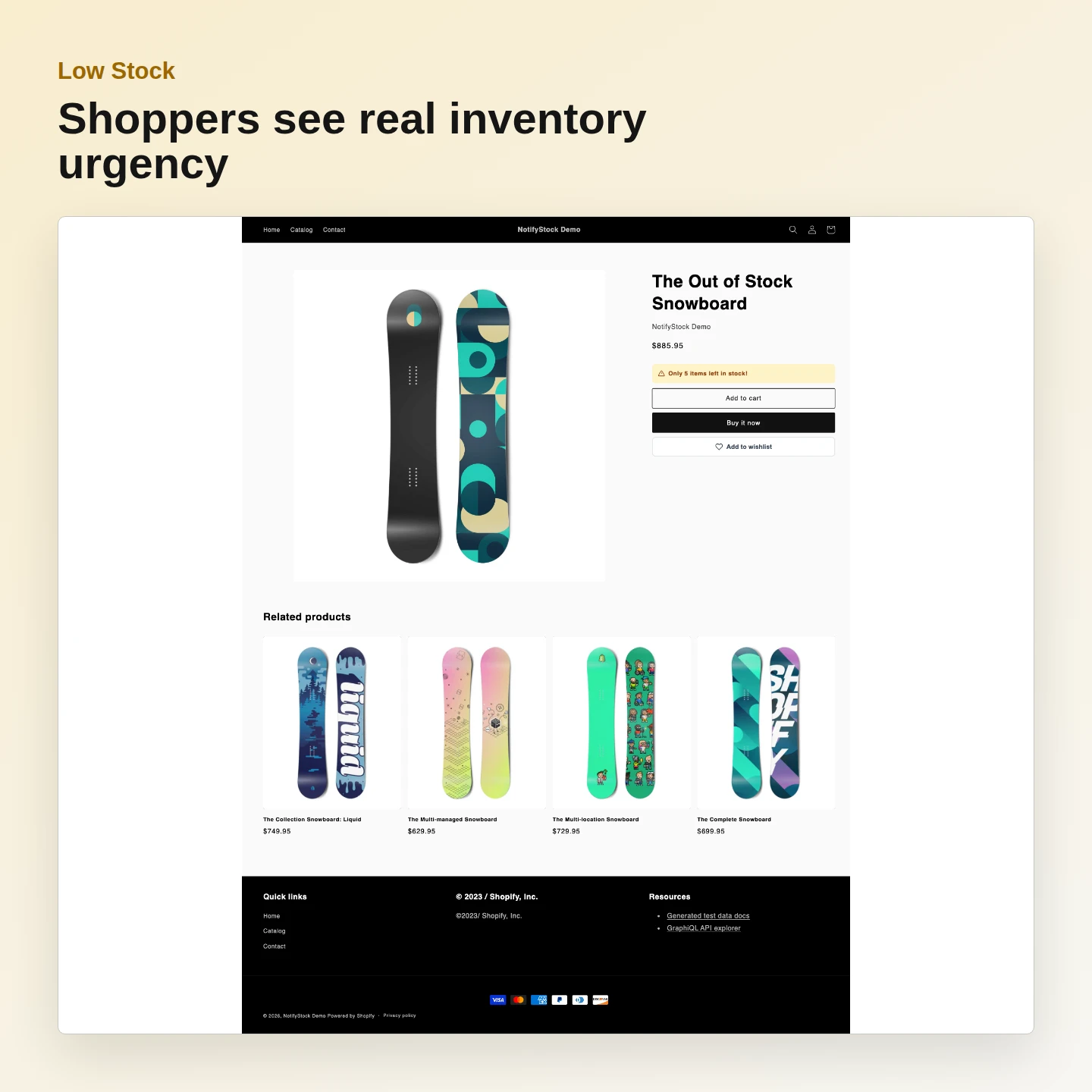
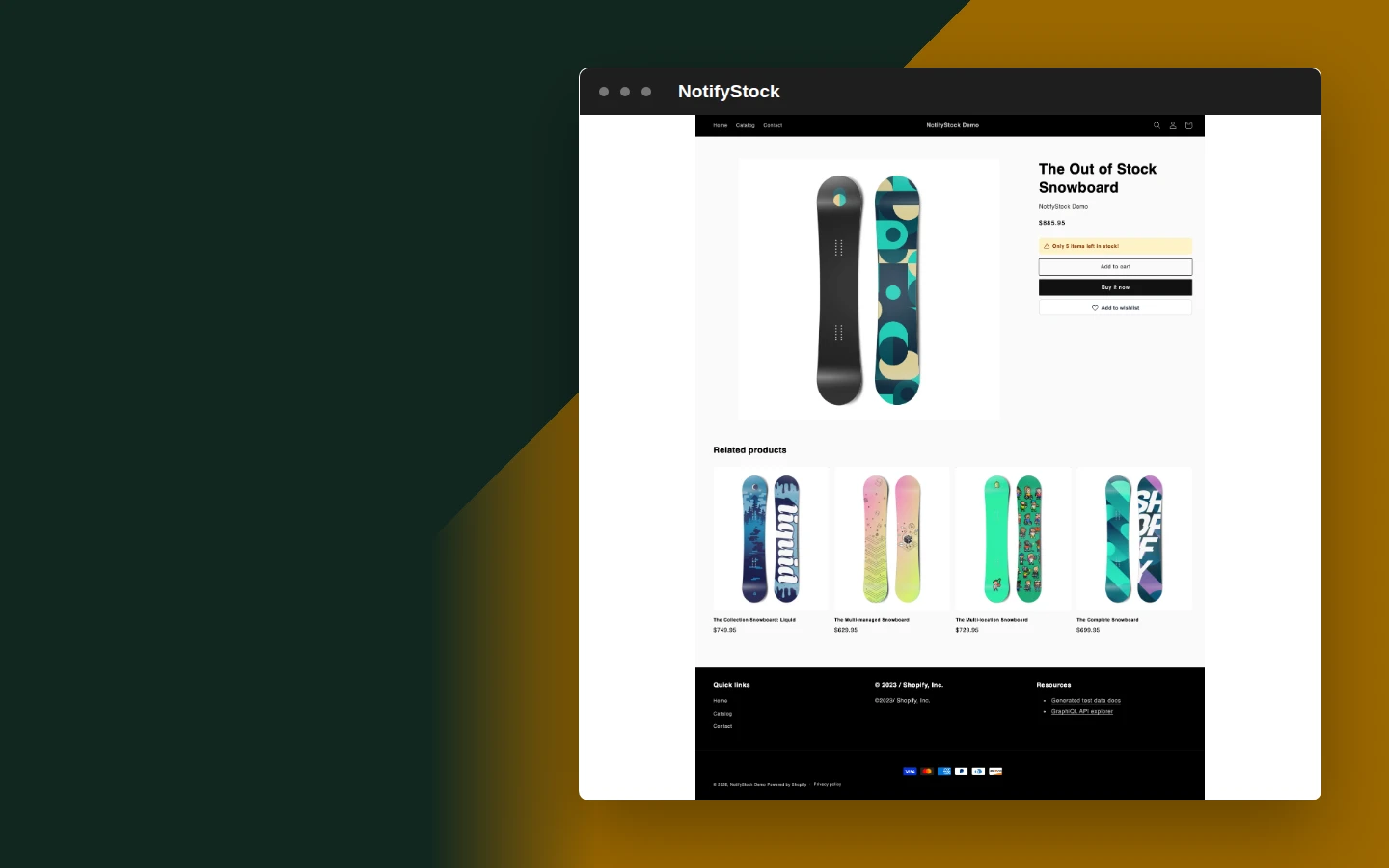
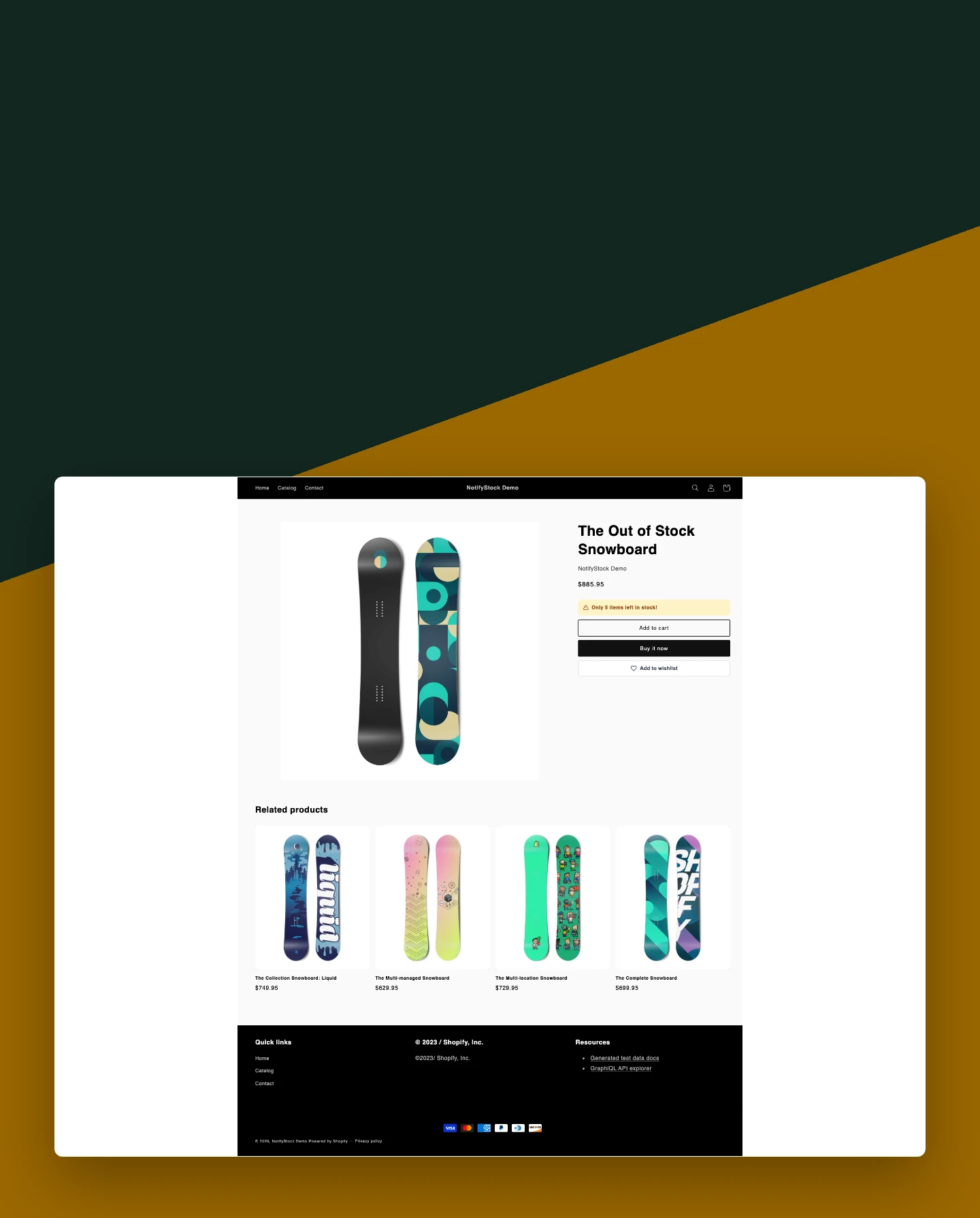
Low Stock: Render the real quantity

Render the real quantity

Display an accurate message such as Only 4 items left when inventory reaches the threshold.

Included:

  • Live quantity
  • Clear urgency
  • Responsive storefront
Start free
Live demo

Why merchants use Low Stock.

Each Low Stock capability supports the same product-specific workflow without mixing unrelated shopper actions.

Use real inventory

The message reflects Shopify inventory instead of a fabricated countdown.

Keep urgency controlled

Merchants decide the threshold and wording.

Preserve the purchase path

The low-stock message supports the product form without replacing it.

Low Stock in six practical views.
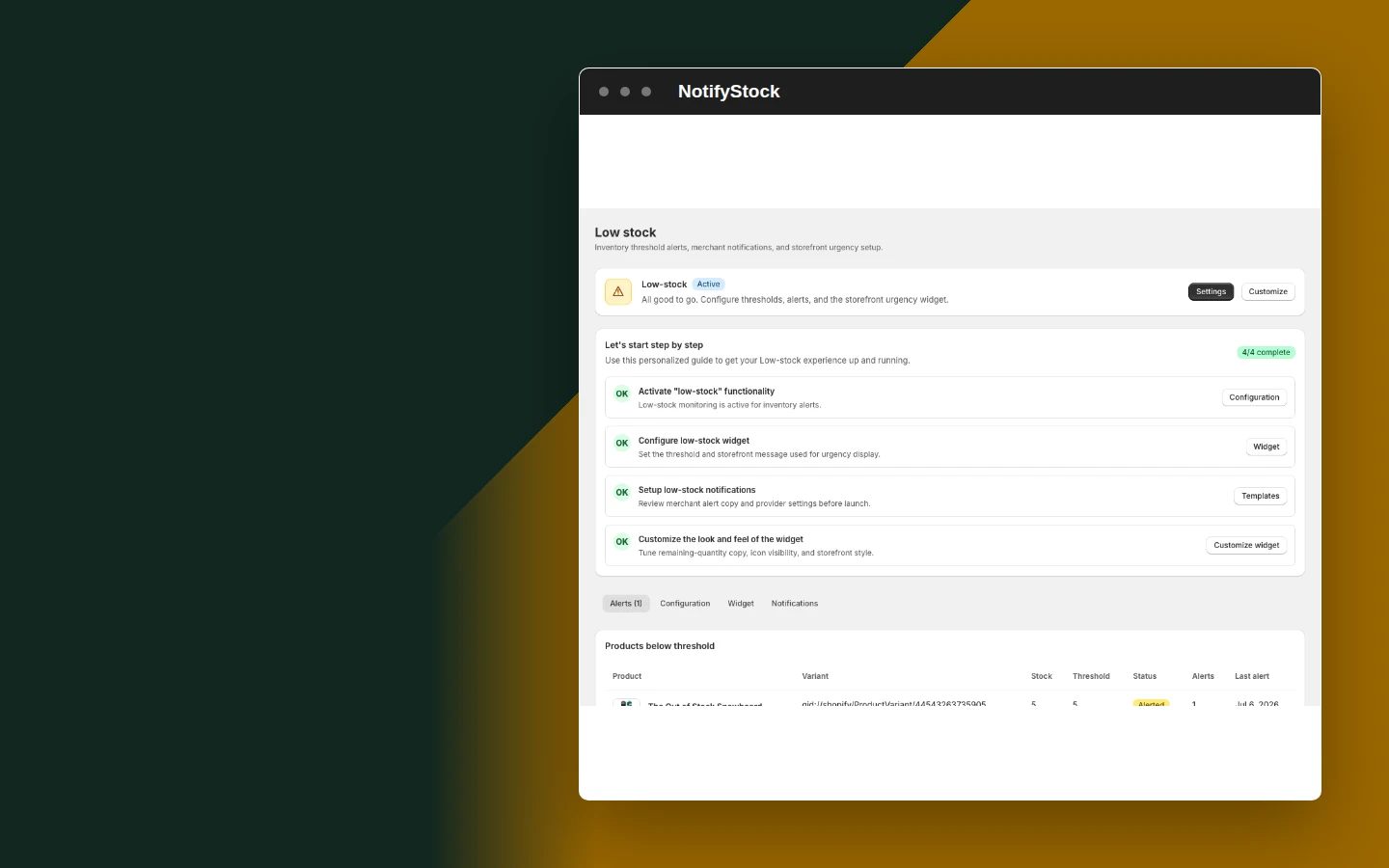
Low Stock storefront in NotifyStockLow Stock storefront mobile view

Low Stock storefront

  1. Show the real remaining quantity when inventory enters the configured range.
Start free
Set the threshold in NotifyStockSet the threshold mobile view

Set the threshold

  1. Define when the low-stock experience becomes relevant to the shopper.
Start free
Configure the widget in NotifyStockConfigure the widget mobile view

Configure the widget

  1. Control shopper-facing text and the supported placement without editing theme code.
Start free
Review low-inventory activity in NotifyStockReview low-inventory activity mobile view

Review low-inventory activity

  1. Keep alert configuration and recent stock signals available to the merchant.
Start free
Render the real quantity in NotifyStockRender the real quantity mobile view

Render the real quantity

  1. Display an accurate message such as Only 4 items left when inventory reaches the threshold.
Start free
Low Stock message in NotifyStockLow Stock message mobile view

Low Stock message

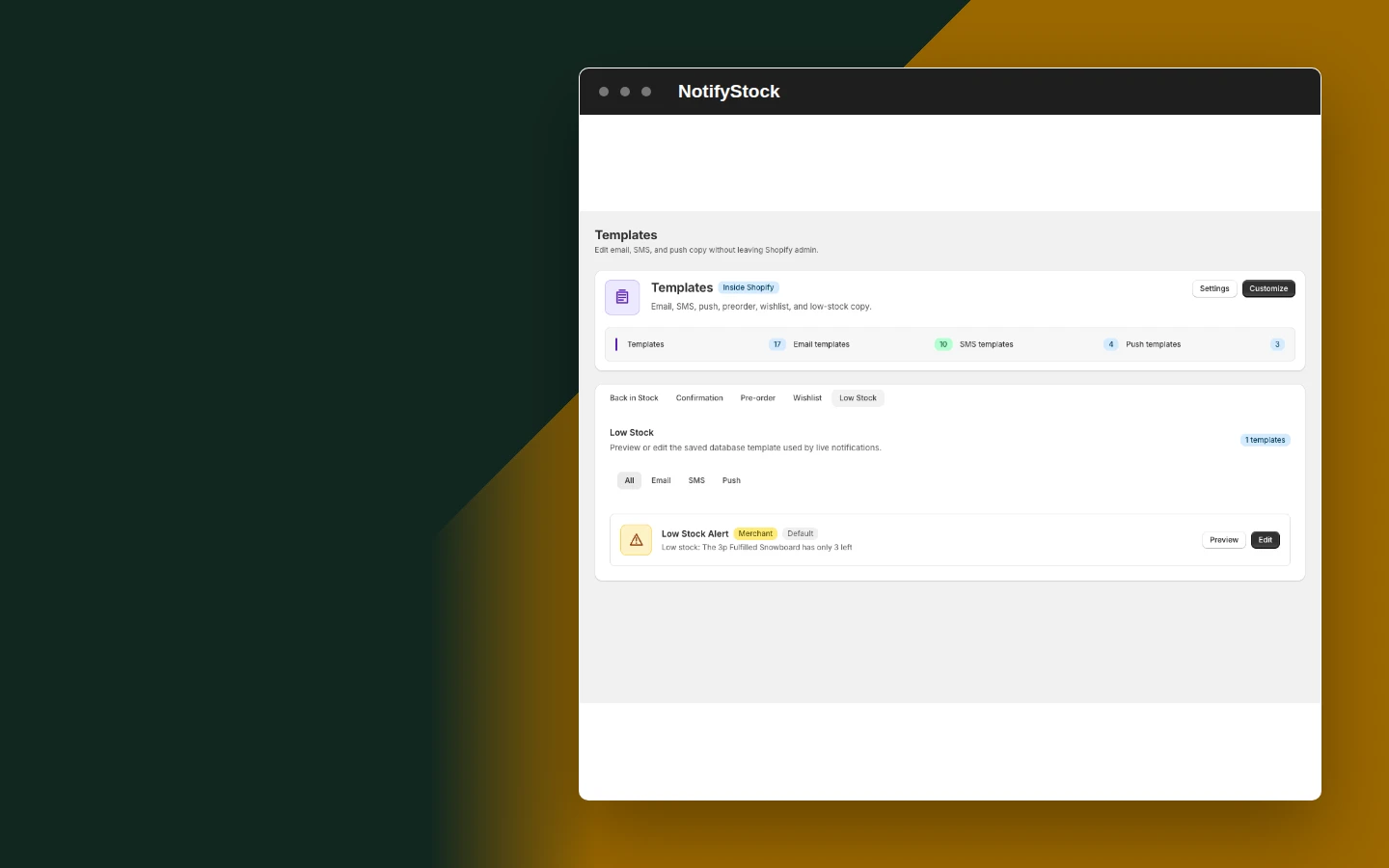
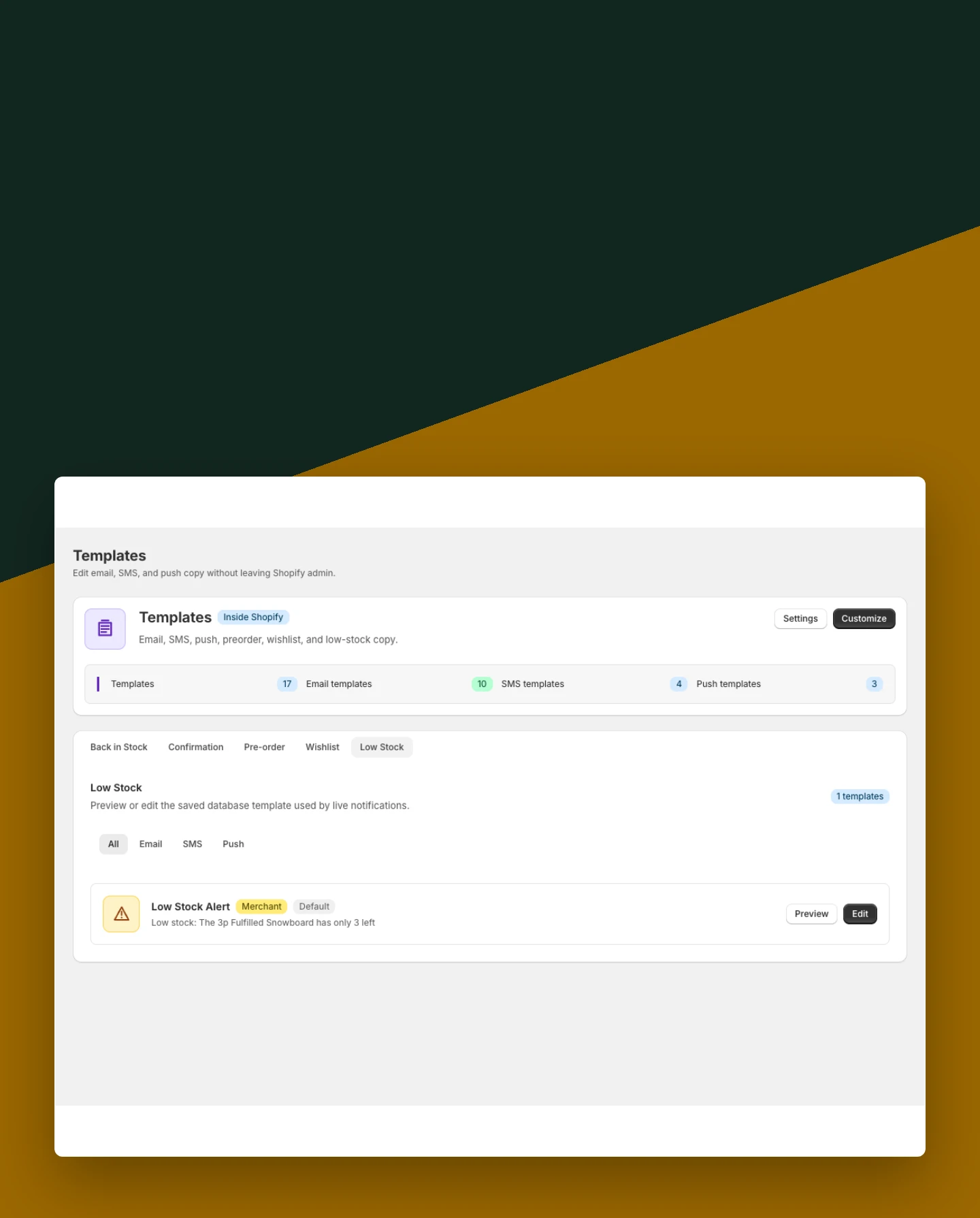
  1. Keep threshold and inventory context clear in the matching template.
Start free

Low Stock workflow, step by step.

Low Stock workflow: Threshold set

The merchant chooses when the message should appear.

Threshold set
Low Stock
01
Workflow step
Low Stock workflow: Inventory falls

Shopify reports a quantity inside the configured range.

Inventory falls
Low Stock
02
Workflow step
Low Stock workflow: Widget renders

The shopper sees the current low-stock quantity on the product page.

Widget renders
Low Stock
03
Workflow step

Frequently asked questions

When does the Low Stock message appear?

It appears when the current Shopify inventory is above zero and at or below the merchant-defined threshold.

Does the counter use real inventory?

Yes. It displays the current inventory quantity reported by Shopify rather than a fabricated countdown.

Can merchants change the wording?

Yes. The threshold, shopper-facing message, visibility, and supported placement are configurable.

Does Low Stock replace Add to Cart?

No. It supports the existing product form and purchase path without replacing the theme's Add to Cart behavior.

Is it independent from Wishlist?

Yes. Low Stock and Wishlist are separate theme blocks and can be enabled or removed independently.