CUSTOMIZATION FOR SHOPIFY

Make each storefront workflow fit the merchant's theme.

Adjust labels, colors, forms, visibility, and launch checks while keeping each widget's behavior distinct.
Start free
Start free

50% off NotifyStock for 6 months. Limited time.

Four
Widget types
Theme-safe
Controls
Preview
Before publish

Customization, from storefront action to merchant follow-up.

See how Customization moves from a clear storefront action to accurate product context and merchant follow-up.
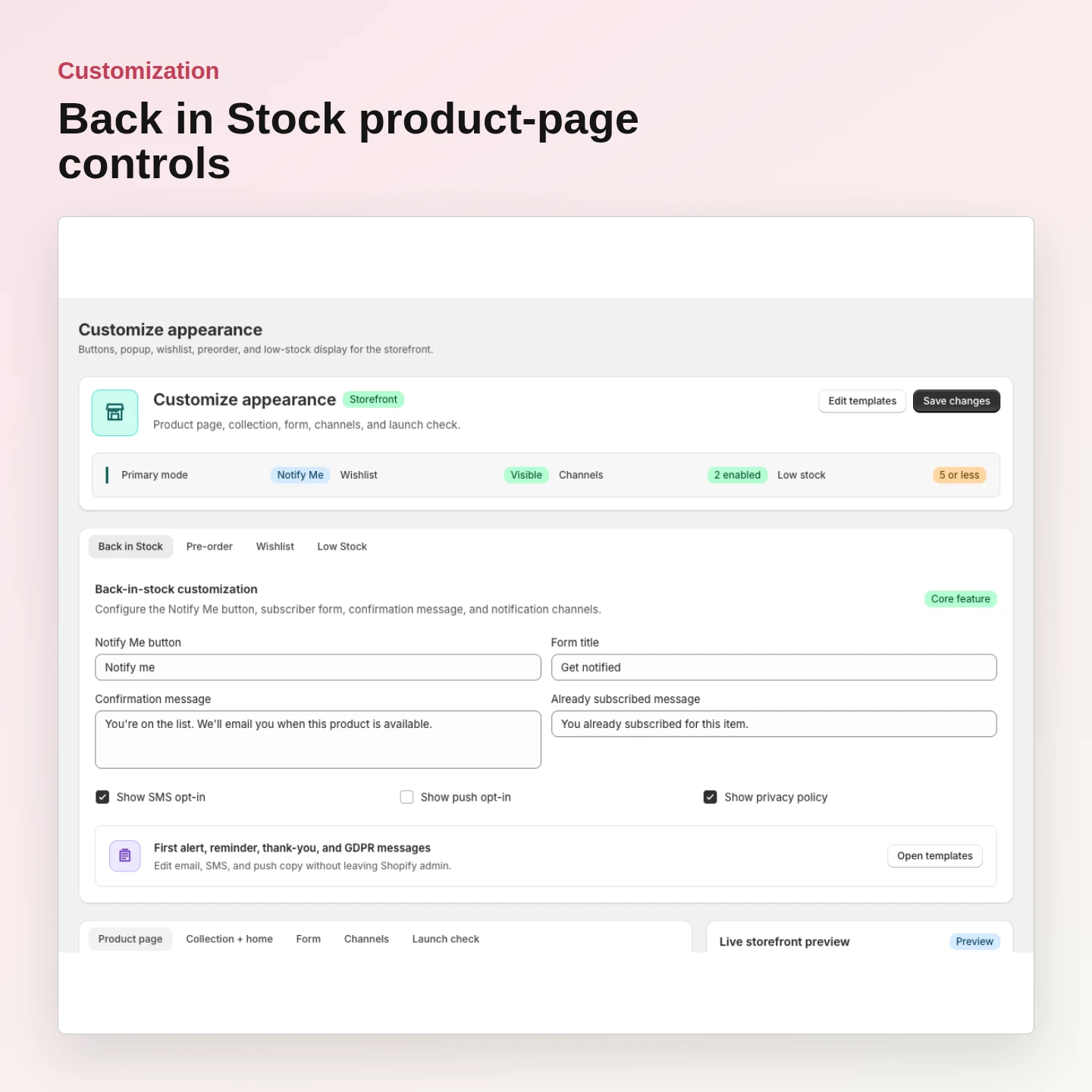
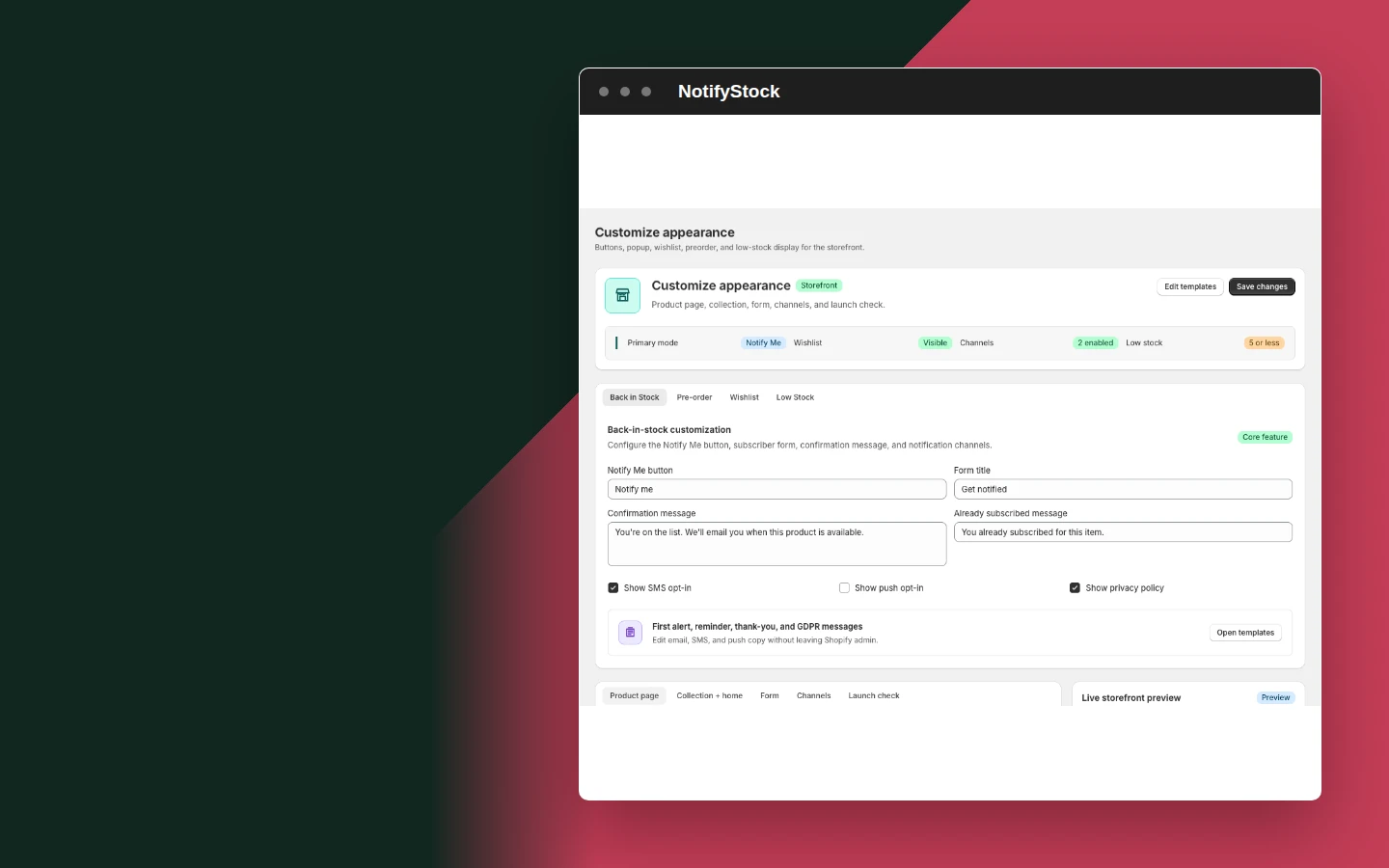
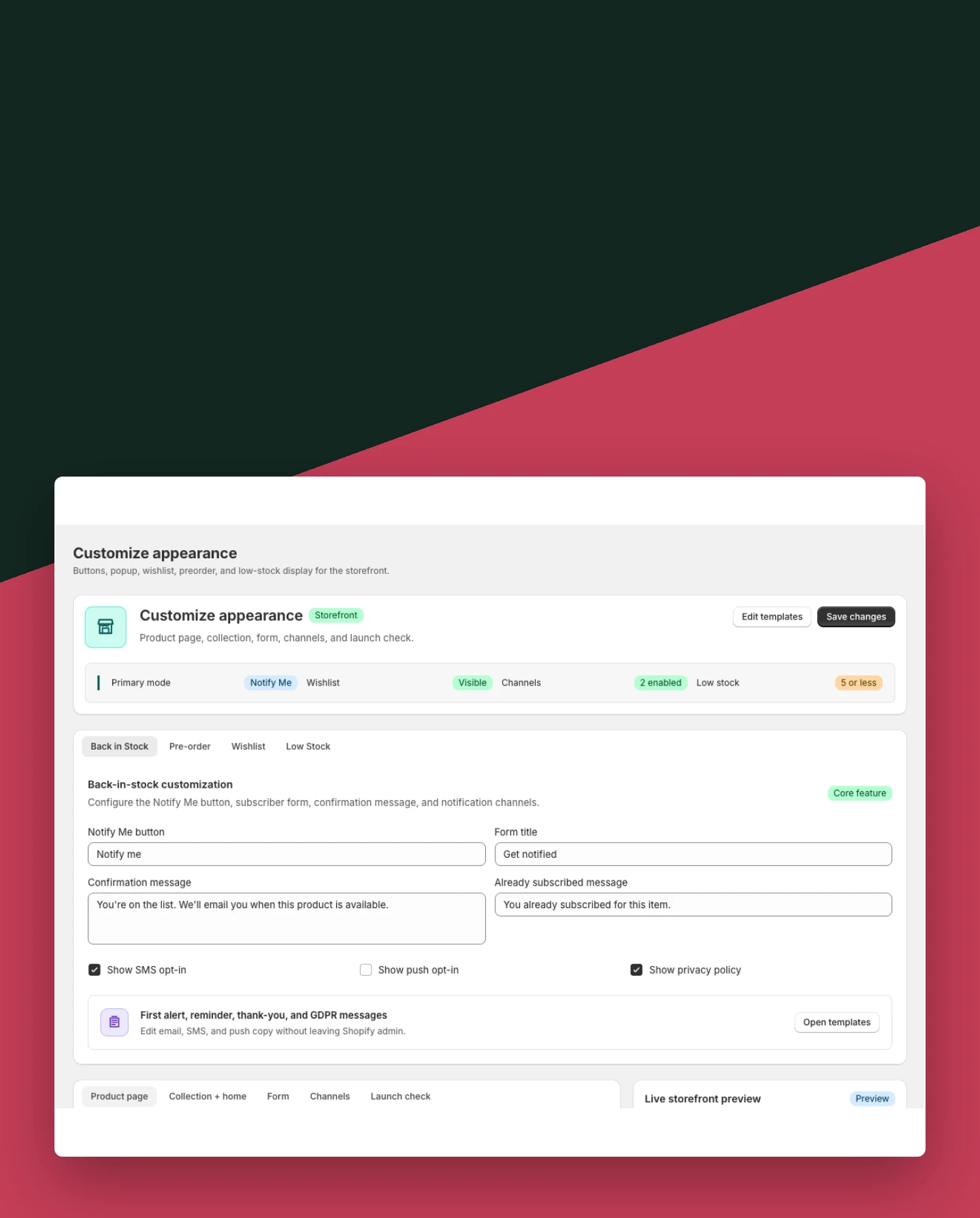
Customization: Customize Back in Stock

Customize Back in Stock

Control the product-page button and request form without changing its demand-capture behavior.

Included:

  • Button label
  • Form fields
  • Product-page appearance
Start free
Live demo
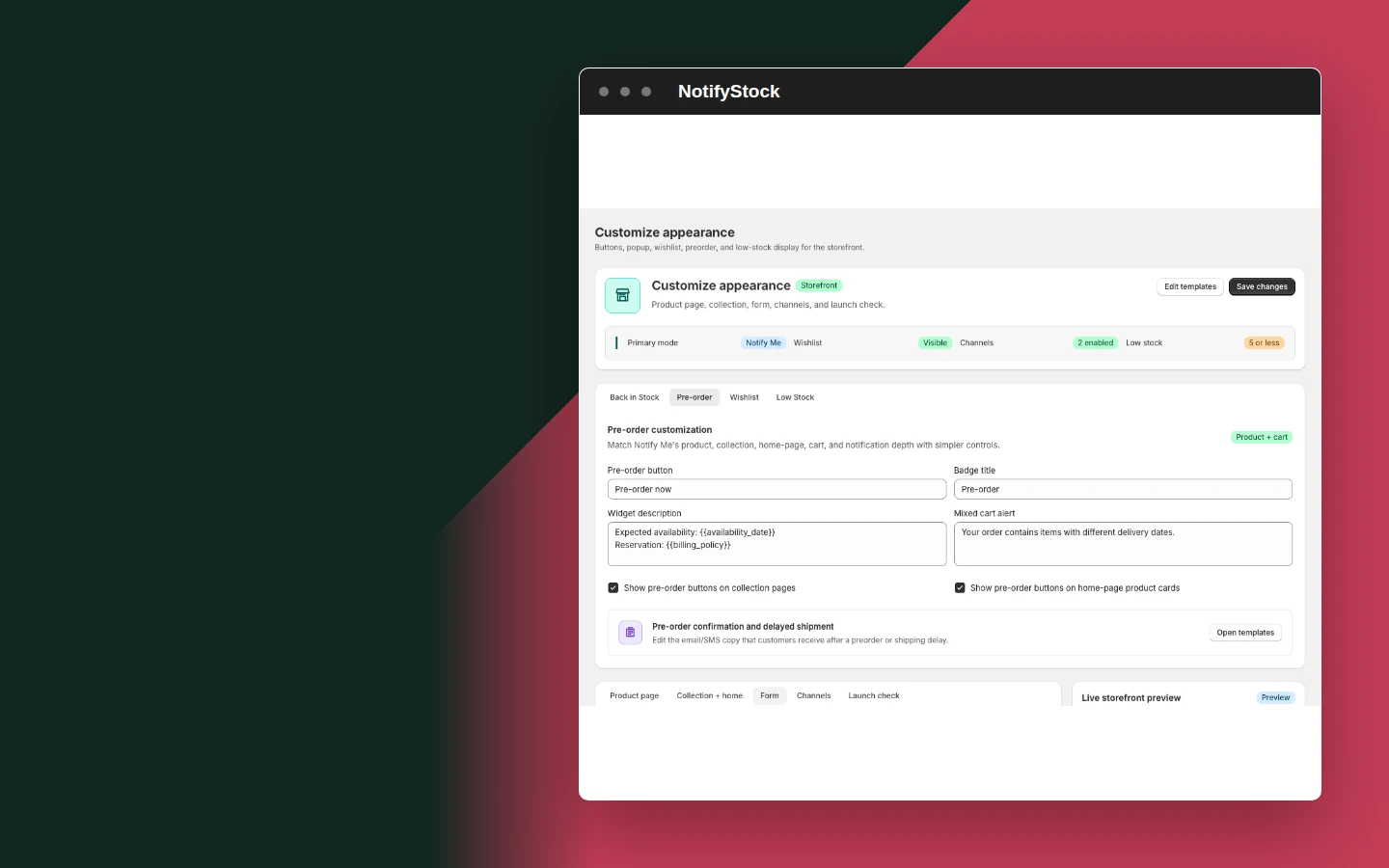
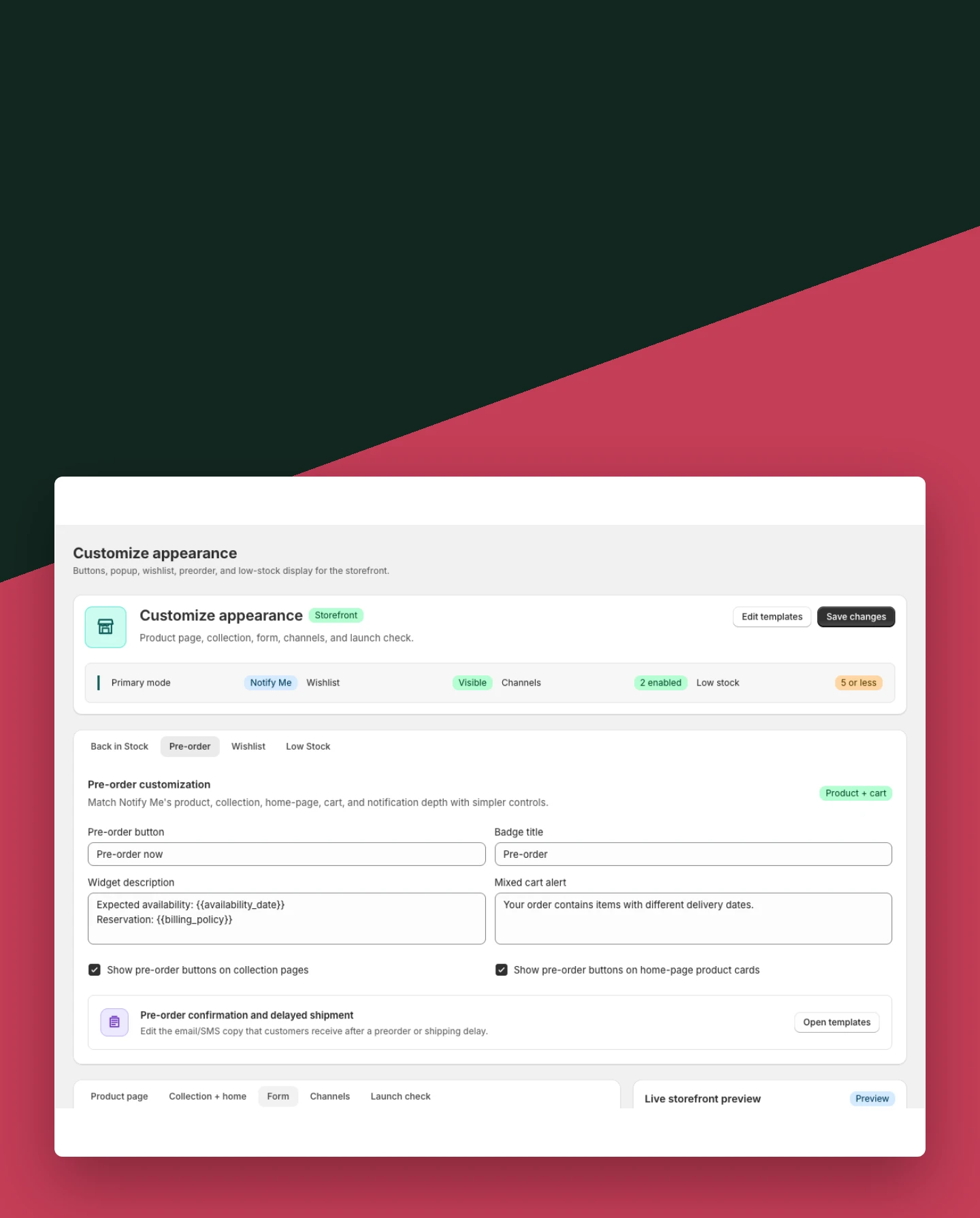
Customization: Customize PreOrder

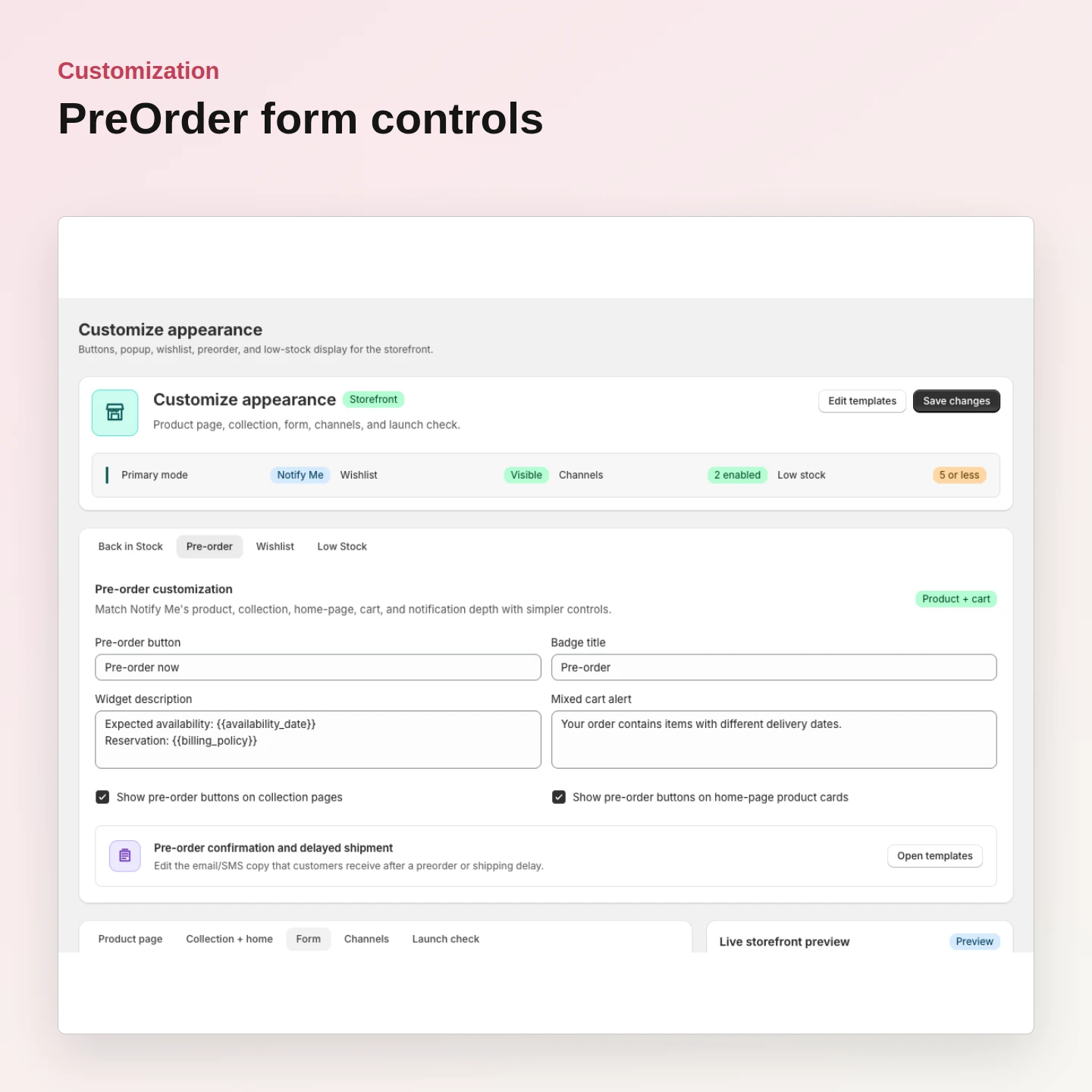
Customize PreOrder

Match preorder offer and confirmation wording to the merchant's launch.

Included:

  • Offer label
  • Form content
  • Confirmation state
Start free
Live demo
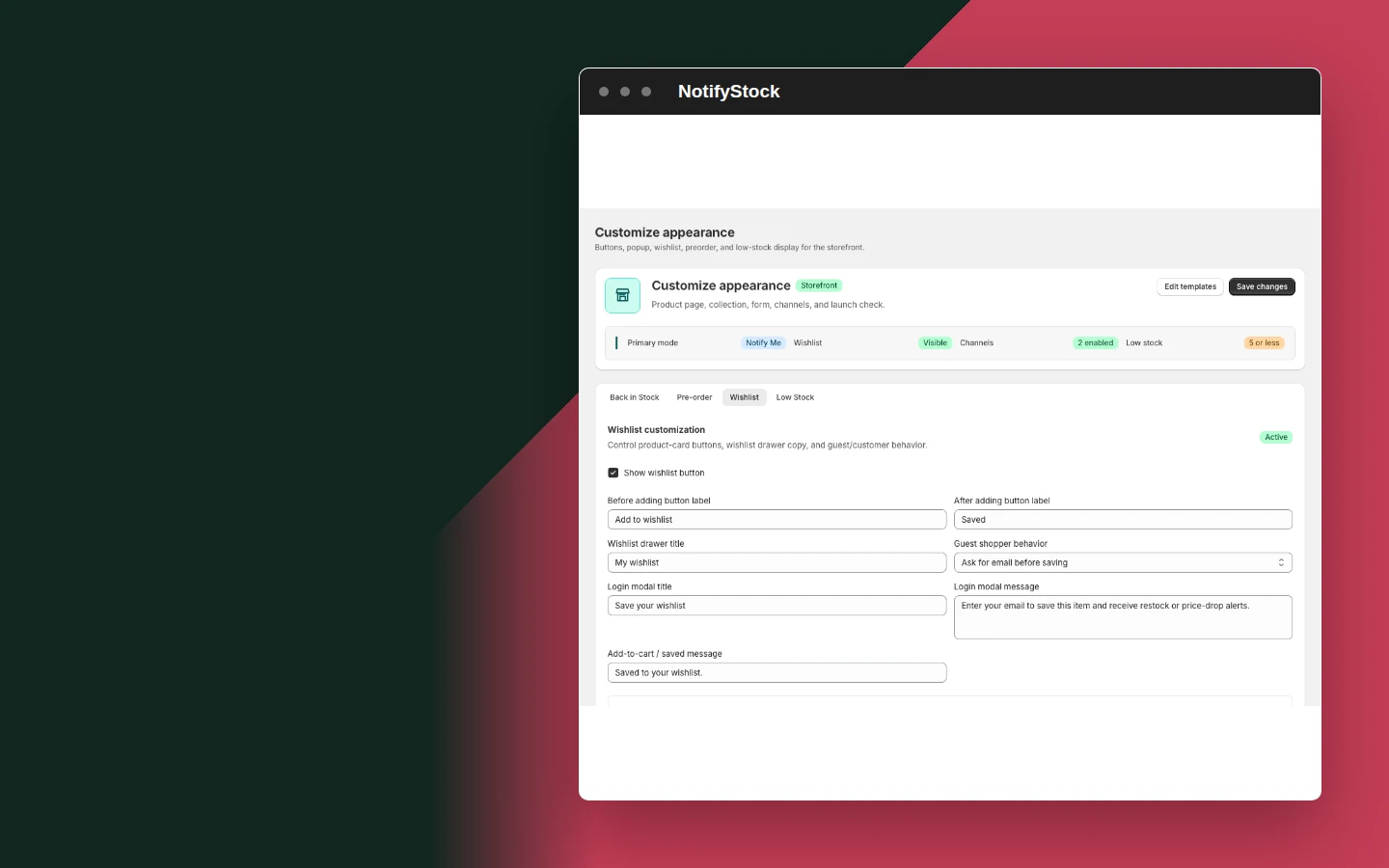
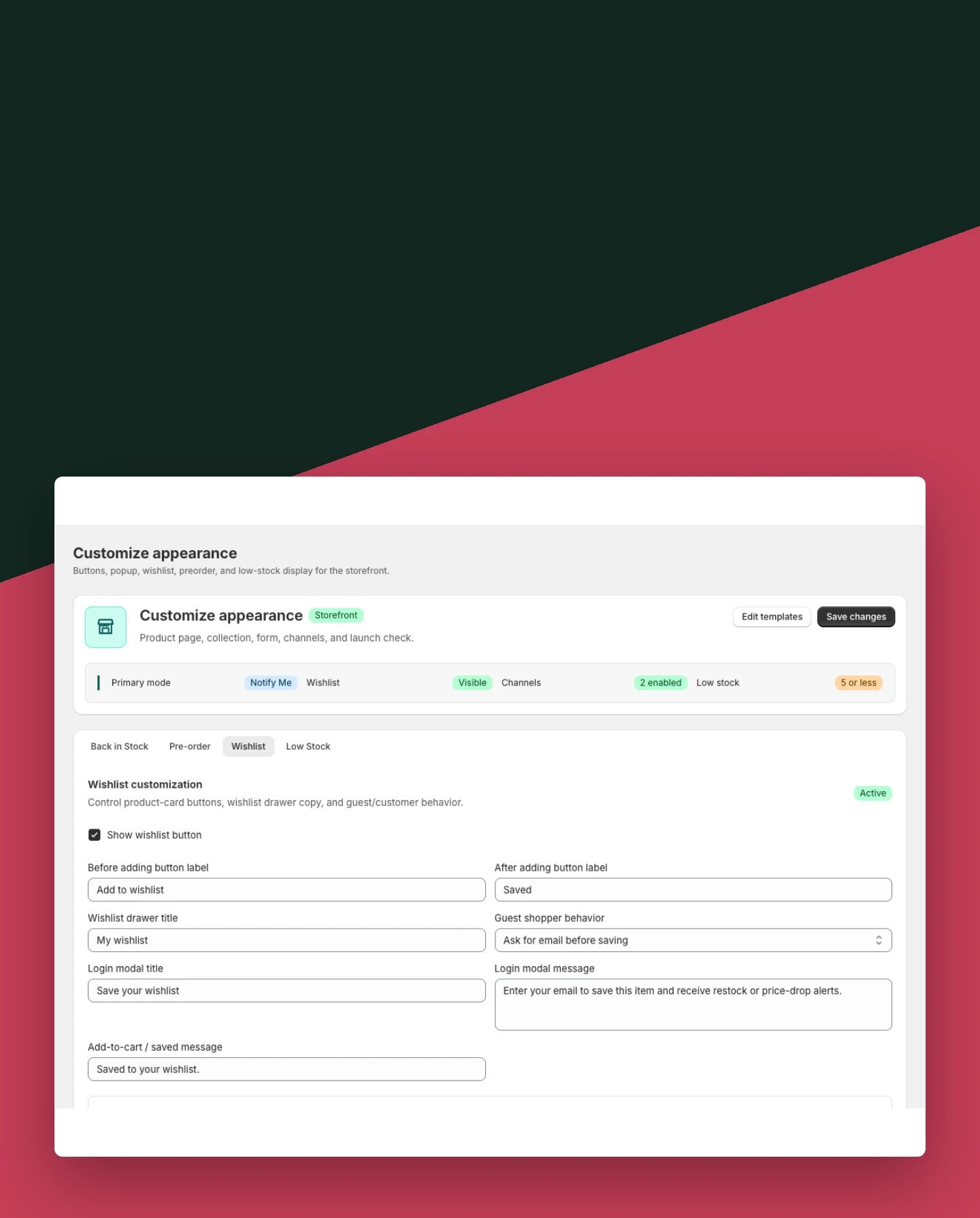
Customization: Customize Wishlist

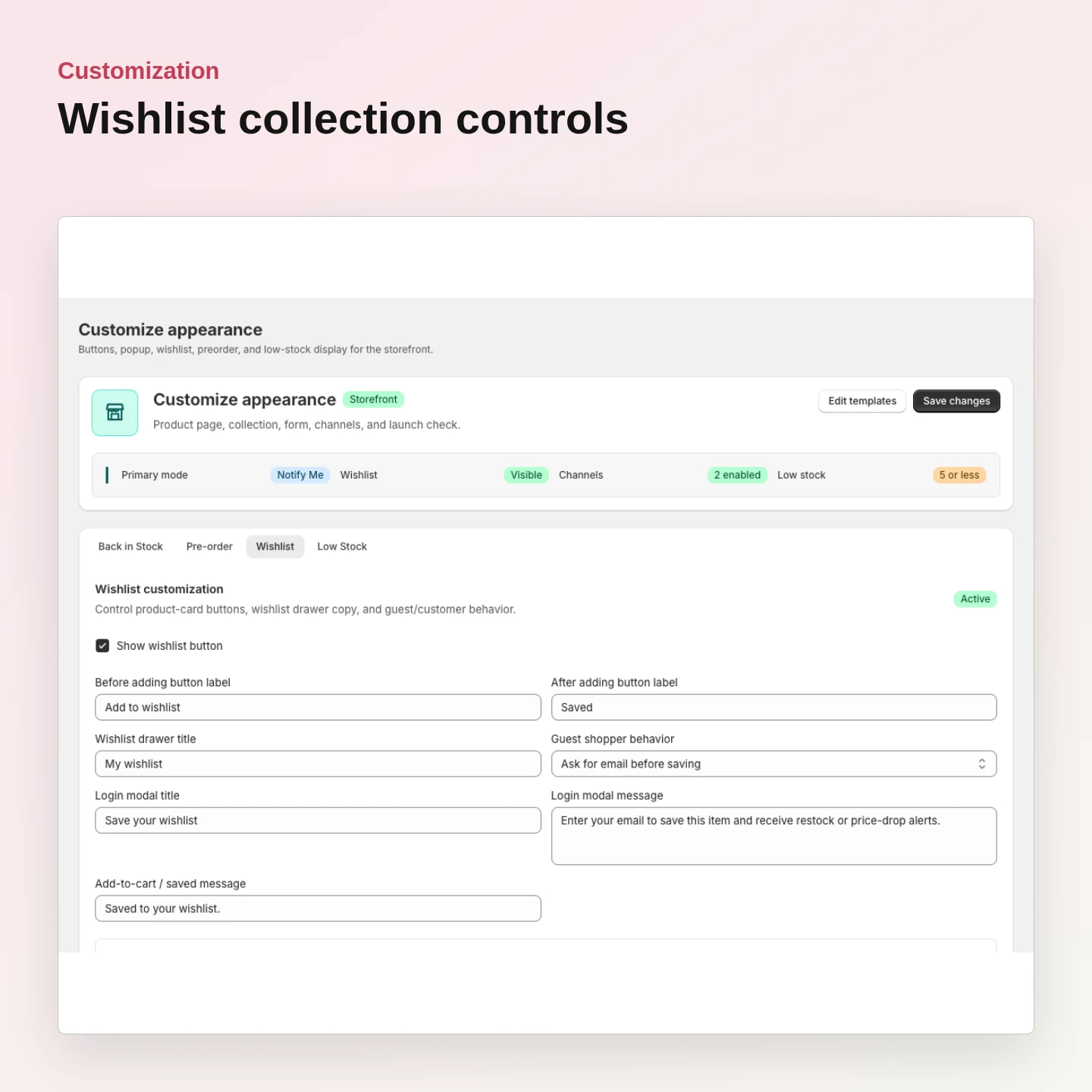
Customize Wishlist

Choose supported collection and product placements and keep Saved state clear.

Included:

  • Collection controls
  • Product controls
  • Saved-state styling
Start free
Live demo
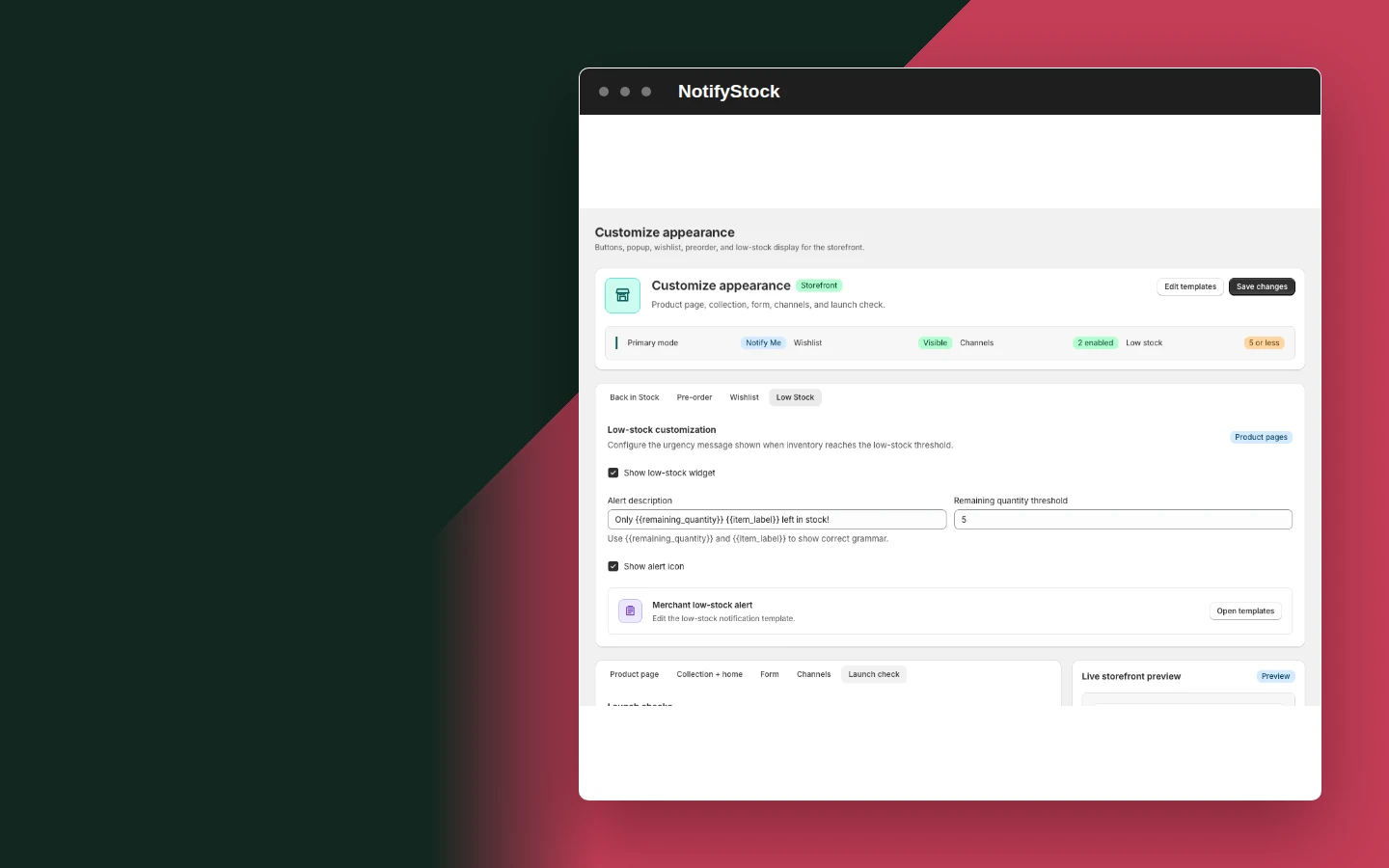
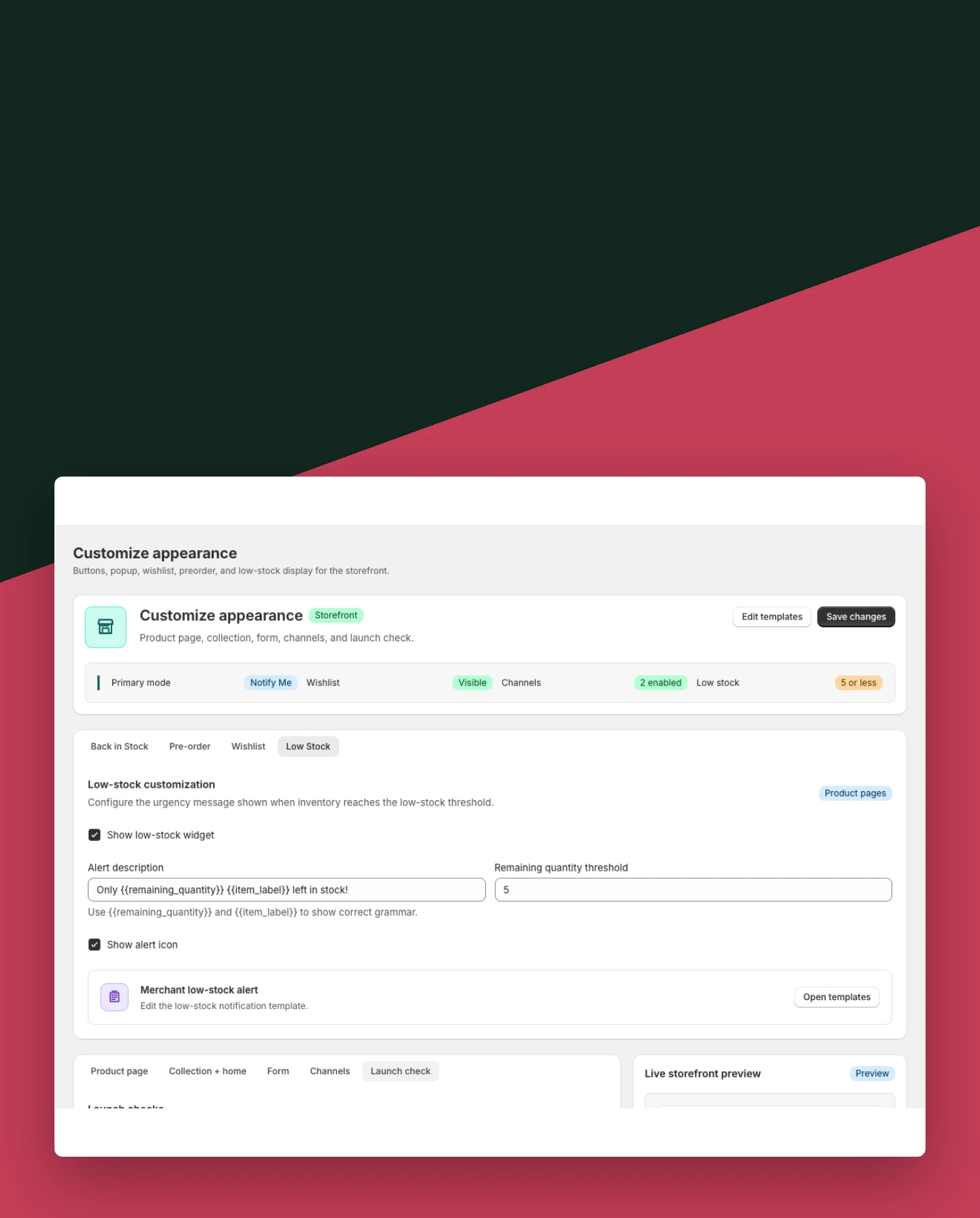
Customization: Review Low Stock before launch

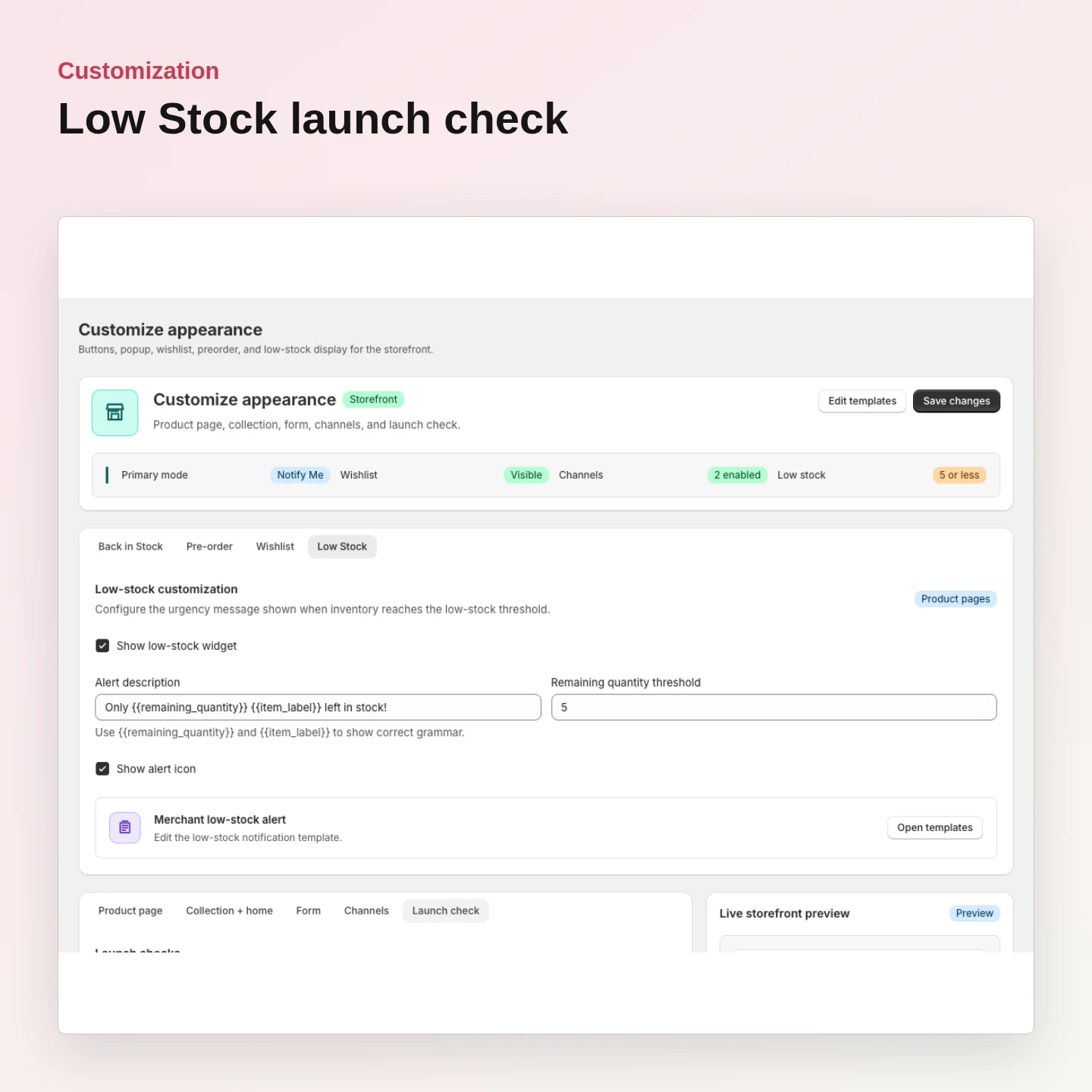
Review Low Stock before launch

Confirm threshold, message, placement, and theme block before publishing.

Included:

  • Launch check
  • Threshold message
  • Responsive preview
Start free
Live demo

Why merchants use Customization.

Each Customization capability supports the same product-specific workflow without mixing unrelated shopper actions.

Preserve feature meaning

Customization never causes one block to render another feature.

Use theme app extensions

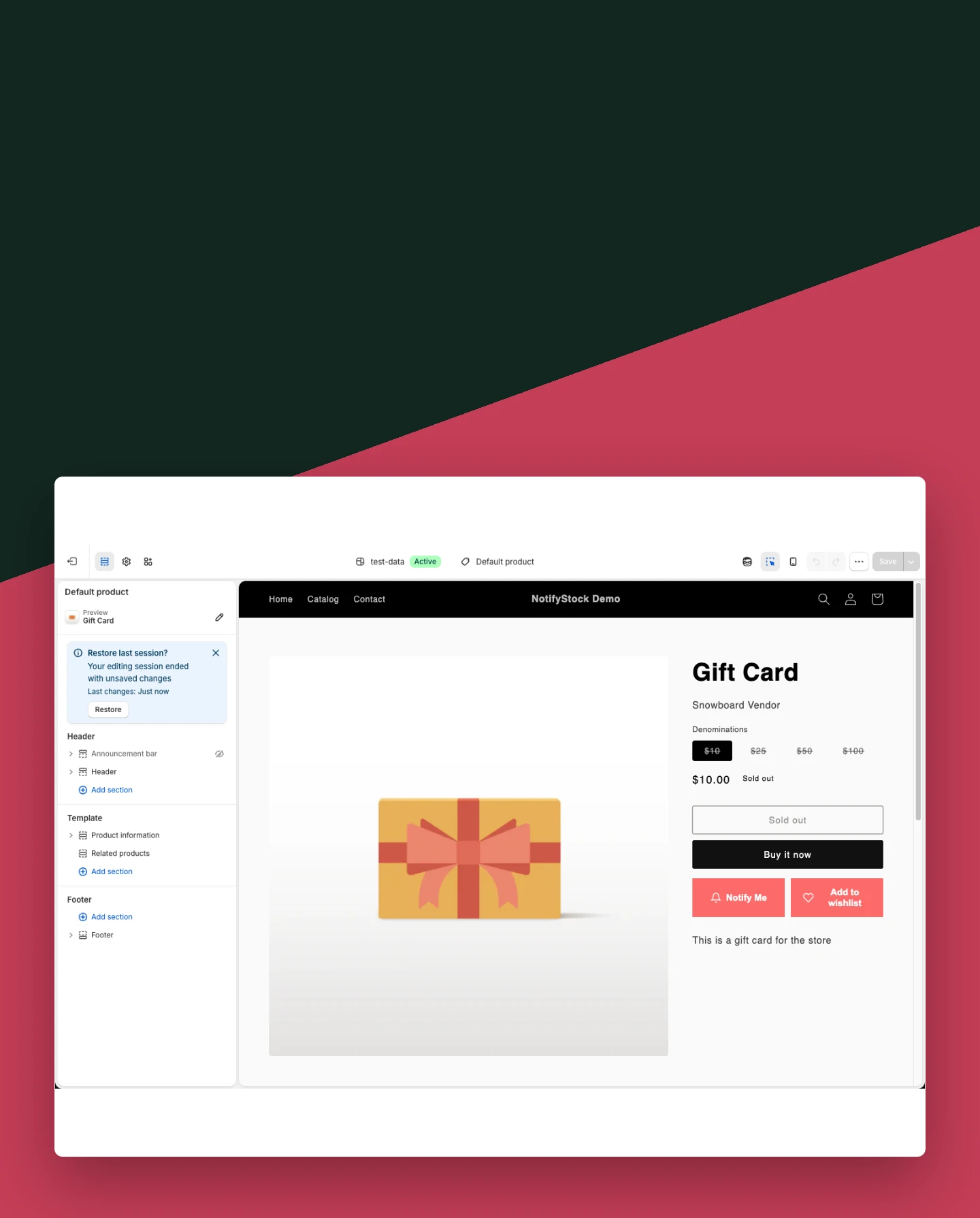
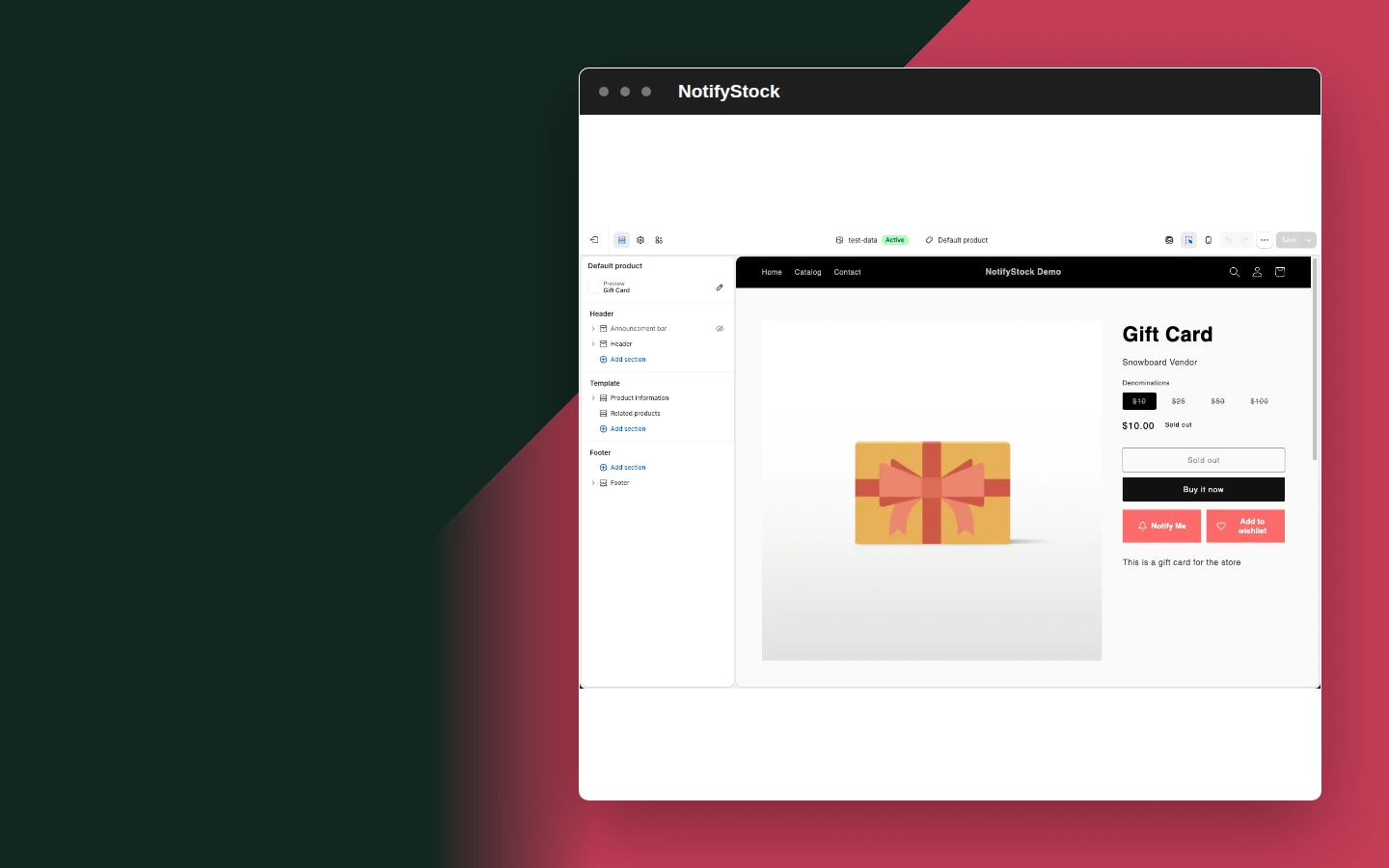
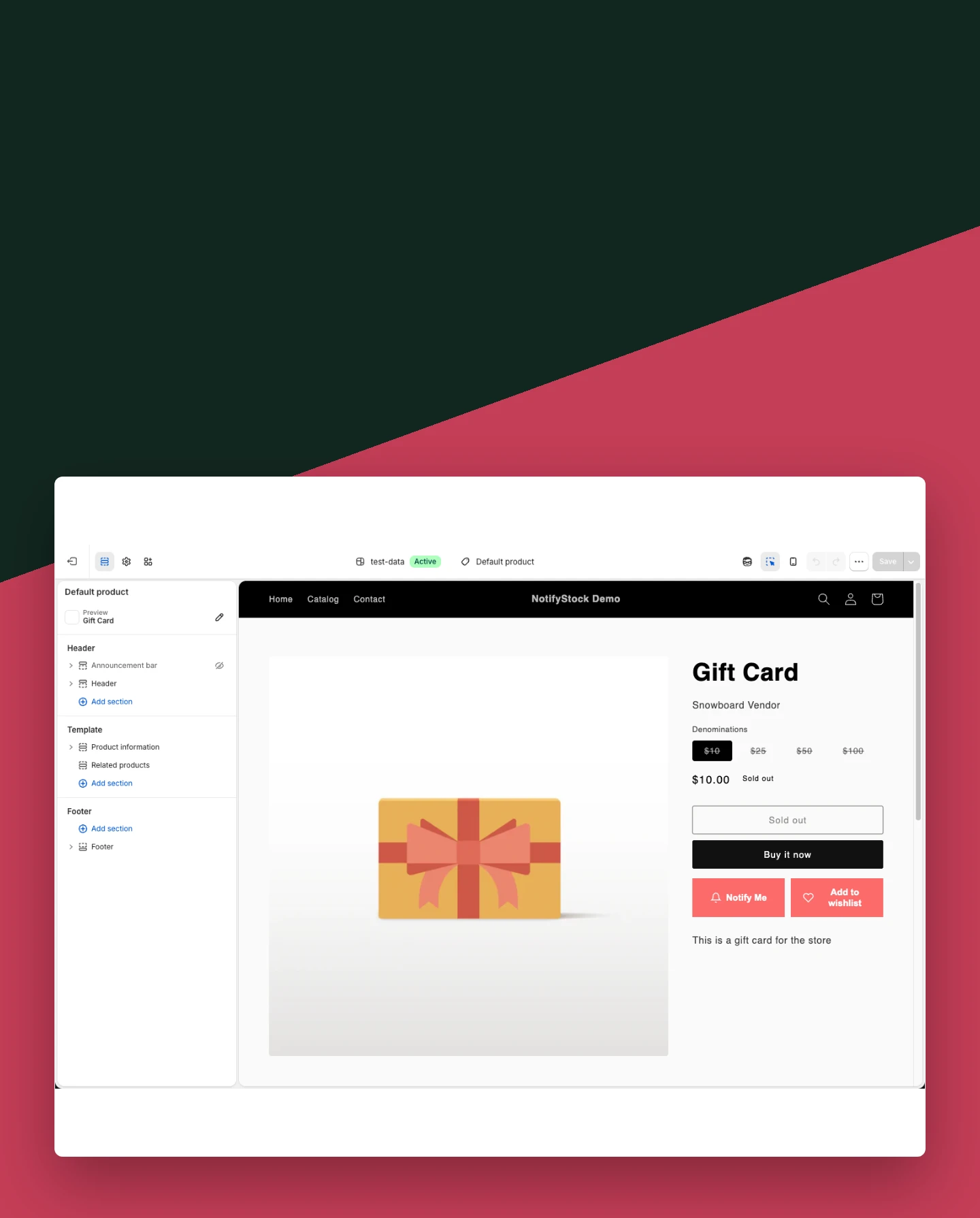
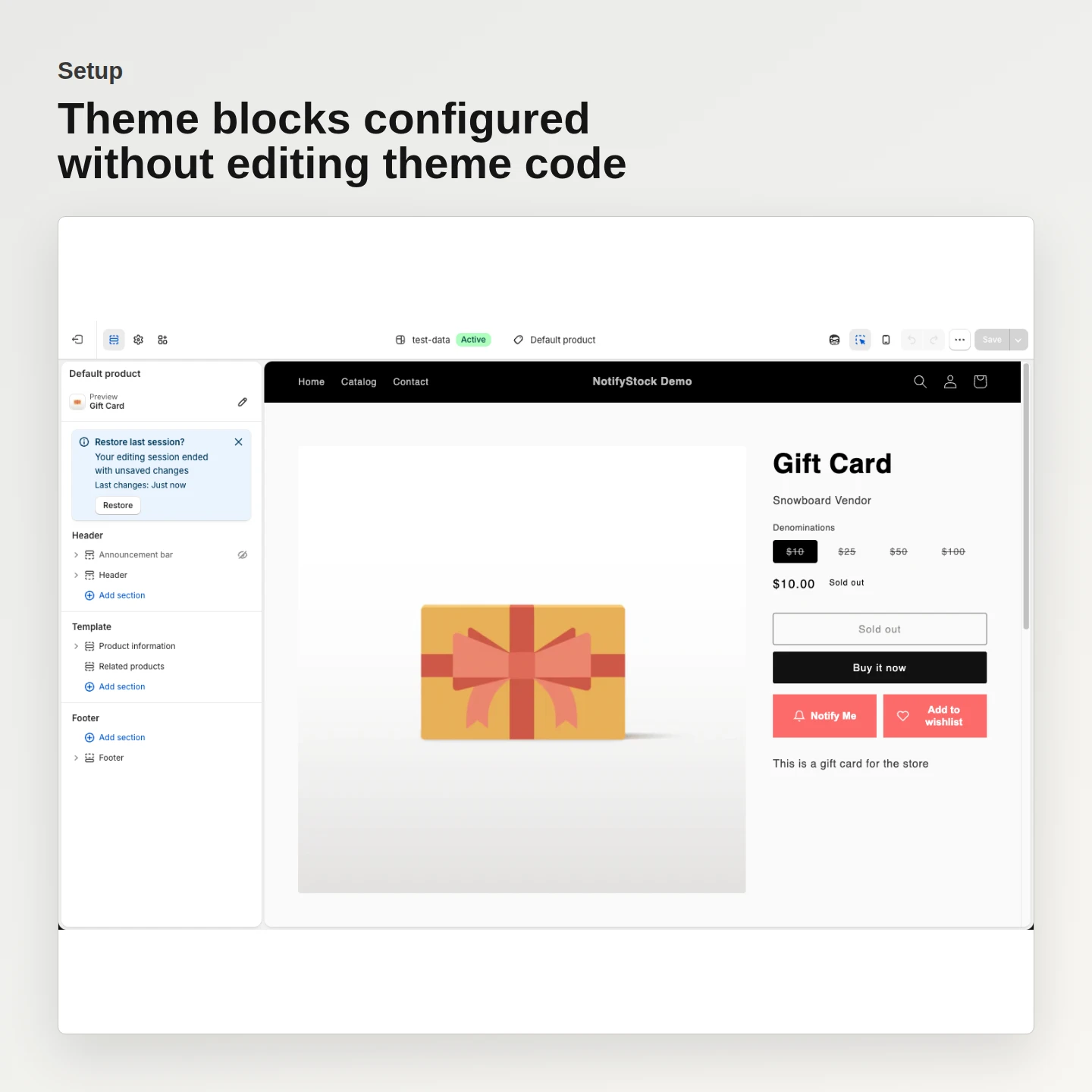
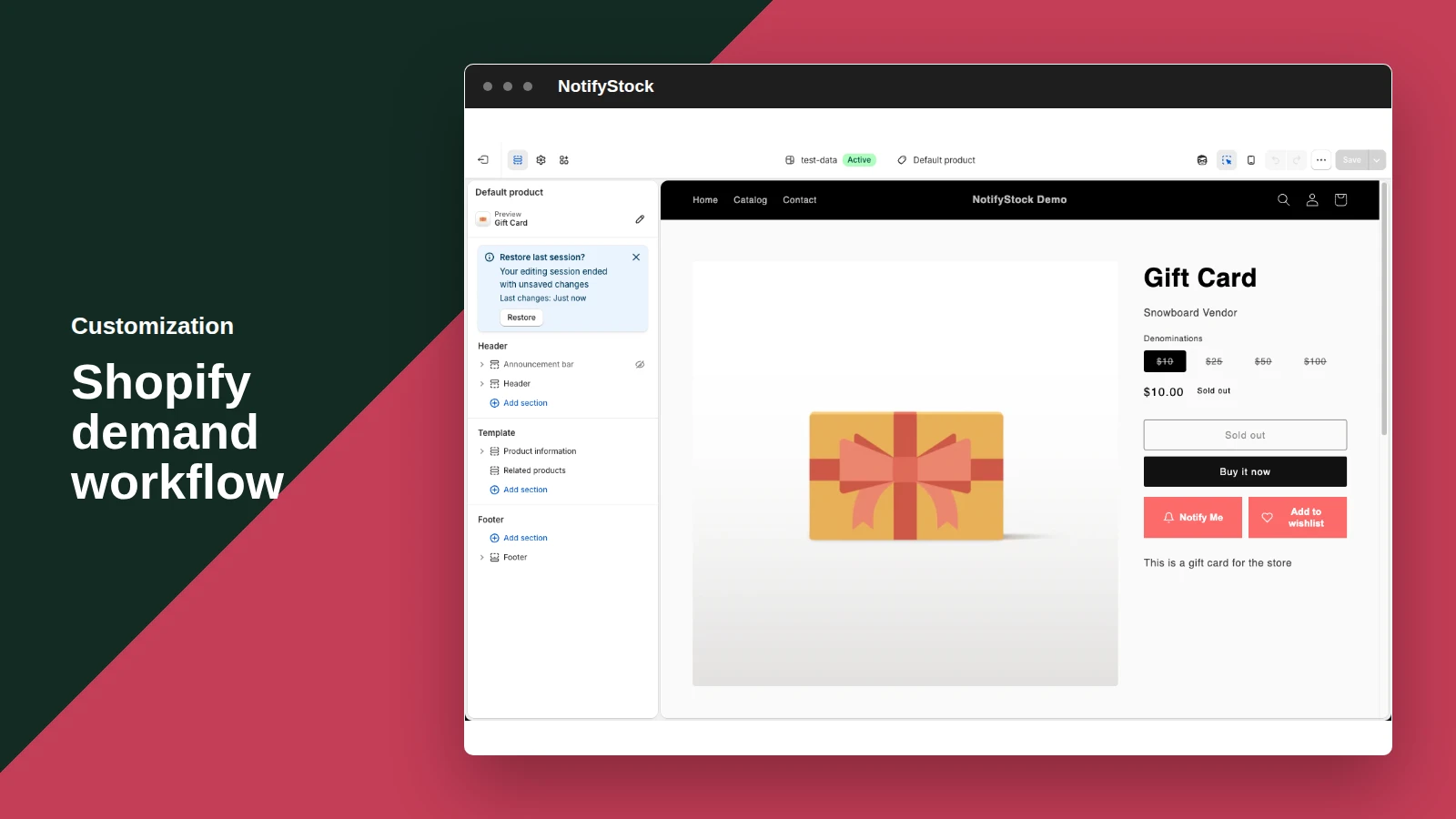
Merchants preview changes through Shopify's Theme Editor.

Keep mobile readable

Controls and forms are tested at narrow storefront widths.

Customization in six practical views.
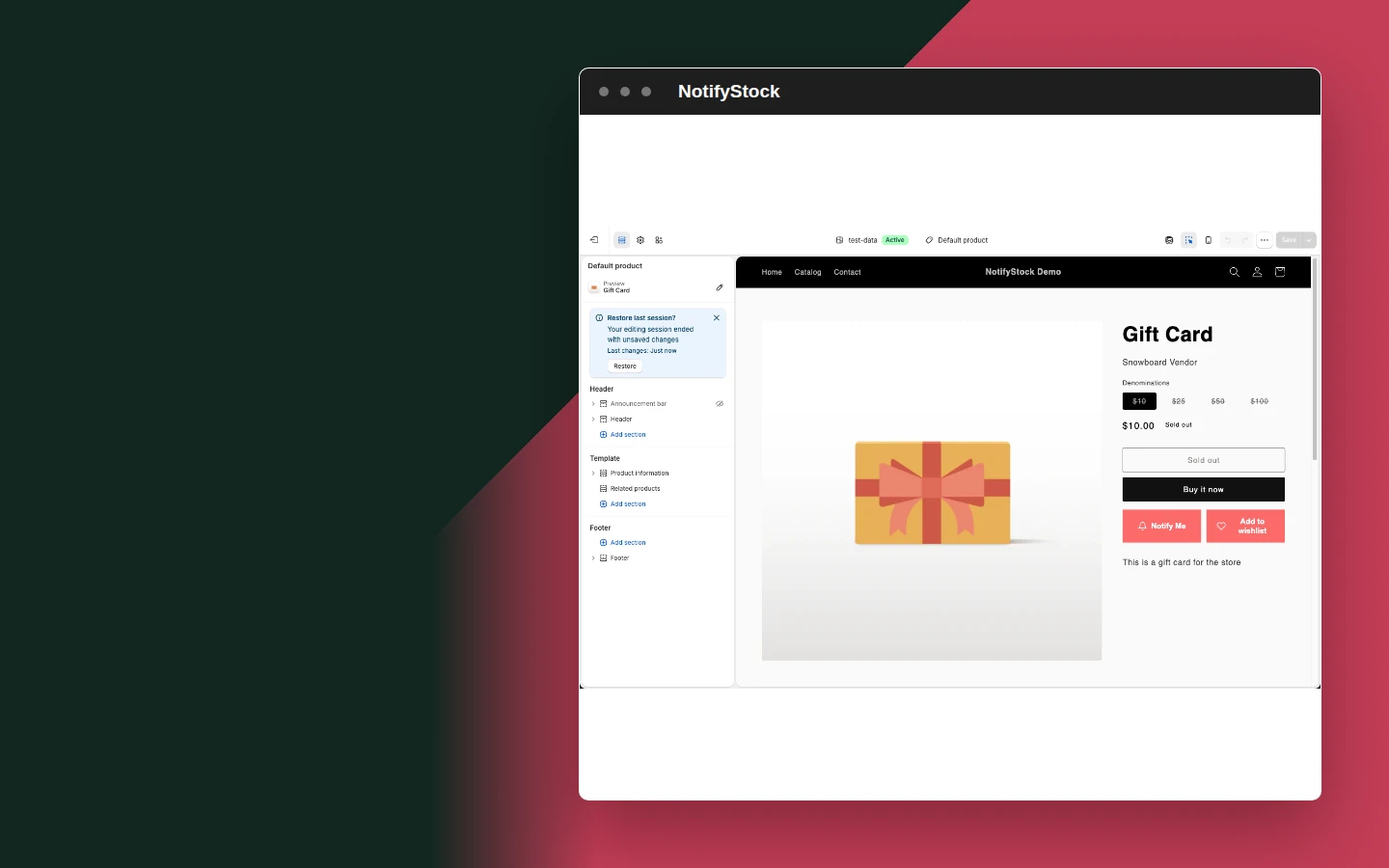
Appearance controls in NotifyStockAppearance controls mobile view

Appearance controls

  1. Coordinate storefront labels, fields, colors, and visibility from Shopify admin.
Start free
Customize Back in Stock in NotifyStockCustomize Back in Stock mobile view

Customize Back in Stock

  1. Control the product-page button and request form without changing its demand-capture behavior.
Start free
Customize PreOrder in NotifyStockCustomize PreOrder mobile view

Customize PreOrder

  1. Match preorder offer and confirmation wording to the merchant's launch.
Start free
Customize Wishlist in NotifyStockCustomize Wishlist mobile view

Customize Wishlist

  1. Choose supported collection and product placements and keep Saved state clear.
Start free
Review Low Stock before launch in NotifyStockReview Low Stock before launch mobile view

Review Low Stock before launch

  1. Confirm threshold, message, placement, and theme block before publishing.
Start free
Theme preview in NotifyStockTheme preview mobile view

Theme preview

  1. Review the selected widget in Shopify Theme Editor before publishing.
Start free

Customization workflow, step by step.

Customization workflow: Choose a workflow

The merchant opens the matching customization tab.

Choose a workflow
Customization
01
Workflow step
Customization workflow: Adjust presentation

Labels, fields, colors, and visibility are updated.

Adjust presentation
Customization
02
Workflow step
Customization workflow: Preview in theme

The storefront block is checked before the theme is published.

Preview in theme
Customization
03
Workflow step

Frequently asked questions

Which widgets can be customized?

Notify Me, PreOrder, Wishlist, and Low Stock each have their own applicable labels, fields, colors, and visibility settings.

Does customization change widget behavior?

No. Presentation settings do not make one feature render another feature or bypass product-mode rules.

Can merchants preview changes?

Yes. Merchants can review configuration in the app and preview theme blocks in Shopify Theme Editor before publishing.

Are mobile storefronts supported?

The storefront controls and forms are designed and tested for narrow mobile widths as well as desktop.

Is theme code editing required?

No. NotifyStock uses Shopify theme app extensions rather than permanent manual theme-code edits.