Let shoppers save intent without forcing a decision
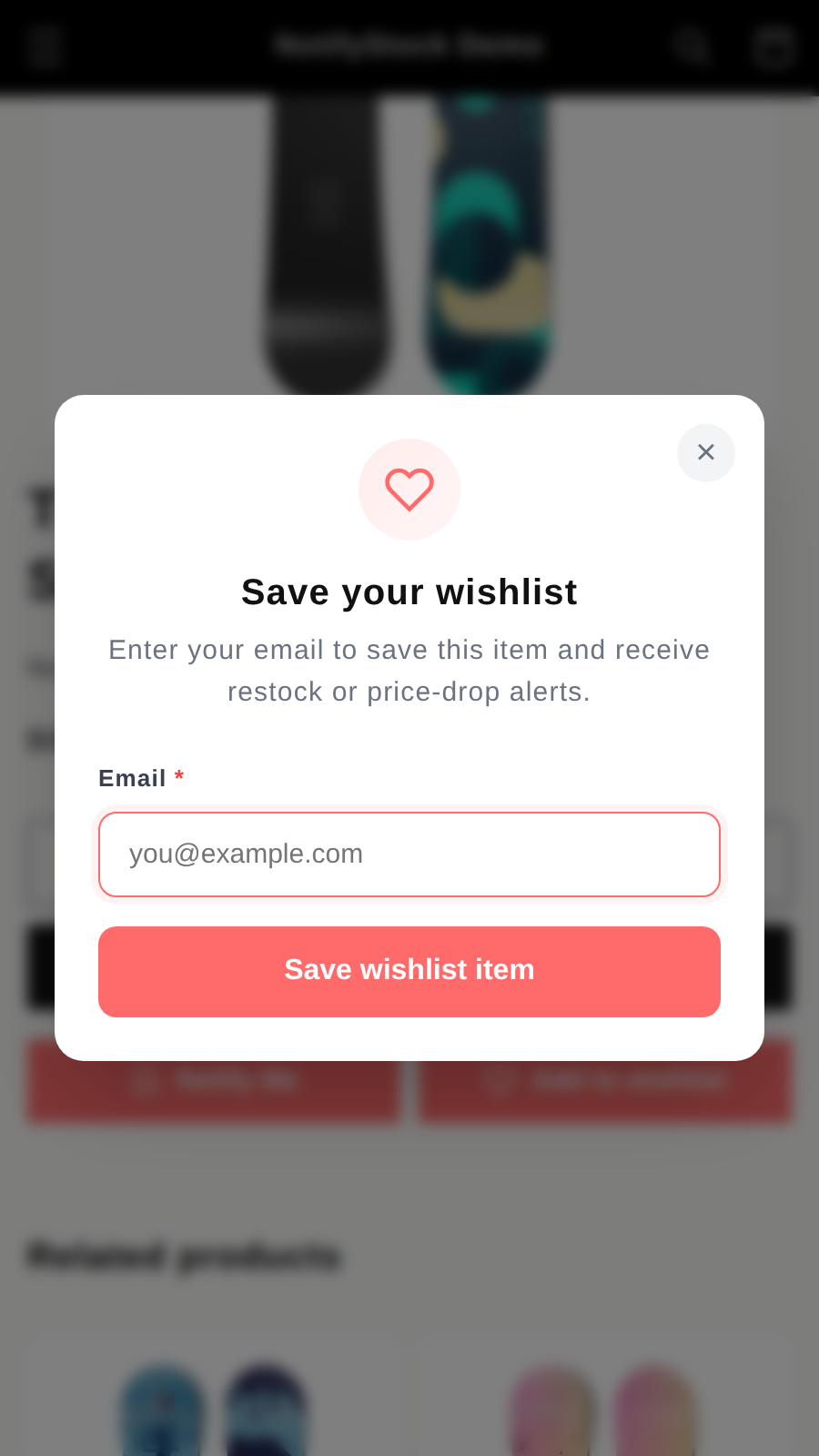
Wishlist capture gives browsers a low-friction action on product pages, collection cards, and home placements while preserving the path back to purchase.
 NotifyStock
 Designed for Shopify storefronts
Let shoppers save products for later while merchants track wishlist demand, saved products, and follow-up opportunities.
Each feature page explains what merchants can configure, test, and review without stretching beyond current app behavior.
Wishlist gives shoppers a lower-friction action and gives merchants a way to review saved-product demand, list activity, and follow-up opportunities.
Wishlist capture gives browsers a low-friction action on product pages, collection cards, and home placements while preserving the path back to purchase.
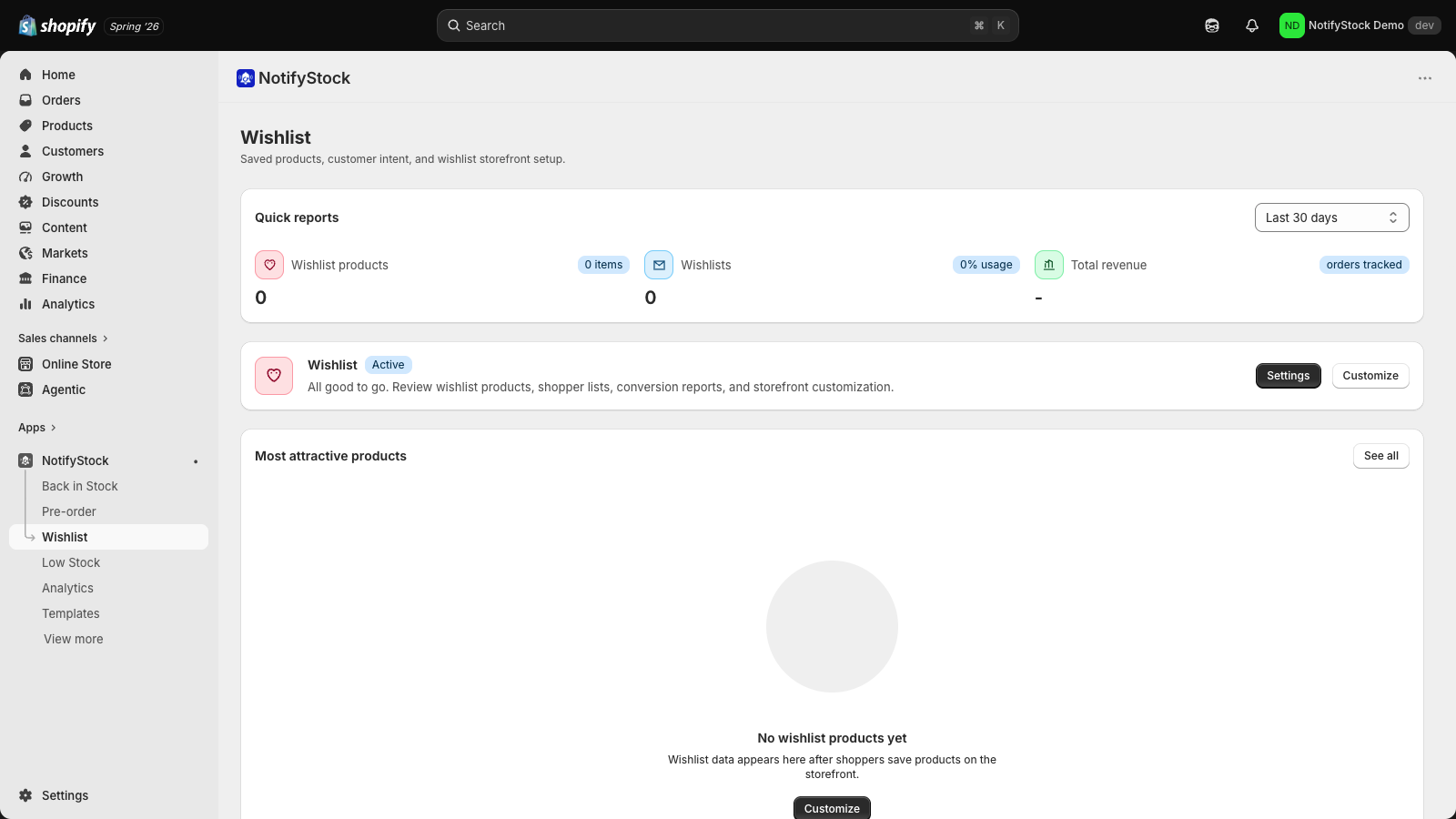
Wishlist pages help merchants inspect saved-product demand, list activity, and related order surfaces so merchandising decisions are easier to review.
Wishlist follow-up depends on the store's configured channels and templates. The app keeps price-drop and restock template surfaces visible for merchant review.
The Wishlist workflow now follows shopper intent from save action to admin review, with clear setup checks for guest behavior, drawer copy, and future recovery templates.
Guest-friendly product saves keep intent inside the storefront journey.
Saved products and lists help merchants review what shoppers return to.
Product and list surfaces show saved-product activity.
Price-drop and restock template surfaces support future recovery.
Wishlist should be checked as a customer action first, then as admin demand data.
Review where wishlist data can become restock or price-drop follow-up after provider setup.
Short, review-safe answers for this feature.
NotifyStock is designed to support guest-friendly wishlist capture so shoppers do not have to leave the product flow immediately.
Yes. The wishlist surfaces include product and list views for reviewing saved-product demand.
Merchants can start with one workflow and add the others as catalog and notification needs grow.
Capture shopper interest on sold-out products, track demand by product and variant, and follow up when inventory returns.
Explore Back in StockCreate clear coming-soon and preorder reservation flows with availability copy, offer rules, customer confirmations, and admin tracking.
Explore PreOrderDisplay low-stock messages when inventory gets low and help merchants act before popular products sell through.
Explore Low StockReview pricing, compare feature pages, or contact support if you need help with setup details.