What merchants usually compare
- Storefront widget setup
- Notification channels
- Preorder depth
- Wishlist behavior
- Pricing limits
- Admin reporting
 NotifyStock
NotifyStock is positioned for merchants who want back-in-stock alerts, preorder reservations, wishlist capture, and low-stock messaging in one Shopify-focused workflow.
Notify Me is a third-party product and trademark of its owner. This page does not claim affiliation, endorsement, or private performance data.
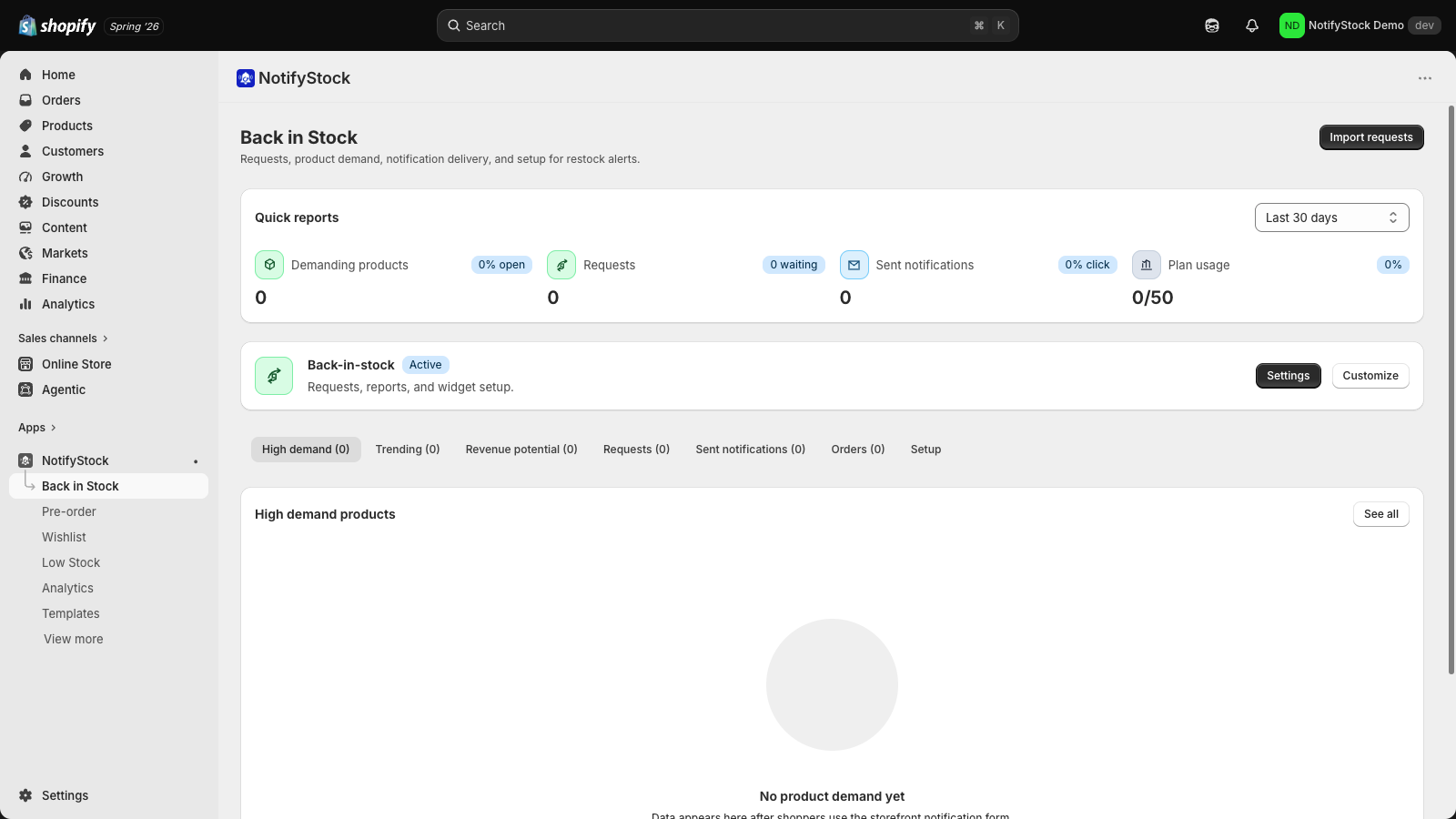
The comparison page uses factual product structure and real screenshots instead of unverified public-score claims, invented outcomes, or competitor criticism.
This keeps the alternative page useful without relying on private competitor data or unverifiable claims.
Verify variant-aware capture, request filters, sent-notification history, CSV movement, and product-level demand reporting.
Verify offer rules, product scope, dates, limits, availability display, confirmation copy, and admin reservation review.
Verify guest save behavior, product/list views, drawer or modal copy, saved-product demand, and recovery templates.
Verify threshold rules, honest quantity wording, merchant alert settings, and product-page message preview.
Compare plan limits, trial language, provider fee notes, and what happens as usage grows.
Confirm admin load, theme app extension placement, app embed setup, and storefront test behavior.
A good alternative page should help merchants inspect capabilities without private competitor claims.
Theme app extension, app embed, product-page controls, collection/home placements, and current mobile widget proof.
Separate admin pages for products, requests, offers, lists, orders, sent notifications, templates, settings, and pricing.
Email templates plus SMS-ready and push-ready provider surfaces. Delivery still depends on configured provider accounts.
CSV import/export surfaces and marketing provider configuration screens for supported workflows.
Install the app and confirm Shopify admin loads without a separate dashboard login.
Enable the storefront app embed and test one product for each workflow.
Verify records appear in the matching admin page after each shopper action.
Send or preview notification templates only after provider setup is complete.
Merchants comparing apps should check storefront placement, admin records, templates, pricing limits, migration needs, and provider setup in their own store.