Set clear expectations before inventory arrives
Preorder surfaces need availability copy, button state, product placement, and customer confirmation text that merchants can review before launch.
 NotifyStock
 Designed for Shopify storefronts
Create clear coming-soon and preorder reservation flows with availability copy, offer rules, customer confirmations, and admin tracking.
Each feature page explains what merchants can configure, test, and review without stretching beyond current app behavior.
PreOrder should feel like a controlled campaign: offer rules, availability copy, reservation limits, and confirmation surfaces that are clear before launch.
Preorder surfaces need availability copy, button state, product placement, and customer confirmation text that merchants can review before launch.
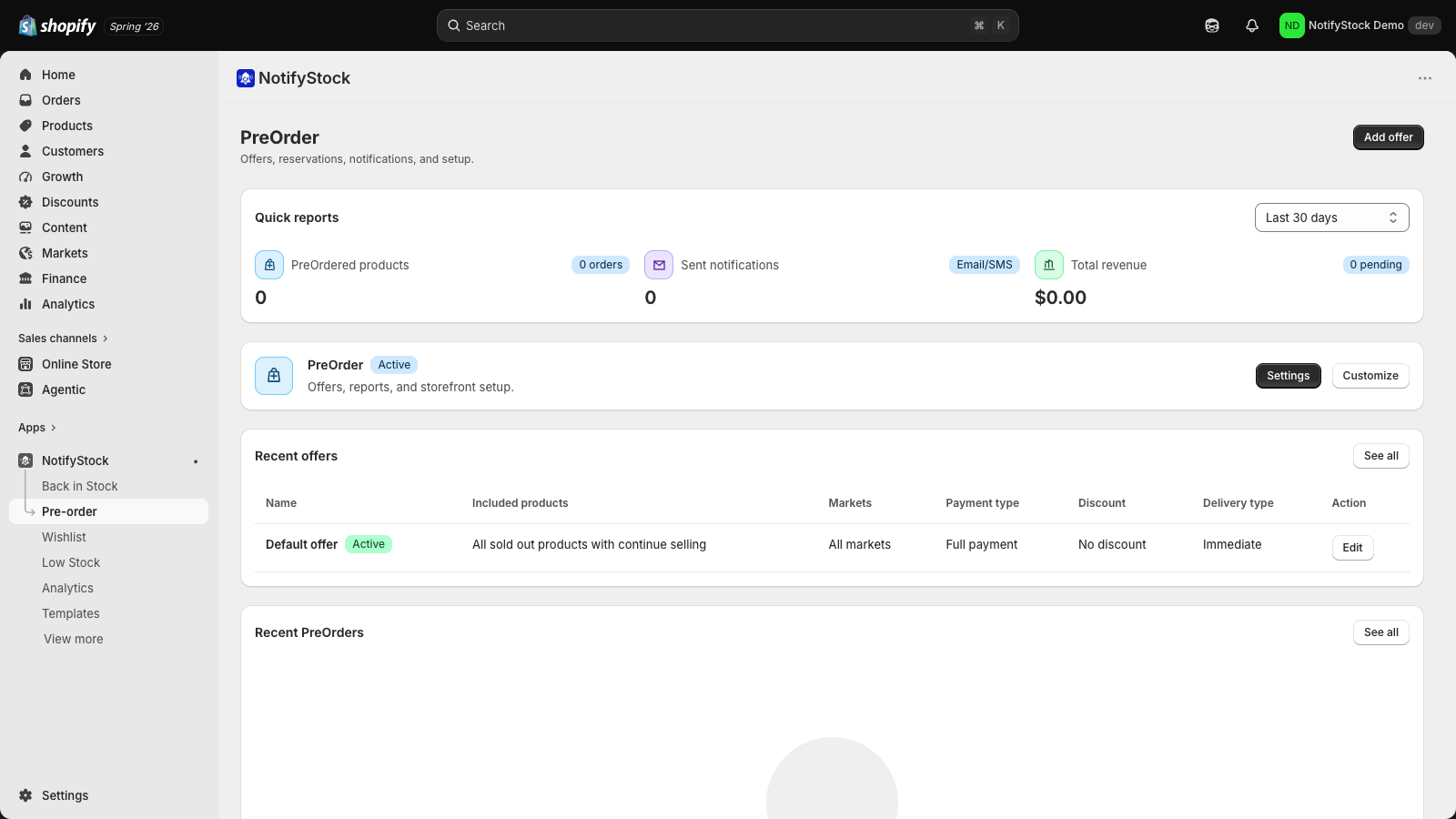
Offer pages give merchants a single place to review applies-to rules, active windows, availability display, sales limits, and reservation activity.
Preorder follow-up should be explicit and testable. NotifyStock presents confirmation and delayed-shipment template surfaces without overstating checkout behavior.
The PreOrder workflow now focuses on launch readiness: define offer scope, set availability language, test reservation behavior, and keep confirmation messaging explicit.
Set availability copy for date, timeframe, or coming-soon messaging.
Review product, collection, market, or campaign-style rules.
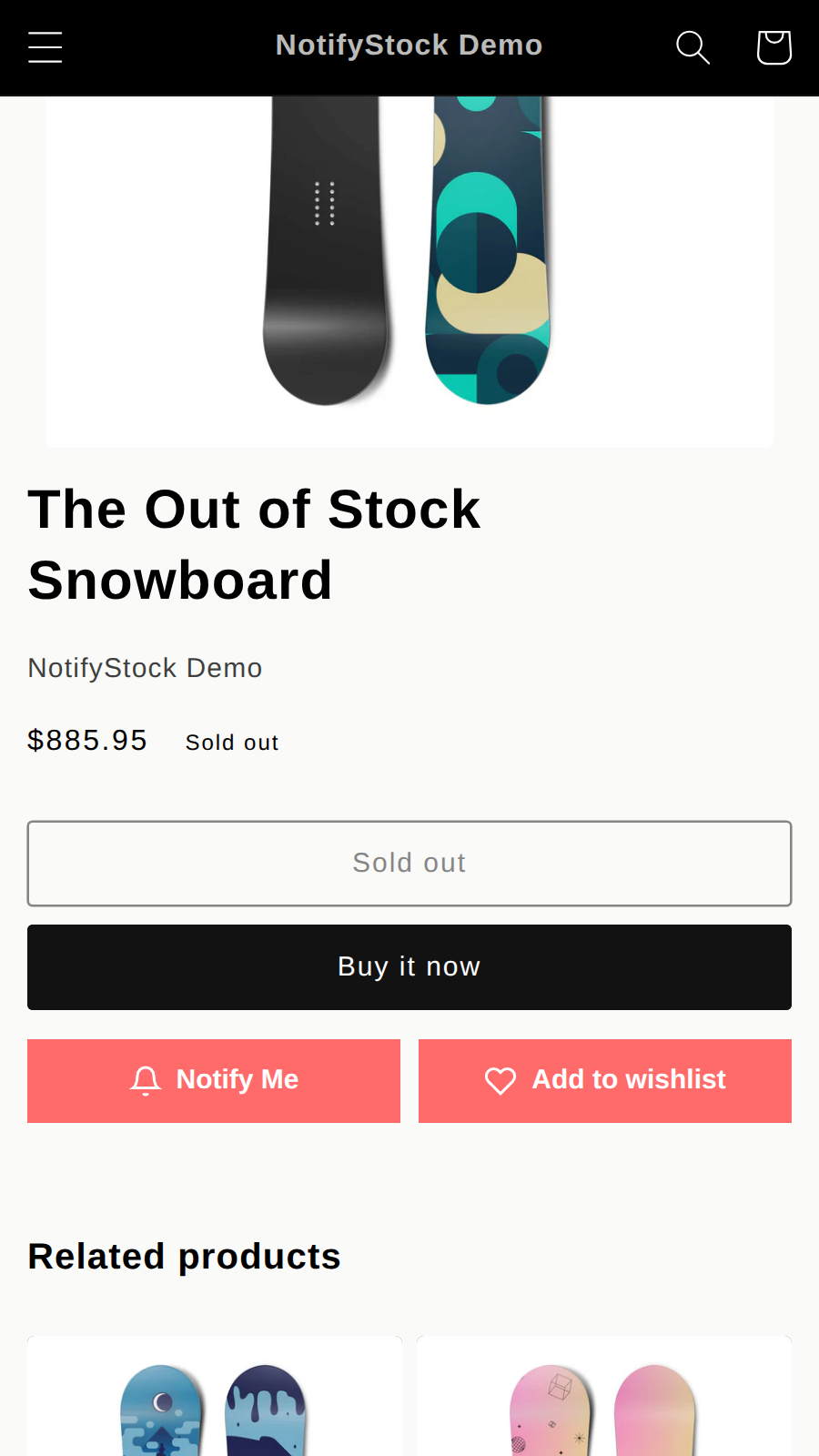
Use preorder-focused storefront copy instead of a generic out-of-stock state.
Prepare confirmation and delay-message templates where relevant.
Preorder needs stricter setup than a simple button: product scope, visibility, dates, limits, and copy all matter.
Confirm the storefront copy explains availability and reservation behavior before shoppers submit.
Short, review-safe answers for this feature.
Public marketing is intentionally reservation-focused. Paid deposit or checkout behavior should only be claimed where the merchant has configured supported billing behavior.
Yes. The app includes surfaces for offer rules, widget copy, confirmation messages, and notification templates.
Merchants can start with one workflow and add the others as catalog and notification needs grow.
Capture shopper interest on sold-out products, track demand by product and variant, and follow up when inventory returns.
Explore Back in StockLet shoppers save products for later while merchants track wishlist demand, saved products, and follow-up opportunities.
Explore WishlistDisplay low-stock messages when inventory gets low and help merchants act before popular products sell through.
Explore Low StockReview pricing, compare feature pages, or contact support if you need help with setup details.