Notification delivery
Connect configured providers for customer messaging.
- Resend email
- Twilio SMS
- OneSignal browser push
 NotifyStock
NotifyStock only lists integrations and configuration surfaces represented in the current app codebase and public setup.
Connect configured providers for customer messaging.
Use Shopify-native surfaces for the public store experience.
Move captured demand into the systems merchants already review.
NotifyStock can expose the surfaces, but merchants still need to connect and test the provider they want to use.
Add provider credentials in the relevant app setting.
Review sender details, consent wording, templates, and service-worker settings where needed.
Use one real product workflow to confirm the request and delivery path.
Check sent notification records and provider logs before scaling sends.
Email, SMS, and push delivery depend on the store's configured credentials and provider account settings. The marketing site avoids promising delivery where setup is not complete.
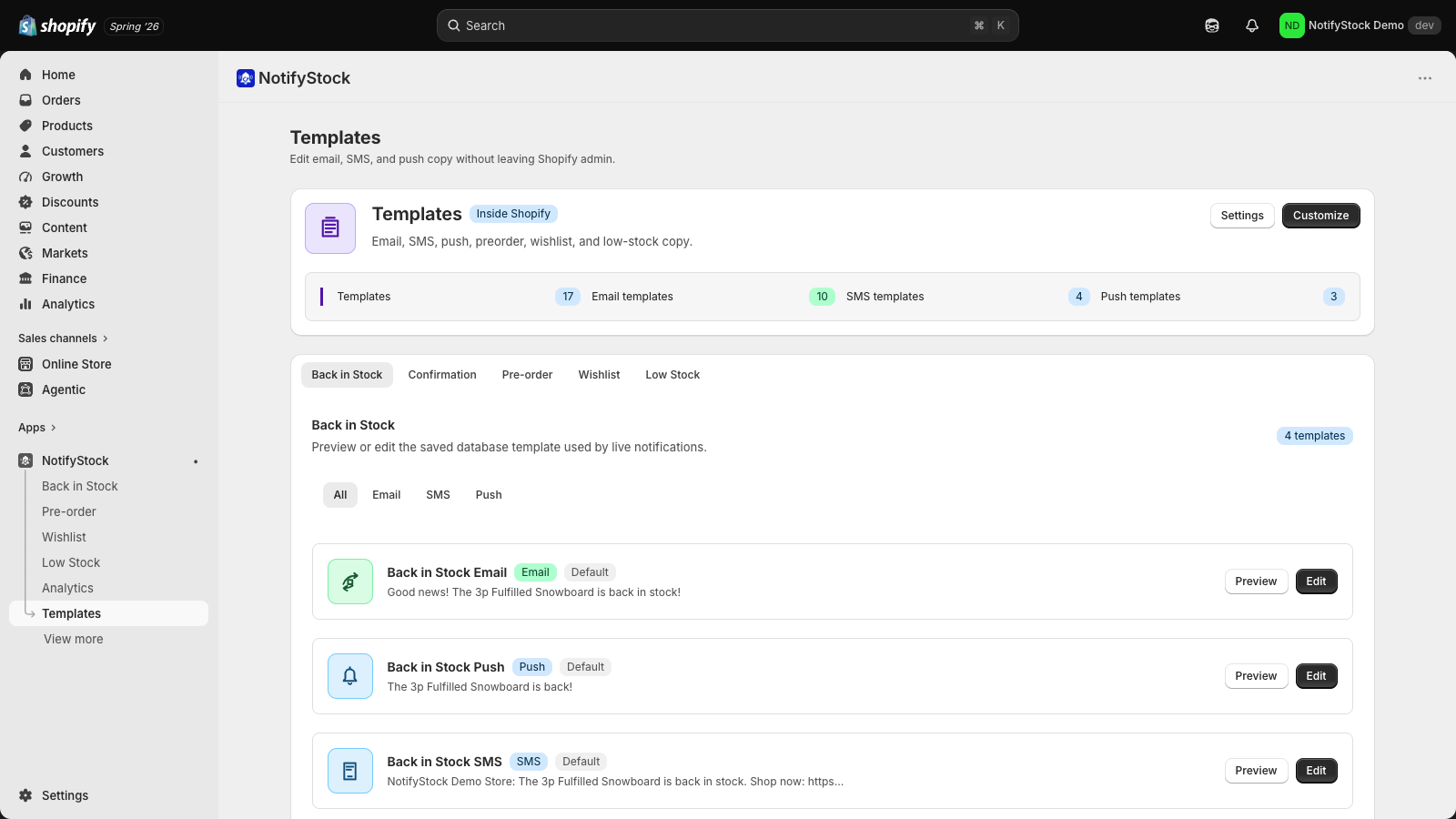
This keeps integration copy useful and honest: NotifyStock can expose provider-ready surfaces, but providers still need credentials, account settings, and testing.
Confirm the sending provider is configured, templates render correctly, and test messages arrive.
Confirm Twilio credentials, sender number, consent wording, and opt-out behavior before sending customer messages.
Confirm the browser push provider, service worker settings, opt-in behavior, and delivery test.
Confirm destination credentials and use CSV export when a direct sync is not part of the current setup.
Review pricing, compare feature pages, or contact support if you need help with setup details.